
Windows · Office
Best Linux alternatives to Microsoft Visio Viewer
Microsoft Visio Viewer lets users open and view Visio diagrams without editing, often used for sharing technical drawings and flowcharts.
Updated
Quick answer
The best Linux alternative to Microsoft Visio Viewer is LibreOffice Draw. Other strong options: ONLYOFFICE Desktop Editors, Dia, draw.io.
4 Linux alternatives to Microsoft Visio Viewer
-

LibreOffice Draw is a free vector graphics and diagramming tool for creating flowcharts, technical drawings, and illustrations.
LibreOffice Draw is a solid replacement for Microsoft Visio Viewer if you need to open, view, and print Visio diagrams without editing. It handles .vsdx files reasonably well, especially for basic flowcharts and technical drawings, and provides clear zoom and navigation for large diagrams. While…
Feature parity80% -

ONLYOFFICE Desktop Editors is a free, open‑source office suite for Linux that edits Word, Excel, PowerPoint, PDF and more.
ONLYOFFICE Desktop Editors is a decent replacement for Microsoft Visio Viewer if you only need to view diagrams and don't require editing. Its built-in Diagram Viewer supports basic viewing of .vsdx files, allowing zoom, navigation, and printing. It's free, open source, and works offline on Linux…
Feature parity70% -

Dia is a free, open‑source diagramming tool for flowcharts, network diagrams, and UML on Linux.
Dia is a reasonable replacement for Microsoft Visio Viewer if you need to view and create diagrams on Linux and don’t require editing .vsdx files directly. It handles basic flowcharts, network diagrams, and UML well, with clear rendering and zoom support. While it can’t open .vsdx or .vssx files…
Feature parity60% -
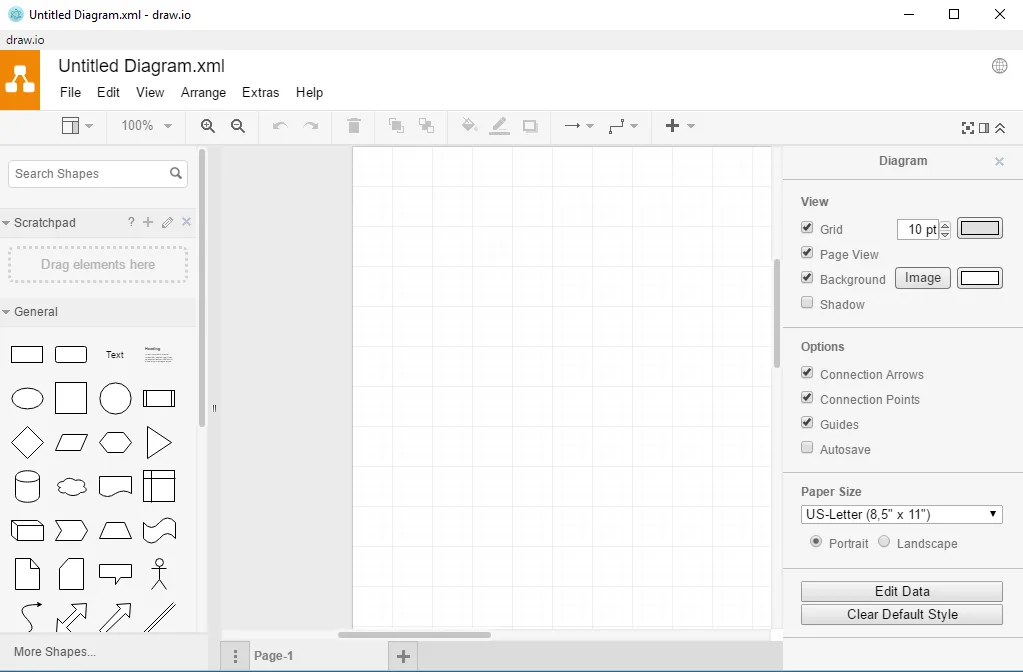
draw.io is a free, open-source diagramming tool for creating flowcharts, network diagrams, and technical drawings.
draw.io is a solid replacement for Microsoft Visio Viewer if you need to view and share Visio files on Linux. It opens .vsdx files directly and renders them clearly, with reliable zoom and navigation for large diagrams. While it’s primarily a creation tool, its viewing capabilities are strong, and…
Feature parity90%




What is Microsoft Visio Viewer?
Microsoft Visio Viewer is used to open and review Visio (.vsdx, .vssx, .vstx) files without needing the full Visio application. It's commonly used by engineers, IT staff, and business analysts who receive diagrams but don't create them. Since it only supports viewing, it's ideal for stakeholders who need to review network layouts, process flows, or organizational charts.
The Viewer is free but only available for Windows. It's tied to Microsoft's ecosystem and only works with Visio file formats. There's no Linux or macOS version. Licensing is automatic and doesn't require a subscription, but it's limited to viewing—no printing or exporting.
People seek Linux alternatives because the Viewer doesn't run on Linux, and many want full compatibility with Visio files. Others want the ability to view, print, or even edit diagrams without relying on Windows. Open source or cross-platform tools are preferred for accessibility and independence from Microsoft.
What a replacement for Microsoft Visio Viewer must do
- Open .vsdx and .vssx files
- View diagrams clearly
- Zoom and navigate large drawings
- Print diagrams
- Cross-platform support
- No editing required
- Free or open source
Can you run Microsoft Visio Viewer on Linux?
There is no native Linux version of Microsoft Visio Viewer. It does not run reliably under Wine, Proton, or Bottles—Visio files may open in Wine with full Visio, but the Viewer itself is not supported. The web-based Visio app requires a Microsoft 365 subscription and works in browsers, but the Viewer component isn't available separately on Linux.
Which alternative should you choose?
For basic viewing and printing of Visio files, LibreOffice Draw handles .vsdx well and integrates with the desktop. ONLYOFFICE Desktop Editors also opens Visio files and suits users already in that ecosystem. Dia is lightweight for simple diagrams but struggles with complex layouts. For modern, web-based access, draw.io (now diagrams.net) supports import and viewing and works offline in browser.
Moving your Microsoft Visio Viewer files and habits
Visio files in .vsdx format can be opened directly in LibreOffice Draw, ONLYOFFICE, and draw.io. Complex formatting may not render perfectly, especially with custom stencils. Exporting to PDF or SVG from Visio before moving to Linux improves compatibility. draw.io can import .vsdx files but may not preserve all layers or metadata. Test with sample files first.
Side-by-side comparison
| App | License | Flatpak | Latest version | Feature parity | Rating |
|---|---|---|---|---|---|
| LibreOffice Draw | MPL-2.0 | ✓ | 26.8.2.2 | 80% | — |
| ONLYOFFICE Desktop Editors | AGPL-3.0-only | ✓ | 10.0.0 | 70% | — |
| Dia | GPL-2.0 | — | 0.97.3 | 60% | — |
| draw.io | Apache-2.0 | ✓ | 32.6.1 | 90% | — |
Microsoft Visio Viewer: frequently asked questions
Can LibreOffice Draw edit Visio files?
Yes, it can open, view, and edit .vsdx files, though complex diagrams may lose some formatting.
Is there a free web tool to view Visio files on Linux?
Yes, draw.io (diagrams.net) supports importing and viewing .vsdx files in the browser for free.
Does Dia support Visio file formats?
Dia has limited support for .vsdx and may not render advanced Visio diagrams correctly.
Can I print Visio diagrams on Linux?
Yes, using LibreOffice Draw or ONLYOFFICE, you can open and print .vsdx files directly.
How important is Microsoft Visio Viewer to you?
Know a better alternative? Suggest an alternative