
Windows · Office
Best Linux alternatives to Microsoft 365
Microsoft 365 is a subscription suite combining Office apps, cloud services, and collaboration tools primarily for businesses and individuals.
Updated
Quick answer
The best Linux alternative to Microsoft 365 is LibreOffice. Other strong options: ONLYOFFICE Desktop Editors, WPS Office.
3 Linux alternatives to Microsoft 365
-
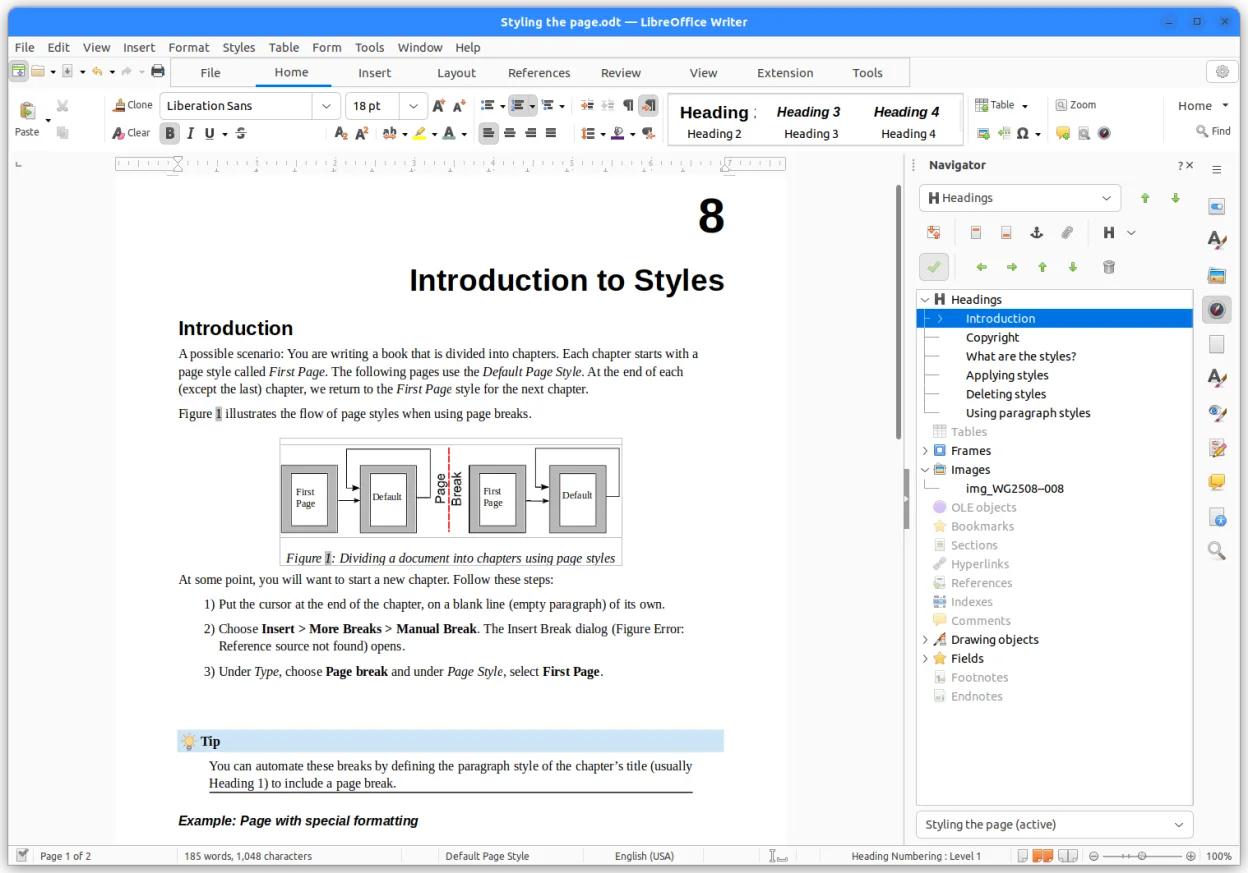
LibreOffice is a free, open‑source office suite with Writer, Calc, Impress, Draw, Base and Math.
LibreOffice is a solid replacement for Microsoft 365 if you need offline, no-cost office software and don’t rely on real-time collaboration or deep cloud integration. It handles day-to-day word processing, spreadsheets, and presentations well, especially for individual users or small organizations…
Feature parity85% -

ONLYOFFICE Desktop Editors is a free, open‑source office suite for Linux that edits Word, Excel, PowerPoint, PDF and more.
ONLYOFFICE Desktop Editors is a solid replacement for Microsoft 365 if you primarily work with .docx, .xlsx, and .pptx files and need offline editing. It handles core word processing, spreadsheets, and presentations well, with strong format fidelity. The tabbed interface and plugin system add…
Feature parity85% -
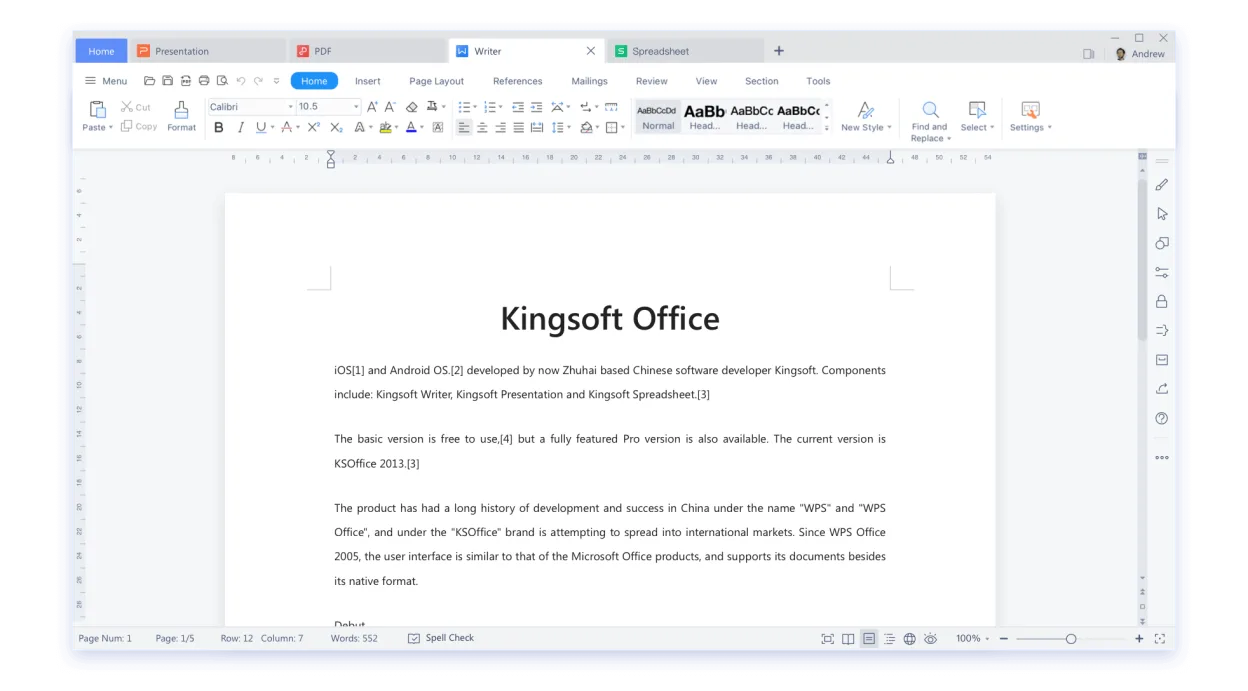
WPS Office is a proprietary office suite for Linux that includes Writer, Presentation, and Spreadsheets, fully compatible with Microsoft Office formats.
WPS Office is a solid Linux alternative for most users who need the core Office apps—Writer, Spreadsheets, and Presentation—with good compatibility for .docx, .xlsx and .pptx files. It works well for personal productivity, students, and small businesses that do not rely heavily on the deeper…
Feature parity78%



What is Microsoft 365?
Microsoft 365 is used by professionals, students, and organizations needing word processing, spreadsheets, presentations, email, and team collaboration. It's common in workplaces and schools where document sharing and real-time editing are routine. The desktop apps are tightly integrated with OneDrive and Teams, making it a central tool for daily productivity.
It's offered as a paid subscription, with plans for individuals, families, and enterprises. There's no one-time purchase for the full suite — access requires ongoing payment. This includes updates, cloud storage, and licenses for multiple devices. The model pushes users toward Microsoft's ecosystem.
People seek Linux alternatives to avoid vendor lock-in, reduce costs, and gain control over their software. Many want to keep using familiar document formats like .docx and .xlsx without depending on Windows. Others prefer open-source tools that can be audited, modified, and used offline without subscriptions.
What a replacement for Microsoft 365 must do
- Word processing with .docx support
- Spreadsheet editing with .xlsx compatibility
- Presentation software
- Email and calendar client
- PDF creation and editing
- Real-time collaboration (optional)
- Offline functionality
Can you run Microsoft 365 on Linux?
There is no native Linux version of Microsoft 365. The web apps (Word, Excel, etc.) work in browsers like Firefox or Chrome but lack full desktop functionality. Some users run the Windows version via Wine or Bottles, but results are inconsistent and not recommended for daily use. Outlook is especially problematic. For reliable use on Linux, third-party alternatives are necessary.
Which alternative should you choose?
LibreOffice handles all core document types well and is ideal for most users wanting a free, full-featured suite. ONLYOFFICE Desktop Editors offer better .docx fidelity and built-in collaboration, good for those transitioning from Office. WPS Office resembles the Microsoft interface and works offline. Thunderbird or Evolution suit email needs. Calligra is lightweight but less mature.
Moving your Microsoft 365 files and habits
Export documents from Microsoft 365 as .docx, .xlsx, or .pptx — all widely supported by the Linux alternatives. LibreOffice and ONLYOFFICE open these formats reliably, though complex formatting may shift. Save final versions in OpenDocument format for long-term access. For email, export .pst files to .mbox using tools like readpst, then import into Thunderbird or Evolution.
Side-by-side comparison
| App | License | Flatpak | Latest version | Feature parity | Rating |
|---|---|---|---|---|---|
| LibreOffice | MPL-2.0 | ✓ | 26.8.1.1 | 85% | — |
| ONLYOFFICE Desktop Editors | AGPL-3.0-only | ✓ | 10.0.0 | 85% | — |
| WPS Office | LicenseRef-proprietary=https… | ✓ | 11.1.0.11723 | 78% | — |
Microsoft 365: frequently asked questions
Can I open .docx files in LibreOffice?
Yes, LibreOffice opens and saves .docx files, though complex layouts may need minor adjustments.
Is there a Linux version of Outlook?
No. Use Thunderbird with the TBSync add-on or Evolution for similar functionality.
Can I collaborate in real time like with Microsoft 365?
ONLYOFFICE supports real-time collaboration when paired with a server, but desktop-only use is offline.
Do these alternatives work without internet?
Yes, LibreOffice, WPS Office, Thunderbird, and Evolution all work fully offline.
How important is Microsoft 365 to you?
Know a better alternative? Suggest an alternative