
Windows · Office
Best Linux alternatives to Microsoft Loop
Microsoft Loop is a cloud‑based collaborative workspace for teams to create, share and reuse content in real time.
Updated
Quick answer
The best Linux alternative to Microsoft Loop is Joplin. Other strong options: Standard Notes.
2 Linux alternatives to Microsoft Loop
-

Joplin is an open‑source, cross‑platform note‑taking and to‑do app that stores data in Markdown.
Joplin is a solid replacement for individual knowledge workers who need offline-first note-taking, but it is not a drop-in swap for Microsoft Loop. It lacks real-time collaborative editing, which is Loop's core function. If your team relies on simultaneous editing of shared documents, Joplin will…
Feature parity45% -
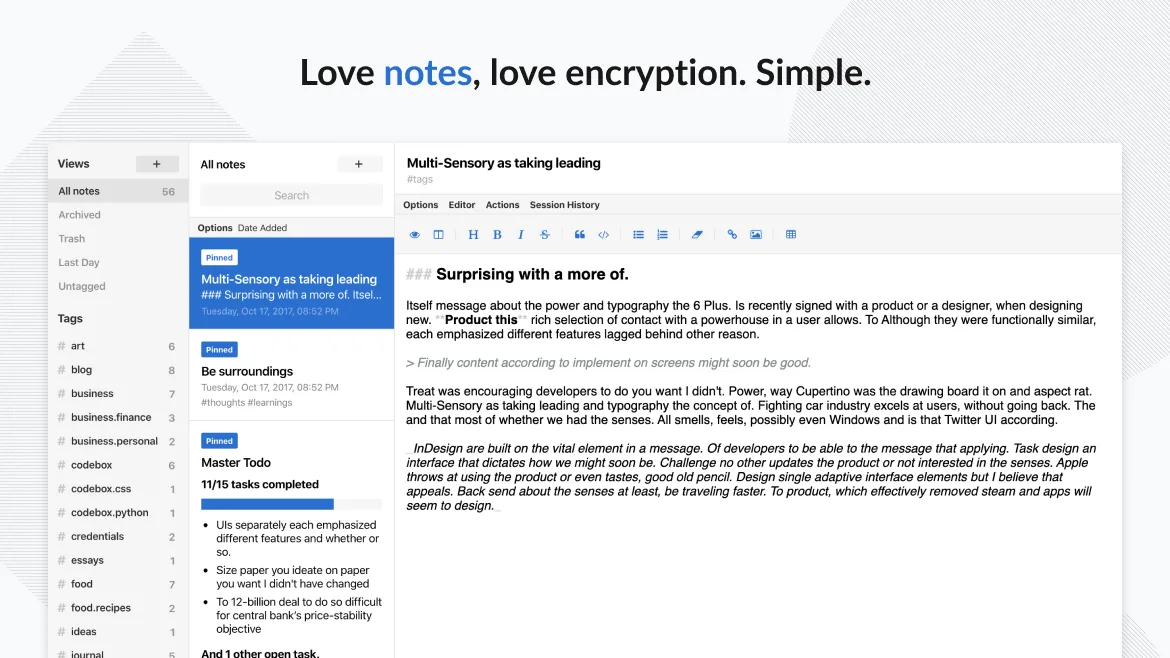
Standard Notes is a cross‑platform, end‑to‑end encrypted notes app that syncs securely across devices.
Standard Notes is not a direct replacement for Microsoft Loop if you rely on real-time team collaboration and dynamic component blocks. It excels as a private, secure, personal note-taking tool with solid offline support and end-to-end encryption, making it ideal for individuals who value privacy…
Feature parity40%


What is Microsoft Loop?
Microsoft Loop lets teams build shared documents, notes and project plans that stay in sync across devices. It is aimed at business users who need a central place for brainstorming, task lists and meeting minutes. The service is part of Microsoft 365, so it is available to users who already pay for the subscription. There is no separate license for Loop. Linux users look for alternatives because Loop runs only as a web app and there is no native Linux client, making the experience less integrated with the desktop environment.
What a replacement for Microsoft Loop must do
- Real‑time collaborative editing
- Rich text and component blocks (tables, lists, code snippets)
- Integration with other tools (calendar, task manager)
- Offline editing and sync
- Export to common formats (PDF, Markdown, HTML)
Can you run Microsoft Loop on Linux?
Loop has no native Linux client. It can be used via the web browser, which works well but lacks desktop notifications and file‑system integration. Running the Windows desktop app through Wine, Proton or Bottles is possible but not officially supported and may be unstable.
Which alternative should you choose?
Joplin is best for users who need a note‑taking app with Markdown support and end‑to‑end encryption. Standard Notes offers a simple, privacy‑focused interface with strong encryption. Zim is suited for users who prefer a wiki‑style desktop notebook with local file storage.
Moving your Microsoft Loop files and habits
Loop data is stored in Microsoft 365 and can be exported as HTML or PDF from the web interface. Importing that into Joplin, Standard Notes or Zim requires manual copy‑paste or using the Markdown export if available. There is no direct import tool.
Side-by-side comparison
| App | License | Flatpak | Latest version | Feature parity | Rating |
|---|---|---|---|---|---|
| Joplin | AGPL-3.0-or-later | ✓ | 3.7.21 | 45% | — |
| Standard Notes | AGPL-3.0-only | ✓ | 3.202.10 | 40% | — |
Microsoft Loop: frequently asked questions
Does Loop have a Linux app?
No native Linux client exists; use the web version or run the Windows app via compatibility layers.
Can I use Loop offline?
Only the web app is available; offline editing is limited and requires an internet connection to sync changes.
What file formats can I export from Loop?
Exports are available in HTML and PDF; Markdown export is not provided by the web interface.
Is there a free version of Loop?
Loop is included with Microsoft 365 subscriptions; there is no separate free tier.
How important is Microsoft Loop to you?
Know a better alternative? Suggest an alternative