
Windows · System Tools
Best Linux alternatives to Quick Assist
Quick Assist lets a Windows user view or control another PC remotely for support, using RDP.
Updated
Quick answer
The best Linux alternative to Quick Assist is Remmina. Other strong options: RustDesk, KRDC, Vinagre.
4 Linux alternatives to Quick Assist
-

Remmina is a Linux remote desktop client supporting RDP, VNC, SSH, and X2Go for connecting to remote systems from GTK-based desktops.
Remmina is a solid replacement for Quick Assist for Linux users who need remote desktop support. It covers the core tasks—viewing and controlling another PC over RDP or VNC, encrypted via SSH tunneling, and sharing sessions through a link or code. It works well for small teams or individual support…
Feature parity80% -
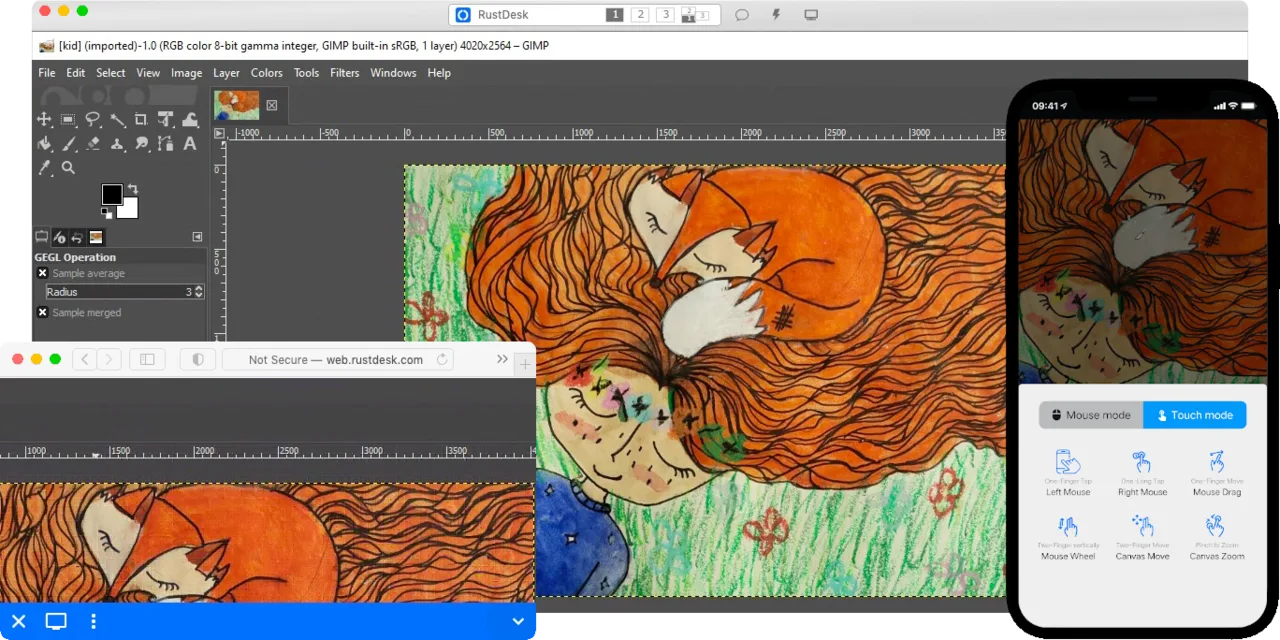
RustDesk is an open-source remote desktop tool that lets you securely control computers over the internet with minimal setup.
RustDesk can replace Quick Assist for most users who need a free, cross‑platform remote‑desktop tool. It offers the same core functions—screen sharing, mouse/keyboard control, and end‑to‑end encryption—while adding the option to self‑host for full data control. It is ideal for small teams…
Feature parity85% -
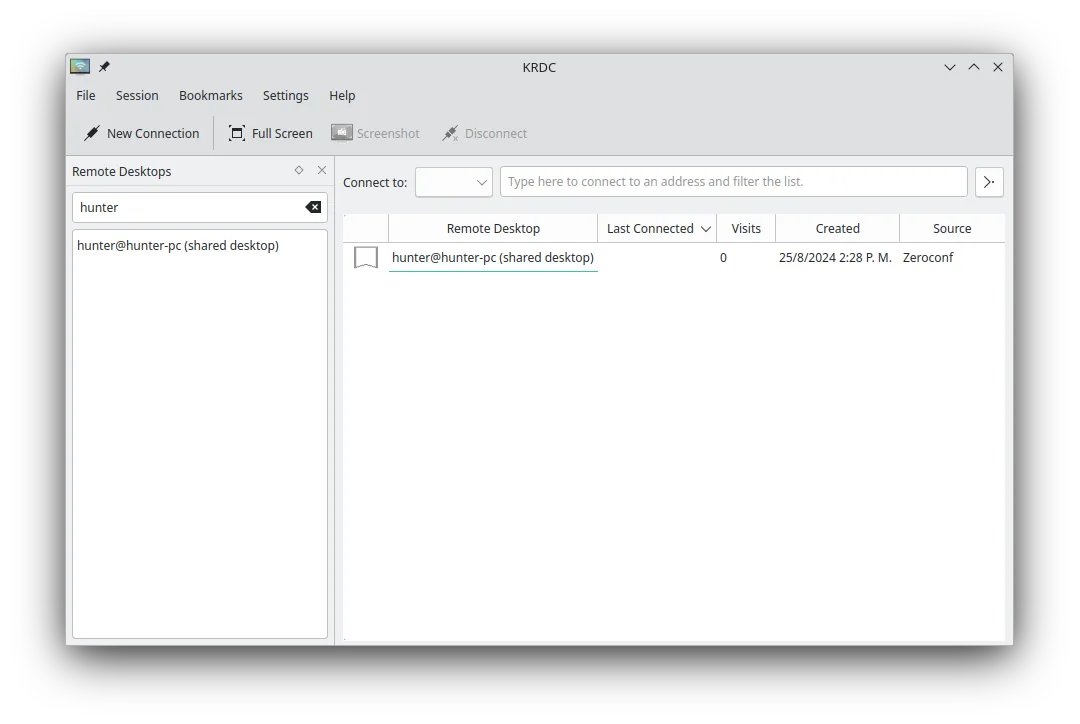
KRDC is a KDE remote desktop client that connects to Windows or Linux machines via RDP or VNC.
KRDC is a solid replacement for Quick Assist if you're on Linux and need to connect *to* remote machines using RDP or VNC. It supports encrypted connections, remote control, and has a clean interface. However, it's a client only — unlike Quick Assist, it can't let others connect *to* your Linux…
Feature parity70% -

Vinagre is a GNOME remote‑desktop viewer for VNC, RDP, SSH and SPICE, now discontinued.
Vinagre can work as a replacement for Quick Assist if you only need basic remote desktop access via RDP or VNC, but it's no longer maintained and has been replaced by GNOME Connections. It supports encrypted connections through RDP and SSH tunneling, and allows remote control, tabbed sessions, and…
Feature parity60%




What is Quick Assist?
Quick Assist is a built‑in Windows utility that lets a helper see or take control of a remote machine to troubleshoot problems. It’s mainly used by IT support staff, help‑desk technicians, and even friends who need occasional assistance. The feature is free with Windows and works over the Internet via the Remote Desktop Protocol.
Because Quick Assist only runs on Windows, Linux users who need to give or receive remote help must look for a comparable tool that runs natively on their distribution. Most Linux desktops ship with free, open‑source remote‑desktop clients, and many enterprises prefer a cross‑platform solution that works on both Windows and Linux.
Choosing a Linux alternative means avoiding Wine hacks, keeping the workflow within the same OS, and often gaining more control over encryption and session settings. The alternatives listed are all free and open source, fitting typical Linux licensing expectations.
What a replacement for Quick Assist must do
- Remote screen viewing
- Remote input control (mouse/keyboard)
- Secure encrypted connection
- Cross‑platform client/server
- Easy session sharing via link or code
- Support for RDP or VNC protocols
- No cost or restrictive licensing
Can you run Quick Assist on Linux?
There is no native Linux version of Quick Assist; it is a Windows‑only component. The usual approach is to use a Linux remote‑desktop client that speaks RDP or VNC. All the listed alternatives run natively on Linux; none require Wine, Proton, or Bottles. If you need to connect to a Windows Quick Assist session, you would use RDP‑compatible software instead of the Windows client itself.
Which alternative should you choose?
For a simple, cross‑platform experience, RustDesk offers a self‑hosted server and easy link sharing, good for casual help. Remmina is a versatile client that supports RDP, VNC, and SSH, ideal for power users who need multiple protocols. GNOME Remote Desktop and Vinagre integrate tightly with GNOME, suited for desktop‑centric users. KRDC serves KDE users with similar protocol support.
Moving your Quick Assist files and habits
No proprietary data needs to be exported; Quick Assist does not store session logs or configuration files that must be transferred. You simply install the chosen Linux client and start new sessions using the same connection codes or RDP credentials you would use with Quick Assist on Windows.
Side-by-side comparison
Quick Assist: frequently asked questions
Can I connect from Linux to a Windows machine that is using Quick Assist?
Quick Assist uses RDP, so any Linux RDP client (Remmina, KRDC, etc.) can connect to the same Windows machine, but you cannot run the Quick Assist UI itself on Linux.
Do I need to install a server component on the remote PC?
Only if you choose a self‑hosted solution like RustDesk; otherwise, you connect directly to the Windows machine’s built‑in RDP service.
Is encryption handled automatically?
Yes, RDP and RustDesk both negotiate TLS/SSL encryption; you should verify that the client is set to require encryption.
Are these alternatives free for commercial use?
All listed tools are open source and can be used commercially without licensing fees, though some may offer optional paid services (e.g., RustDesk cloud hosting).
How important is Quick Assist to you?
Know a better alternative? Suggest an alternative