

Windows · Internet
Best Linux alternatives to Safari
Safari is Apple's WebKit‑based web browser for macOS and iOS, known for tight integration with Apple services.
Updated
Quick answer
The best Linux alternative to Safari is Google Chrome. Other strong options: Chromium, Opera, Konqueror.
6 Linux alternatives to Safari
-

Google Chrome is a proprietary, Chromium-based web browser for Linux that offers a familiar, fast browsing experience with full extension support.
Google Chrome is a solid replacement for Safari on Linux for users who need a fast, feature‑rich browser with a large extension library and cross‑platform sync. It covers most web‑related tasks Safari users perform, but it lacks Apple‑specific integrations such as iCloud sync, Handoff, and the deep…
Feature parity80% -

Chromium is the open-source core behind Chrome and Edge, providing a fast, stable web browser without proprietary Google services.
Chromium is a solid replacement for Safari on Linux if you prioritize web standards, speed, and extension support over Apple ecosystem integration. It handles modern HTML5, CSS3, and JavaScript reliably, with strong performance even on older hardware. Privacy controls like tracking protection and…
Feature parity85% -

Opera GX is a proprietary, Chromium-based browser for Linux that adds resource limits and integrated social tools for gamers.
Opera GX is a functional replacement for Safari on Linux, but it targets a different user base. It handles core browsing tasks like HTML5 rendering and JavaScript execution effectively. The primary drawback is the loss of Apple ecosystem integration; you cannot sync directly with iCloud. However…
Feature parity75% -

Konqueror is a KDE web browser and file manager with support for local and remote filesystems, including cloud storage.
Konqueror is not a practical replacement for Safari if you rely on modern web compatibility, frequent updates, or syncing across devices. It uses the outdated KHTML engine, which poorly supports current HTML5, CSS3, and JavaScript standards. While lightweight and integrated with KDE, its web…
Feature parity30% -
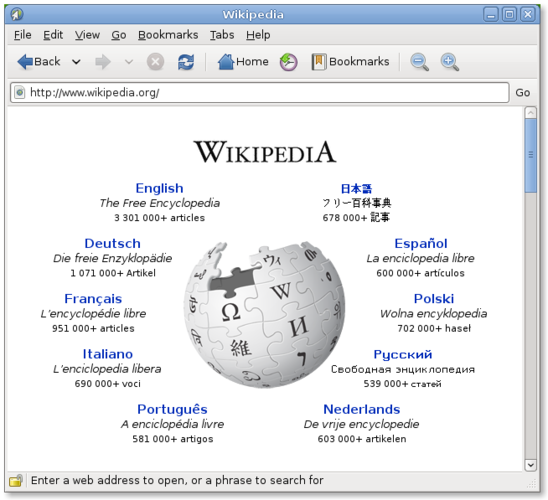
Epiphany (GNOME Web) is a lightweight GNOME‑based web browser built on WebKit.
Epiphany is a solid Linux alternative for users who need a standards‑compliant browser with decent privacy features, but it lacks many of the conveniences Safari users expect, such as deep iCloud integration and a rich extension ecosystem. If you primarily browse the web, need HTML5/CSS3 support…
Feature parity68% -
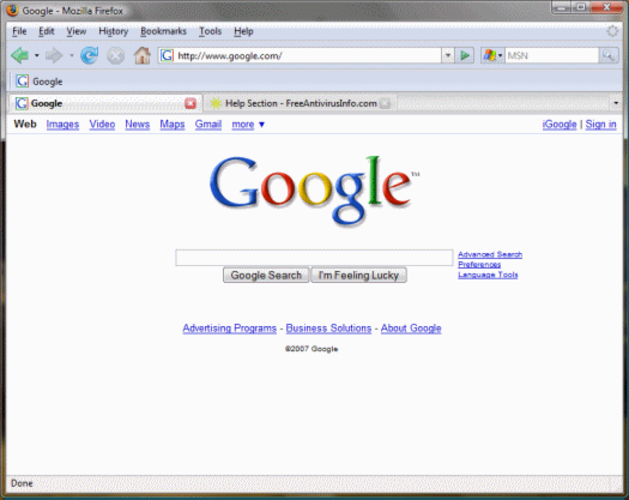
Mozilla Firefox is an open‑source web browser that runs natively on Linux, providing a fast, secure browsing experience.
Mozilla Firefox is a strong replacement for Safari on Linux, provided you do not rely on Apple ecosystem integration. It handles standard web browsing, privacy controls, and extensions effectively. The main gap is the lack of native iCloud sync and Apple-specific features like Reading List…
Feature parity85%





What is Safari?
Safari is a graphical web browser used by millions of people on macOS, iOS, iPadOS and visionOS to browse the web, test web apps, and consume media. It is bundled with Apple devices and is free to use, with optional paid features like iCloud syncing. Because Safari does not run natively on Linux, users who prefer open‑source software or who have switched to a Linux desktop look for a comparable browser that respects privacy, supports modern web standards, and integrates with their Linux workflow.
Safari’s licensing model is proprietary; the binary is distributed only with Apple hardware and updates are delivered through the operating system. There is no separate purchase price, but the codebase (WebKit) is open source. The lack of a Linux build means the browser cannot be installed directly on most distributions, prompting users to seek alternatives that provide a similar experience without legal or technical barriers.
People look for Linux alternatives to keep their browsing environment consistent across devices, to avoid reliance on a single vendor, and to benefit from the broader ecosystem of extensions and customizations available on Linux. An alternative should render pages accurately, support current web standards, and offer reasonable performance on typical Linux hardware.
What a replacement for Safari must do
- HTML5 and CSS3 rendering
- JavaScript execution
- Privacy controls (tracking protection, cookie management)
- Sync of bookmarks/favorites
- Extension support
- Performance on low‑end hardware
- Integration with Linux desktop (default browser handling)
Can you run Safari on Linux?
There is no native Linux build of Safari, and Apple does not provide a web‑based version that mimics the full desktop experience. Running Safari through Wine or similar compatibility layers is possible in theory but not reliable for everyday browsing, and no official support exists. Users typically choose a native Linux browser instead.
Which alternative should you choose?
For a lightweight, GNOME‑centric experience, try Epiphany; for a Chrome‑like UI with extensive extensions, Chromium or Google Chrome work well; Firefox offers strong privacy features and cross‑platform sync; Opera provides a built‑in VPN and ad blocker; Konqueror suits KDE users who want deep integration; SeaMonkey is useful if you need an all‑in‑one suite with mail and HTML editing.
Moving your Safari files and habits
Bookmarks can be exported from Safari as an HTML file and imported into any of the listed browsers via their import tools. Passwords and history are not portable without third‑party tools, so you’ll need to re‑enter saved credentials. Most browsers support the standard HTML bookmark format, making the transition straightforward.
Side-by-side comparison
| App | License | Flatpak | Latest version | Feature parity | Rating |
|---|---|---|---|---|---|
| Google Chrome | LicenseRef-proprietary | ✓ | 156.0.8078.73-1 | 80% | — |
| Chromium | BSD-3-Clause and LGPL-2.1+… | ✓ | 156.0.8078.47 | 85% | — |
| Opera | LicenseRef-proprietary=https… | ✓ | 137.0.6036.65 | 75% | — |
| Konqueror | GPL-2.0-or-later | — | 26.08.2 | 30% | — |
| Epiphany | GPL-3.0 | — | — | 68% | — |
| Mozilla Firefox | MPL-2.0 | — | — | 85% | — |
Safari: frequently asked questions
Can I run Safari on Linux with Wine?
It may launch, but rendering and extensions are unreliable; native browsers are recommended.
Is there a WebKit‑based browser for Linux that feels like Safari?
Epiphany (GNOME Web) uses WebKitGTK and offers a clean, minimalist UI similar to Safari.
Will my Safari bookmarks sync automatically to Firefox or Chrome?
No automatic sync exists; you must export bookmarks from Safari and import them manually.
Does any Linux browser support iCloud syncing?
Only limited support via third‑party extensions; full iCloud integration is unavailable outside Apple platforms.
How important is Safari to you?
Know a better alternative? Suggest an alternative