
Windows · Internet
Best Linux alternatives to Vivaldi
Vivaldi is a Chromium‑based browser with deep UI customization and a built‑in email client.
Updated
Quick answer
The best Linux alternative to Vivaldi is Firefox. Other strong options: Chromium, Brave, Google Chrome.
6 Linux alternatives to Vivaldi
-
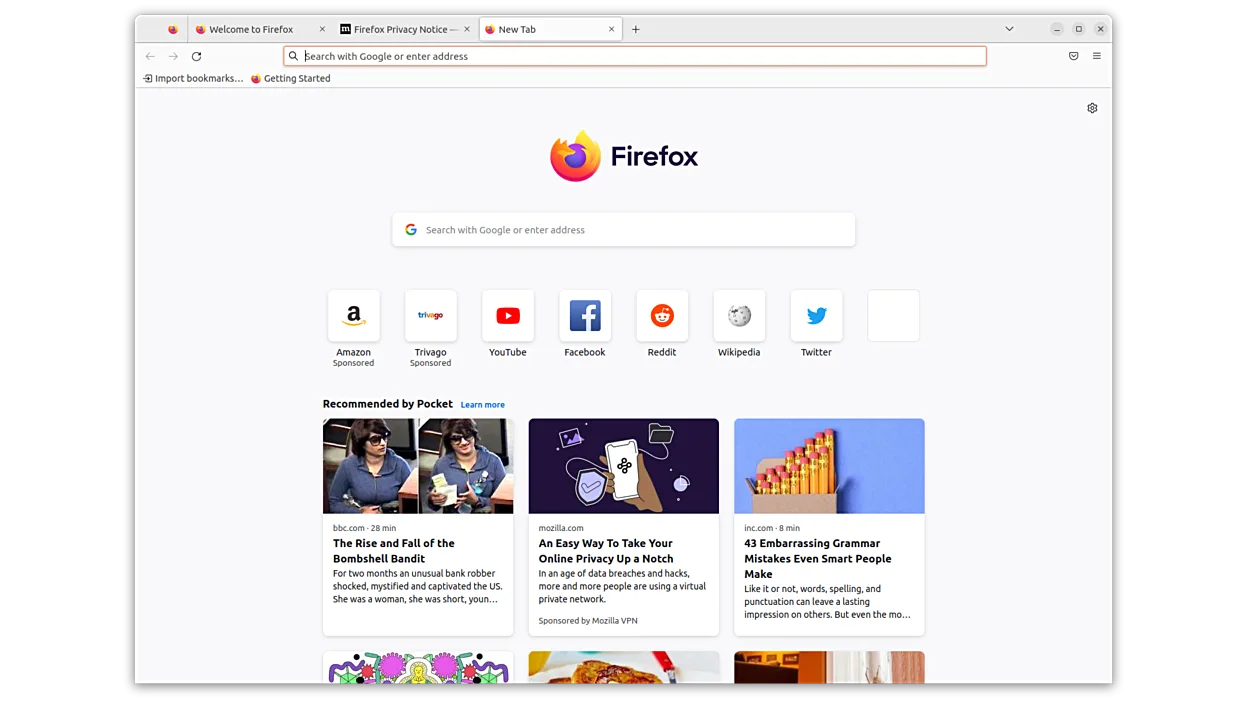
Firefox is a fast, private web browser developed by Mozilla.
Firefox can replace Vivaldi for users who want a fast, privacy‑focused browser with solid extension support and cross‑platform sync. It lacks Vivaldi’s deep UI customization, mouse‑gesture controls, and built‑in email client, so power users who rely on those features may find it insufficient. For…
Feature parity70% -

Chromium is the open-source browser project behind Chrome and Edge, offering a fast, modern web experience on Linux.
Chromium can replace Vivaldi for users who primarily need a fast, standards‑compliant browser with extension support and Google‑based sync. It lacks Vivaldi's deep UI customisation, built‑in email client and some of the convenience features like stacked tabs or built‑in notes, so power users who…
Feature parity70% -
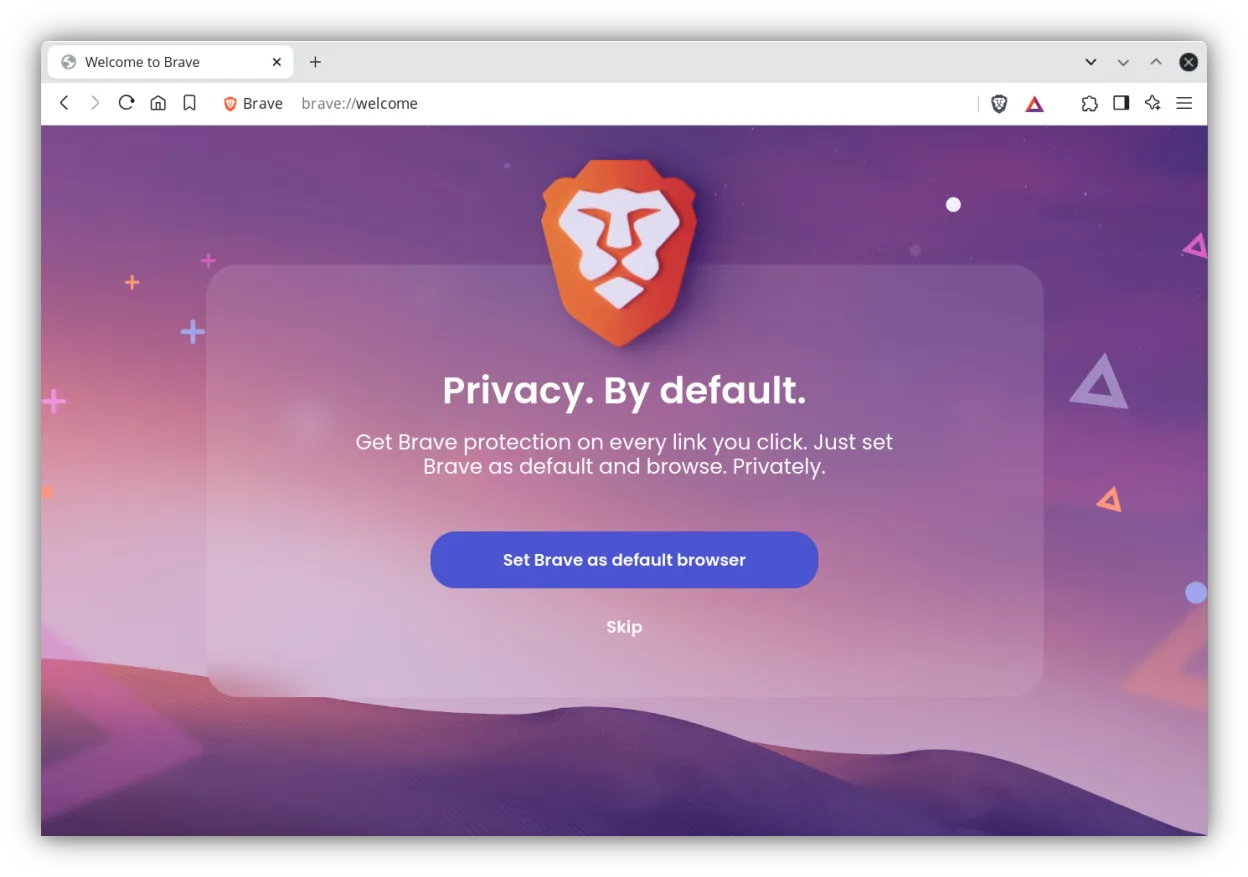
Brave is a fast, privacy‑focused web browser that blocks ads and trackers by default and offers an optional rewards system.
Brave is a solid Chromium-based alternative if you prioritize privacy and speed over deep customization. It handles core browsing, tab management, and extension compatibility well. However, it lacks Vivaldi’s built-in email client and advanced UI tweaks like mouse gestures or extensive theme…
Feature parity65% -

Google Chrome is a proprietary, Chromium-based web browser for Linux that offers a familiar, fast browsing experience with full extension support.
Google Chrome is a solid replacement for Vivaldi if you value speed and stability over customization. Both use the Chromium engine, so rendering and extension compatibility are identical. However, Chrome lacks Vivaldi’s deep UI controls, built-in email client, and advanced tab management features…
Feature parity65% -

LibreWolf is a privacy-focused, independent fork of Firefox designed to eliminate telemetry and enhance security by default.
LibreWolf is not a good replacement for Vivaldi if you rely on its built-in email client, deep UI customization, or Chromium engine. It’s a privacy-hardened Firefox fork, not Chromium-based, so extension and behavior parity is limited. However, for users who prioritize security and privacy over UI…
Feature parity55% -
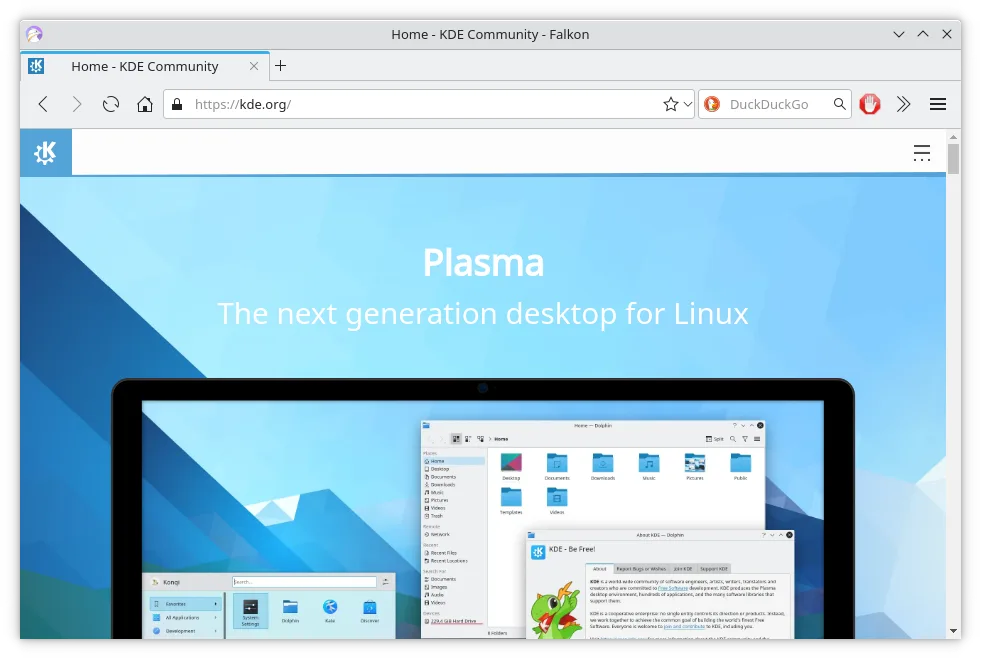
Falkon is a lightweight Qt web browser aimed at providing a fast, feature‑rich browsing experience on Linux.
Falkon is a functional Linux browser but a weak replacement for Vivaldi. It handles basic browsing, tabs, and ad-blocking well. However, it lacks Vivaldi's deep UI customization, built-in email client, and advanced tab stacking. If you rely on Vivaldi's power features, you will feel a significant…
Feature parity40%






What is Vivaldi?
Vivaldi is a feature‑rich web browser built on Chromium, aimed at power users who want to tweak almost every aspect of the UI, from tab handling to keyboard shortcuts. It is offered as freeware and runs on Windows, macOS, Linux and Android, with the source code closed but the product freely distributable. Because it bundles an email client and extensive personalization, some users on Linux prefer a native alternative that matches their workflow or integrates better with their desktop environment.
What a replacement for Vivaldi must do
- Web page rendering (Chromium engine)
- Tab and window management features
- Customizable UI (themes, shortcuts, mouse gestures)
- Built‑in email client support
- Sync of bookmarks, passwords and settings
- Extension compatibility
- Cross‑platform data portability
Can you run Vivaldi on Linux?
Vivaldi provides an official native Linux build, downloadable as a .deb or .rpm package, so it runs directly without emulation. There is also a web‑based version for occasional use, but the full feature set requires the native client. No Wine/Proton/Bottles tricks are needed.
Which alternative should you choose?
If you want a close‑to‑Vivaldi experience with Chromium underpinnings, Chromium or Google Chrome are the most compatible. For a privacy‑focused but still customizable browser, Firefox or LibreWolf work well. Brave offers built‑in ad blocking and a clean UI, while Falkon is lightweight for older hardware.
Moving your Vivaldi files and habits
Vivaldi can export bookmarks as HTML and passwords via a CSV file; the built‑in email client uses standard IMAP/SMTP, so you can simply add the same accounts in the new browser or email client. Import the HTML file into Firefox, Chromium, Brave or any other browser that supports bookmark import.
Side-by-side comparison
Vivaldi: frequently asked questions
Is Vivaldi available for Linux?
Yes, Vivaldi offers an official native Linux package.
Can I keep my Vivaldi bookmarks on another browser?
Export them as HTML from Vivaldi and import the file into the new browser.
Does Vivaldi’s email client work on Linux?
The email client is part of the Vivaldi desktop app; if you switch browsers you’ll need a separate email client.
Will extensions from the Chrome Web Store work in alternatives?
Most Chromium‑based alternatives (Chromium, Chrome, Brave) support Chrome extensions; Firefox uses its own add‑on format.
How important is Vivaldi to you?
Know a better alternative? Suggest an alternative