
Windows · Internet
Best Linux alternatives to Microsoft Edge Legacy
Microsoft Edge Legacy was Microsoft's default browser from 2015 to 2020, using the EdgeHTML engine before being replaced by Chromium.
Updated
Quick answer
The best Linux alternative to Microsoft Edge Legacy is Firefox. Other strong options: Chromium, Google Chrome, Brave.
7 Linux alternatives to Microsoft Edge Legacy
-

Firefox is a fast, private web browser developed by Mozilla, offering strong tracking protection and customization.
Firefox is a solid replacement for Microsoft Edge Legacy, especially for users who value privacy, customization, and consistent cross-platform sync. It supports modern web standards, delivers strong JavaScript performance, and offers robust extension support. While it doesn’t integrate with…
Feature parity95% -

Chromium is the open-source core behind Chrome and Edge, providing a fast, stable web browser without proprietary Google services.
Chromium is a solid replacement for Microsoft Edge Legacy, especially for users who value performance, modern web standards, and extension support. It handles HTML5, CSS3, and JavaScript well, with strong security and frequent updates. Since it shares the same core as the current Chromium-based…
Feature parity90% -

Google Chrome is a proprietary, Chromium-based web browser for Linux that offers a familiar, fast browsing experience with full extension support.
Google Chrome is a solid replacement for Microsoft Edge Legacy, especially for users who value speed, extension support, and cross-device sync. Since both browsers are now Chromium-based, site compatibility and performance are nearly identical. Chrome excels in Linux environments with stable builds…
Feature parity95% -

Brave is a fast, privacy‑focused web browser that blocks ads and trackers by default and offers an optional rewards system.
Brave is a solid replacement for Microsoft Edge Legacy for most users. It uses the same Chromium engine, so site compatibility and performance are excellent. The built-in ad-blocker and tracker protection improve speed and privacy over Edge Legacy. Extensions from Chrome work, and Brave Sync…
Feature parity95% -

Vivaldi is a highly customizable, feature-rich web browser built for power users who want deep control over their browsing experience.
Vivaldi is a strong replacement for Microsoft Edge Legacy, especially for users who want more control and built-in tools. It supports modern web standards, fast JavaScript, and Chrome extensions, meeting core browsing needs. The UI is highly customizable, which benefits power users but may…
Feature parity90% -

Epiphany (GNOME Web) is a lightweight GNOME‑based web browser built on WebKit.
Epiphany is a decent replacement for Microsoft Edge Legacy if you value simplicity, GNOME integration, and privacy over extensions and cross-platform sync. It handles modern web standards well enough for basic browsing, with solid HTML5 and JavaScript support via WebKit. However, it lacks extension…
Feature parity60% -
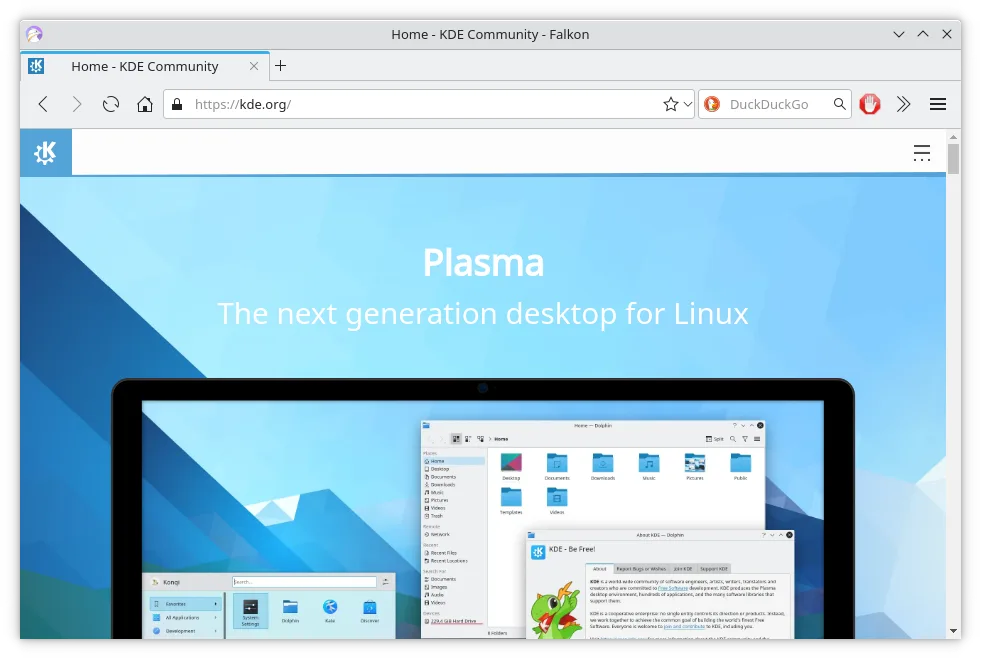
Falkon is a lightweight Qt web browser aimed at providing a fast, feature‑rich browsing experience on Linux.
Falkon is a decent replacement for Microsoft Edge Legacy if you prioritize speed, low resource use, and basic browsing on Linux. It handles modern HTML5, CSS3, and JavaScript well enough for everyday sites, and its built-in ad blocker and tab management are functional. However, it lacks…
Feature parity65%







What is Microsoft Edge Legacy?
Microsoft Edge Legacy was the default web browser in Windows 10 and Windows 10 Mobile, aimed at general users and enterprises needing a modern browser. It replaced Internet Explorer but lacked support for older Windows versions. Designed for everyday browsing, it integrated with Microsoft services like Cortana and OneDrive.
The browser was proprietary and included free with Windows 10. There was no standalone purchase option, and Microsoft did not offer source access. Licensing was tied to the OS, typical for system software from large vendors.
People seek Linux alternatives because Edge Legacy never had a Linux version and was discontinued in 2020. Users switching from Windows need a capable browser that supports modern web standards, extensions, and sync features. Compatibility with sites optimized for Microsoft tools is also a concern.
What a replacement for Microsoft Edge Legacy must do
- Modern HTML5 and CSS3 support
- JavaScript performance
- Tab management and extensions
- Sync across devices
- Integration with cloud services
- Security updates
- Private browsing mode
Can you run Microsoft Edge Legacy on Linux?
No native Linux version exists, and it does not run reliably under Wine, Proton, or Bottles due to deep OS integration and reliance on Windows-specific components. The browser was discontinued in 2020, so no community ports or compatibility layers support it effectively. Users must switch to a different browser on Linux.
Which alternative should you choose?
Firefox suits users wanting strong privacy and customization. Chromium, Chrome, and Brave work well for those already in the Google ecosystem. Vivaldi offers advanced tab control for power users. Epiphany is lightweight for GNOME users. Falkon is good for low-resource systems. Choose based on sync needs, privacy preferences, and interface style.
Moving your Microsoft Edge Legacy files and habits
Export bookmarks and passwords from Edge Legacy using its export tool before switching. Most listed browsers can import HTML bookmark files. Passwords and history require manual transfer or syncing via a common account if supported. Site-specific logins may need re-entry. Most modern sites work across browsers, but some enterprise portals may require Chrome or Firefox.
Side-by-side comparison
| App | License | Flatpak | Latest version | Feature parity | Rating |
|---|---|---|---|---|---|
| Firefox | MPL-2.0 | ✓ | 159.0 | 95% | — |
| Chromium | BSD-3-Clause and LGPL-2.1+… | ✓ | 156.0.8078.47 | 90% | — |
| Google Chrome | LicenseRef-proprietary | ✓ | 156.0.8078.47-1 | 95% | — |
| Brave | MPL-2.0 | ✓ | 1.98.60 | 95% | — |
| Vivaldi | LicenseRef-proprietary | ✓ | 8.2.4133.94 | 90% | — |
| Epiphany | GPL-3.0 | — | — | 60% | — |
| Falkon | GPL-3.0+ | ✓ | 26.04.3 | 65% | — |
Microsoft Edge Legacy: frequently asked questions
Can I run Microsoft Edge Legacy on Linux?
No. It has no native Linux version and does not work under Wine or compatibility layers.
Is Microsoft Edge Legacy still supported?
No. Microsoft ended support in 2020. It no longer receives updates or security fixes.
What replaced Edge Legacy?
Microsoft replaced it with a Chromium-based Edge browser, which is available for Linux.
Can I import my data from Edge Legacy to a Linux browser?
Yes. Export bookmarks as HTML and import into Firefox, Chrome, or others. Passwords require manual transfer.
How important is Microsoft Edge Legacy to you?
Know a better alternative? Suggest an alternative