
Windows · System Tools
Best Linux alternatives to Syncthing
Syncthing is a free, open‑source peer‑to‑peer file sync tool for Windows, macOS, Linux, Android, iOS, BSD and illumos.
Updated
Quick answer
The best Linux alternative to Syncthing is Nextcloud Desktop Client. Other strong options: Seafile Client, Syncthing Tray.
3 Linux alternatives to Syncthing
-
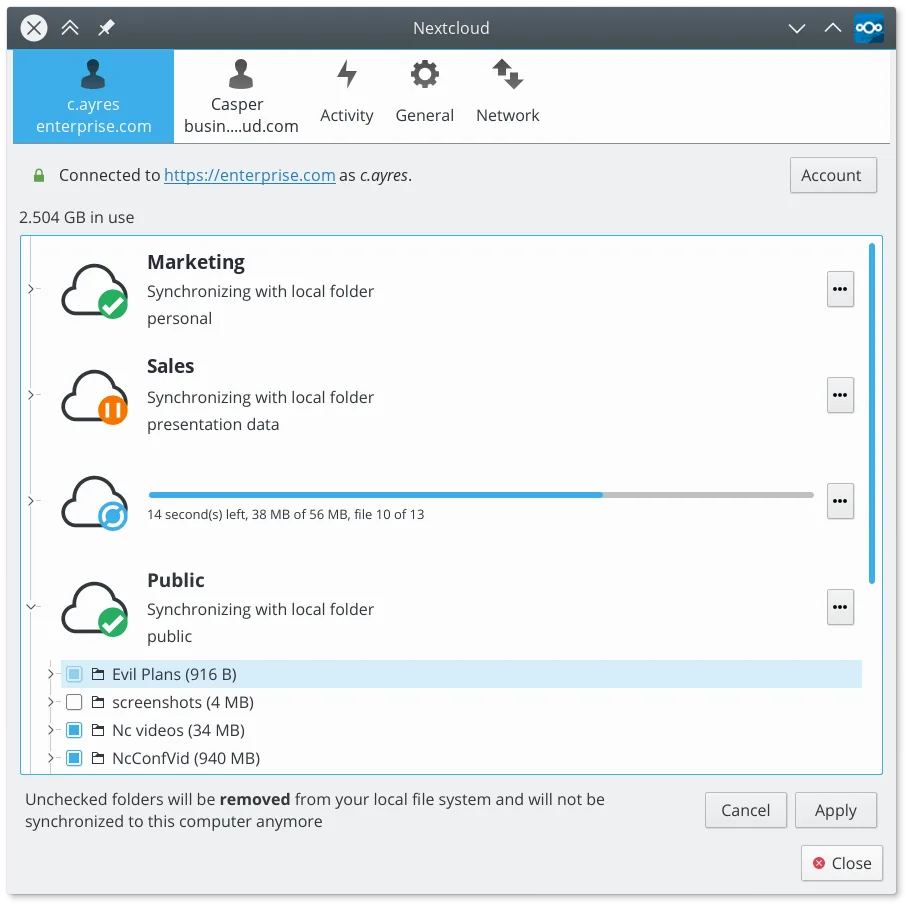
Syncs files between your Linux desktop and a Nextcloud server, keeping documents and photos up to date across devices.
Nextcloud Desktop Client can replace Syncthing for users who are comfortable with a central server (self‑hosted or hosted) and need integration with Nextcloud's sharing and versioning features. It works well for typical desktop sync scenarios, but it does not provide true peer‑to‑peer syncing, so…
Feature parity65% -
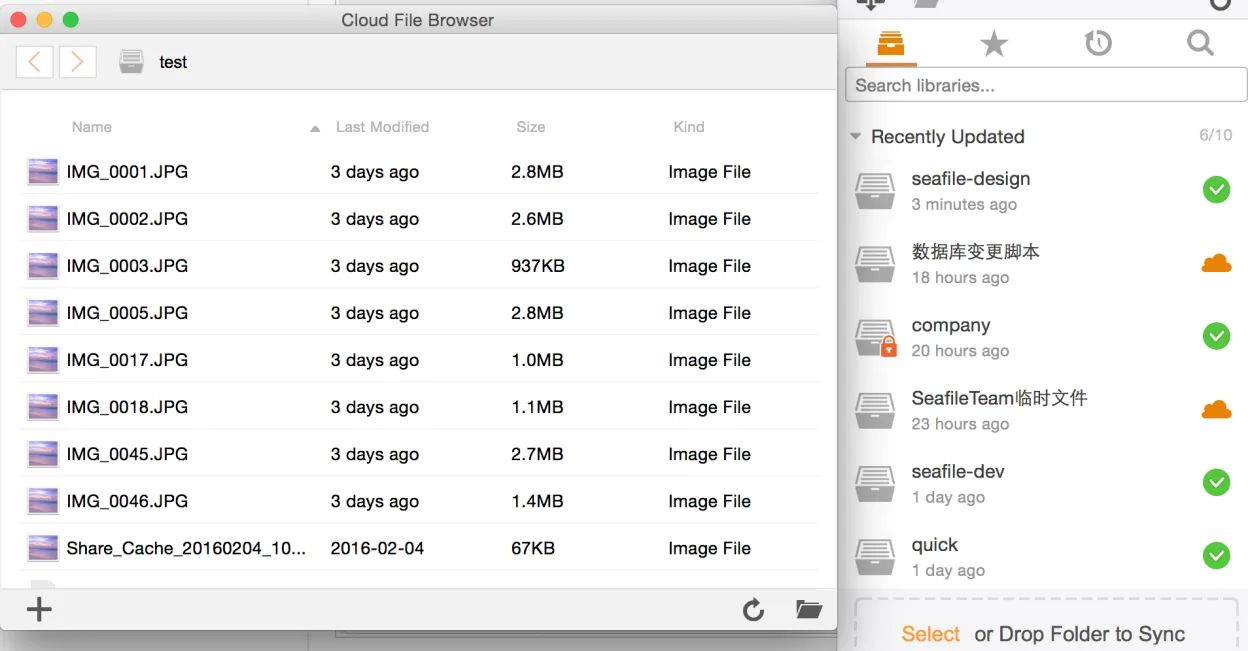
Seafile is a cross‑platform file‑sync client that keeps local folders in sync with a Seafile server, similar to OneDrive but open source.
Seafile Client is a valid alternative if you are willing to self-host a server. It is not a direct drop-in replacement for Syncthing because it requires a central server node, whereas Syncthing operates purely peer-to-peer. If your primary need is syncing files between your Linux desktop and a…
Feature parity65% -
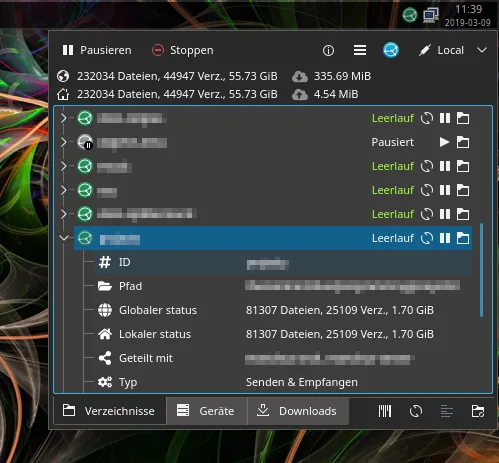
A system tray icon and menu for Syncthing that adds status indicators, notifications, and quick actions to the standard web interface.
Syncthing Tray is not a replacement for Syncthing; it is an add‑on that improves the user experience of the existing Syncthing service. If you already run Syncthing on Linux and want a system‑tray icon, quick actions, and desktop notifications, Syncthing Tray is useful. It does not provide the core…
Feature parity20%



What is Syncthing?
Syncthing lets you keep folders in sync across multiple devices without a central server. Users include developers, small teams, and privacy‑conscious individuals who need a simple way to share code, documents, or media. The program is released under the GPLv3 license, so it is free to download, modify, and redistribute. No subscription fees or hidden costs. Many Windows users switch to Linux because they want a native, open‑source solution that respects their privacy and works across the same set of devices.
What a replacement for Syncthing must do
- Cross‑platform sync between Windows and Linux
- Encrypted, peer‑to‑peer transfers
- Automatic folder monitoring and updates
- Web UI for configuration
- Easy device addition and removal
Can you run Syncthing on Linux?
Syncthing runs natively on Linux; binaries are available for most distributions. It also offers a web UI that can be accessed from any browser. No Wine or Proton emulation is required, and the program is fully functional without additional layers.
Which alternative should you choose?
If you prefer a graphical interface, try Syncthing GTK or Syncthing Tray. For a more integrated desktop experience, the Nextcloud Desktop Client can sync with a Nextcloud server. Seafile Client is suitable if you already use Seafile for file hosting and want local sync. All options support the same core peer‑to‑peer sync features.
Moving your Syncthing files and habits
You can keep the same folder structure; Syncthing stores configuration in a JSON file and a small database. Export the config by copying the .stfolder files and the config.json. No special data conversion is needed; the sync process will resume with the same files.
Side-by-side comparison
| App | License | Flatpak | Latest version | Feature parity | Rating |
|---|---|---|---|---|---|
| Nextcloud Desktop Client | GPL-2.0+ | ✓ | 35.0.3 | 65% | — |
| Seafile Client | Apache-2.0 | ✓ | 9.0.20 | 65% | — |
| Syncthing Tray | GPL-2.0+ | ✓ | 2.1.8-1.9c06589 | 20% | — |
Syncthing: frequently asked questions
Is Syncthing secure?
Yes, all traffic is encrypted with TLS and authenticated with device IDs. No data is stored on a central server.
Can I use Syncthing on a mobile device?
Syncthing has official Android and iOS apps that can sync with your Linux desktop.
Does Syncthing require a port to be opened?
It uses a range of ports (default 22000 for TCP). If behind NAT, you may need to set up port forwarding or use relay servers.
How do I add a new device?
Open the web UI, click “Add Device,” enter the device ID, and share the ID with the other device. The other device must accept the request.
How important is Syncthing to you?
Know a better alternative? Suggest an alternative