
 ThunderbirdLinux
vs
Notion CalendarWindows
Thunderbird as a Linux alternative to Notion Calendar
Updated
Our verdict
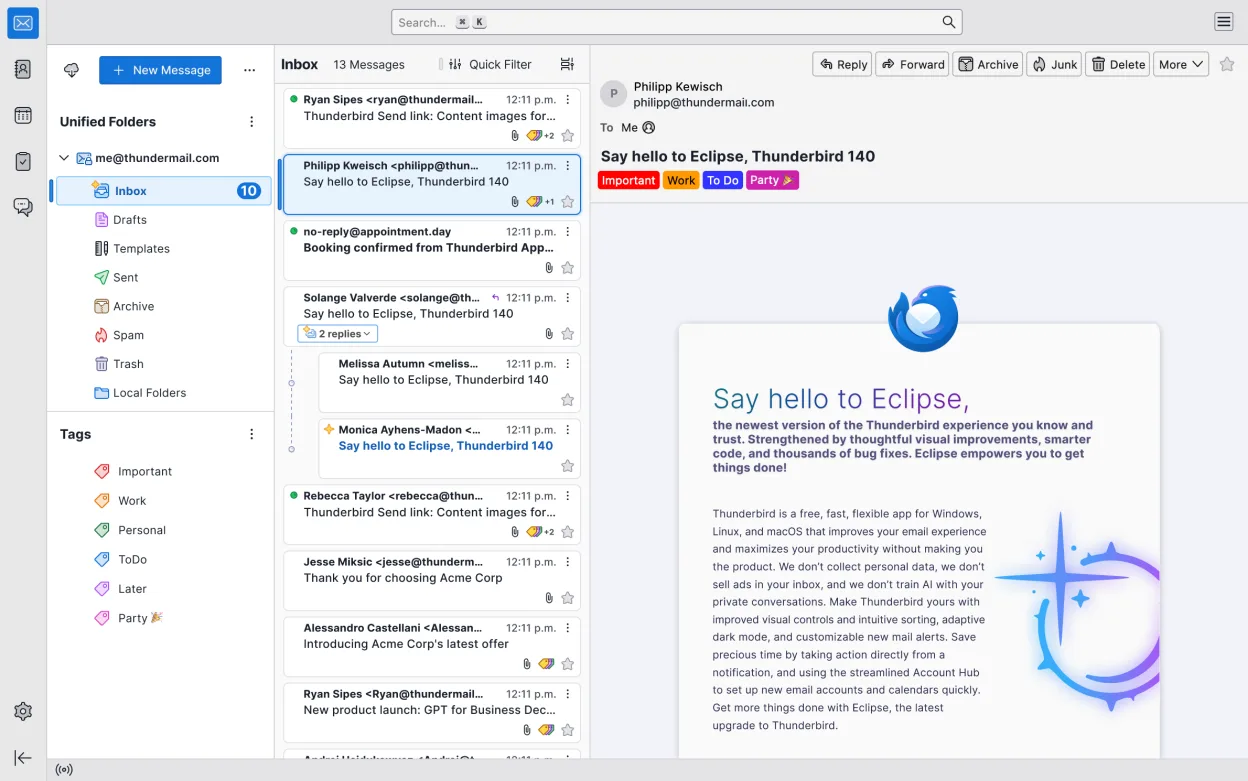
Thunderbird is a solid replacement for users who prioritize local control and open standards over cloud-first convenience. It handles event scheduling and CalDAV synchronization well, but it lacks the specific time-blocking visual interface and habit tracking features that define Notion Calendar. If you rely heavily on those productivity niches, you will feel the gap. However, for standard calendar management with offline access and low resource usage, it is a reliable, native Linux choice that integrates cleanly with system calendars.
- License
- MPL-2.0
- Price
- Free
- Latest version
- 161.0 (November 20, 2026)
- Rating
- —
What works the same
- Supports standard calendar data formats like ICS and CalDAV
- Allows offline access to scheduled events
- Enables multi-device synchronization via standard protocols
- Provides a native desktop application experience
What is different
- Lacks built-in time-blocking visual interface
- No native habit or task tracking features
- Requires separate add-ons or external tools for advanced productivity workflows
- Calendar is a component of a larger email client, not a standalone app
Opening your Notion Calendar files
Notion Calendar does not use a proprietary file format that Thunderbird can directly open. However, Notion Calendar supports exporting events to standard ICS files. You can export your calendar data from Notion and import these ICS files into Thunderbird's calendar component. This process preserves event details but will not transfer any Notion-specific metadata, habits, or time-block configurations.
Switching from Notion Calendar to Thunderbird, step by step
- Export your calendar data as an ICS file from Notion Calendar.
- Install Thunderbird via your package manager or Flathub.
- Open Thunderbird and navigate to the Calendar section.
- Create a new local calendar or connect to your existing CalDAV account.
- Use the import function to load the ICS file into the desired calendar.
- Configure synchronization settings to ensure events update across devices.
Key features of Thunderbird
- Email client with IMAP, POP3, and Exchange support (via plugin)
- Integrated calendar with support for CalDAV and Google Calendar
- Contact management with LDAP and vCard support
- News feed (RSS/Atom) reader built in
- Chat via IRC, XMPP, and Matrix (through bridges)
- Message filtering, templates, and search folders
- Add-ons and themes for customization
- Unread badge support on Linux taskbars (v161+)
How to install Thunderbird on Linux
flatpak install flathub org.mozilla.thunderbirdsudo apt install thunderbirdsudo apt install thunderbirdsudo dnf install thunderbirdsudo pacman -S thunderbird-i18n-elsudo zypper install MozillaThunderbirdFrequently asked questions
Does Thunderbird support time-blocking like Notion?
No, Thunderbird does not have a dedicated time-blocking feature. You can manually create events to represent blocks of time, but it lacks the visual drag-and-drop interface and specific productivity tools found in Notion Calendar.
Can I track habits in Thunderbird?
Thunderbird does not include native habit tracking. You would need to use a separate application for habit management or create recurring events as a rough substitute, though this is not a true replacement for dedicated habit trackers.
Is Thunderbird lightweight on Linux systems?
Yes, Thunderbird is generally considered resource-efficient compared to web-based applications running in a browser. It runs natively on Linux and typically uses less memory and CPU than a browser tab, making it suitable for lower-spec machines.
3 other alternatives to Notion Calendar
 EvolutionEvolution is a full‑featured personal information manager that combines email, calendar, contacts and tasks…Open sourceFreeFlatpakEvolution vs Notion Calendar