
 Trilium NotesLinux
vs
Microsoft OneNote for Windows 10Windows
Trilium NotesLinux
vs
Microsoft OneNote for Windows 10Windows
Trilium Notes as a Linux alternative to Microsoft OneNote for Windows 10
Updated
Our verdict
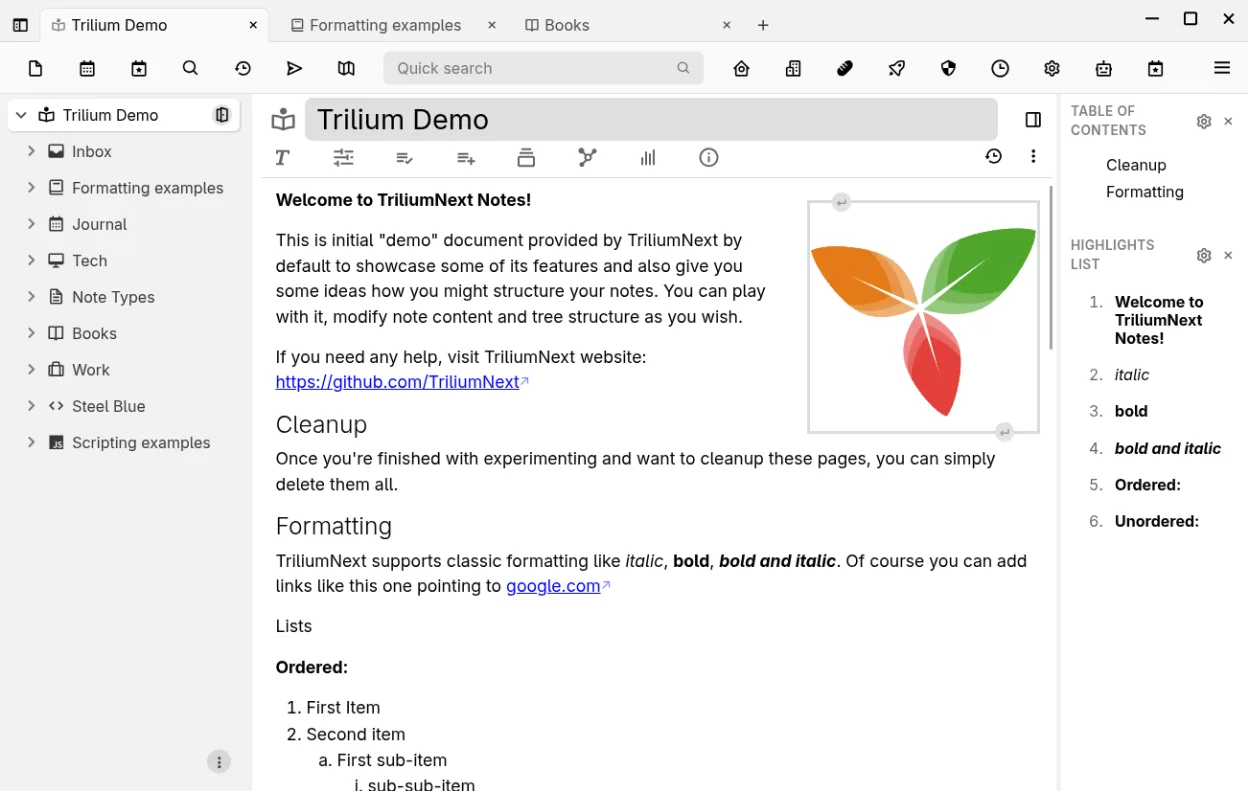
Trilium Notes is a good replacement for Microsoft OneNote for Windows 10 if you prioritize structured, self-hosted knowledge management over free-form canvas layout and real-time collaboration. It excels for individuals building personal knowledge bases with deep hierarchies, versioning, and encryption. However, it lacks native support for ink, audio/video embedding, and multi-user editing. If your workflow depends on pen input or team collaboration in shared notebooks, Trilium is not a fit. For solo users focused on text, code, and organization, it’s powerful and flexible.
- License
- AGPL-3.0-only
- Price
- Free
- Latest version
- 0.106.0 (September 25, 2026)
- Rating
- —
What works the same
- Both support rich text editing with images, tables, and math notation
- Hierarchical organization using nested notebooks and pages
- Full-text search and cross-note linking capabilities
- Export to HTML and plain text; import from Markdown and Evernote
- Cross-platform availability via Linux, Windows, and macOS
What is different
- Trilium lacks support for ink annotations and handwritten input
- No built-in audio or video embedding in notes
- Collaboration is limited to read-only sharing; no real-time co-editing
- No free-form canvas — all notes are structured in a tree
- Sync requires self-hosting; no integration with OneDrive or Microsoft accounts
Opening your Microsoft OneNote for Windows 10 files
Trilium Notes does not support opening Microsoft OneNote .one files directly. There is no built-in converter or importer for OneNote formats. Users must manually extract content from OneNote, such as copying text or exporting to PDF or HTML first. Third-party tools may help convert OneNote files to Markdown or plain text, which Trilium can then import. This limits automated migration from OneNote ecosystems.
Switching from Microsoft OneNote for Windows 10 to Trilium Notes, step by step
- Export important OneNote content to HTML or Markdown using OneNote on Windows
- Set up a Trilium instance and enable sync via self-hosted server if needed
- Use Trilium’s import function to bring in Markdown or HTML files
- Organize notes into a hierarchical tree using cloning where needed
- Enable encryption and versioning for sensitive or critical notes
- Install the web clipper to capture online content directly
Key features of Trilium Notes
- Rich WYSIWYG editor with tables, images, math and markdown auto‑format
- Arbitrarily deep hierarchical tree with note cloning
- Full‑text search, note hoisting and relation/link maps
- Per‑note versioning and granular encryption
- Self‑hosted sync server and public publishing
- Syntax‑highlighted code editing and scripting support
- Evernote/Markdown import‑export and web clipper
- REST API for automation
How to install Trilium Notes on Linux
flatpak install flathub org.triliumnotes.TriliumFrequently asked questions
Can Trilium Notes sync across devices like OneNote?
Yes, but only via a self-hosted sync server. Trilium does not use cloud services like OneDrive. You must set up your own server for multi-device sync.
Does Trilium support handwriting or drawing with a stylus?
No. Trilium has no ink support or drawing canvas. It is designed for structured text and code, not free-form sketching or pen input.
Can multiple people edit the same note at once?
No. Trilium does not support real-time collaboration. Notes can be shared publicly in read-only mode, but not co-edited like in OneNote.
5 other alternatives to Microsoft OneNote for Windows 10
 JoplinJoplin is an open‑source, cross‑platform note‑taking and to‑do app that stores data in Markdown.Open sourceFreeFlatpakJoplin vs Microsoft OneNote for Windows 10
 ZimZim is a desktop wiki for taking and organizing notes in plain text files.Open sourceFreeFlatpakZim vs Microsoft OneNote for Windows 10
 ObsidianObsidian is a markdown‑based knowledge‑base app that stores notes as plain‑text files in a local folder.FlatpakObsidian vs Microsoft OneNote for Windows 10
 Standard NotesStandard Notes is a cross‑platform, end‑to‑end encrypted notes app that syncs securely across devices.Open sourceFreeFlatpakStandard Notes vs Microsoft OneNote for Windows 10
 QOwnNotesQOwnNotes is a plain‑text Markdown editor with todo list support that can sync with ownCloud or Nextcloud.Open sourceFreeFlatpakQOwnNotes vs Microsoft OneNote for Windows 10