
Windows · Graphics
Best Linux alternatives to Adobe Express
Adobe Express is a cloud-based tool for quick graphics, social media posts, and short videos using templates and AI.
Updated
Quick answer
The best Linux alternative to Adobe Express is GIMP. Other strong options: Shotcut, Kdenlive.
3 Linux alternatives to Adobe Express
-
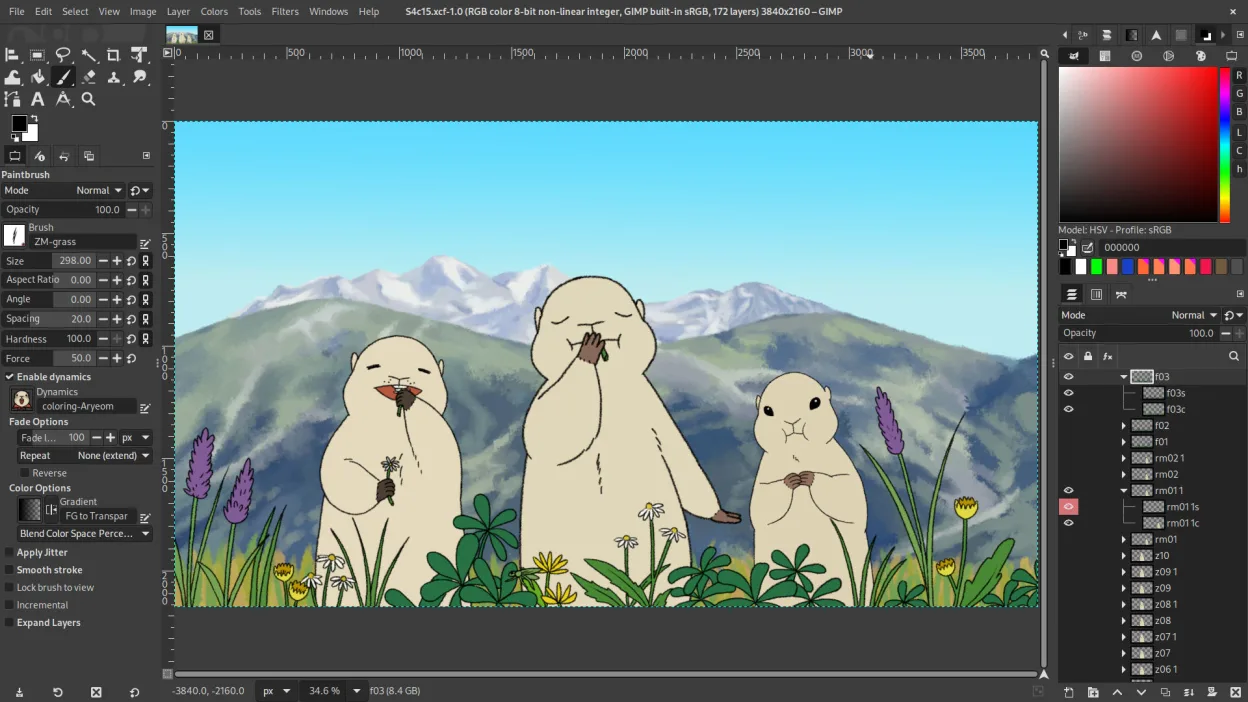
GIMP is a free, open-source raster graphics editor for photo editing, digital painting, and image composition.
GIMP is not a direct replacement for Adobe Express. It excels at raster photo editing, digital painting, and complex image manipulation, but it lacks the template‑based social‑media design, built‑in AI, and simple video editing that Adobe Express offers. If you need a free, offline tool for…
Feature parity30% -

Shotcut is a free, open-source video editor for Linux with support for a wide range of formats via FFmpeg.
Shotcut is not a direct replacement for Adobe Express. While it handles video editing and clipping well, it lacks the template-based design system, vector graphics tools, and AI features that define Adobe Express. If your primary need is creating social media graphics or simple raster edits…
Feature parity30% -

Kdenlive is a free, feature‑rich non‑linear video editor built on the MLT framework.
Kdenlive can replace Adobe Express for users who mainly need video editing and basic graphic creation, especially if they prefer a free, offline solution. It offers a robust timeline, many effects, and export options that cover most social‑media video needs. However, it lacks the ready‑made…
Feature parity55%


What is Adobe Express?
Adobe Express serves marketers, educators, and casual creators who need to produce polished visuals quickly. It focuses on speed and accessibility rather than deep technical control, making it ideal for social media content, flyers, and simple video edits. Users rely on its template library to bypass the blank-canvas problem common in professional design software.
The service operates on a freemium model. Basic features are free, but advanced tools, stock assets, and AI capabilities require a Creative Cloud subscription. Since it is cloud-based, your work is stored online, which can be a drawback for users with unstable internet or strict data privacy policies.
People seek Linux alternatives primarily because Adobe Express is browser-dependent and lacks a native desktop application. While the web version works in Chromium-based browsers, Linux users often prefer local, offline-capable tools that integrate better with their file systems and do not require constant cloud syncing.
What a replacement for Adobe Express must do
- Template-based design for social media
- Simple video editing and clipping
- Vector graphics creation
- Raster image editing
- Export to common web formats
- Offline capability
- User-friendly interface
Can you run Adobe Express on Linux?
Adobe Express is a web application, so it runs in any modern browser on Linux, including Firefox and Chromium. There is no native Linux desktop client. Because it is cloud-based, it does not rely on Wine or Proton; it simply requires a stable internet connection and a supported web browser. If you need offline access, the web version is not a viable standalone solution.
Which alternative should you choose?
For quick photo edits, use Pinta or GIMP. For vector graphics like logos or icons, Inkscape is the standard choice. If you need to edit short videos, Shotcut or Kdenlive will handle the timeline and export needs. For layout-heavy documents like flyers or PDFs, Scribus offers more control than a simple image editor. Choose based on whether your primary output is raster, vector, or video.
Moving your Adobe Express files and habits
Since Adobe Express stores files in the cloud, you cannot directly import a project file into Linux desktop apps. You must export your assets as PNG, JPG, MP4, or PDF from the web interface. These standard formats open in GIMP, Inkscape, Shotcut, and Scribus. However, you will lose the editable layers and template structure; you are only importing the final rendered output.
Side-by-side comparison
Adobe Express: frequently asked questions
Can I use Adobe Express on Linux?
Yes, via a web browser. It is not a native app, so it requires an internet connection and does not work offline.
Which Linux app is closest to Adobe Express?
There is no single 1:1 match. Use Inkscape for vectors, GIMP for images, and Shotcut for video. You may need to switch between them.
Is Adobe Express free?
It has a free tier with limited features. Full access to AI tools and premium templates requires a paid Creative Cloud subscription.
Can I edit Adobe Express projects in Linux apps?
No. You must export the final file (e.g., PNG or MP4) from the web version. You cannot open the native project file in GIMP or Inkscape.
How important is Adobe Express to you?
Know a better alternative? Suggest an alternative