
Windows · Graphics
Best Linux alternatives to PhotoScape
PhotoScape is a simple Windows tool for quick photo edits, collages, and batch processing, now available on Linux via Snap.
Updated
Quick answer
The best Linux alternative to PhotoScape is GIMP. Other strong options: darktable, Shotwell, Krita.
6 Linux alternatives to PhotoScape
-
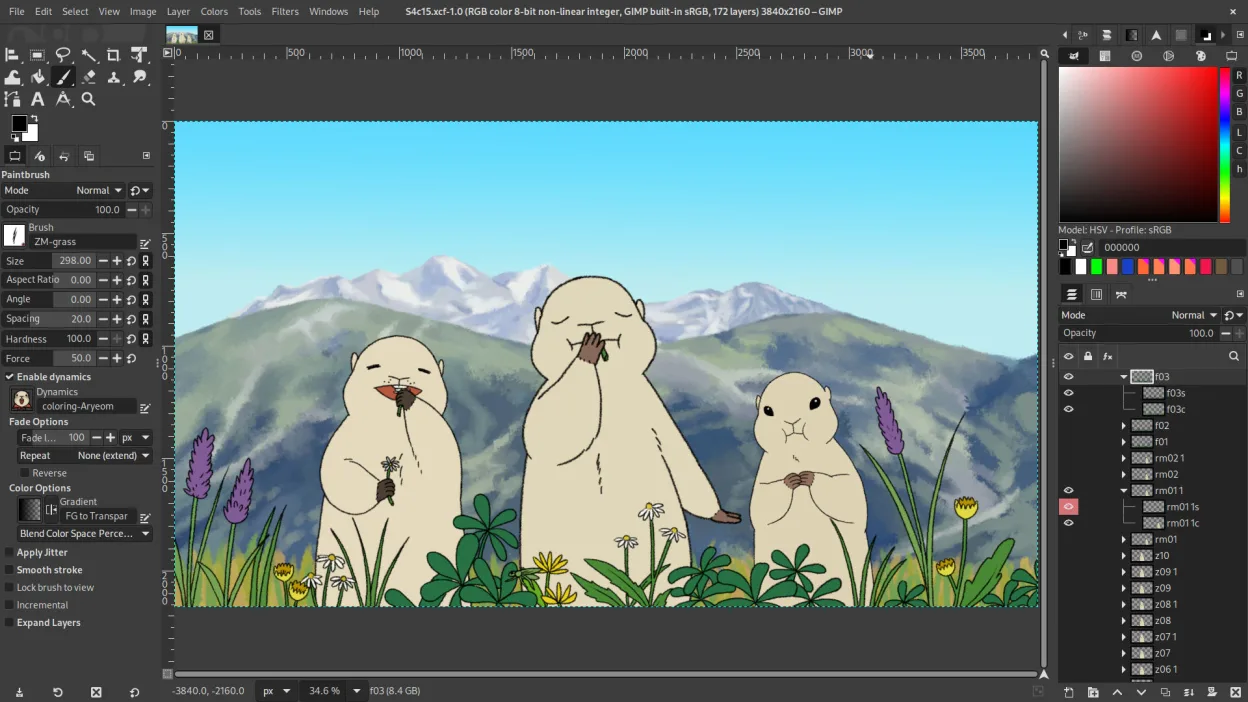
GIMP is a free, open-source raster graphics editor for photo editing, digital painting, and image composition.
GIMP can replace PhotoScape for users who need more than basic edits and want a free, open‑source tool. It covers batch resizing, cropping, color tweaks, and GIF creation through scripts or plugins. However, it lacks a dedicated red‑eye correction button and the simple, wizard‑style collage…
Feature parity75% -
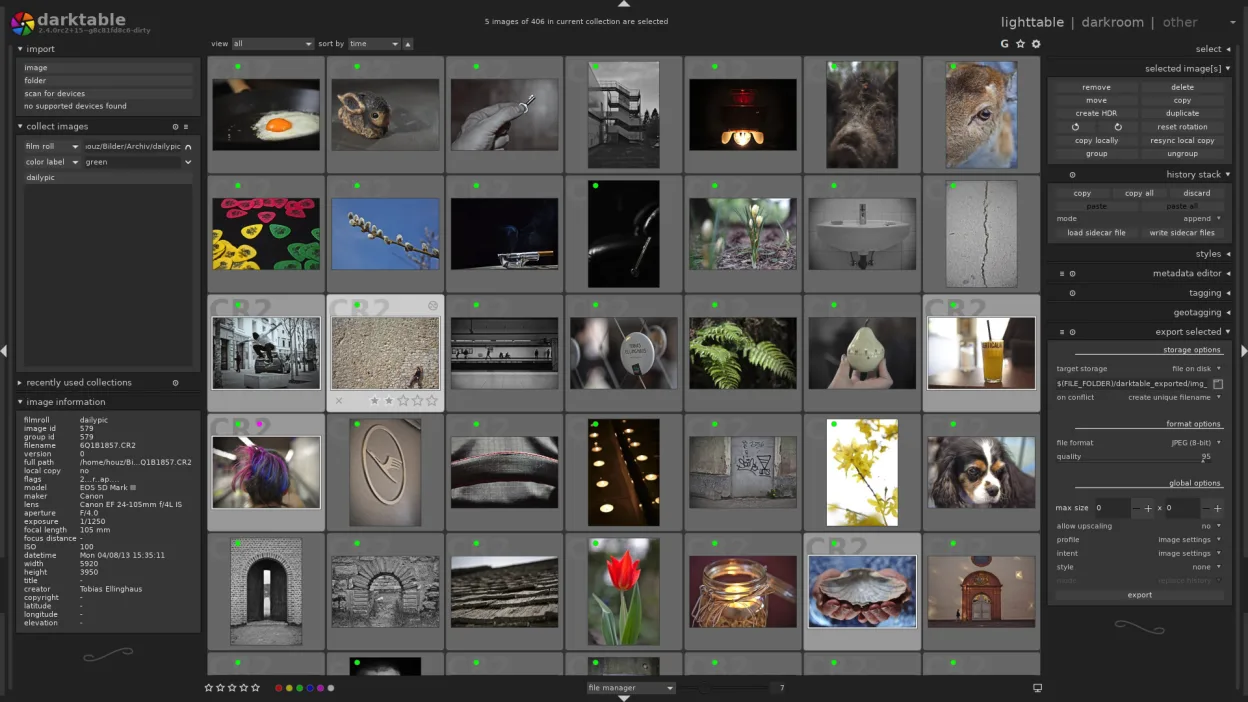
darktable is a free, open‑source photo editor that manages raw files and offers a full non‑destructive workflow.
darktable can replace PhotoScape for users who need a non‑destructive workflow and raw support, but it is heavier and less focused on quick, simple edits. If you already work with RAW images or need batch processing, tethering, and high‑precision adjustments, darktable is a solid choice. For casual…
Feature parity70% -
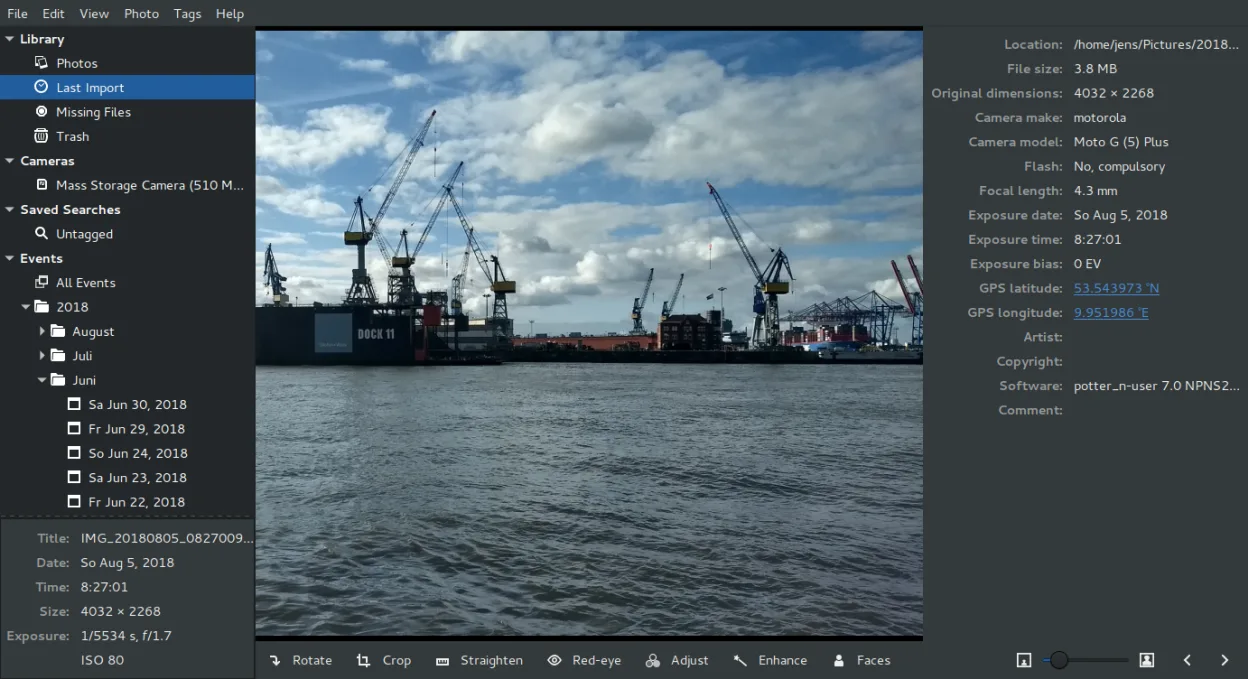
Shotwell is a GNOME photo manager for importing, organizing, and lightly editing images.
Shotwell can replace PhotoScape for users who mainly need a quick way to view, organise and perform light edits such as cropping, red‑eye removal, colour tweaks and straightening. It excels at managing large libraries and works well in GNOME environments. However, it does not provide the same…
Feature parity55% -

Krita is a full‑featured open‑source digital painting and illustration program.
Krita can replace PhotoScape for users who need batch processing, collage creation, and basic photo edits, but it is geared toward digital painting. It handles resizing, cropping, color adjustments, and GIF creation, and its batch processing can be scripted with Python. However, PhotoScape’s…
Feature parity70% -
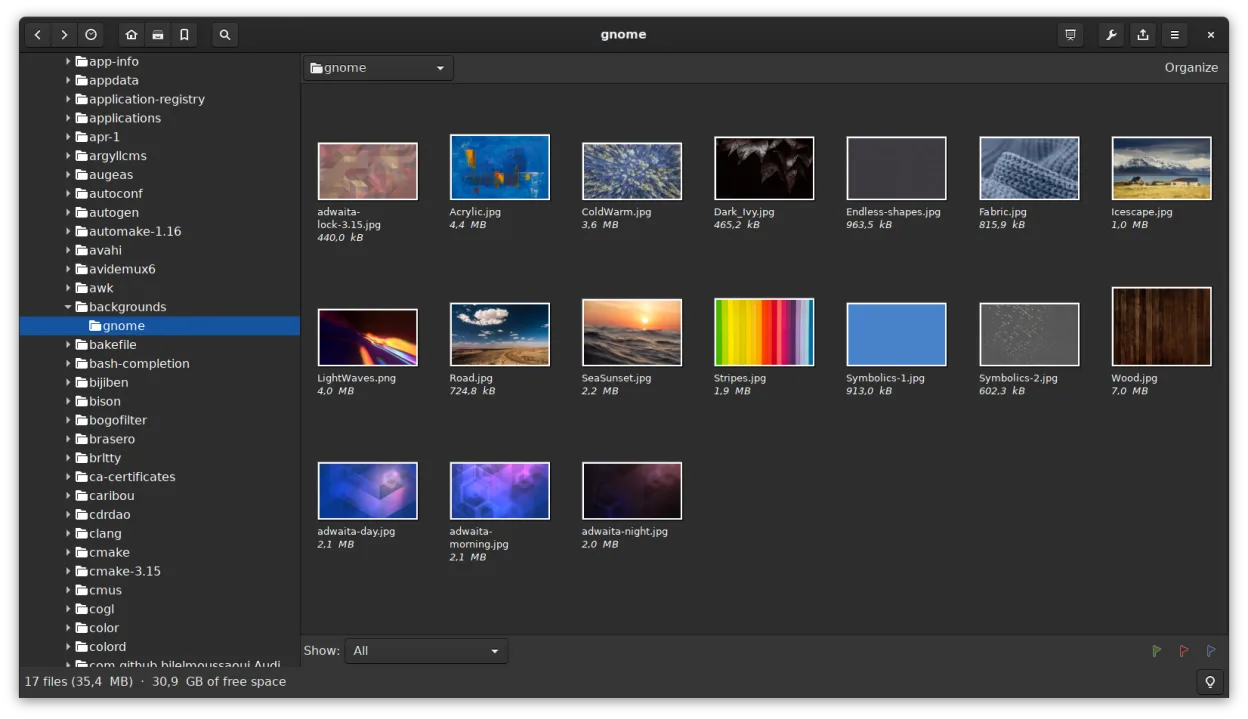
gThumb is a GNOME‑integrated image viewer, editor and organizer for Linux.
gThumb is a solid Linux alternative for users who need quick edits, batch resizing, and basic organization. It covers most of PhotoScape's everyday tasks like cropping, color tweaks, and creating contact sheets, but it lacks built-in collage templates and a dedicated red‑eye removal tool. If you…
Feature parity78% -
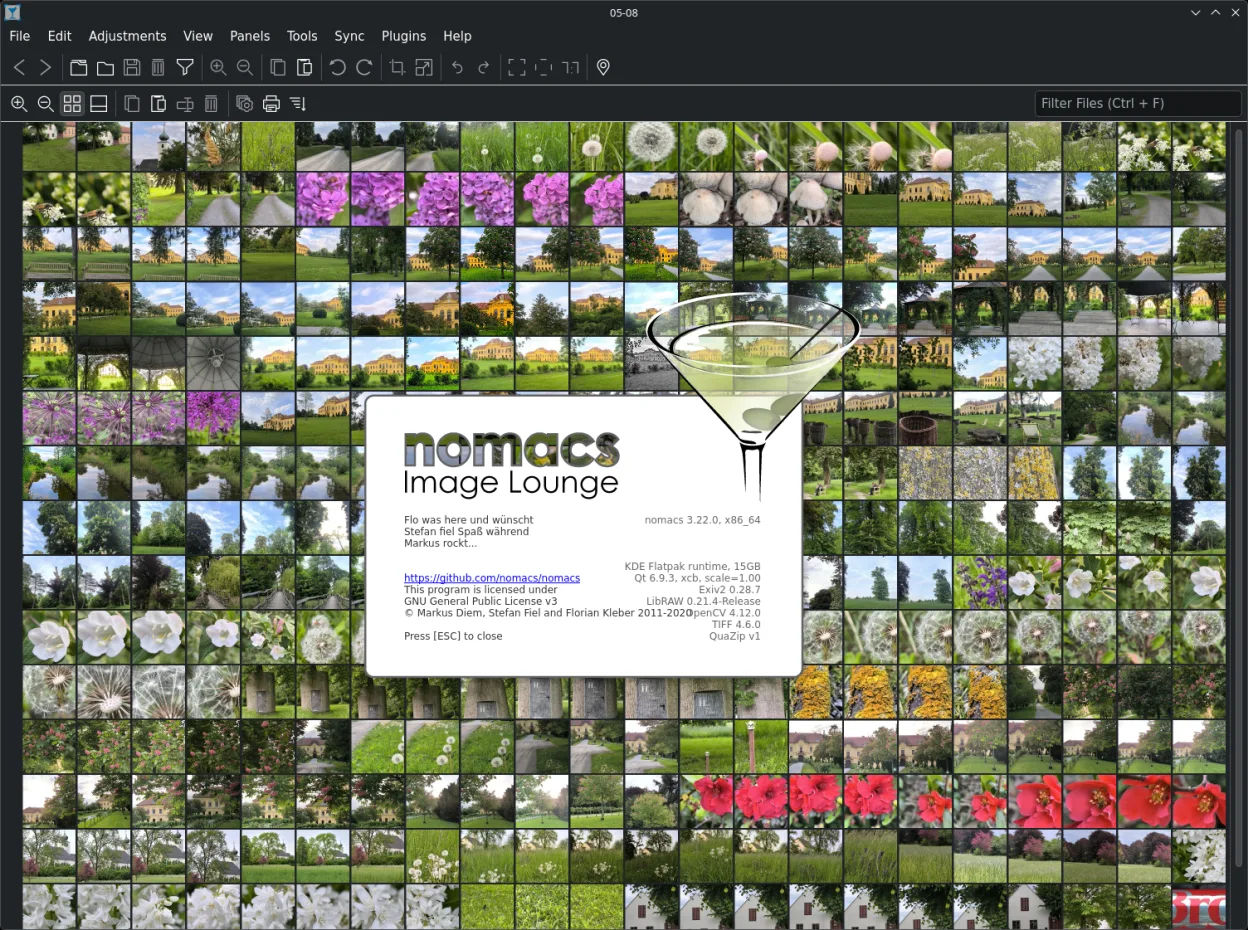
Nomacs is a free, open‑source image viewer that supports thumbnails, metadata, histograms and browsing inside archives.
Nomacs is not a good replacement for PhotoScape if you need editing tools. Nomacs is strictly a viewer; it lacks batch processing, red-eye correction, collage creation, and GIF animation features. It is suitable only if your primary need is fast browsing, metadata inspection, or viewing images…
Feature parity20%





What is PhotoScape?
PhotoScape is designed for casual users who need to quickly fix, resize, or combine photos without learning complex editing software. It appeals to people who take many shots on phones or cameras and want to clean up red eyes, adjust colors, or make GIFs in a few clicks. The interface is intentionally simple to lower the barrier to entry for non-technical users.
The software is free to download and use. It was developed by MOOII Tech in Korea and has been available for Windows and Mac for many years. While the original desktop applications are free, the project has shifted focus, with the latest versions primarily distributed as a Snap package for Linux systems.
Many users look for Linux alternatives because they have switched operating systems and want to keep their familiar workflow. Others prefer open-source tools that integrate better with the Linux ecosystem. Since PhotoScape is not a native Linux application in the traditional sense, finding a native replacement or a reliable way to run the existing software is a common need for new Linux users.
What a replacement for PhotoScape must do
- Batch processing for renaming or resizing multiple files
- Red-eye correction tool
- Collage or contact sheet creation
- Simple color and brightness adjustments
- GIF animation creation from images
- Cropping and resizing tools
Can you run PhotoScape on Linux?
According to Wikipedia, PhotoScape is available on Linux systems as a Snap package. This means you do not need Wine or Proton to run it; it is distributed as a native Linux package through the Snap Store. If you prefer not to use Snap, you might try running the Windows version via Wine, but success can vary depending on your specific Linux distribution and Wine configuration. The Snap version is the most straightforward method for installation.
Which alternative should you choose?
If you want the closest experience to PhotoScape’s simplicity, gThumb Image Viewer is a good lightweight option for basic viewing and editing. For more advanced batch processing and non-destructive editing, darktable is a powerful choice, though it has a steeper learning curve. Krita is excellent if you need to do some painting or retouching alongside your edits. Shotwell is a solid option for managing photo libraries with basic editing capabilities. nomacs is best if you primarily need a fast image viewer with some basic tools. GIMP is the most versatile but is generally overkill for the quick fixes PhotoScape handles.
Moving your PhotoScape files and habits
Since PhotoScape works with standard image formats like JPEG, PNG, and GIF, migrating your data is straightforward. You can simply copy your photo folders to your Linux system. There is no proprietary project file format to worry about for basic edits. If you have created collages or animations, save them as standard image files (JPEG or GIF) in PhotoScape before switching, as these are universal formats that any Linux image editor can open and modify.
Side-by-side comparison
| App | License | Flatpak | Latest version | Feature parity | Rating |
|---|---|---|---|---|---|
| GIMP | GPL-3.0+ AND LGPL-3.0+ | ✓ | 3.2.8 | 75% | — |
| darktable | GPL-3.0+ | ✓ | 5.6.2 | 70% | — |
| Shotwell | LGPL-2.1+ | ✓ | 33.2 | 55% | — |
| Krita | GPL-3.0-only | ✓ | 5.3.4.1 | 70% | — |
| gThumb Image Viewer | GPL-2.0+ | ✓ | 4.0.3 | 78% | — |
| nomacs - Image Lounge | GPL-3.0 | ✓ | 3.23 | 20% | — |
PhotoScape: frequently asked questions
Is PhotoScape free on Linux?
Yes, the Snap package of PhotoScape is free to install and use on Linux.
Can I use PhotoScape without Snap?
You can try running the Windows version using Wine, but the Snap package is the officially supported method for Linux according to the project documentation.
Which Linux app is best for batch resizing?
GIMP has batch processing capabilities, but dedicated tools or command-line utilities are often faster. Among the listed alternatives, GIMP and Krita can handle batch tasks, though they are more complex than PhotoScape.
Does PhotoScape support RAW files?
PhotoScape is primarily designed for standard image formats like JPEG and PNG. For RAW file processing, darktable is a much better fit among the listed alternatives.
How important is PhotoScape to you?
Know a better alternative? Suggest an alternative