
Windows · Graphics
Best Linux alternatives to Autodesk SketchBook
Sketchbook is a free-to-paid raster tool for expressive sketching, concept art, and simple animation, now paid on desktop.
Updated
Quick answer
The best Linux alternative to Autodesk SketchBook is Krita. Other strong options: MyPaint, GIMP, Pinta.
6 Linux alternatives to Autodesk SketchBook
-

Krita is a full‑featured open‑source digital painting and illustration program.
Krita is a strong replacement for Autodesk SketchBook, particularly for users who have outgrown SketchBook's simpler interface. It covers expressive sketching, concept art, and layer-based compositing with a more powerful brush engine. However, Krita is heavier and more complex, so it may feel…
Feature parity85% -
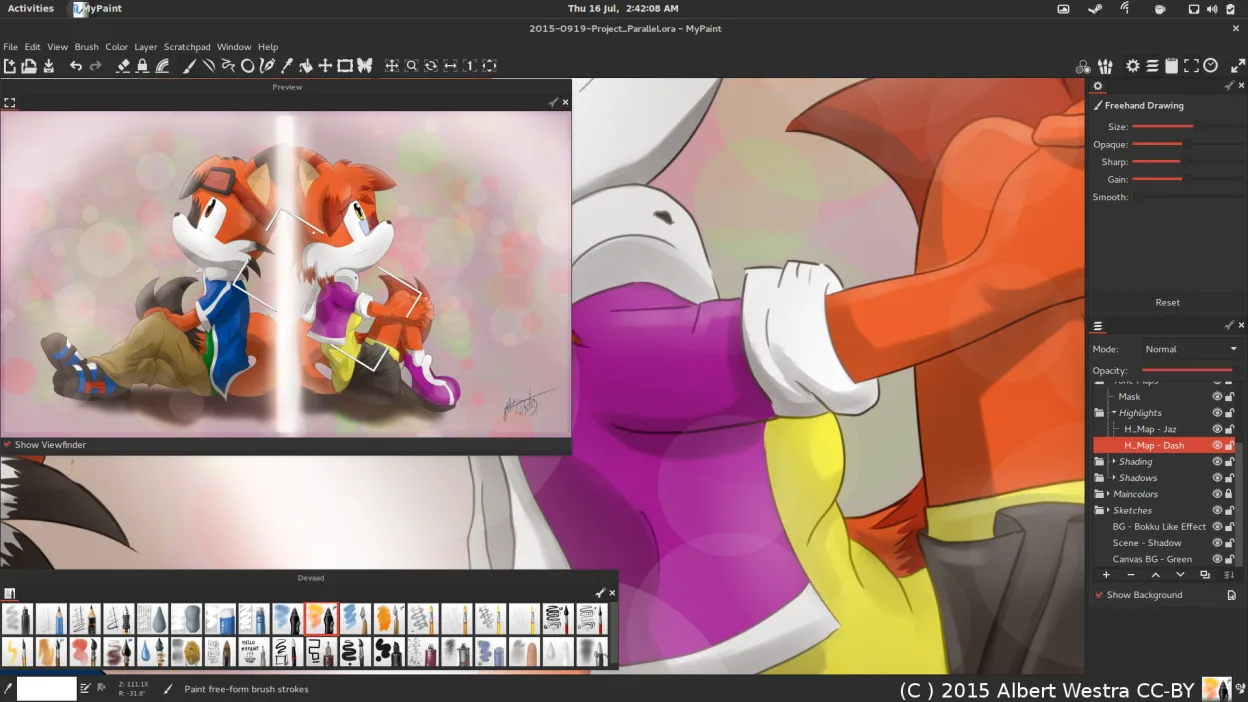
MyPaint is a fast, free, open‑source raster painting program focused on brush dynamics and tablet use.
MyPaint is a strong replacement for Autodesk SketchBook if your workflow centers on expressive sketching and concept art. It offers a distraction-free interface and a powerful, tablet-optimized brush engine that rivals SketchBook’s tools. However, it is not a drop-in swap if you rely on basic…
Feature parity75% -

GIMP is a free, open-source raster graphics editor for photo editing, digital painting, and image composition.
GIMP can serve as a replacement for Autodesk SketchBook for users who need a free, Linux‑native raster canvas with solid brush control and layer support. It excels at static illustration and photo‑based painting, but it lacks the streamlined, sketch‑first workflow and built‑in timeline animation…
Feature parity60% -

Pinta is a free, open‑source bitmap editor that mimics Paint.NET with a simple interface and layer support.
Pinta is a decent lightweight replacement for casual sketching but falls short for serious concept art. It handles basic raster drawing, layers, and simple effects well, making it good for quick notes or simple illustrations. However, it lacks the expressive brush engine and animation tools central…
Feature parity45% -
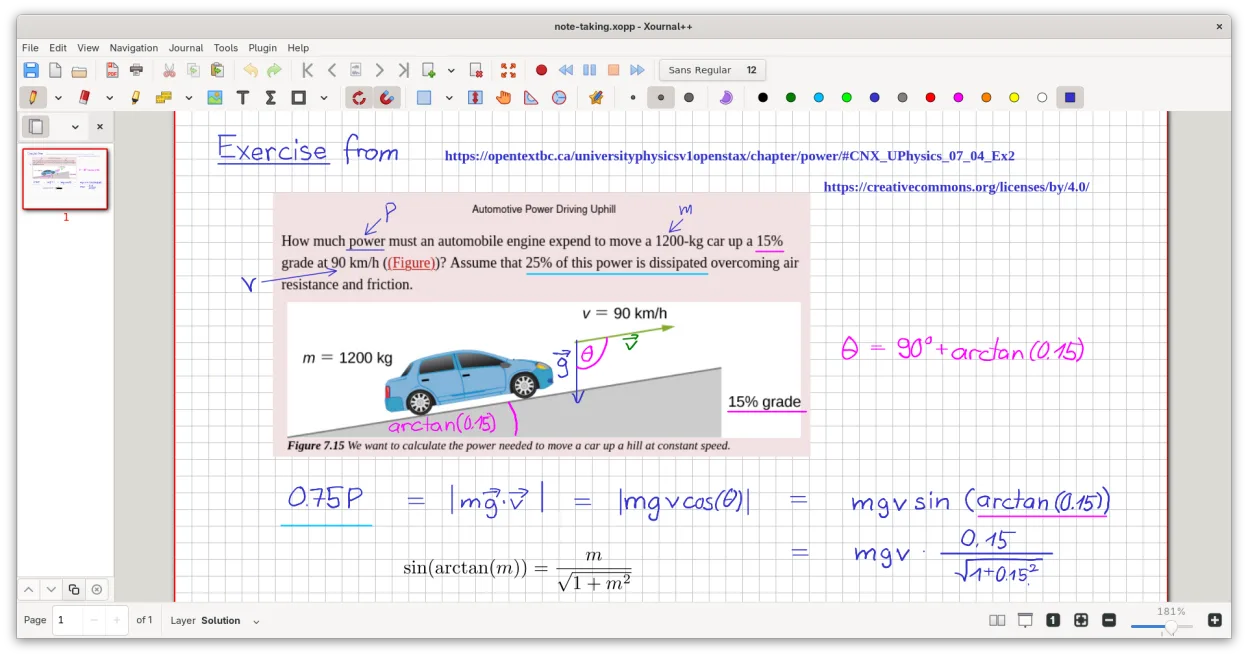
A cross-platform, open-source note-taking app for handwriting, PDF annotation, and whiteboarding with stylus support.
Xournal++ is not a direct replacement for Autodesk SketchBook if you need professional concept art or raster painting. It is a vector-based note-taking tool, not a raster editor. However, for quick sketching, annotating PDFs, or whiteboarding with a stylus, it is an excellent, lightweight…
Feature parity35% -
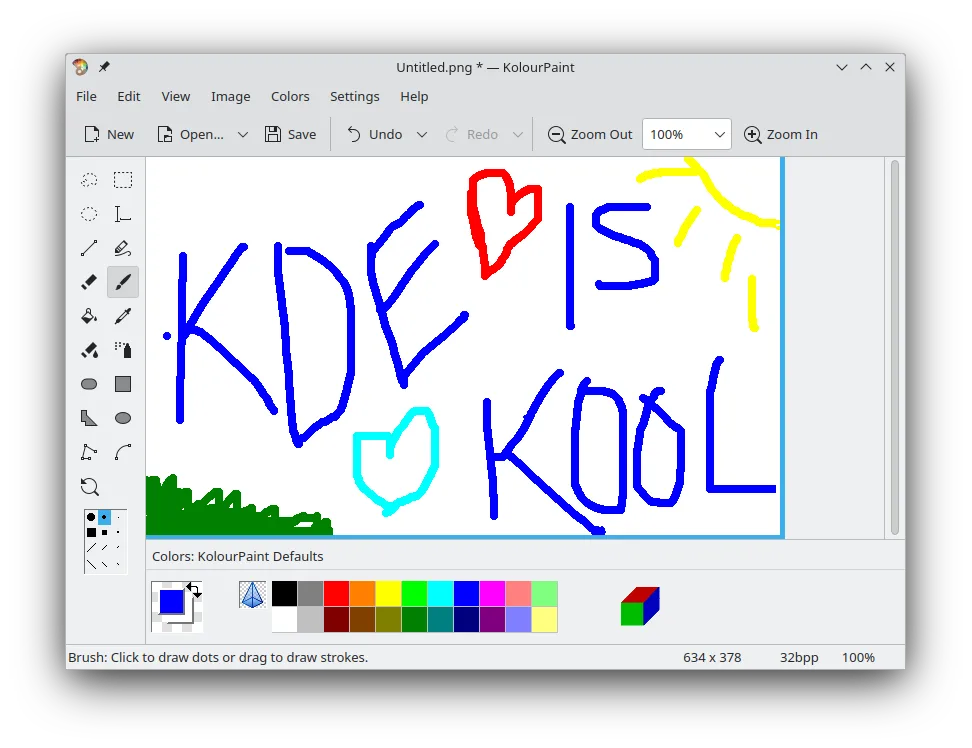
KolourPaint is a lightweight KDE raster graphics editor for quick drawing and simple image touch-ups.
KolourPaint is not a direct replacement for Autodesk SketchBook if you rely on expressive brushes or animation. It is a lightweight, basic raster editor for quick shapes, lines, and simple touch-ups. It lacks the advanced brush engines, layer compositing depth, and animation timeline that define…
Feature parity25%





What is Autodesk SketchBook?
Sketchbook is a raster graphics application designed for expressive drawing, concept sketching, and basic animation. It serves artists, students, and hobbyists who need a lightweight tool for quick ideas without the complexity of professional suites like Photoshop. The interface focuses on brush controls and layer management for digital illustration.
Originally commercial, the software moved to a subscription model before becoming freeware for personal use. In 2021, the desktop version for Windows and macOS became paid software, available through the Microsoft Store and Mac App Store. This shift in licensing means users now pay for the full desktop experience, while mobile versions may remain free with ads.
Many users seek Linux alternatives because the desktop version is no longer free and lacks a native Linux build. Additionally, some artists prefer open-source tools that offer similar brush engines and file compatibility without subscription costs or proprietary restrictions. The move to paid status pushes existing free users to find comparable open-source or freeware options.
What a replacement for Autodesk SketchBook must do
- Raster-based drawing canvas
- Expressive brush and pen tools
- Layer support for compositing
- Concept sketching and illustration workflow
- Basic animation capabilities
- Lightweight interface for quick ideas
Can you run Autodesk SketchBook on Linux?
There is no official native Linux version of Sketchbook. The desktop application is distributed exclusively through the Microsoft Store and Mac App Store. While you might attempt to run the Windows version via Wine or Proton, success is not guaranteed due to Store dependencies and potential DRM issues. It is safer to assume it will not work reliably without significant troubleshooting. Web versions are not available for this specific desktop product.
Which alternative should you choose?
Krita is the best direct replacement for serious concept art and illustration, offering a robust brush engine and layer management similar to Sketchbook. MyPaint is ideal if you prioritize a distraction-free, brush-centric interface for pure sketching. GIMP is a powerful option if you need broader image editing features alongside drawing. Pinta is a lightweight choice for simple graphics work. Xournal++ is better suited for note-taking and annotation rather than artistic illustration. KolourPaint is a basic paint program, suitable only for very simple tasks.
Moving your Autodesk SketchBook files and habits
Sketchbook files are typically saved in its native format or standard raster formats like PNG and JPEG. To migrate, export your work as PNG or TIFF to preserve quality and transparency. Krita and GIMP can import these standard formats easily. If you have Sketchbook project files, you may need to export them to a common format before opening them in Linux tools. Animation data might require conversion to a video format or sequence of images for compatibility.
Side-by-side comparison
Autodesk SketchBook: frequently asked questions
Is Sketchbook free on Linux?
No, there is no official Linux version. The desktop app is paid on Windows and macOS. You must use alternative software like Krita or GIMP on Linux.
Can I run Sketchbook with Wine?
It is unlikely to work smoothly because it is installed via the Microsoft Store. Wine support for Store apps is limited and often problematic. Native alternatives are recommended.
Which Linux app is closest to Sketchbook?
Krita is the closest match for professional concept art and illustration. MyPaint is a good alternative if you want a simpler, brush-focused experience.
Does Sketchbook support animation?
Yes, it has basic animation features. Krita also supports animation, making it a strong replacement for that workflow on Linux.
How important is Autodesk SketchBook to you?
Know a better alternative? Suggest an alternative