
Windows · Internet
Best Linux alternatives to Discord
Discord is a cross‑platform chat and voice app for gamers and communities.
Updated
Quick answer
The best Linux alternative to Discord is Mumble. Other strong options: Element, Slack, Telegram.
6 Linux alternatives to Discord
-

Open-source, low-latency encrypted voice chat client designed for gaming and team communication.
Mumble is a strong replacement for Discord if your primary need is low-latency voice communication for gaming or team coordination. It offers superior audio quality and privacy through end-to-end encryption, with minimal resource usage. However, it is not a drop-in replacement for general community…
Feature parity40% -

Element is a secure, Matrix‑based messaging and video‑conference client for Linux.
Element is a strong replacement for Discord if you value privacy and open standards over gaming-specific features. It handles text, voice, and video well, with persistent history and strong moderation tools. However, it lacks Discord's native game integration and the specific social ecosystem many…
Feature parity75% -
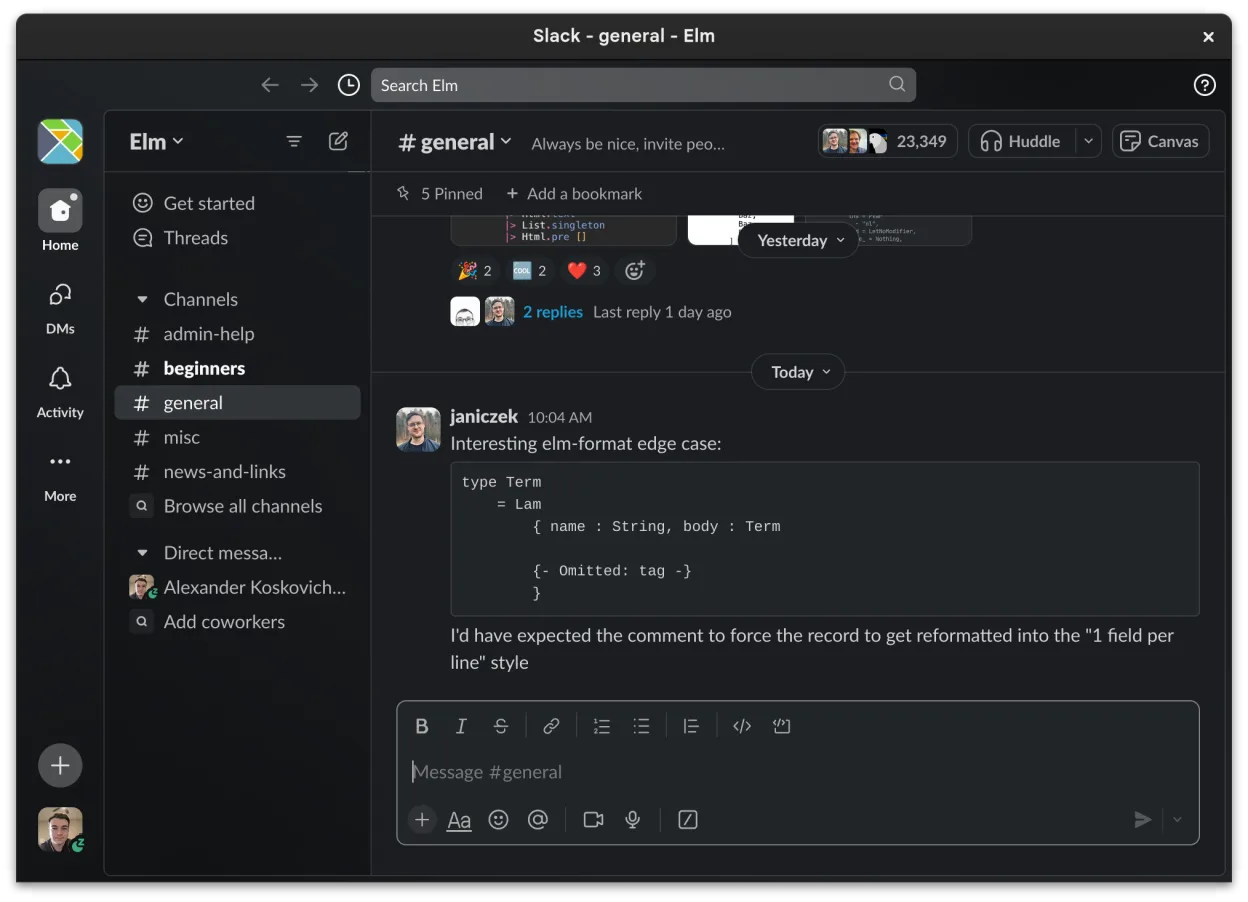
Slack is a proprietary team communication app for Linux that centralizes conversations, tools, and workflows for business collaboration.
Slack is not a good replacement for Discord. While it handles text chat and file sharing well, it lacks the low-latency voice and video calls that define Discord for gamers and communities. Slack is designed for business workflows, not real-time social interaction. If your primary need is…
Feature parity30% -

Telegram is a fast, secure, cloud‑based instant messenger with unlimited file sharing and cross‑device sync.
Telegram can replace Discord for basic text and voice chat, especially for users who need large file sharing and cross‑device sync without a phone tether. It works well for small to medium communities, but lacks Discord’s dedicated game‑integration features, low‑latency voice channels, and advanced…
Feature parity60% -

Signal Desktop is a free, open‑source private messenger for Linux, syncing messages and calls with the Signal mobile app.
Signal Desktop is not a direct replacement for Discord if you need server management, persistent room structures, or community moderation tools. It is a private messenger, not a community hub. For individuals who want encrypted voice and video calls with small groups without the overhead of a full…
Feature parity30% -

Jitsi Meet is an open-source video conferencing client that connects to any Jitsi server for secure, account-free calls.
Jitsi Meet is not a direct replacement for Discord if you rely on persistent communities, text chat, or media libraries. It is a video conferencing tool, not a social hub. You get secure, account-free voice and video calls with low latency, but no persistent text channels, user profiles, or server…
Feature parity25%





What is Discord?
Discord lets users create servers with text, voice, and video channels to communicate privately or in large groups. It is popular among gamers, hobbyist communities, and small teams that need real‑time interaction. The service is free to use, with optional paid add‑ons like Nitro that add cosmetic features and higher upload limits.
The platform is widely used because it bundles instant messaging, voice chat, and community management in one place. Users appreciate the low latency and the ability to host large voice rooms. However, some prefer Linux alternatives for better open‑source support, privacy, or system integration.
Linux users often search for replacements that run natively, respect open‑source principles, and avoid proprietary binaries. They also want apps that can be installed from the distribution’s package manager and that integrate with desktop notifications and keybindings.
What a replacement for Discord must do
- Text chat with rich media
- Voice and video calls
- Server/room management
- Moderation tools
- Low latency communication
- Cross‑platform presence
Can you run Discord on Linux?
Discord offers a native Linux client available as a .deb or .rpm package and as a Snap or Flatpak. It also works in web browsers. If you prefer running Windows binaries, Wine, Proton, or Bottles can launch Discord, but native support is the most reliable option.
Which alternative should you choose?
Mumble suits users who need low‑latency voice for gaming. Element is ideal for those who already use Matrix and want end‑to‑end encryption. Slack works for teams that rely on integrations and a robust workspace. Telegram is good for mobile‑centric chats with large file support. Signal Desktop is best for privacy‑focused users. Jitsi Meet is suitable for ad‑hoc video meetings without server setup.
Moving your Discord files and habits
Discord data is stored in a proprietary format; there is no official export tool for servers or chat history. You can copy the local cache folder (~/.config/discord) for a quick backup, but restoring it on another system may not work. For media files, download them manually or use a browser extension to save attachments.
Side-by-side comparison
| App | License | Flatpak | Latest version | Feature parity | Rating |
|---|---|---|---|---|---|
| Mumble | BSD-3-Clause | ✓ | 1.5.939 | 40% | — |
| Element | AGPL-3.0-only OR… | ✓ | 1.12.32 | 75% | — |
| Slack | LicenseRef-proprietary | ✓ | 4.52.178 | 30% | — |
| Telegram | GPL-3.0 | ✓ | 7.3.1 | 60% | — |
| Signal Desktop | AGPL-3.0-only | ✓ | 8.31.0 | 30% | — |
| Jitsi Meet | Apache-2.0 | ✓ | 2026.8.0 | 25% | — |
Discord: frequently asked questions
Is Discord free on Linux?
Yes, the core features are free. Nitro is optional and adds cosmetic and bandwidth benefits.
Can I use Discord without a web browser?
Yes, install the native Linux client from your distro’s repository or the official website.
Does Discord support end‑to‑end encryption?
Only for private messages; group chats are encrypted in transit but not end‑to‑end.
Can I host my own Discord server?
No, Discord is a hosted service; you can only create servers within the platform.
How important is Discord to you?
Know a better alternative? Suggest an alternative