
Windows · Programming
Best Linux alternatives to Docker Toolbox
Docker Toolbox is a legacy package for running Docker on Windows/macOS without native support, using VirtualBox.
Updated
Quick answer
The best Linux alternative to Docker Toolbox is Podman Desktop. Other strong options: LXC.
2 Linux alternatives to Docker Toolbox
-
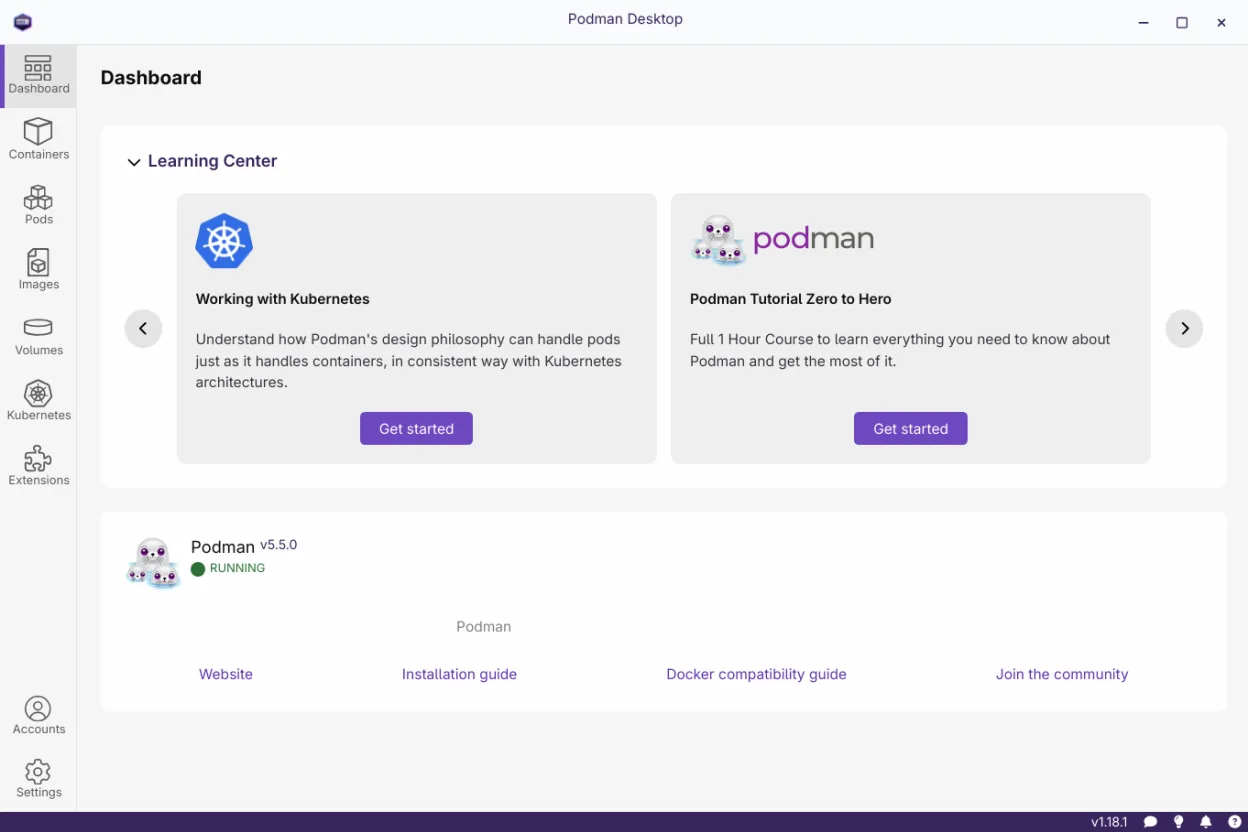
Podman Desktop is a graphical tool for managing Podman, Docker, and other container engines from one interface.
Podman Desktop is a good replacement for Docker Toolbox, especially for developers moving from older Docker setups on Windows to modern Linux environments. It eliminates VirtualBox by using native container runtimes like Podman and supports rootless containers by default. The GUI handles image…
Feature parity85% -
LXC is a lightweight container system that runs multiple isolated Linux systems on a single host using OS-level virtualization.
LXC is a viable replacement for Docker Toolbox if you need lightweight, full-system containers with low overhead and strong isolation, especially for development or testing Linux environments. However, it's not designed for application containerization the way Docker is. It suits system…
Feature parity50%

What is Docker Toolbox?
Docker Toolbox was designed for developers and system administrators who needed to run containerized applications on operating systems that lacked native Docker Engine support, specifically older versions of Windows and macOS. It bundled Docker Machine, which managed virtual machines to host the Docker daemon, along with CLI tools like docker-compose and kubectl. It served as a bridge for teams to adopt container workflows before native integration became standard.
The software was distributed as a free, open-source package, typically installed via a single installer or package manager. It relied heavily on VirtualBox to create the necessary virtual environments. While the individual components were open-source, the bundled experience was designed for ease of use on non-Linux systems, removing the need for manual VM configuration.
Users look for Linux alternatives because Docker Toolbox is effectively obsolete. Modern Linux distributions include native support for container runtimes, making the overhead of a virtual machine unnecessary. Additionally, the shift to rootless containers and native Docker Engine on Linux has rendered the Toolbox approach inefficient and outdated for current development and production workflows.
What a replacement for Docker Toolbox must do
- Native container runtime support
- CLI tooling for image management
- Orchestration capabilities (e.g., Compose)
- No dependency on VirtualBox
- Rootless container execution
- Integration with CI/CD pipelines
Can you run Docker Toolbox on Linux?
Docker Toolbox is not needed on Linux because the Docker Engine and related tools run natively on the kernel. You do not need to install the Toolbox package or VirtualBox. If you are coming from a Windows/macOS background, you will install Docker Engine directly, which provides the same CLI experience without the virtualization layer. Running Docker Toolbox on Linux via Wine is not recommended or supported, as it is designed to manage VMs on hosts that cannot run containers natively.
Which alternative should you choose?
If you want a full-featured GUI and CLI experience similar to Docker Desktop, choose Podman Desktop. It provides a user-friendly interface for managing containers and images while using the Podman engine under the hood. If you need a lightweight, daemonless solution for scripting or minimal environments, use containerd directly, though it is more complex for beginners. For system-level virtualization rather than just containers, LXC is the appropriate choice, though it serves a different purpose than Docker by providing full OS virtualization.
Moving your Docker Toolbox files and habits
Migration is straightforward because the image formats are compatible. You can pull existing Docker images from a registry or export them as tarballs using docker save and docker load. Configuration files like docker-compose.yml are largely compatible with Podman, though some Docker-specific features may require adjustment. You do not need to export VirtualBox snapshots; instead, you simply set up the native runtime on Linux and re-deploy your services using the existing image definitions.
Side-by-side comparison
| App | License | Flatpak | Latest version | Feature parity | Rating |
|---|---|---|---|---|---|
| Podman Desktop | Apache-2.0 | ✓ | 1.31.0 | 85% | — |
| LXC | GPL-2.0 | — | 7.0.0 | 50% | — |
Docker Toolbox: frequently asked questions
Is Docker Toolbox still supported?
No, it is considered legacy. Docker has moved to native support on Linux and integrated solutions for macOS and Windows, making the Toolbox obsolete for new projects.
Can I use Docker Compose with Podman?
Yes, Podman supports docker-compose syntax. You can use the podman-compose tool or the native podman play kube for Kubernetes manifests, ensuring compatibility with existing workflows.
Do I need VirtualBox on Linux?
No. Linux runs containers directly on the kernel. VirtualBox is only needed if you are running a full virtual machine, which is not required for standard containerized applications.
Is Podman a direct drop-in replacement?
For most CLI commands, yes. Podman is designed to be compatible with Docker CLI syntax, allowing you to switch commands like docker run to podman run with minimal changes.
How important is Docker Toolbox to you?
Know a better alternative? Suggest an alternative