
Windows · Programming
Best Linux alternatives to Microsoft PowerShell ISE
PowerShell ISE is a legacy Windows-only IDE for writing and debugging PowerShell scripts, now largely replaced by cross-platform tools.
Updated
Quick answer
The best Linux alternative to Microsoft PowerShell ISE is Visual Studio Code. Other strong options: Visual Studio Code, Geany.
3 Linux alternatives to Microsoft PowerShell ISE
-

A lightweight, extensible code editor that supports debugging, Git, and many languages.
Visual Studio Code is a solid replacement for Microsoft PowerShell ISE on Linux. It gives you PowerShell syntax highlighting, IntelliSense, a built‑in debugger, and an integrated terminal, all within a cross‑platform editor. The main advantage is that VS Code runs natively on Linux, so you can keep…
Feature parity85% -
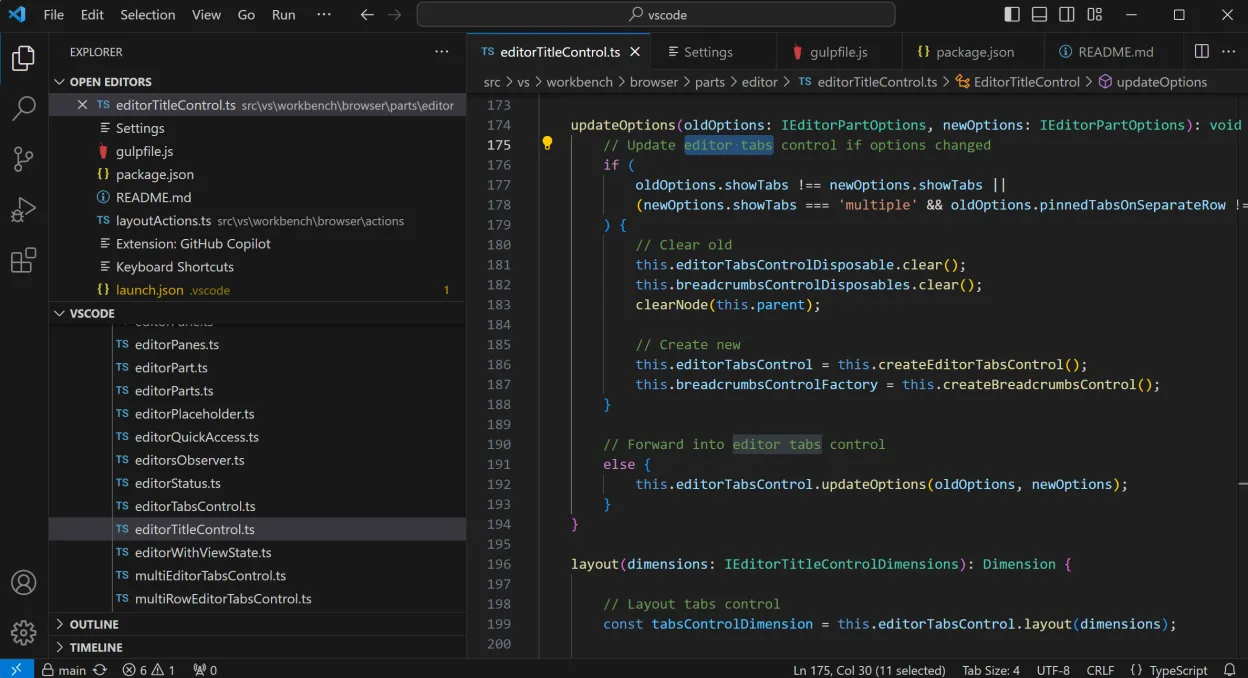
Visual Studio Code is a cross‑platform code editor with built‑in debugging and Git support.
Visual Studio Code can replace Microsoft PowerShell ISE for most users who need a modern, cross‑platform editor with PowerShell support. It offers syntax highlighting, IntelliSense, an integrated debugger, and a terminal, all via extensions. It is ideal for developers who already use VS Code for…
Feature parity80% -
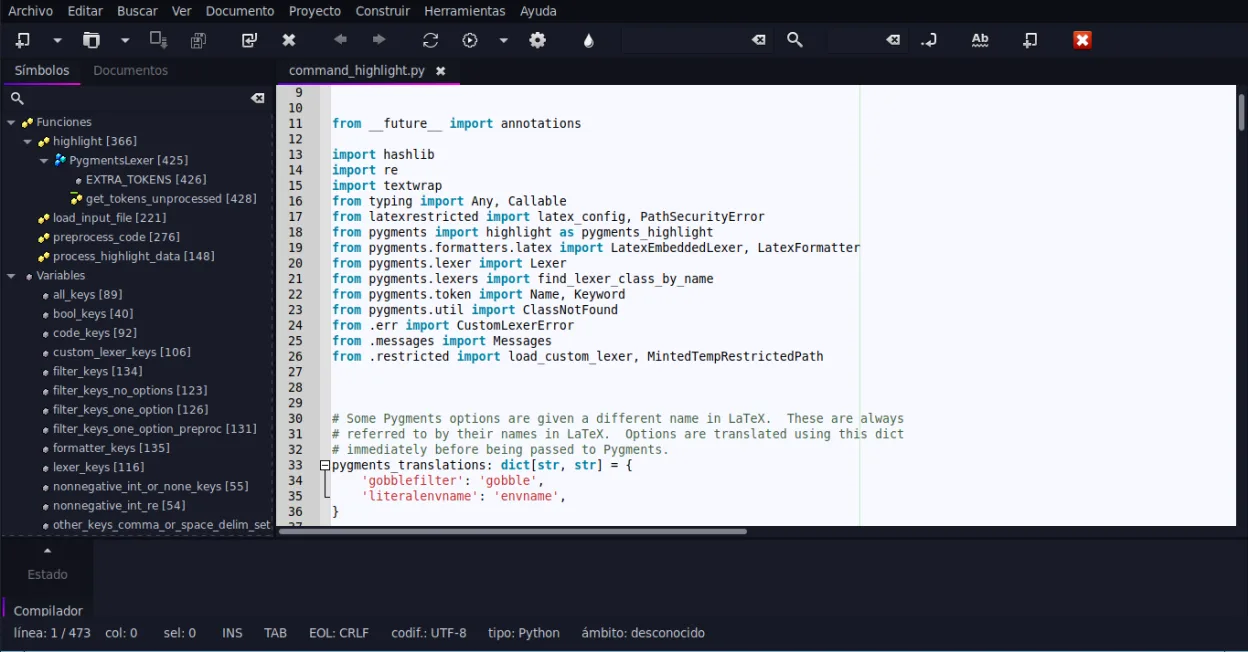
Geany is a lightweight, fast IDE that supports many languages and plugins out of the box.
Geany is a reasonable lightweight alternative for basic PowerShell scripting on Linux, but it lacks deep integration. It handles syntax highlighting and simple execution well, making it suitable for users who only need to edit and run scripts occasionally. However, it is not a direct drop-in…
Feature parity45%



What is Microsoft PowerShell ISE?
PowerShell ISE was the default integrated development environment for writing, running, and debugging PowerShell scripts on Windows. It provided a graphical interface with a script editor, console, and debugger, making it accessible for system administrators and developers who preferred a visual layout over the command line. It was tightly integrated with the Windows PowerShell engine and offered features like IntelliSense and tabbed editing that simplified script management for many users.
The tool was included for free with Windows installations that supported PowerShell. As a legacy component of the Windows operating system, it did not require a separate license. However, Microsoft has deprecated the ISE in favor of newer, cross-platform solutions. It is no longer updated for modern PowerShell versions and is not available for non-Windows operating systems, limiting its use to older Windows environments.
Users seek Linux alternatives because PowerShell Core is now cross-platform and runs natively on Linux. The ISE does not work on Linux, even via Wine, due to its deep integration with the Windows GUI framework. Developers and sysadmins who have adopted PowerShell on Linux need a capable editor that supports PowerShell syntax highlighting, debugging, and execution, which the original ISE cannot provide in this environment.
What a replacement for Microsoft PowerShell ISE must do
- PowerShell syntax highlighting
- Integrated script execution
- Debugger support
- IntelliSense or autocomplete
- Cross-platform compatibility
- Script library management
Can you run Microsoft PowerShell ISE on Linux?
There is no native Linux version of PowerShell ISE. It is a Windows-specific application built on the .NET Framework and Windows API, so it does not run on Linux. It is unlikely to work well with Wine or Proton because of its reliance on specific Windows GUI components. While PowerShell itself runs natively on Linux, the ISE does not. You should not waste time trying to run the ISE on Linux; instead, use a native editor that supports PowerShell.
Moving your Microsoft PowerShell ISE files and habits
PowerShell scripts are plain text files with the .ps1 extension, so they are fully portable. You can simply copy your scripts to your Linux system. There is no complex project file format to convert. If you used the ISE's console history, that data is not easily transferable, but your core scripts and modules will work immediately in any editor that supports PowerShell.
Side-by-side comparison
| App | License | Flatpak | Latest version | Feature parity | Rating |
|---|---|---|---|---|---|
| Visual Studio Code | LicenseRef-proprietary=https… | ✓ | 1.139.1 | 85% | — |
| Visual Studio Code | LicenseRef-proprietary=https… | ✓ | 1.139.1 | 80% | — |
| Geany | GPL-2.0+ | ✓ | 2.1.0 | 45% | — |
Microsoft PowerShell ISE: frequently asked questions
Can I run PowerShell ISE using Wine?
It is not recommended. The ISE relies on Windows-specific GUI elements that often do not render or function correctly under Wine. Using a native Linux editor is a more reliable and efficient solution.
Is PowerShell ISE still supported by Microsoft?
No, it is deprecated. Microsoft recommends using PowerShell in Visual Studio Code or the command line for new development. It is no longer updated for modern PowerShell versions.
Do I need to install .NET Framework on Linux to run PowerShell?
No. PowerShell Core runs on .NET Core (or .NET 5+), which is available on Linux. You do not need the legacy .NET Framework, which is Windows-only.
Which editor has the best built-in PowerShell support?
Visual Studio Code, with the official PowerShell extension, provides the most comprehensive support, including debugging, IntelliSense, and integrated terminal execution.
How important is Microsoft PowerShell ISE to you?
Know a better alternative? Suggest an alternative