
Windows · Programming
Best Linux alternatives to Atom
Atom was a free, open‑source text editor for coding, now discontinued, prompting users to find a Linux replacement.
Updated
Quick answer
The best Linux alternative to Atom is Visual Studio Code. Other strong options: Neovim, GNU Emacs, Kate.
6 Linux alternatives to Atom
-

A lightweight, extensible code editor that supports debugging, Git, and many languages.
Visual Studio Code is a strong replacement for Atom, especially for developers who want a modern, maintained editor with built-in Git and debugging. It covers syntax highlighting, themes, and extensions effectively. However, it is proprietary, not open-source, which may be a dealbreaker for some…
Feature parity85% -
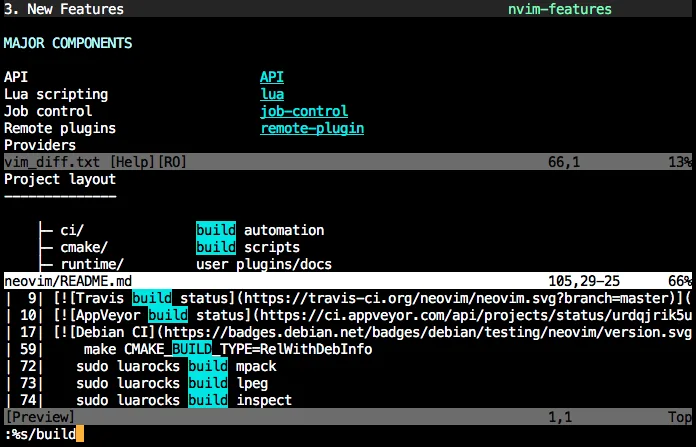
Neovim is a modern Vim fork that adds extensibility, advanced UI support, and powerful extensions while keeping Vim's modal editing core.
Neovim is a strong replacement for Atom if you are willing to learn modal editing. It offers faster performance, lower resource usage, and a highly extensible plugin ecosystem via Lua. However, it is not a drop-in substitute. The learning curve is steep, and you must configure keybindings and…
Feature parity75% -
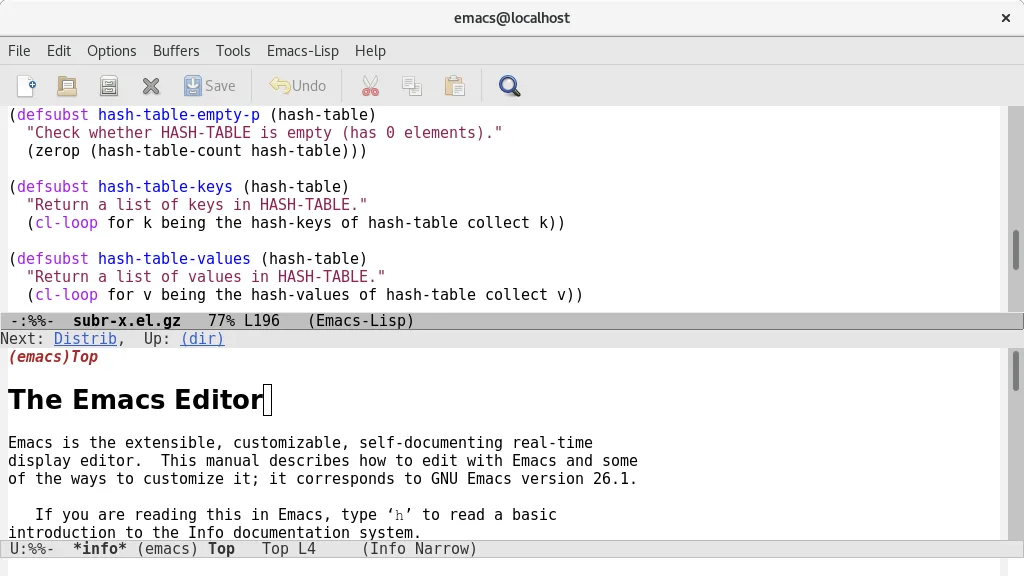
GNU Emacs is a highly extensible text editor and Lisp interpreter that functions as a complete development environment.
GNU Emacs is a capable replacement for Atom, but the transition is steep. It offers superior extensibility through Emacs Lisp and excellent built-in tools, covering syntax highlighting, Git, and themes. However, it lacks Atom's modern, out-of-the-box UI and has a steeper learning curve. It is ideal…
Feature parity75% -

Kate is a feature-rich, programmer-focused text editor from KDE with support for 300+ languages and advanced editing tools.
Kate is a strong native Linux replacement for Atom, especially for KDE users. It covers the core needs: syntax highlighting for 300+ languages, Git integration, and project support. However, it lacks Atom’s massive community plugin ecosystem. If you relied heavily on specific Atom packages, you…
Feature parity85% -
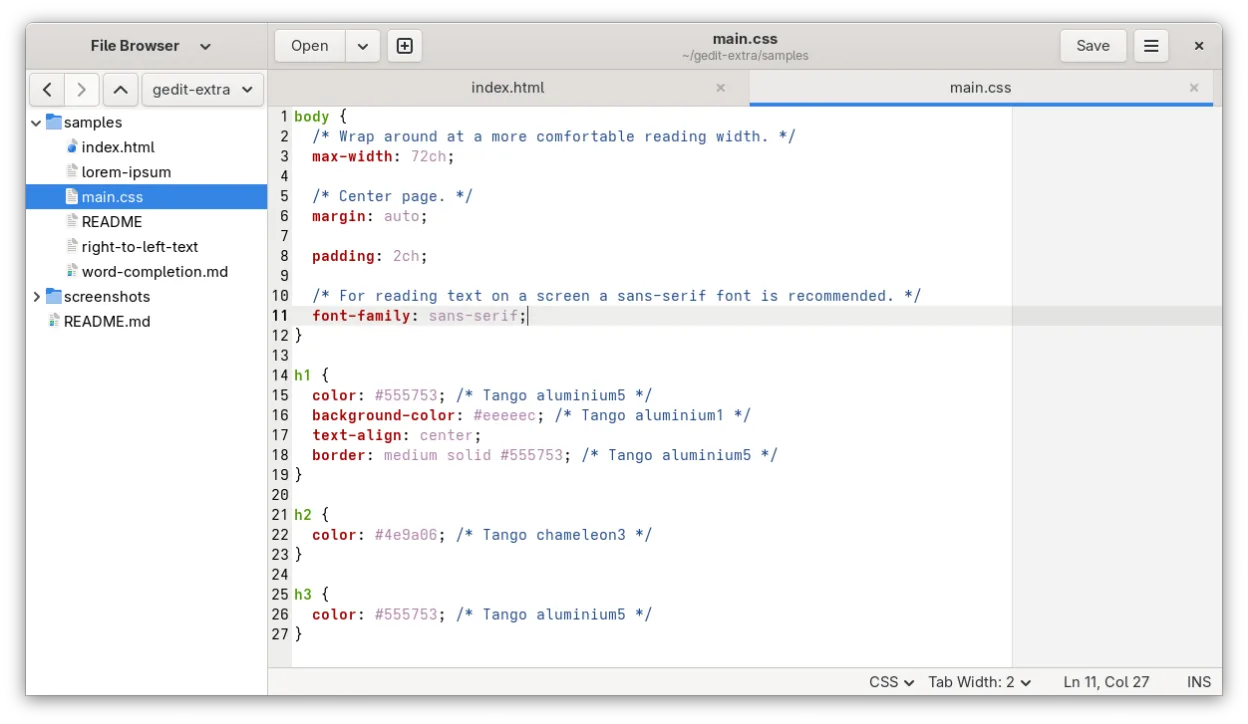
gedit is GNOME's lightweight, general-purpose text editor, suitable for notes, documents, and basic code editing with plugin support.
gedit is a reasonable lightweight replacement if you only need basic code editing and value low resource usage. It handles syntax highlighting and simple plugins well. However, it is not a direct substitute for heavy Atom workflows. If you relied on Atom’s extensive package ecosystem for complex…
Feature parity45% -
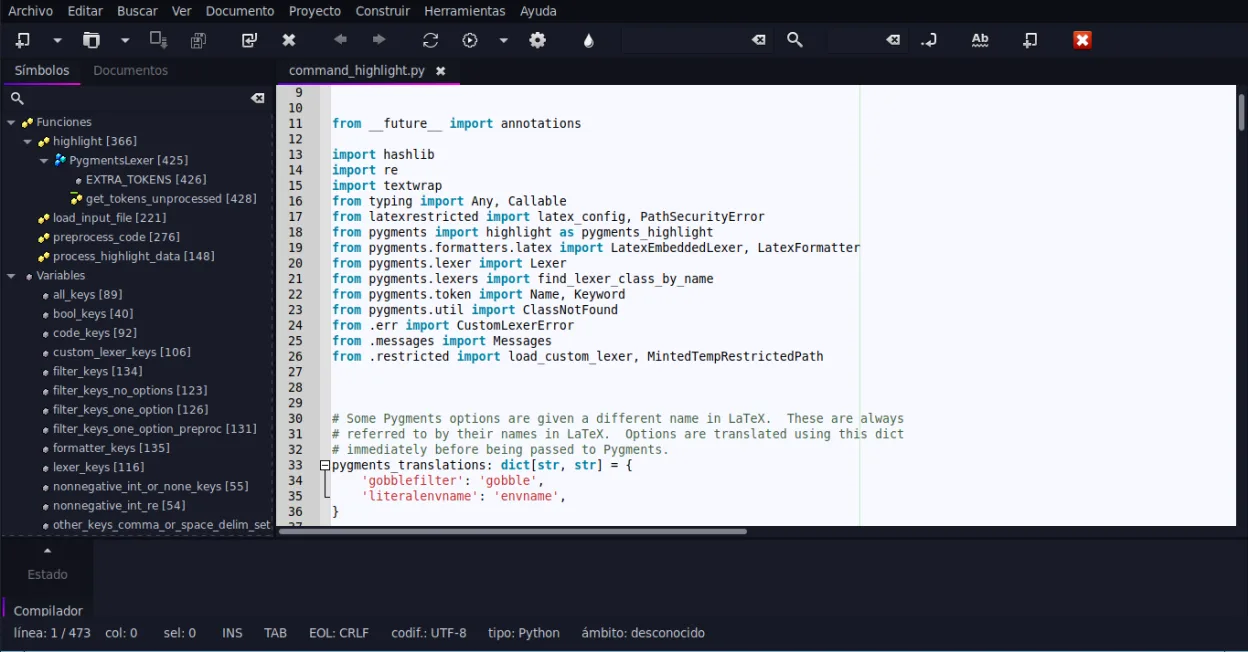
Geany is a lightweight, fast IDE that supports many languages and plugins out of the box.
Geany is a solid, lightweight replacement for Atom if you prioritize speed and low resource usage over a vast plugin ecosystem. It covers the core needs: syntax highlighting for many languages, code folding, and an embedded terminal. However, it lacks Atom’s deep extensibility and modern UI…
Feature parity75%






What is Atom?
Atom was a cross‑platform source‑code editor aimed at web developers and hobby programmers who liked a highly customizable UI built on web technologies. It was released by GitHub and distributed under an open‑source license, allowing free use and community‑made extensions written in JavaScript. Since Atom is no longer maintained, many users on Linux look for a current editor that offers similar extensibility, integrated Git support, and a lightweight feel.
The editor was free to download and use, with its source code available on GitHub under the MIT license. Its plugin ecosystem let users add language support, themes, and tools without paying extra. Because the project was archived, security updates and new features stopped, making it risky for ongoing development work.
Linux users often switch because they need an actively maintained editor that runs natively, integrates well with modern toolchains, and continues to receive bug fixes. A native Linux version avoids the overhead of compatibility layers and ensures better performance and stability.
What a replacement for Atom must do
- Syntax highlighting for many languages
- Extensible plugin system
- Integrated Git version control
- Customizable UI and themes
- Fast startup and low resource usage
- Cross‑platform project handling
Can you run Atom on Linux?
Atom had a native Linux build, but it is no longer updated. There is no official web version. It can still be run via Wine or a container, but you should expect missing features and possible instability.
Which alternative should you choose?
For a VS Code‑like experience, Visual Studio Code is the closest match with a rich extension marketplace. Neovim suits users who prefer a modal, keyboard‑driven editor. GNU Emacs offers deep customizability for those comfortable with Lisp. Kate provides a full‑featured KDE IDE feel, while gedit is ideal for simple editing. Geany is a lightweight IDE for quick scripting tasks.
Moving your Atom files and habits
Atom stores settings and installed packages in a hidden .atom folder in the user's home directory. Copy any custom snippets, themes, or config files to the new editor's config location (e.g., VS Code's .vscode folder). Most source files are plain text, so they open directly in any replacement without conversion.
Side-by-side comparison
Atom: frequently asked questions
Is there a maintained fork of Atom?
No official fork is actively maintained; most users have migrated to VS Code or other editors.
Can I still install Atom on Linux?
You can download old .deb or .rpm packages, but they are outdated and may lack security patches.
Will my Atom plugins work in VS Code?
Plugins are not compatible; you’ll need to find equivalent extensions in the VS Code marketplace.
Do I need to reinstall my projects?
No, projects are just files on disk; open them in the new editor and they will work as before.
How important is Atom to you?
Know a better alternative? Suggest an alternative