
Windows · Programming
Best Linux alternatives to UltraEdit
UltraEdit is a commercial, feature‑rich editor for large files, syntax highlighting, macros, and hex editing.
Updated
Quick answer
The best Linux alternative to UltraEdit is Visual Studio Code. Other strong options: Kate, Notepadqq, Geany.
5 Linux alternatives to UltraEdit
-

A lightweight, extensible code editor that supports debugging, Git, and many languages.
Visual Studio Code is a strong replacement for most UltraEdit users, especially those prioritizing syntax highlighting, scripting, and cross-platform consistency. It handles large files well, though not as natively as UltraEdit’s specialized engine. The main gap is built-in hex editing; you’ll need…
Feature parity85% -

Kate is a feature-rich, programmer-focused text editor from KDE with support for 300+ languages and advanced editing tools.
Kate is a strong, open-source alternative for most UltraEdit users, especially those prioritizing syntax highlighting and code intelligence. It handles large files well and includes a built-in terminal, which many UltraEdit users appreciate. However, it lacks a dedicated, robust hex editor mode and…
Feature parity85% -
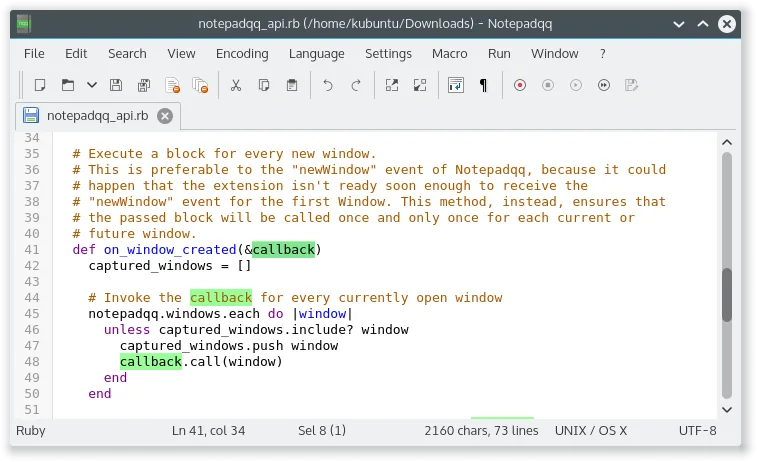
Notepadqq is a free, advanced text editor for Linux with syntax highlighting, regex search, and multi‑cursor editing.
-
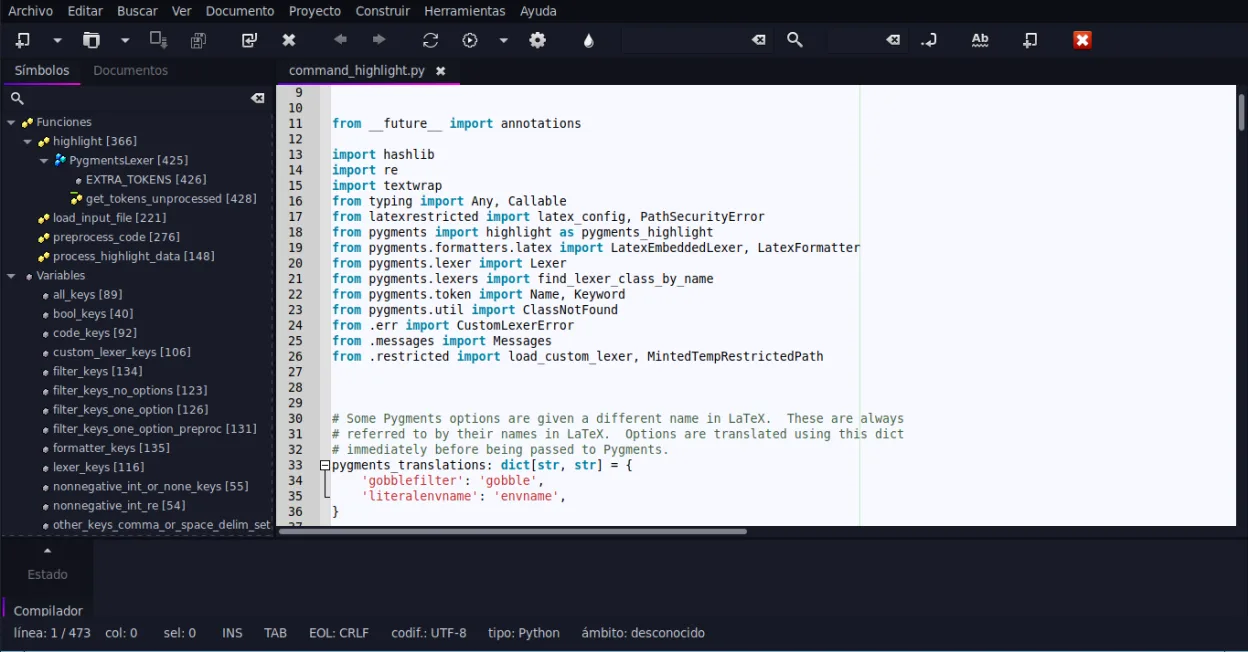
Geany is a lightweight, fast IDE that supports many languages and plugins out of the box.
-
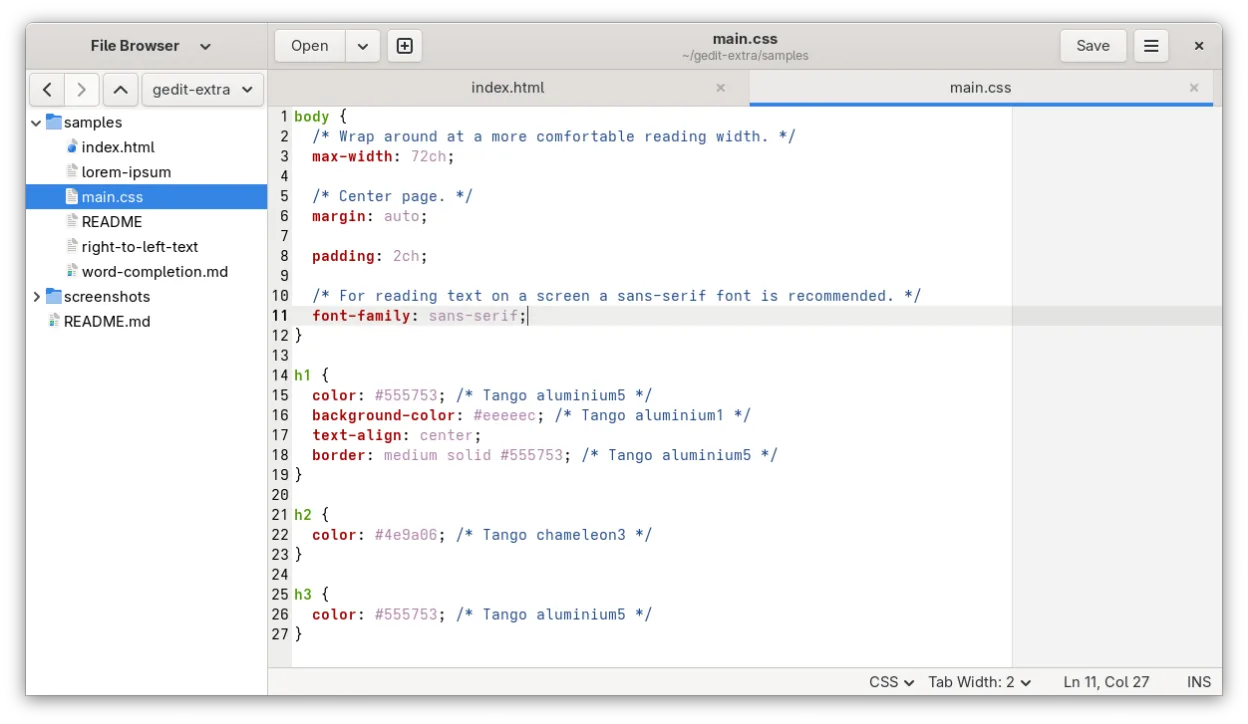
gedit is GNOME's lightweight, general-purpose text editor, suitable for notes, documents, and basic code editing with plugin support.




What is UltraEdit?
UltraEdit is a versatile editor used by developers, sysadmins, and writers who need to edit huge files or code with advanced syntax support. It runs on Windows, macOS, and Linux and offers a rich set of features such as multi‑pane editing, column mode, and integrated FTP. The license is commercial, with a perpetual license and optional maintenance.
Users look for Linux alternatives because they want similar power without paying for a Windows license or because they prefer open‑source tools that integrate better with Linux workflows. Many Linux users also value the ability to run the editor natively without compatibility layers.
The Linux alternatives listed on the page provide comparable functionality: Visual Studio Code offers extensibility, Kate is a KDE editor with many features, Notepadqq mimics Notepad++ on Linux, Geany is lightweight, and gedit is GNOME’s default editor.
What a replacement for UltraEdit must do
- Large‑file support
- Syntax highlighting for many languages
- Macro or scripting capability
- Hex editing
- Cross‑platform file handling
Can you run UltraEdit on Linux?
UltraEdit has a native Linux build available for both 32‑bit and 64‑bit systems. It can also be run via Wine, but native performance is better. No official web version exists.
Which alternative should you choose?
For users who need a feature‑rich, extensible editor, Visual Studio Code is best. Kate suits KDE users wanting a powerful editor with many built‑in tools. Notepadqq is ideal for those who prefer a Notepad++‑style interface. Geany is suitable for lightweight, fast editing with a small footprint. gedit is good for GNOME users who need a simple, integrated editor.
Moving your UltraEdit files and habits
All of the listed Linux editors can open plain text, source code, and hex files directly, so migrating is straightforward. No special export is required; just copy the files. If you use macros, you may need to rewrite them in the target editor’s scripting language.
Side-by-side comparison
| App | License | Flatpak | Latest version | Feature parity | Rating |
|---|---|---|---|---|---|
| Visual Studio Code | LicenseRef-proprietary=https… | ✓ | 1.139.1 | 85% | — |
| Kate | LGPL-2.1+ | ✓ | 26.08.3 | 85% | — |
| Notepadqq | GPL-3.0 | ✓ | 1.4.8 | — | — |
| Geany | GPL-2.0+ | ✓ | 2.1.0 | — | — |
| gedit | GPL-2.0+ | ✓ | 51.0 | — | 5/5 |
UltraEdit: frequently asked questions
Is UltraEdit free?
No, it is commercial. A free trial is available but the full version requires purchase.
Can I use UltraEdit on Linux?
Yes, there is a native Linux version.
Does UltraEdit support macros?
Yes, it supports macros and scripting in several languages.
What file types does UltraEdit handle?
Plain text, source code, and binary files (hex editor).
How important is UltraEdit to you?
Know a better alternative? Suggest an alternative