
Windows · System Tools
Best Linux alternatives to Google Backup and Sync
Google Backup and Sync backs up and syncs files between Windows and Google Drive, often used for automatic cloud backups.
Updated
Quick answer
The best Linux alternative to Google Backup and Sync is RClone Manager. Other strong options: SyncThingy, Kopia.
3 Linux alternatives to Google Backup and Sync
-
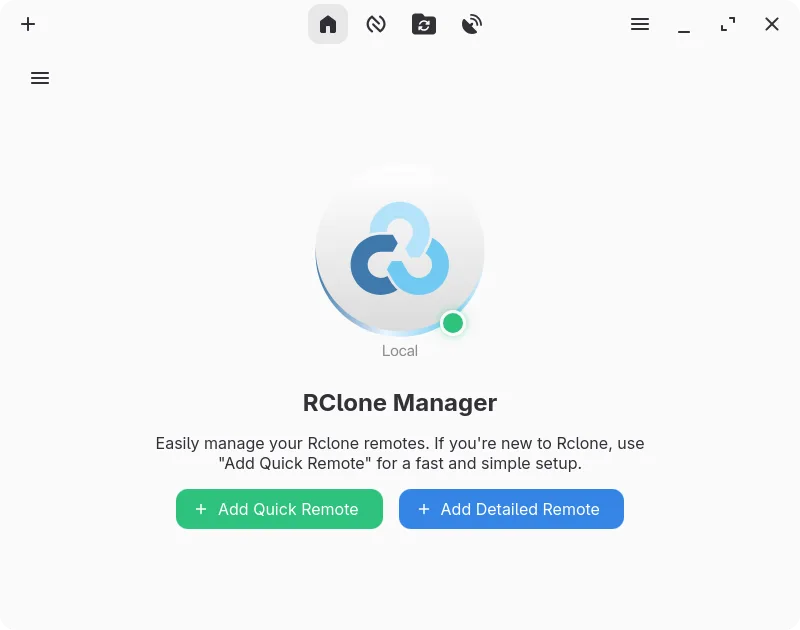
A graphical interface for rclone that lets you manage cloud storage accounts without using the command line.
RClone Manager is a capable replacement for Google Backup and Sync if you're comfortable with slightly more manual setup and don't need deep Google Docs integration. It handles folder syncing, automatic backups, and selective sync well through rclone's powerful backend, with added flexibility via…
Feature parity75% -

SyncThingy is a lightweight tray icon that controls Syncthing, letting you view status, stop, and manage the sync service via the web UI.
SyncThingy is not a direct replacement for Google Backup and Sync because it doesn't sync with Google Drive. Instead, it's a tray frontend for Syncthing, which handles peer-to-peer folder synchronization between devices. If your goal is to back up files to Google Drive, SyncThingy won't help…
Feature parity30% -
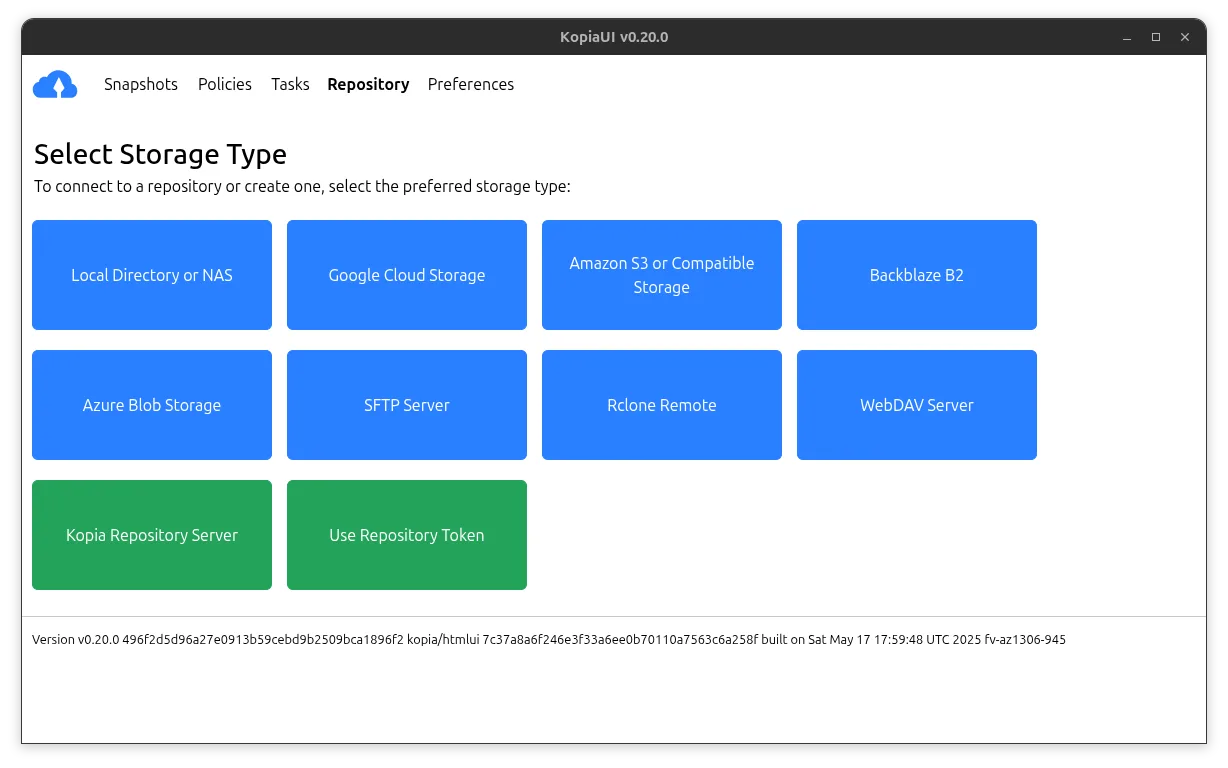
Kopia is a cross-platform backup tool with encryption, deduplication, and both GUI and command-line interfaces.
Kopia is not a direct replacement for Google Backup and Sync if you need live sync with Google Drive and desktop integration. It’s a strong choice for automated, encrypted backups to various storage backends, including cloud providers, but doesn’t sync files in real time or support Google Docs…
Feature parity50%



What is Google Backup and Sync?
Google Backup and Sync is a desktop application for Windows that automatically backs up files from specified folders and syncs them with Google Drive. It's commonly used by individuals and small teams who rely on Google Drive for cloud storage and want seamless file synchronization without using the web interface.
The app is free to use but requires a Google account. Google offers limited free storage (15 GB shared across Gmail, Drive, and Photos), with paid plans for additional space. There's no one-time purchase option—ongoing use beyond the free tier depends on a subscription.
People seek Linux alternatives because Google does not provide a native Linux version of Backup and Sync. While Google Drive is accessible via the web, users want desktop integration, automatic syncing, and local file management similar to the Windows experience.
What a replacement for Google Backup and Sync must do
- Sync files between local folders and Google Drive
- Automatic backup of specified directories
- Desktop integration (file manager context menus, tray icons)
- Selective sync (choose which folders to sync)
- Offline access with automatic upload when online
- Support for Google Docs file formats (view/edit locally if possible)
- Reliable conflict handling and version history
Can you run Google Backup and Sync on Linux?
There is no official native Linux version of Google Backup and Sync. The web interface for Google Drive works in any browser but lacks desktop sync functionality. Some users report partial success using the Windows version with Wine or Bottles, but file syncing is unreliable and not recommended for regular use. Google does not support this setup.
Which alternative should you choose?
RClone Manager suits users comfortable with command-line tools and automation, especially those already using rclone for cloud sync. SyncThingy is ideal for visual learners who want a GUI to manage rclone configurations. Kopia is better for encrypted backups, but less focused on real-time Google Drive sync—use it if security and versioning matter more than live collaboration.
Moving your Google Backup and Sync files and habits
To migrate, download your files from Google Drive via the web interface or use rclone to pull data. Files stored as Google Docs, Sheets, or Slides must be exported to formats like DOCX, XLSX, or PDF for local use. Ensure metadata and folder structure are preserved during export. RClone can maintain sync paths similar to Backup and Sync with proper configuration.
Side-by-side comparison
| App | License | Flatpak | Latest version | Feature parity | Rating |
|---|---|---|---|---|---|
| RClone Manager | GPL-3.0-or-later | ✓ | 0.3.3 | 75% | — |
| SyncThingy | GPL-3.0 | ✓ | 1.0 | 30% | — |
| Kopia | Apache-2.0 | ✓ | 0.23.1 | 50% | — |
Google Backup and Sync: frequently asked questions
Can I use Google Drive on Linux without third-party tools?
Yes, you can access Google Drive through a web browser. For file syncing and desktop integration, you need third-party tools like rclone or webdav mounts.
Is rclone safe for syncing with Google Drive?
Yes, rclone is widely used and trusted. It supports OAuth authentication and does not store your credentials insecurely when configured properly.
Does SyncThingy support Google Drive directly?
SyncThingy is a GUI for rclone, so it supports Google Drive if rclone is configured with Drive access. You must set up the remote first.
Can I sync only specific folders like in Backup and Sync?
Yes, both rclone and SyncThingy allow selective folder sync by configuring which directories to include or exclude in the sync job.
How important is Google Backup and Sync to you?
Know a better alternative? Suggest an alternative