
Windows · System Tools
Best Linux alternatives to Windows Remote Assistance
Windows Remote Assistance lets users give remote support with consent, often used for troubleshooting desktop issues.
Updated
Quick answer
The best Linux alternative to Windows Remote Assistance is Remmina. Other strong options: TigerVNC Viewer, NoMachine Player, FreeRDP.
6 Linux alternatives to Windows Remote Assistance
-

Remmina is a Linux remote desktop client supporting RDP, VNC, SSH, and X2Go for connecting to remote systems from GTK-based desktops.
Remmina is a solid replacement for Windows Remote Assistance if you're helping someone on Linux who needs to connect *to* Windows or other systems, not receive support from others easily. It supports RDP and VNC securely, handles encryption, and works across platforms. However, it lacks a built-in…
Feature parity65% -
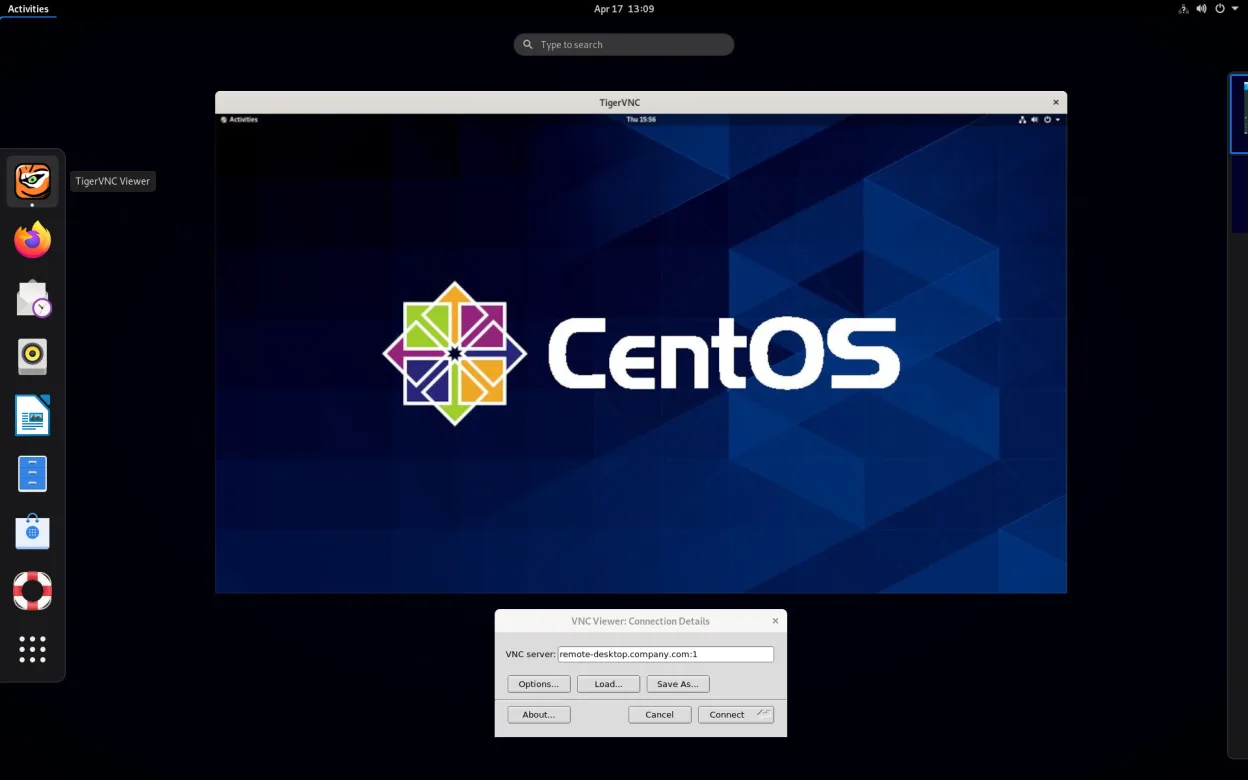
TigerVNC Viewer is a GPL‑licensed client for connecting to remote VNC desktops on Linux.
TigerVNC Viewer can replace Windows Remote Assistance for remote desktop support, but with caveats. It provides secure, encrypted remote control and cross-platform access, making it suitable for technical users helping others. However, it lacks built-in user consent prompts and NAT traversal tools…
Feature parity60% -

NoMachine Player is a proprietary remote desktop client that connects to Linux, Windows, or macOS hosts running NoMachine.
NoMachine Player is a solid replacement for Windows Remote Assistance, especially for users who need reliable, secure remote desktop access across Linux, Windows, and macOS. It supports user consent, encrypted connections, and works well behind firewalls with minimal setup. While it’s more powerful…
Feature parity85% -
FreeRDP is an open-source implementation of the Remote Desktop Protocol, allowing you to connect to Windows or Linux remote desktops.
FreeRDP is a solid replacement for Windows Remote Assistance if you're comfortable with command-line tools or using front-ends like Remmina. It supports secure, encrypted remote desktop connections with full control, audio, clipboard, and file sharing. However, it lacks the built-in invitation…
Feature parity70% -
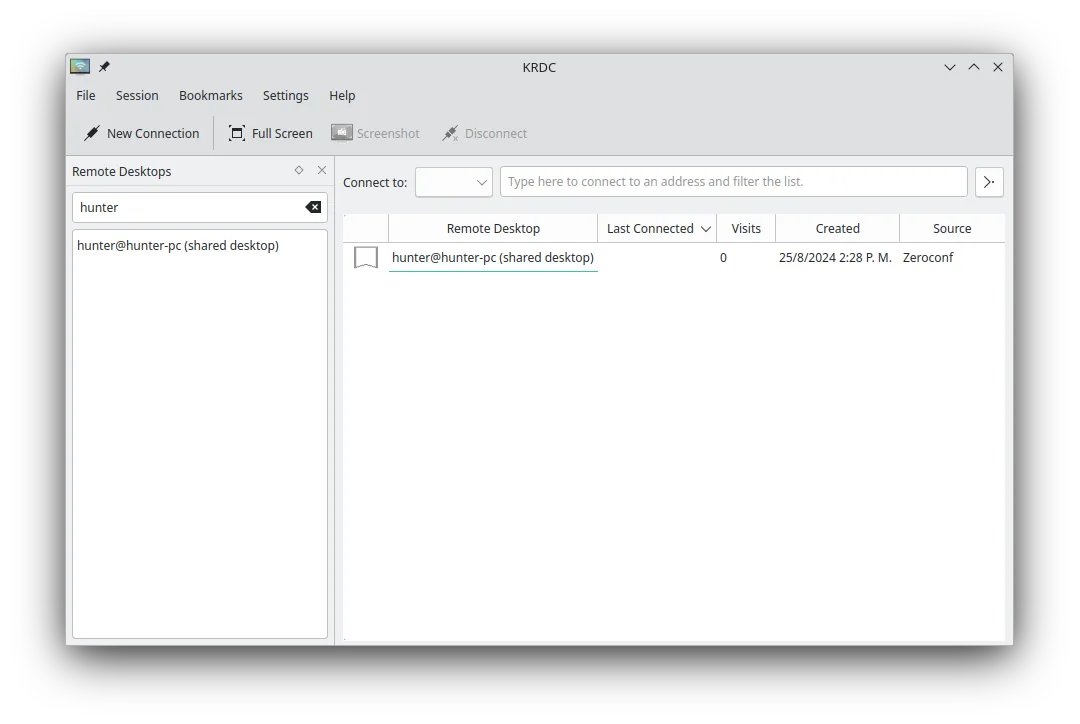
KRDC is a KDE remote desktop client that connects to Windows or Linux machines via RDP or VNC.
KRDC is a decent replacement for Windows Remote Assistance if you're helping someone already running an RDP or VNC server. It supports encrypted connections, remote control, and works across platforms. However, it lacks built-in invitation and firewall traversal features, so it's less ideal for…
Feature parity65% -

Vinagre is a GNOME remote‑desktop viewer for VNC, RDP, SSH and SPICE, now discontinued.
Vinagre is a partial replacement for Windows Remote Assistance, best suited for technical users already in a GNOME environment. It supports remote desktop viewing and control over RDP and VNC, with encryption and clipboard sync, but lacks built-in user consent prompts and easy inbound connection…
Feature parity50%





What is Windows Remote Assistance?
Windows Remote Assistance is designed for remote troubleshooting, allowing a helper to view or control another user's desktop after permission is granted. It's commonly used by IT support staff, family members, or tech-savvy friends to fix issues without physical access. The tool emphasizes security through explicit user approval before any connection.
The software is proprietary and included free with Windows. There's no separate cost, but it's only available on Windows systems. Licensing restricts use to Microsoft OS environments, and it's not open for modification or redistribution.
People seek Linux alternatives because Windows Remote Assistance doesn't run on Linux and lacks cross-platform support. Users want similar remote help capabilities on Linux desktops, especially for assisting non-technical users. Open source and cross-platform tools offer more flexibility and better integration with Linux environments.
What a replacement for Windows Remote Assistance must do
- Remote desktop viewing and control
- User consent before connection
- Easy setup for non-technical users
- Secure, encrypted connections
- Cross-platform compatibility
- Minimal configuration for quick help
- Support for firewalls and NAT traversal
Can you run Windows Remote Assistance on Linux?
There is no native Linux version of Windows Remote Assistance. It does not run reliably under Wine, and no official web version exists. Tools like FreeRDP can interact with Windows machines using RDP, but they don't replicate the invitation-based consent workflow of Remote Assistance. Proton and Bottles are unlikely to help, as this is not a game-oriented application.
Which alternative should you choose?
Remmina is ideal for most desktop users, offering RDP, VNC, and SSH with a clean interface. Vinagre suits lightweight GNOME environments. KRDC works well on KDE. TigerVNC Viewer is best for VNC-only needs. FreeRDP is command-line focused, good for scripting. NoMachine Player supports high-performance remote sessions across platforms.
Moving your Windows Remote Assistance files and habits
Windows Remote Assistance doesn't export data or use standard file formats for session logs. Migration involves adopting new tools and workflows. Most Linux alternatives don't import Windows Remote Assistance settings or connections. Users must reconfigure access methods, but NoMachine and Remmina support saving connection profiles for reuse.
Side-by-side comparison
| App | License | Flatpak | Latest version | Feature parity | Rating |
|---|---|---|---|---|---|
| Remmina | GPL-2.0+ | ✓ | 1.4.43 | 65% | — |
| TigerVNC Viewer | GPL-2.0-or-later | ✓ | 1.14.0 | 60% | — |
| NoMachine Player | LicenseRef-proprietary | ✓ | 10.2.3_1 | 85% | — |
| FreeRDP | Apache-2.0 | — | 3.32.2 | 70% | — |
| KRDC | GPL-2.0+ | ✓ | 26.04.3 | 65% | — |
| Vinagre | GPL-3.0 | — | 3.22.0 | 50% | — |
Windows Remote Assistance: frequently asked questions
Can I use Windows Remote Assistance to connect to a Linux machine?
No, Windows Remote Assistance only works between Windows computers. To connect from Windows to Linux, use RDP or VNC servers on Linux with compatible clients.
Is there a Linux tool that works exactly like Windows Remote Assistance?
Not exactly. Tools like Remmina or NoMachine offer similar remote help features, but none replicate the invitation-based model directly.
Do these Linux alternatives require port forwarding?
Some do, especially VNC-based tools. NoMachine and modern Remmina setups can use SSH tunneling or built-in relay servers to avoid manual port configuration.
Can I give temporary access like in Windows Remote Assistance?
Yes. Tools like Remmina with RDP or NoMachine allow session sharing with user approval, though setup may require more initial configuration.
How important is Windows Remote Assistance to you?
Know a better alternative? Suggest an alternative