

Linux · System Tools
Brasero
Brasero is a simple GNOME tool for creating, copying, and burning data and audio CDs and DVDs.
- License
- GPL-2.0-or-later
- Latest version
- 3.12.4 (September 28, 2026)
- Developer
- The Brasero developers
- Installs
- 4,449 (Flathub, 30 days)
What is Brasero?
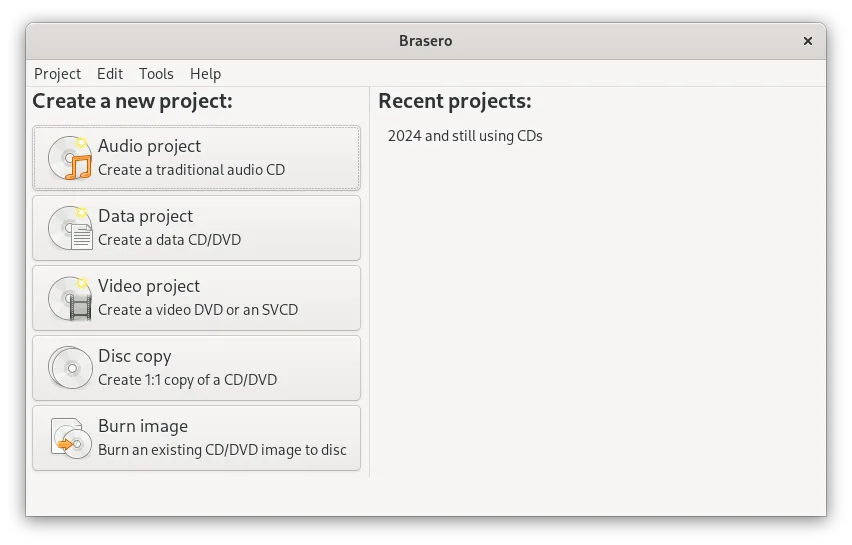
Brasero has been a staple of the GNOME desktop environment for many years, designed specifically to make optical disc burning straightforward. It handles the core tasks of creating data discs, burning audio CDs, and copying existing media without unnecessary complexity. The software supports standard formats and extensions like Joliet and CD-TEXT, ensuring compatibility with a wide range of hardware and operating systems.
This tool is ideal for users who need to burn discs occasionally or regularly but do not require the advanced encoding or menu creation features found in commercial suites. It fits naturally into the GNOME workflow, integrating with the file manager and other local applications. If you are already using a Linux distribution with GNOME, Brasero is likely the default choice for handling optical media tasks.
Compared to Nero Burning ROM, Brasero is less feature-rich but significantly simpler. It lacks the complex project-based interface and advanced audio editing tools of Nero. However, for the majority of users who just need to burn a data CD or rip an audio disc, Brasero provides a cleaner, less cluttered experience that feels native to the Linux desktop environment.
Best for: Users who need a simple, reliable tool for basic CD and DVD burning tasks on a GNOME desktop.
Key features of Brasero
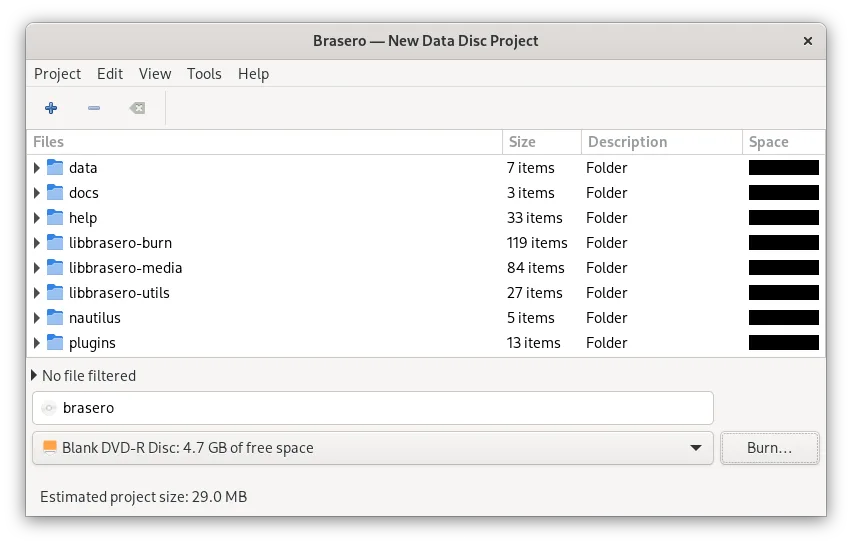
- Burn data CDs and DVDs
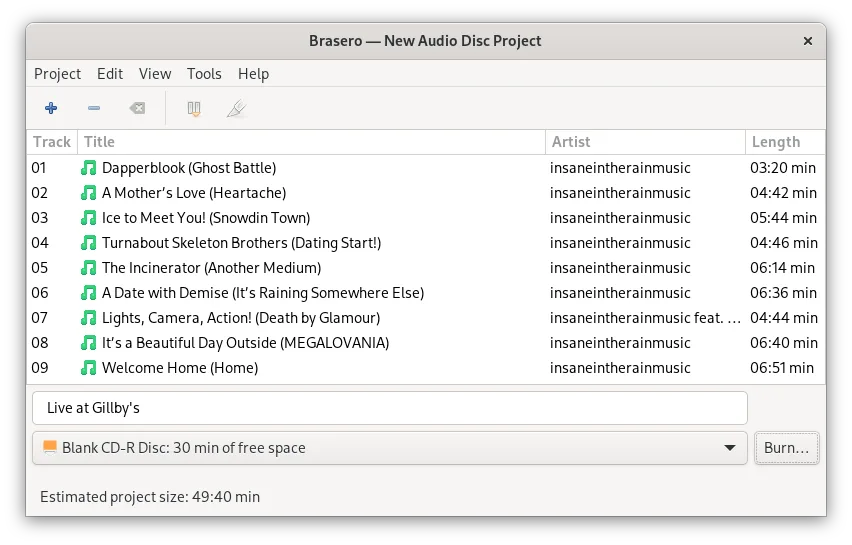
- Create audio CDs
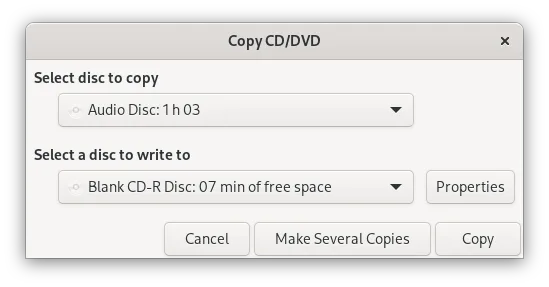
- Copy existing CDs and DVDs
- Support for CD-TEXT
- Multisession disc support
- Joliet extension support
- Drag-and-drop file burning
- Integration with GNOME desktop
Pros
- Very simple and easy to use
- Native GNOME integration
- Free and open-source
- Supports standard disc formats
- Lightweight and efficient
Cons
- Limited advanced features compared to Nero
- No built-in audio editing tools
- Interface may feel dated to some users
- Lacks support for some newer disc formats
Windows programs Brasero replaces
How to install Brasero on Linux
flatpak install flathub org.gnome.Braserosudo apt install braserosudo apt install braserosudo dnf install braserosudo pacman -S braserosudo zypper install braseroTips for Windows users
If you are coming from Nero, expect a simpler interface. Brasero does not use a project-based workflow; instead, you add files directly to a list and burn them. For audio CDs, you can drag and drop MP3 or WAV files, and Brasero will convert them to CD audio format. There are no complex menu creation tools, so if you need to create interactive video DVDs, you will need a different application. The drag-and-from file manager works well for adding files to the burn queue.
Recent releases
- 3.12.4 —
Bugs fixed and enhancements: - Remove libegg multidrag treeview support for in-built 'GtkFileChooser' (sid) - cdrkit: Add better error message for "Unsupported sector size" errors (sid) - cdrdao: Add better error message for "Unsupported track mode" errors…
- 3.12.3 —
This release includes the following changes: - Blu-ray fixes (Bastien Nocera) - Support Tracker 3.0 (Carlos Garnacho) - Add CI (Bastien Nocera) - Transcode plugin gstreamer plugin improvement (Robert McQueen) - Fix crash with malformed URI (Geyslan) - Fix…
- 3.12.2 —
This release includes the following changes: - Build fixes - Support Tracker 2.0 - Translation updates
- 3.12.1 —
This release includes the following changes: - Add a symbolic app icon - Translation updates
Brasero: frequently asked questions
Can I burn MP3 files to an audio CD?
Yes, Brasero can convert MP3 files to the standard CD audio format during the burning process. You simply drag the files into the application and select the audio CD option.
Does Brasero support Blu-ray discs?
No, Brasero is designed for CD and DVD media. It does not support Blu-ray burning or reading.
Can I create a bootable USB drive with Brasero?
No, Brasero is for optical discs only. For creating bootable USB drives, you should use a tool like balenaEtcher or dd.
Is Brasero better than K3b?
It depends on your desktop environment. Brasero is designed for GNOME, while K3b is designed for KDE. Both are capable, but Brasero is simpler and more integrated if you are using GNOME.
Updated