

Linux · System Tools
System Monitoring Center
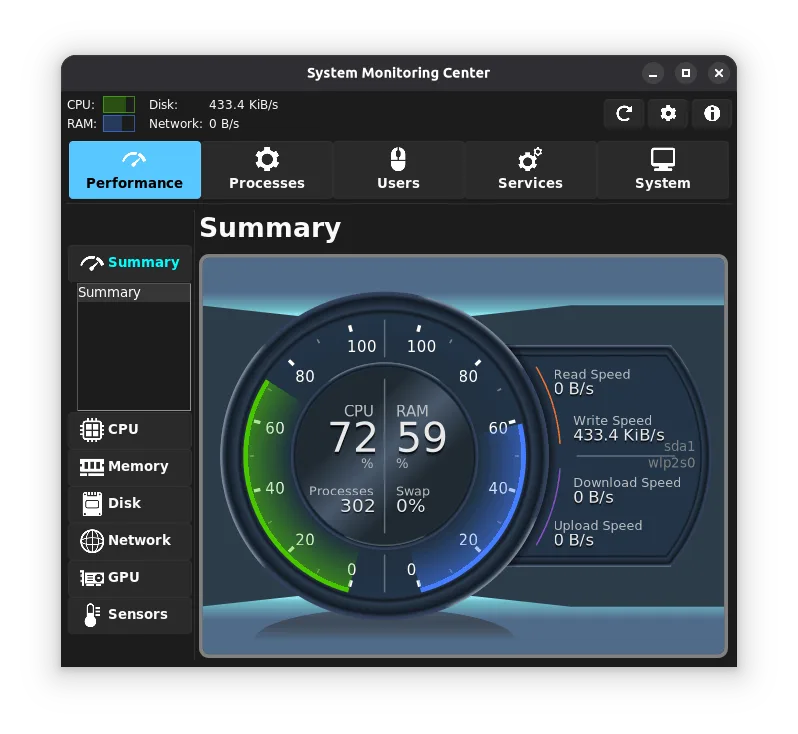
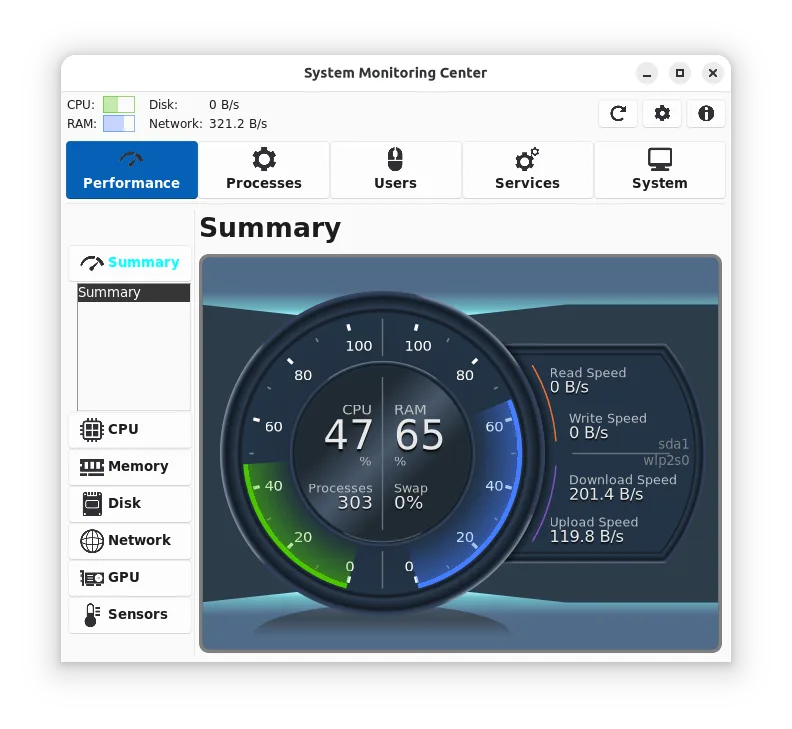
System Monitoring Center is a low‑resource, multi‑feature monitor for CPU, RAM, disk, network, and GPU, with process and service control.
- License
- GPL-3.0
- Latest version
- 3.4.1 (May 25, 2026)
- Developer
- Hakan Dündar
- Installs
- 3,828 (Flathub, 30 days)
What is System Monitoring Center?
System Monitoring Center (SMC) has been around since 2018, steadily adding features while keeping the interface lightweight. It was designed to replace heavier tools like Process Lasso on Linux, offering a single pane for performance data and process management. The project is maintained by Hakan Dündar and is available on Flathub and as a native package.
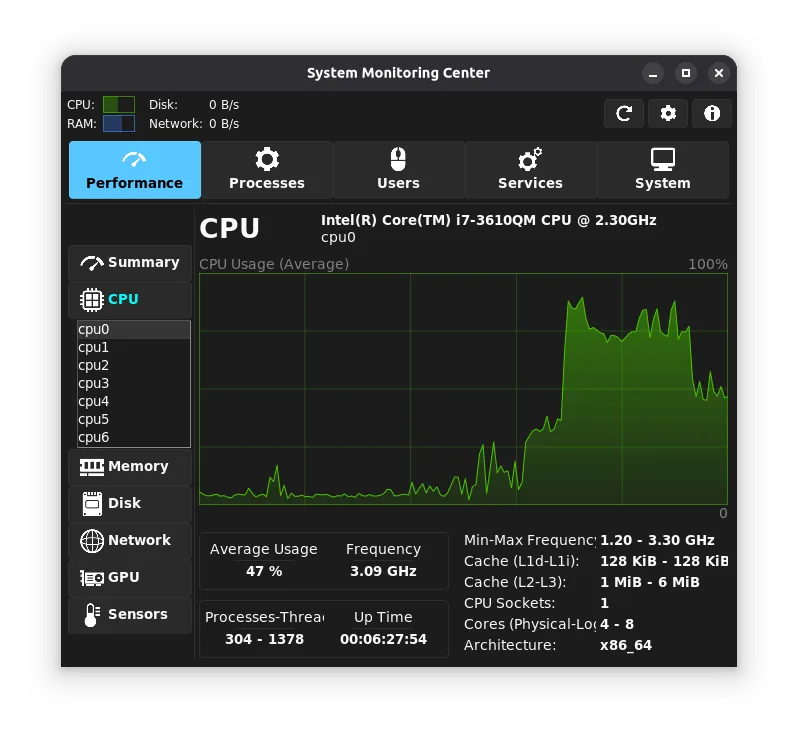
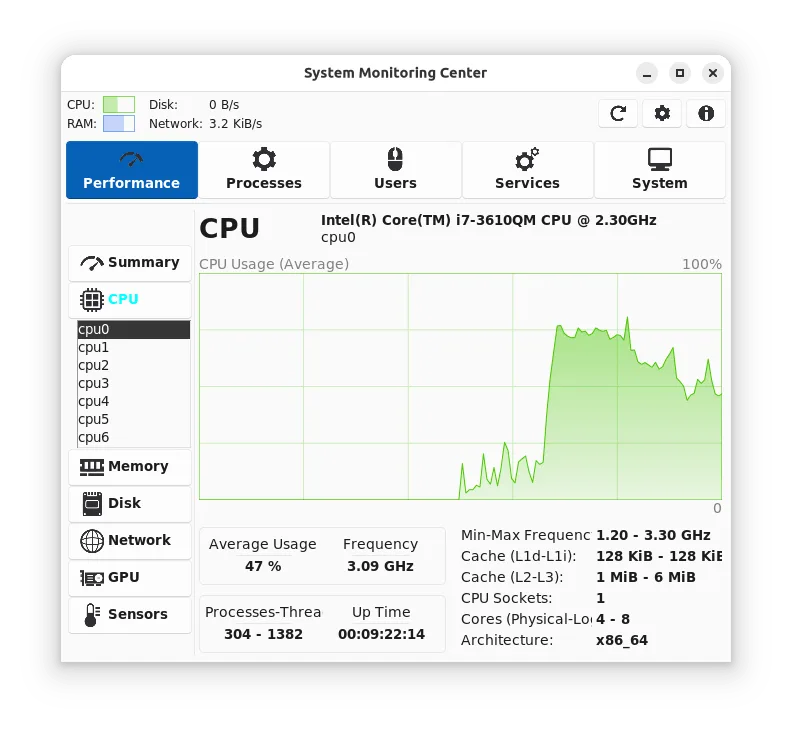
SMC targets power users and system administrators who need real‑time visibility into hardware and processes without the overhead of a full‑blown IDE. Its UI is simple: tabs for CPU, RAM, disk, network, GPU, and a process tree. You can toggle sensors, adjust which cores or disks to monitor, and view interactive charts.
Compared with Process Lasso, SMC feels more “Linux‑native”: it respects systemd, uses PolicyKit for privileged actions, and runs with minimal CPU usage. It lacks some of the advanced process‑prioritization tricks of Lasso, but it covers most everyday monitoring needs.
Best for: Users who need a lightweight, all‑in‑one Linux system monitor with process control and PolicyKit support.
Key features of System Monitoring Center
- CPU, RAM, disk, network, GPU monitoring
- Process tree and list view
- Systemd service control
- PolicyKit integration (no sudo)
- Interactive charts with point‑query
- Hardware selection (cores, disks, NICs, GPUs)
- Low CPU overhead
- ARM support
Pros
- Free and open source
- Low resource usage
- PolicyKit integration removes sudo requirement
- Interactive charts aid troubleshooting
- Native ARM support
Cons
- GPU data depends on driver; may be missing
- GPU load not tracked if GPU tab disabled
- Flatpak version may be slower than native
- Virtual machine data can be incomplete
Windows programs System Monitoring Center replaces
How to install System Monitoring Center on Linux
flatpak install flathub io.github.hakandundar34coding.system-monitoring-centerTips for Windows users
If you’re moving from Process Lasso, you’ll notice SMC doesn’t use the same priority‑boosting APIs; instead it relies on cgroups and systemd. Process lists are shown in a tree or list; use the filter box to find a service. Shortcuts differ: Ctrl+F opens the filter, Ctrl+R refreshes. File formats are native; no import/export of Lasso profiles, so recreate any custom rules manually.
Recent releases
- 3.4.1 —
- Fix: GPU load for AMD GPUs (GPU) - Fix: GPU memory frequency (GPU)
- 3.4.0 —
- New: Non-blocking code for Services tab loading - Updated translations (Russian, Spanish, Turkish)
- 3.3.0 —
- New: number of installed XBPS packages (System) - Minor changes for number of installed packages - Font size is increased for Flatpak installations - Visual improvements for right click menus
- 3.2.0 —
- New: Font scale added (General Settings) - Updated Spanish translations - Minor changes (code, translations, packaging, etc.) - Fix: device selection list font size - Fix: managing services (restart, start, stop, etc.) - Fix: system theme detection in some…
System Monitoring Center: frequently asked questions
Does SMC support GPU monitoring?
Yes, but the data depends on the GPU vendor and driver. Some GPUs may not expose usage stats to Linux.
Can I run SMC without root?
Yes, PolicyKit lets you manage services and processes without launching the app as root.
Is the Flatpak version as fast as the native one?
The native package starts faster and uses less memory; the Flatpak may be slightly slower due to sandboxing overhead.
Does SMC work on ARM?
It does; ARM support is built in, though some sensors may be limited on specific devices.
Updated