
Windows · Office
Best Linux alternatives to Microsoft Teams (classic desktop client)
Proprietary chat, meeting, and file-sharing suite for business collaboration, lacking native Linux support.
Updated
Quick answer
The best Linux alternative to Microsoft Teams (classic desktop client) is Slack. Other strong options: Mattermost, Rocket.Chat, Zulip.
5 Linux alternatives to Microsoft Teams (classic desktop client)
-
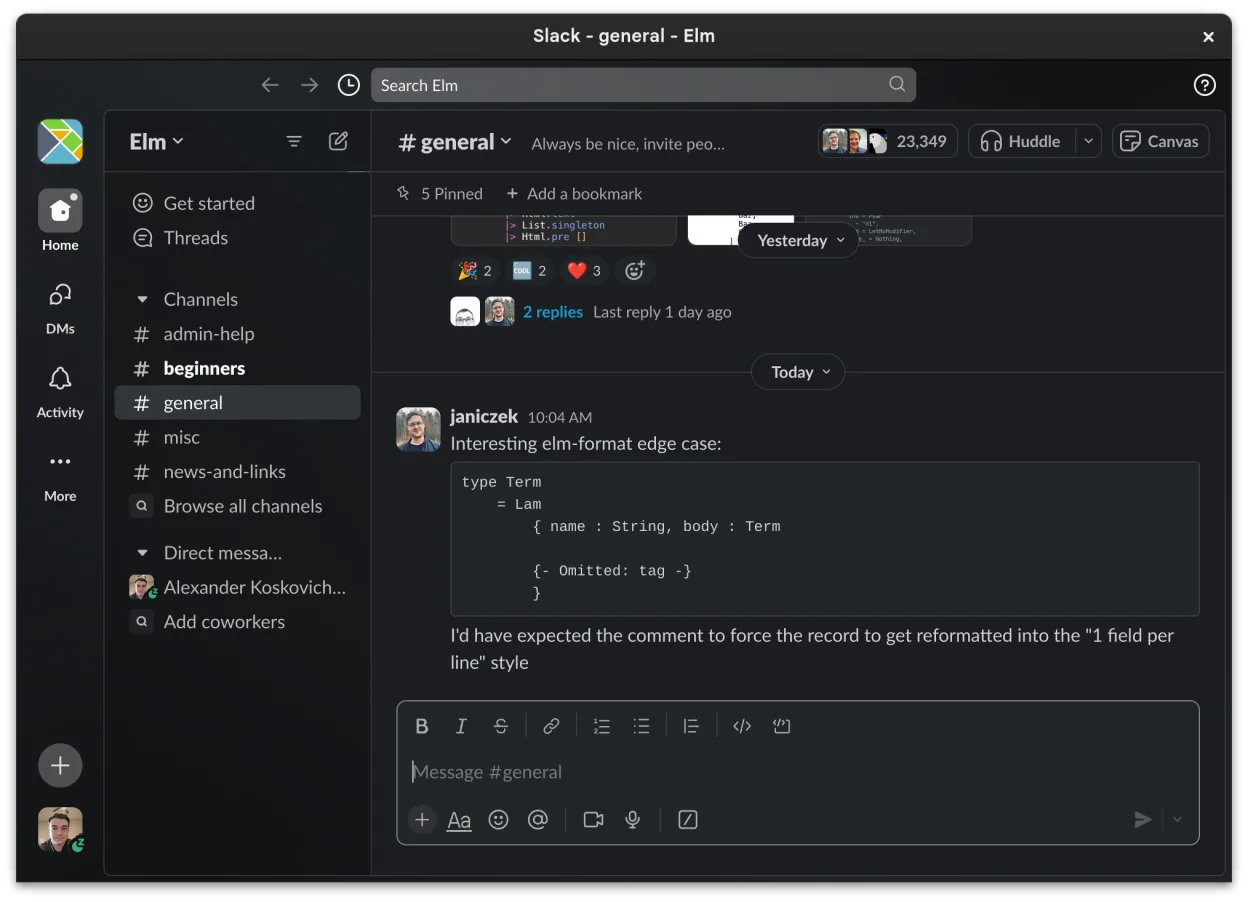
Slack is a proprietary team communication app for Linux that centralizes conversations, tools, and workflows for business collaboration.
Slack can serve as a practical replacement for Microsoft Teams classic on Linux for teams that prioritize chat, threaded discussions, and a wide range of third‑party integrations. It works well for organizations that don’t rely heavily on deep Office 365 integration, advanced meeting controls, or…
Feature parity68% -

Mattermost is an open-source, self-hosted collaboration platform for developer teams, offering a secure alternative to SaaS tools.
Mattermost can replace Microsoft Teams for teams that need chat, channel organization and basic video calls, especially when self‑hosting and data control are priorities. It works well for developer‑oriented groups that already use CI/CD pipelines or need deep integration with code repositories. It…
Feature parity68% -

Open-source team communication platform for chat, video, and collaboration, often used to replace Slack or Microsoft Teams.
Rocket.Chat is a solid, native Linux replacement for Microsoft Teams if you are willing to self-host or use a cloud provider. It covers core needs like channels, threads, video calls, and file sharing without the Windows dependency. However, it lacks deep integration with Microsoft 365 services…
Feature parity75% -
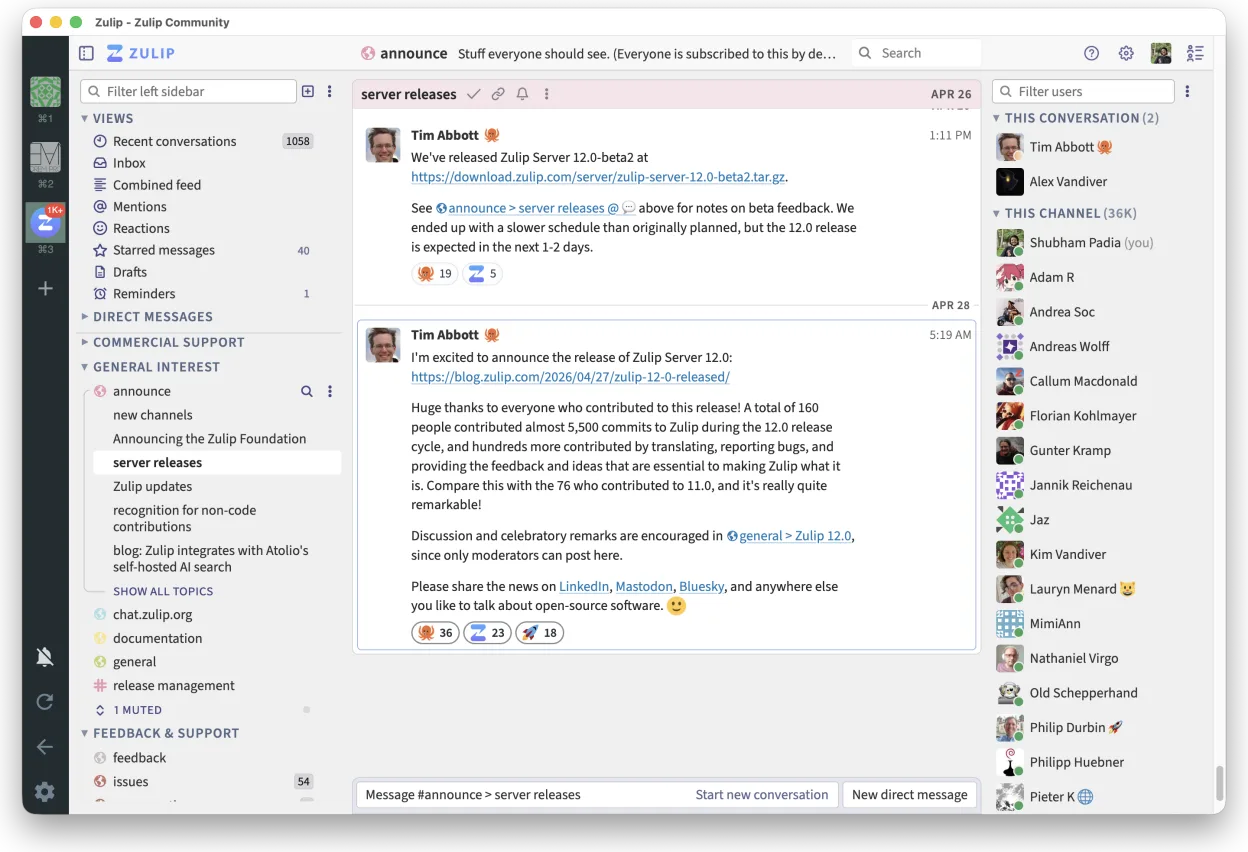
Zulip is an open-source group chat application that uses threaded conversations to manage high-volume team discussions.
Zulip is a strong alternative for teams that prioritize organized, threaded discussions over real-time interruptions. It offers a native Linux client and self-hosting options, which Microsoft Teams lacks. However, it is not a direct drop-in replacement if you rely heavily on Microsoft 365…
Feature parity60% -

Element is an open‑source, matrix‑based chat and video‑conference client for Linux.
Element can replace Microsoft Teams for teams that value open standards, end‑to‑end encryption, and cross‑organization federation. It works well for chat, threaded discussions, and WebRTC video calls, and it runs natively on Linux. However, it lacks deep integration with the Microsoft 365 ecosystem…
Feature parity65%





What is Microsoft Teams (classic desktop client)?
Microsoft Teams is the central hub for many corporate workflows, handling instant messaging, video conferencing, and document collaboration. It is used by employees, managers, and external partners who need to coordinate tasks, hold meetings, and share files within a single interface. The platform integrates deeply with other Microsoft Office products, making it a default choice for organizations already invested in the Microsoft ecosystem.
The software operates on a freemium model. Basic chat and limited meeting features are free for personal use, while full business capabilities require a Microsoft 365 subscription. This ties users to a recurring monthly or annual fee per user. The proprietary nature of the service means your data and communication history remain within Microsoft's cloud infrastructure, which can be a concern for privacy-focused individuals or organizations.
Linux users often seek alternatives because the classic desktop client does not run natively on Linux. While a web version exists, it lacks the full feature set of the desktop app, such as background noise suppression or advanced meeting controls. Running the Windows version via compatibility layers like Wine is often unstable, leading to users looking for open-source or self-hosted solutions that provide similar chat and meeting functionality without the licensing costs or platform restrictions.
What a replacement for Microsoft Teams (classic desktop client) must do
- Instant messaging with channels and threads
- Video and audio conferencing
- File sharing and storage integration
- Presence and status indicators
- Integration with calendar and email
- Cross-platform compatibility including Linux
Can you run Microsoft Teams (classic desktop client) on Linux?
Microsoft Teams does not have a native Linux application. The official web client works in browsers like Firefox or Chromium but often lacks advanced features found in the desktop app. Running the Windows executable via Wine or Proton is possible but frequently results in audio glitches, video failures, or login issues. Many users find the web version sufficient for basic chat, but for reliable meeting hosting, a third-party client or alternative platform is usually required.
Which alternative should you choose?
If you need a direct corporate replacement with enterprise features, Mattermost or Rocket.Chat are strong choices as they offer self-hosted, open-core options that mimic Teams' channel structure. For a simpler, consumer-focused experience similar to Slack, Slack itself is a viable alternative, though it is also proprietary. Zulip is ideal for teams that prefer thread-based discussions over continuous streams, reducing noise. Element is the best choice if your primary focus is secure, decentralized messaging and voice/video calls via Matrix, offering a high degree of privacy control.
Moving your Microsoft Teams (classic desktop client) files and habits
Migrating from Teams involves exporting chat history and files, which can be complex due to Microsoft's proprietary formats. You can export individual chats or channels to HTML or CSV, but bulk export often requires IT administrator intervention. Files stored in OneDrive or SharePoint need to be downloaded manually or via API. Since most Linux alternatives use different data structures, there is no direct one-click import. Plan to re-upload critical documents and manually recreate channel structures in the new platform.
Side-by-side comparison
| App | License | Flatpak | Latest version | Feature parity | Rating |
|---|---|---|---|---|---|
| Slack | LicenseRef-proprietary=https… | ✓ | 4.53.280 | 68% | — |
| Mattermost | Apache-2.0 | ✓ | 6.4.0 | 68% | — |
| Rocket.Chat | MIT | ✓ | 4.19.3 | 75% | — |
| Zulip | Apache-2.0 | ✓ | 5.14.2 | 60% | — |
| Element | AGPL-3.0-only OR… | ✓ | 1.12.35 | 65% | — |
Microsoft Teams (classic desktop client): frequently asked questions
Can I use the Teams web app on Linux?
Yes, the web version works in standard browsers. However, it may lack advanced meeting features like background blur or noise suppression. It is suitable for casual chat but less reliable for frequent, long meetings.
Is there a native Linux client for Teams?
No, Microsoft does not provide an official native Linux desktop application. Users must rely on the web client, third-party wrappers, or compatibility layers like Wine, which are often unstable.
Which alternative is closest to Teams in features?
Mattermost and Rocket.Chat are the closest in terms of channel-based collaboration, file sharing, and integrations. They offer a similar layout and feature set, making them good choices for enterprise teams moving away from Teams.
Do these alternatives support video calls?
Yes, all listed alternatives support audio and video calls. Element and Mattermost have built-in call capabilities, while others may rely on integrations with services like Jitsi or WebRTC for conferencing.
How important is Microsoft Teams (classic desktop client) to you?
Know a better alternative? Suggest an alternative