

Windows · Programming
Best Linux alternatives to Notepad++
Notepad++ is a lightweight, free source‑code editor for Windows, popular among programmers for its speed and extensibility.
Updated
Quick answer
The best Linux alternative to Notepad++ is gedit. Other strong options: Kate, Pluma, Geany.
7 Linux alternatives to Notepad++
-
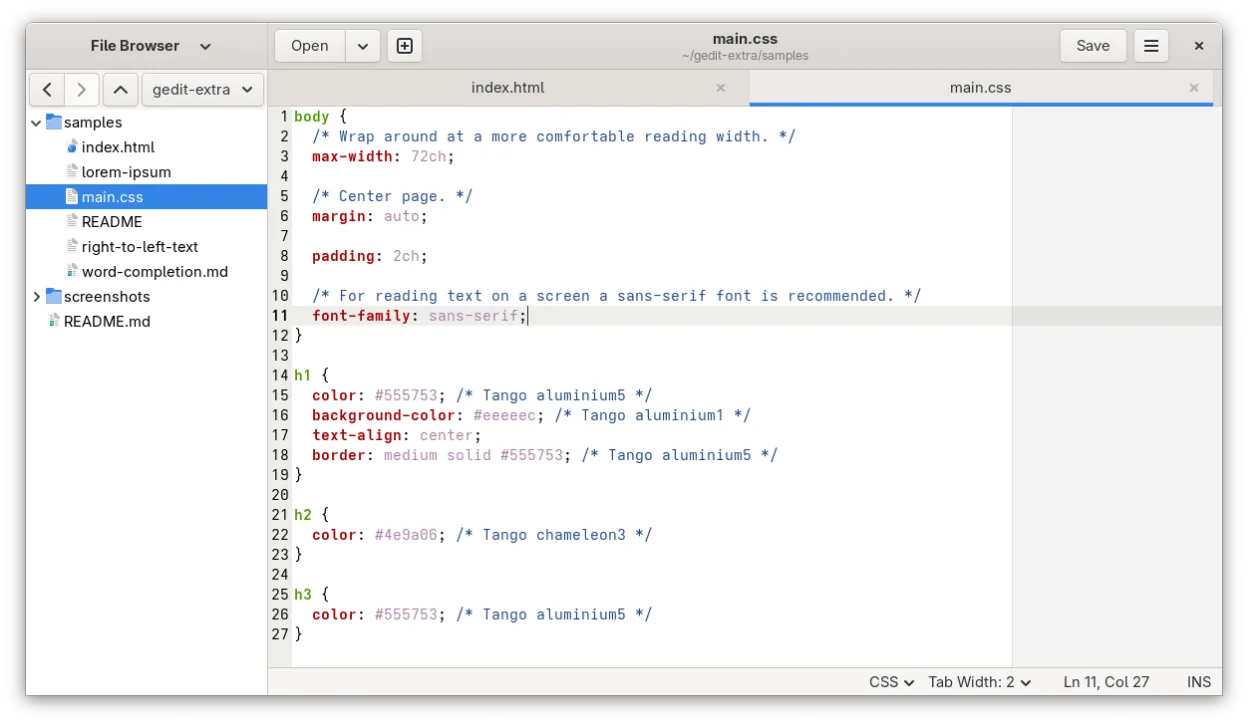
gedit is GNOME's lightweight, general-purpose text editor, suitable for notes, documents, and basic code editing with plugin support.
gedit can serve as a basic replacement for Notepad++ for users who need a lightweight editor with syntax highlighting, regex search, and simple plugin extensions. It works well for quick edits, scripting, and small projects, especially on GNOME desktops. Power users who rely on extensive macro…
Feature parity70% -

Kate is a feature-rich, programmer-focused text editor from KDE with support for 300+ languages and advanced editing tools.
Kate is a strong replacement for Notepad++ on Linux, offering similar speed and lightweight performance. It covers syntax highlighting, regex search, and Unicode support well. However, it lacks Notepad++'s extensive plugin ecosystem, though it compensates with LSP support and built-in tools. If you…
Feature parity85% -
Pluma is a lightweight, GTK-based text editor for the GNOME desktop, designed as a simple alternative to Notepad.
Pluma is a decent replacement for Notepad++ only if you need basic syntax highlighting and lightweight editing on Linux. It handles UTF-8, multiple encodings, and has a clean tabbed interface. However, it lacks macros, scripting, and a real plugin system—critical features for heavy Notepad++ users…
Feature parity50% -
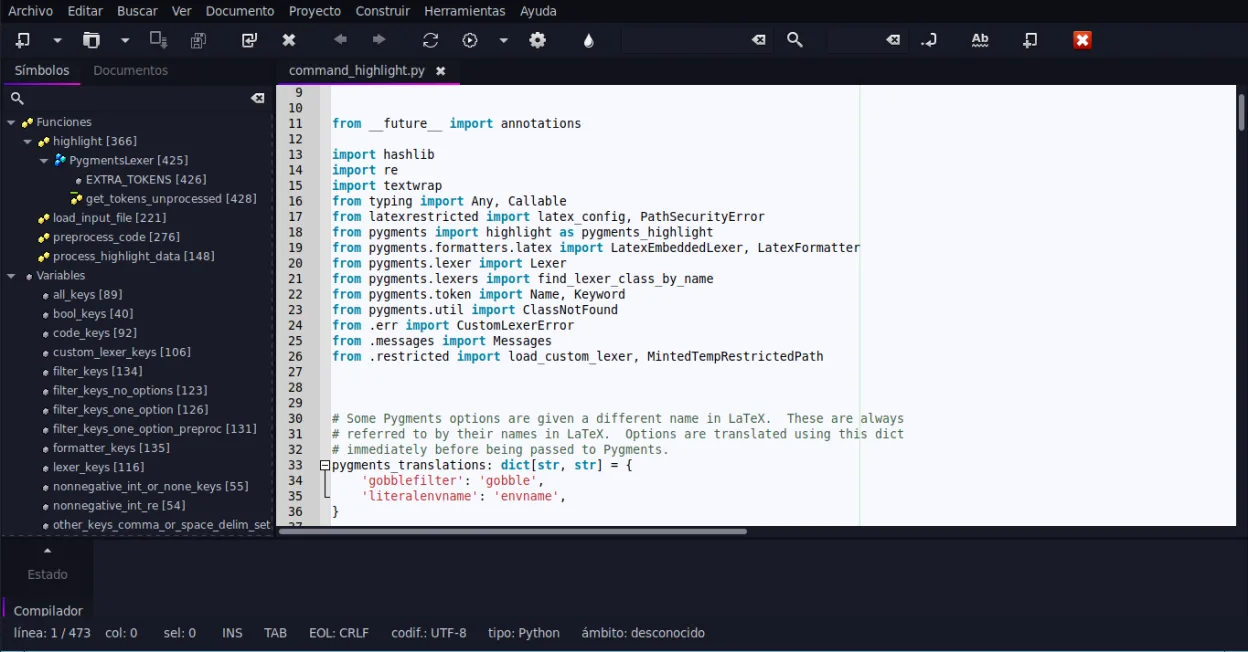
Geany is a lightweight, fast IDE that supports many languages and plugins out of the box.
Geany is a solid replacement for Notepad++ if you want a lightweight, fast editor with IDE-like features on Linux. It handles syntax highlighting, code folding, and plugin extensibility well, and starts quickly with low resource use. Programmers who rely on macros or heavy plugin customization may…
Feature parity85% -
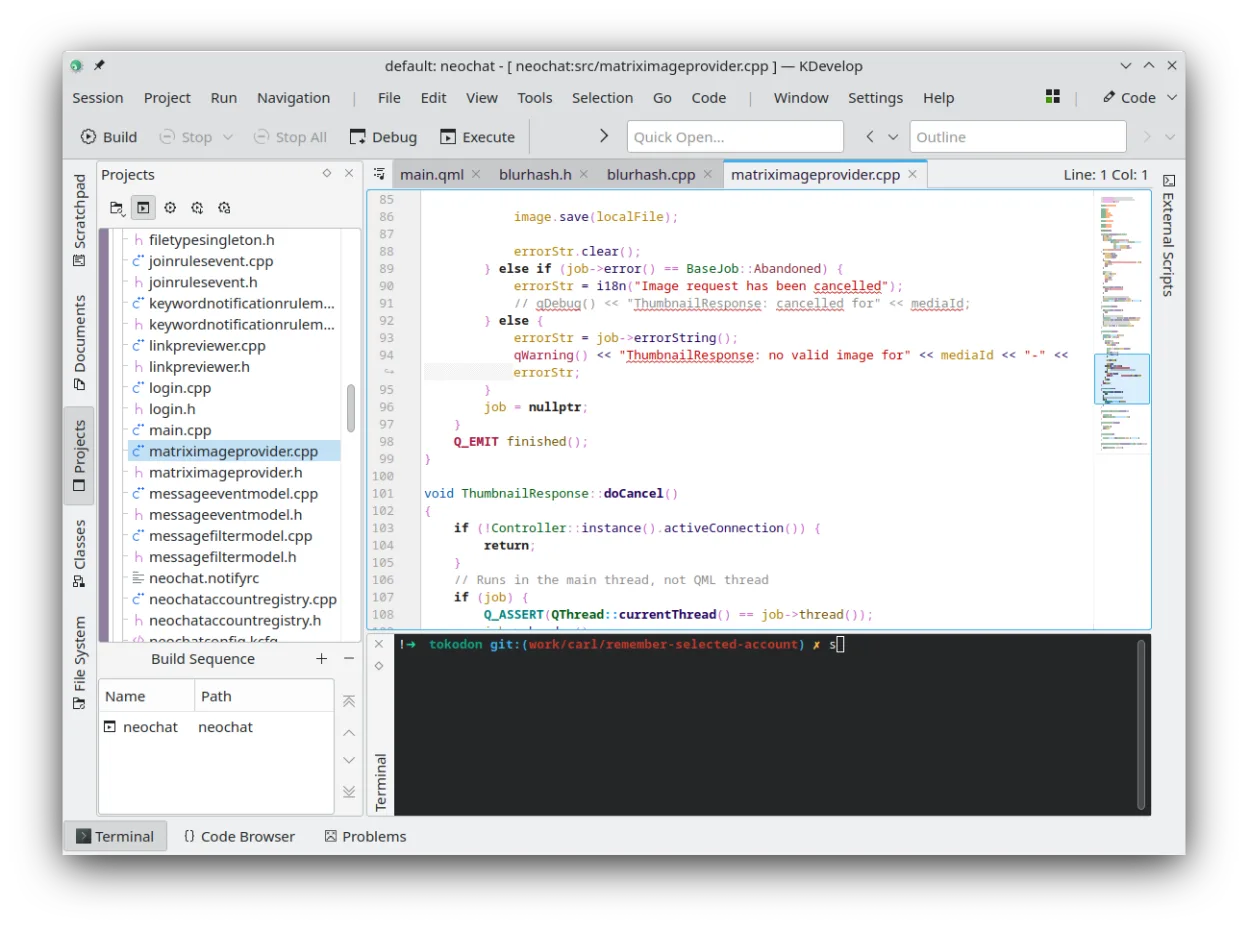
KDevelop is a free, plugin-based IDE for KDE supporting C++, Python, PHP, and other languages with strong debugging tools.
KDevelop is not a direct replacement for Notepad++ if you want a lightweight, fast-starting text editor. It's a full IDE focused on project-based development, especially for C++ and related languages. If you need deep debugging, refactoring, and build system integration, KDevelop is powerful. But…
Feature parity50% -
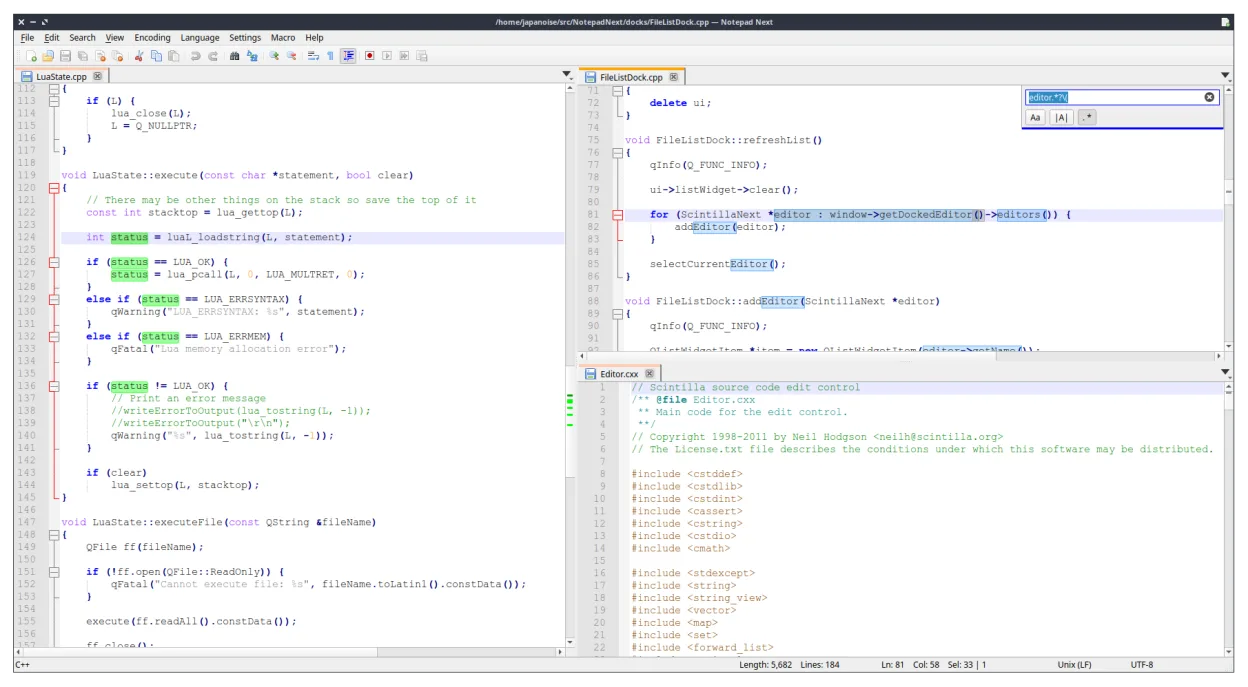
Notepad Next is a lightweight, cross‑platform text editor for Linux, reimplementing Notepad++ features.
Notepad Next is a solid, lightweight replacement for Notepad++ on Linux, particularly for users who prioritize speed and a familiar interface. It handles core tasks like syntax highlighting and regex search effectively. However, it is still in early development (v0.15), so you may encounter rough…
Feature parity75% -

Mousepad is a lightweight, GTK‑based text editor for the Xfce desktop.
Mousepad can replace Notepad++ for users who only need quick, lightweight text editing with basic syntax highlighting and regex search. It is suitable for casual note‑taking, small script edits, or when you want a native GTK app that starts instantly. However, it lacks the extensive plugin system…
Feature parity45%






What is Notepad++?
Notepad++ is a free, open‑source editor that runs on Windows. It is used by developers, sysadmins, and writers who need a quick way to edit code, scripts, or plain text files. The program is distributed under the GNU GPL license, so it can be used, modified, and shared freely.
The editor offers syntax highlighting for many languages, a powerful macro system, and a plugin architecture that lets users add features such as FTP, code folding, or advanced search. It is lightweight, runs from a single executable, and does not require installation.
Because many developers prefer Linux, they look for a native Linux equivalent that offers the same speed, extensibility, and familiar interface without needing to run Windows through emulation.
What a replacement for Notepad++ must do
- Syntax highlighting for multiple languages
- Macro support or scripting
- Plugin architecture
- Fast startup and low memory footprint
- File and folder navigation
- Search/replace with regex
- Unicode and UTF‑8 support
Can you run Notepad++ on Linux?
There is no official native Linux build of Notepad++. Users can run it under Wine, but the experience can be inconsistent and some plugins may not work. No web version exists. Some users use the cross‑platform Notepad2‑plus‑plus, but it is not the same as Notepad++ and lacks the full plugin ecosystem.
Which alternative should you choose?
For users who need a simple editor with a familiar look, gedit or Mousepad are good choices. Developers who want more features and a plugin system should try Kate. If you need a full IDE with debugging, KDevelop is the closest match. The Notepad app on the list is a very basic editor and may not satisfy advanced users.
Moving your Notepad++ files and habits
All files edited in Notepad++ are plain text, so you can open them directly in any Linux editor. There is no special export process; just copy the .txt, .cpp, .py, or other source files to the Linux machine and open them with the chosen editor.
Side-by-side comparison
Notepad++: frequently asked questions
Does Notepad++ support plugins on Linux?
No, because there is no native Linux version. Plugins only work under Wine, and many may fail.
Can I use the same plugins I use on Windows?
Only if they are pure C++ or Python and the Wine environment supports them; many Windows‑specific plugins will not run.
Is Notepad++ available for free on Linux?
Not directly. You must use Wine or look for an alternative like Kate or gedit.
What is the best way to switch from Notepad++ to a Linux editor?
Choose an editor that matches your workflow, copy your configuration files (e.g., .notepadpp.xml) if possible, and start using the new editor's settings and plugins.
How important is Notepad++ to you?
Know a better alternative? Suggest an alternative