
Windows · Office
Best Linux alternatives to OnlyOffice
OnlyOffice is a cross-platform office suite for documents, spreadsheets, and presentations with strong collaboration features.
Updated
Quick answer
The best Linux alternative to OnlyOffice is LibreOffice. Other strong options: Calligra, WPS Office, AbiWord.
4 Linux alternatives to OnlyOffice
-
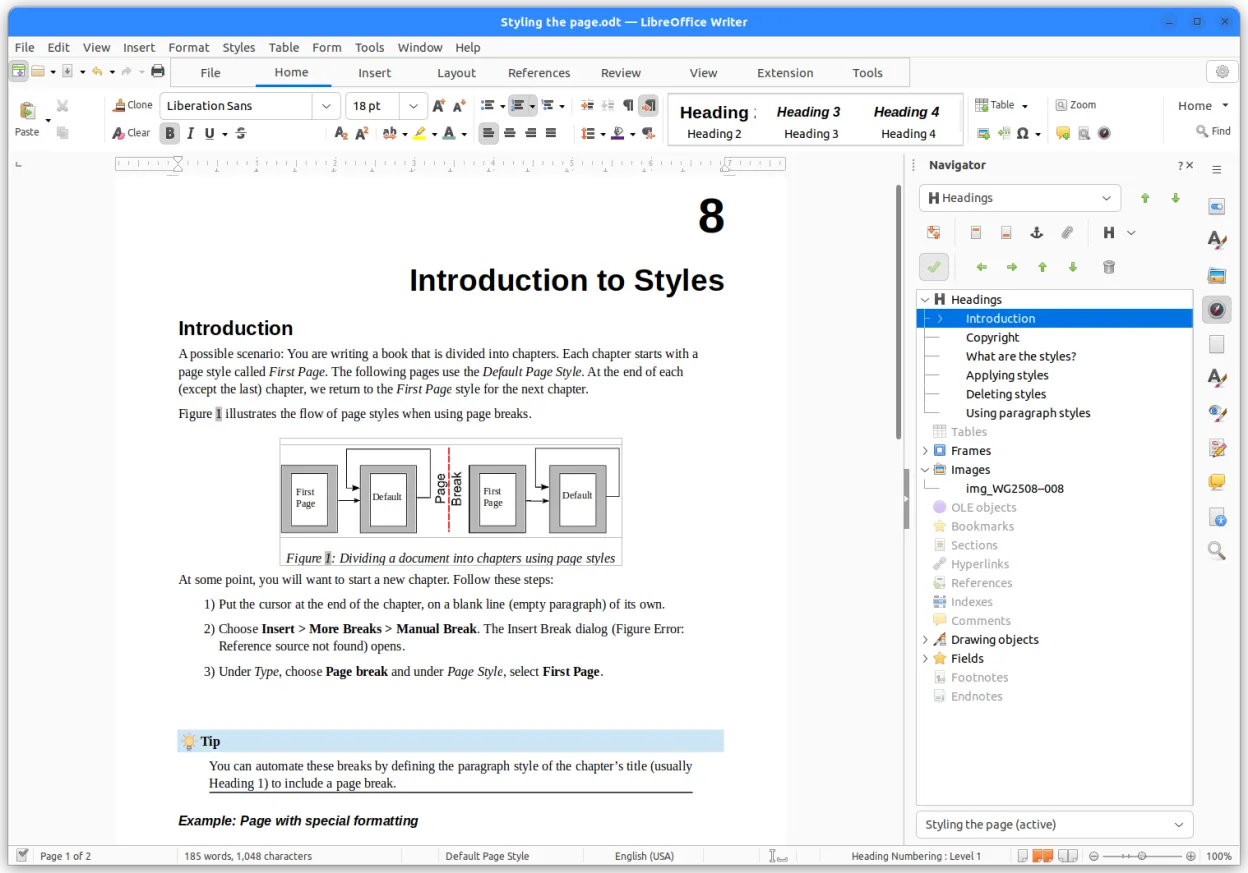
LibreOffice is a free, open‑source office suite with Writer, Calc, Impress, Draw, Base and Math.
LibreOffice can replace OnlyOffice for most individual users who need solid word processing, spreadsheet, and presentation tools on Linux. It handles the core document formats well and offers a mature set of features without a subscription. However, it lacks OnlyOffice's built‑in real‑time…
Feature parity78% -

Calligra is a free, open-source office suite for Linux offering word processing, spreadsheets, presentations, and vector graphics.
Calligra can replace OnlyOffice for users who need basic office functionality on Linux and are comfortable with KDE‑style interfaces. It covers word processing, spreadsheets, and presentations, and offers PDF viewing and annotation. However, its collaboration features are limited compared to…
Feature parity70% -
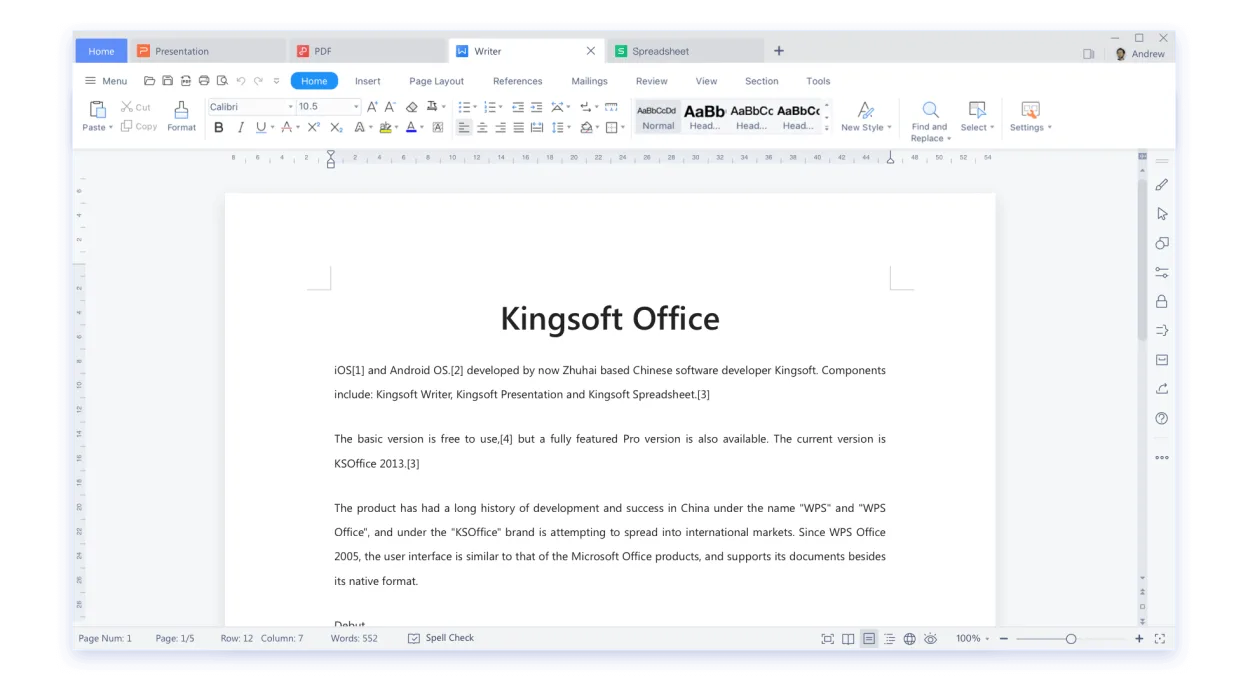
WPS Office is a proprietary office suite for Linux that includes Writer, Presentation, and Spreadsheets, fully compatible with Microsoft Office formats.
WPS Office is a viable replacement for OnlyOffice if you prioritize Microsoft Office compatibility over open-source principles. It handles Word, Excel, and PowerPoint files well and offers a familiar ribbon interface. However, it is proprietary, not open-source, and its collaboration features are…
Feature parity85% -

AbiWord is a lightweight, free word processor for Linux, Windows and macOS, focusing on core document editing.
AbiWord is not a suitable replacement for OnlyOffice if you need a full office suite. While AbiWord handles basic word processing well, it lacks spreadsheet and presentation modules entirely. It is best for users who only need lightweight text editing and do not require collaborative features or…
Feature parity30%




What is OnlyOffice?
OnlyOffice serves professionals and teams who need to create and edit standard office documents. It is particularly popular among businesses that require real-time collaborative editing and compatibility with Microsoft Office formats. Users often rely on it for daily document management, data analysis in spreadsheets, and creating visual presentations for meetings or reports.
The desktop application is free to download and use. Ascensio System also offers a cloud-based platform with paid tiers for enterprise features, advanced security, and dedicated hosting. The core desktop suite remains open-source, allowing users to self-host or modify the software if needed, though the primary distribution is a pre-built binary.
Users seek Linux alternatives primarily because OnlyOffice's desktop client relies on the Chromium Embedded Framework, which can be resource-heavy or have compatibility issues on certain Linux distributions. Additionally, some users prefer fully native Linux applications that integrate better with the desktop environment, avoid proprietary dependencies, or want to support open-source development models more directly.
What a replacement for OnlyOffice must do
- Word processing for text documents
- Spreadsheet creation and formula support
- Presentation slide editing
- PDF viewing and annotation
- Compatibility with MS Office file formats
- Collaborative editing capabilities
Can you run OnlyOffice on Linux?
OnlyOffice provides a native Linux desktop application available for download. It is not a traditional native app in the sense of being written entirely in GTK or Qt, as it uses the Chromium Embedded Framework for its interface. This means it runs on Linux but behaves more like a web app wrapped in a container. It does not require Wine or Proton, as it is a direct Linux binary. Performance is generally good, but it may feel less integrated than native GTK/Qt apps.
Which alternative should you choose?
If you need a robust, feature-complete free suite that handles MS Office files well, LibreOffice is the strongest choice. For users who prefer a more modern, integrated desktop experience and are less concerned with strict MS Office compatibility, Calligra is a good option. WPS Office is a close visual and functional clone of Microsoft Office, suitable for those wanting a familiar interface. AbiWord is best for simple text document editing if you do not need spreadsheets or presentations.
Moving your OnlyOffice files and habits
Migrating from OnlyOffice is straightforward because it uses standard file formats like .docx, .xlsx, and .pptx. You can simply open your existing files in LibreOffice, Calligra, or WPS Office without conversion. For PDFs, you may need a dedicated viewer like Evince or Okular. Collaborative links will not transfer, so you must re-establish sharing permissions in your new platform or use a different cloud service.
Side-by-side comparison
| App | License | Flatpak | Latest version | Feature parity | Rating |
|---|---|---|---|---|---|
| LibreOffice | MPL-2.0 | ✓ | 26.8.3.1 | 78% | — |
| Calligra | GPL-2.0-or-later | ✓ | 26.08.3 | 70% | — |
| WPS Office | LicenseRef-proprietary=https… | ✓ | 11.1.0.11723 | 85% | — |
| AbiWord | GPL-2.0-or-later | ✓ | 3.0.8 | 30% | — |
OnlyOffice: frequently asked questions
Is OnlyOffice free on Linux?
Yes, the desktop application is free to download and use. Paid options exist for cloud hosting and enterprise features, but the local software has no license fee.
Does OnlyOffice work with Wine?
No, you do not need Wine. OnlyOffice has a native Linux binary that runs directly on the operating system. Using Wine would be unnecessary and potentially unstable.
Which Linux alternative is closest to OnlyOffice?
WPS Office is visually and functionally the closest match to Microsoft Office and OnlyOffice's interface. LibreOffice is the most feature-rich open-source alternative for general use.
Can I use OnlyOffice in a browser?
Yes, OnlyOffice offers a web-based version. However, for offline use or local file management, the desktop client is required. The web version requires an account and an internet connection.
How important is OnlyOffice to you?
Know a better alternative? Suggest an alternative