
Windows · Programming
Best Linux alternatives to Oracle SQL Developer
Oracle SQL Developer is a free Java‑based IDE for Oracle database development.
Updated
Quick answer
The best Linux alternative to Oracle SQL Developer is DBeaver Community. Other strong options: SQuirreL SQL Client, DataGrip.
3 Linux alternatives to Oracle SQL Developer
-
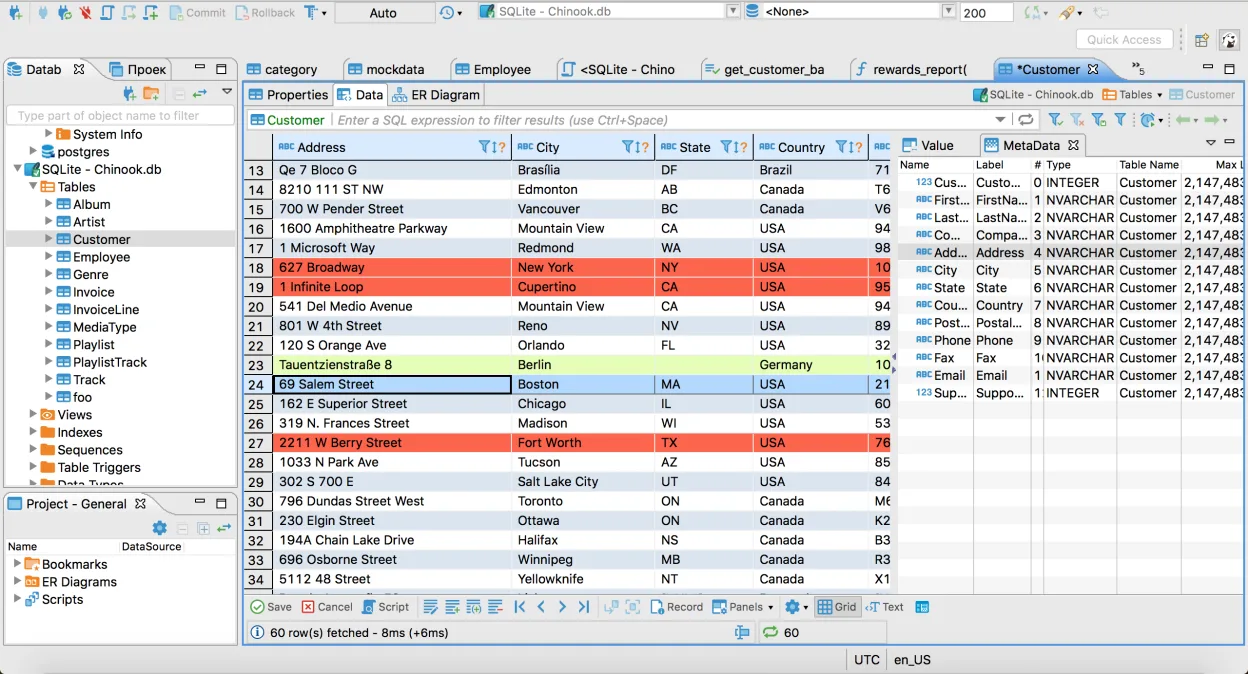
Free, multi-platform database tool for developers and admins supporting MySQL, PostgreSQL, SQL Server, and many others.
DBeaver Community can replace Oracle SQL Developer for most everyday tasks: connecting to Oracle databases, writing and running SQL/PLSQL, browsing schemas, and editing data. It works on Linux, is free, and supports multiple database types, making it useful for developers who work with several…
Feature parity80% -
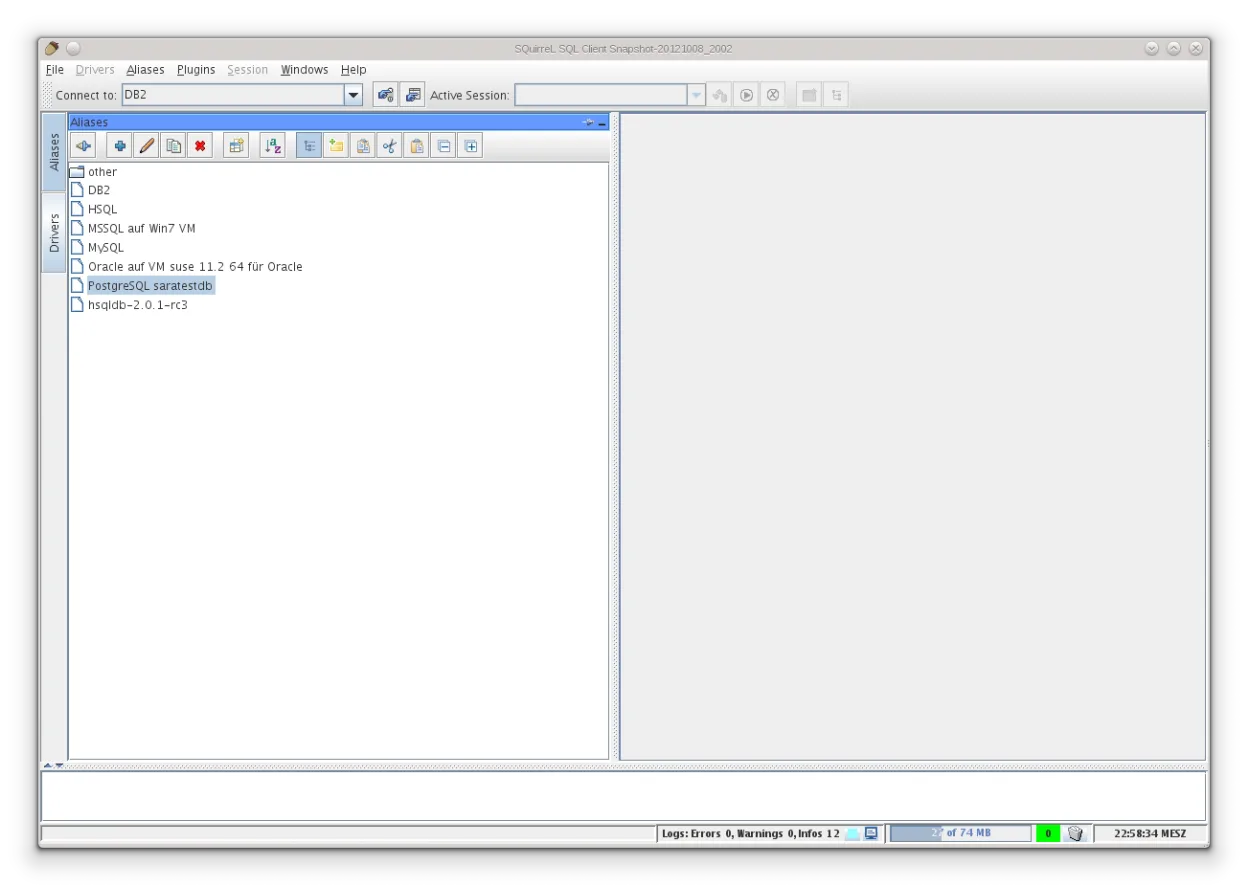
SQuirreL SQL Client is a Java‑based graphical client for any JDBC‑compliant database.
SQuirreL SQL Client can replace Oracle SQL Developer for many day‑to‑day tasks such as connecting to Oracle databases, running queries, browsing schemas, and exporting results. It works on Linux, is free, and supports Oracle via the JDBC driver. However, it lacks Oracle‑specific features like…
Feature parity70% -
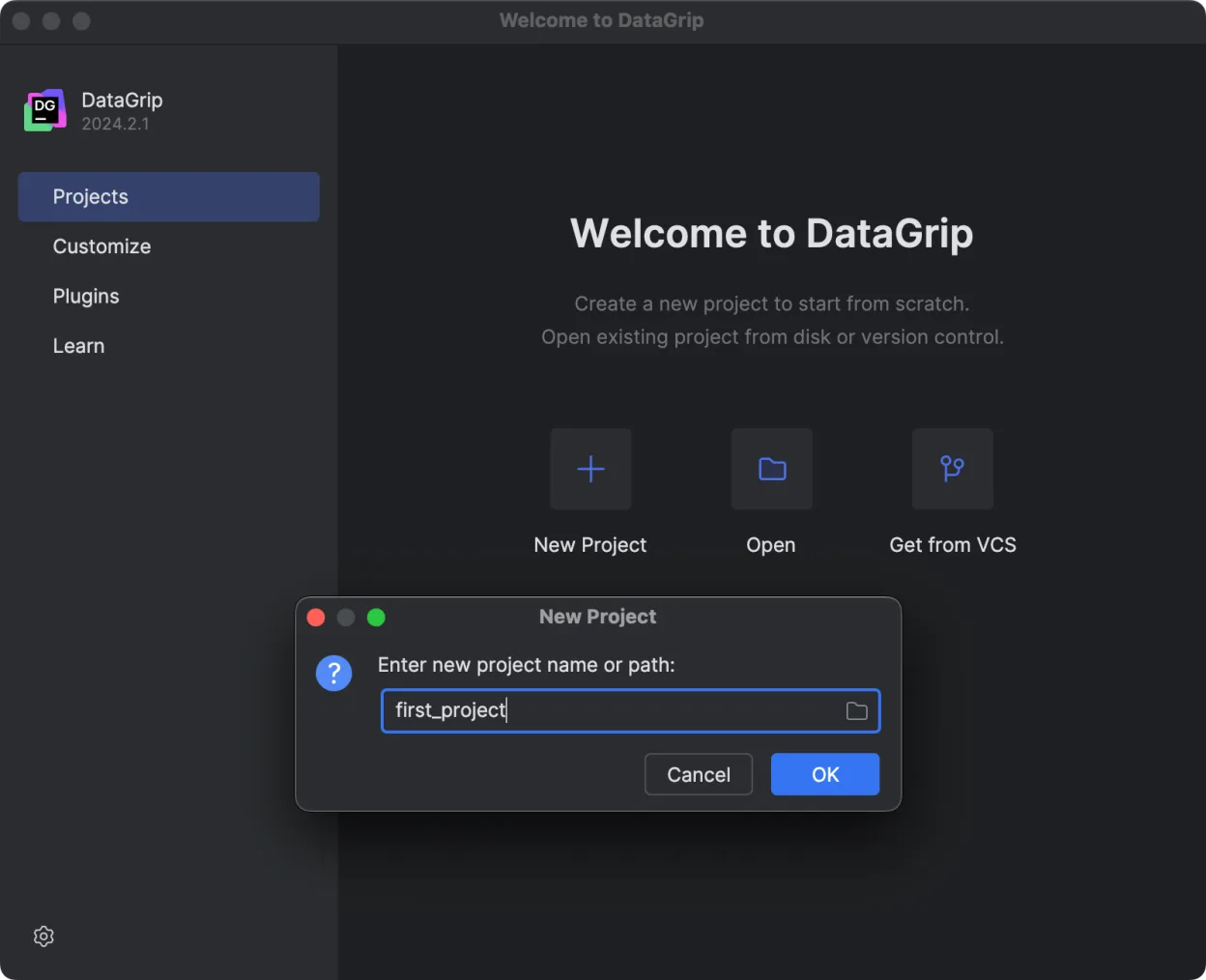
JetBrains' multi-database IDE for SQL developers, supporting JDBC connections to major DBMS with smart editing.
DataGrip can replace Oracle SQL Developer for many tasks that involve writing, executing, and debugging SQL on Oracle databases, especially for users who already use JetBrains tools. It offers a modern editor, schema navigation, and query consoles, and it works on Linux. However, it lacks some…
Feature parity75%



What is Oracle SQL Developer?
Oracle SQL Developer is a Java‑based IDE that lets developers write, test, and debug SQL, PL/SQL, and database objects against Oracle databases. It is used by database administrators, developers, and data analysts who need a single tool for query building, schema browsing, and migration tasks.
The software is free from Oracle, distributed under a permissive license, and requires a Java Runtime Environment to run. Because it is Java‑based, it works on any platform that can run Java.
Many Linux users look for alternatives because the official Oracle distribution is only available as a Windows installer or a generic JAR that must be run manually; native Linux support is limited and the Windows installer does not provide a proper package for package managers.
What a replacement for Oracle SQL Developer must do
- Connect to Oracle databases (including 12c, 18c, 19c)
- Write and execute SQL/PLSQL queries
- Visualise and edit database schemas
- Generate and run migration scripts
- Support for Oracle-specific features (e.g., PL/SQL debugging)
- Cross‑platform Java runtime compatibility
Can you run Oracle SQL Developer on Linux?
Oracle SQL Developer can be run on Linux by downloading the JAR file from Oracle’s website and executing it with a Java Runtime Environment. There is no native package for major distributions, so users must manually launch the JAR or create a wrapper script. It does not rely on Wine or Proton, as it is already Java‑based. The web version is not available; the only supported mode is the desktop JAR.
Which alternative should you choose?
For users who need a lightweight, open‑source tool, SQuirreL SQL Client is a good fit; it supports multiple JDBC drivers and is easy to configure. DBeaver Community offers a richer UI with advanced features such as ER diagrams and data export, making it suitable for developers who need more visual tools. DataGrip is a commercial JetBrains IDE that provides deep language support and smart code completion, ideal for developers who already use JetBrains products.
Moving your Oracle SQL Developer files and habits
Exporting data from Oracle SQL Developer is straightforward: use the built‑in export wizard to generate CSV, SQL insert scripts, or XML files. These formats are universally accepted by most database tools, including the listed Linux alternatives. Importing these files into DBeaver, SQuirreL, or DataGrip follows the same import procedures used for other database engines.
Side-by-side comparison
| App | License | Flatpak | Latest version | Feature parity | Rating |
|---|---|---|---|---|---|
| DBeaver Community | Apache-2.0 | ✓ | 26.2.3 | 80% | — |
| SQuirreL SQL Client | LGPL-2.1-or-later | ✓ | 4.8.0 | 70% | — |
| DataGrip | LicenseRef-proprietary | ✓ | 2026.2.6 | 75% | — |
Oracle SQL Developer: frequently asked questions
Do I need a separate Java installation to run Oracle SQL Developer on Linux?
Yes, you need a Java Runtime Environment (JRE) or Java Development Kit (JDK) that matches the version required by the JAR. Oracle recommends Java 11 or newer.
Can I install Oracle SQL Developer using a package manager?
Not officially. You can create a custom script or use a tool like Flatpak, but there is no official .deb or .rpm package.
Is the JAR version stable across Linux distributions?
The JAR is platform‑independent; it runs on any Linux that supports the required Java version, though you may need to adjust memory settings for large projects.
Can I use the same JDBC driver for both Windows and Linux?
Yes, the Oracle JDBC driver is cross‑platform and works the same way on both Windows and Linux.
How important is Oracle SQL Developer to you?
Know a better alternative? Suggest an alternative