
Windows · Office
Best Linux alternatives to PowerPoint
PowerPoint is Microsoft's presentation software for creating slideshows with text, images, animations, and transitions.
Updated
Quick answer
The best Linux alternative to PowerPoint is LibreOffice Impress. Other strong options: Calligra, ONLYOFFICE Desktop Editors, Geany.
4 Linux alternatives to PowerPoint
-

LibreOffice Impress is a free, open‑source presentation program that replaces Microsoft PowerPoint.
LibreOffice Impress is a solid replacement for PowerPoint if you need to create, edit, and present slideshows on Linux without vendor lock-in. It handles text, images, animations, transitions, and multimedia well enough for most business, educational, and personal use. While the interface differs…
Feature parity85% -

Calligra is an all‑in‑one office suite with word, spreadsheet, presentation, and vector graphics tools.
-

ONLYOFFICE Desktop Editors is a free, open‑source office suite for Linux that edits Word, Excel, PowerPoint, PDF and more.
ONLYOFFICE Desktop Editors is a solid replacement for PowerPoint if you primarily create and edit standard presentations with text, images, and basic animations. It handles .pptx files well and supports transitions and object animations, though effects are more limited than in PowerPoint. The app…
Feature parity75% -
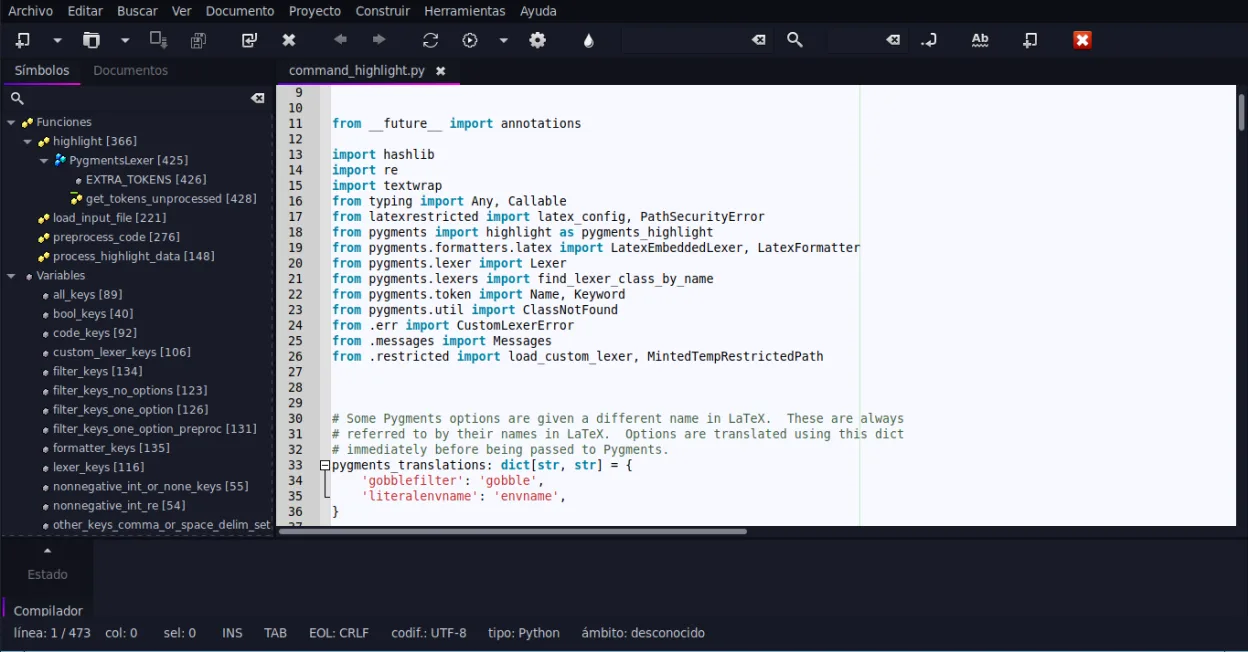
Geany is a lightweight, fast IDE that supports many languages and plugins out of the box.




What is PowerPoint?
PowerPoint is widely used by professionals, educators, and students to create visual presentations for meetings, lectures, and reports. It supports structured slide layouts, multimedia, and animation effects, making it a standard in corporate and academic environments. Many rely on its integration with other Office tools like Word and Excel.
PowerPoint is proprietary software, included in Microsoft 365 subscriptions or sold as part of standalone Office suites. There is no free version, though limited access is available via web with a Microsoft account. Licensing is tied to Windows, macOS, or online use, limiting flexibility for users wanting offline or open-source options.
People seek Linux alternatives to avoid vendor lock-in, reduce costs, and work within open-source ecosystems. Many Linux users prefer self-hosted, privacy-respecting tools that don’t require subscriptions. Compatibility with .pptx files remains important, but users often prioritize control, stability, and native Linux integration.
What a replacement for PowerPoint must do
- Create and edit presentation slides with text and images
- Support for animations and slide transitions
- Import and export .pptx files reliably
- Use templates and custom layouts
- Present from Linux with projector support
- Work offline without internet or license checks
- Integrate with other office documents (e.g., spreadsheets)
Can you run PowerPoint on Linux?
There is no native Linux version of PowerPoint. Microsoft offers a web-based version via Office 365 in browsers, which works on Linux but requires an internet connection and account. Running the Windows version via Wine or Bottles is possible but not reliable—animations and fonts may break. Proton is not applicable since PowerPoint is not on Steam. For consistent performance, native Linux alternatives are strongly recommended.
Which alternative should you choose?
LibreOffice Impress is best for most users needing full-featured, offline presentations with strong .pptx compatibility. ONLYOFFICE Desktop Editors suits those already using ONLYOFFICE and needing tight collaboration. Calligra Stage is a lightweight option for KDE users but less polished. Geany is not a presentation tool and should be ignored for this use case.
Moving your PowerPoint files and habits
To switch from PowerPoint, save files in .pptx format when possible. Most Linux tools can open these, though complex animations may not translate perfectly. Exporting slides as PDF ensures universal readability. LibreOffice Impress handles formatting well, while ONLYOFFICE preserves collaboration metadata. Always test imported presentations for layout issues.
Side-by-side comparison
| App | License | Flatpak | Latest version | Feature parity | Rating |
|---|---|---|---|---|---|
| LibreOffice Impress | MPL-2.0 | ✓ | 26.8.3.1 | 85% | — |
| Calligra | GPL-2.0-or-later | ✓ | 26.08.3 | — | — |
| ONLYOFFICE Desktop Editors | AGPL-3.0-only | ✓ | 10.0.0 | 75% | — |
| Geany | GPL-2.0+ | ✓ | 2.1.0 | — | — |
PowerPoint: frequently asked questions
Can I open PowerPoint files on Linux?
Yes, LibreOffice Impress and ONLYOFFICE can open .pptx files with good fidelity, though complex animations may not render exactly.
Is there a free PowerPoint for Linux?
No, but free alternatives like LibreOffice Impress offer similar features and support .pptx files without cost.
Can I run PowerPoint using Wine?
It may run with Wine or Bottles, but performance is unreliable—fonts, animations, and layouts often break. Not recommended for regular use.
Which Linux app is most like PowerPoint?
LibreOffice Impress has the closest feature set and interface to PowerPoint, including slide masters, transitions, and presenter view.
How important is PowerPoint to you?
Know a better alternative? Suggest an alternative