
Windows · Internet
Best Linux alternatives to RealVNC
RealVNC enables remote desktop access across platforms using the RFB protocol, commonly used by IT support for remote assistance.
Updated
Quick answer
The best Linux alternative to RealVNC is TigerVNC Viewer. Other strong options: x11vnc, Remmina, GNOME Remote Desktop.
4 Linux alternatives to RealVNC
-
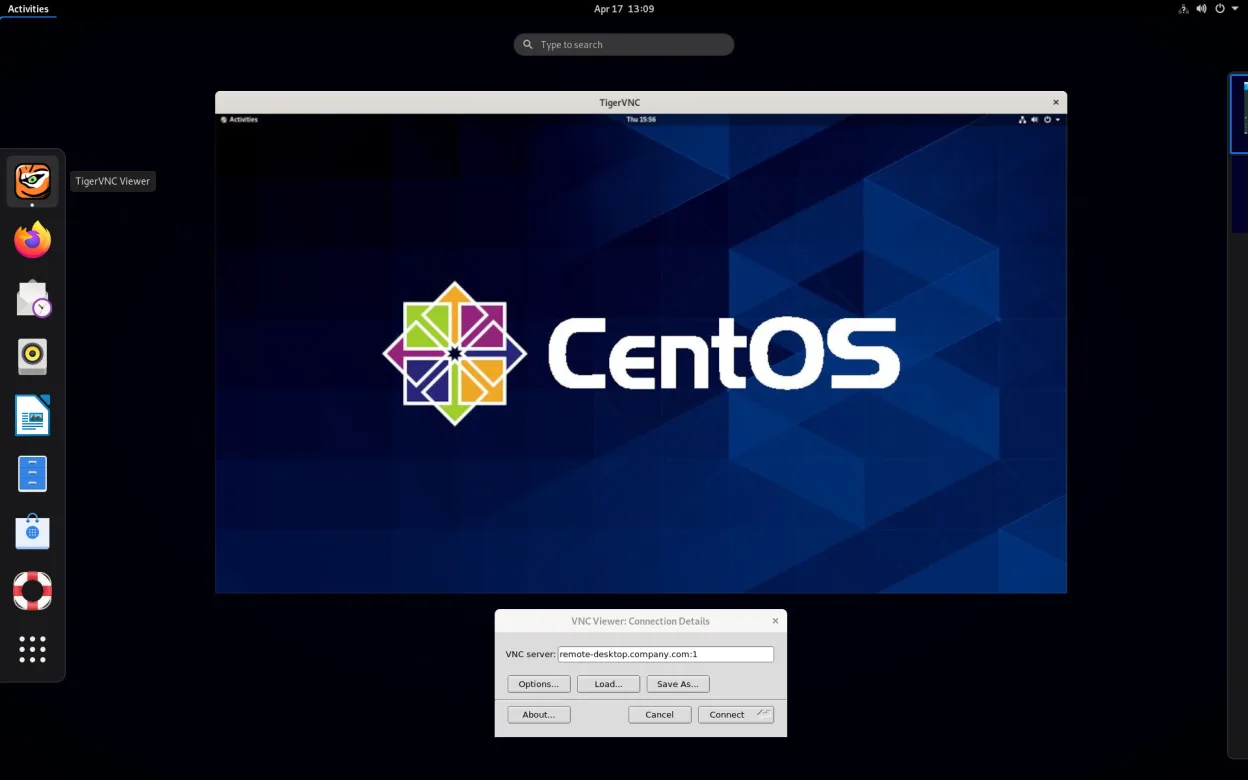
TigerVNC Viewer is a GPL‑licensed client for connecting to remote VNC desktops on Linux.
TigerVNC Viewer is a solid replacement for RealVNC when you need a free, open‑source client that runs natively on Linux. It supports the same VNC protocol, offers TLS encryption, clipboard sharing, multi‑monitor support, and command‑line scripting, making it suitable for IT support, home users, and…
Feature parity90% -
A VNC server for X11 that lets you control your Linux desktop remotely from any VNC client.
x11vnc is a solid replacement for RealVNC if you need to expose an existing X11 session or a virtual display on a Linux box. It handles the core VNC protocol, supports password and TLS, and can run headlessly as a service. It is best suited for system administrators or developers who already run…
Feature parity80% -

Remmina is a Linux remote desktop client supporting RDP, VNC, SSH, and X2Go for connecting to remote systems from GTK-based desktops.
Remmina can replace RealVNC for most users who need VNC access from a Linux desktop. It supports VNC, RDP, SSH, and X2Go, and offers tabbed connections, saved profiles, clipboard sharing, and file transfer. It is ideal for Linux sysadmins, home users, or mixed‑platform teams who already use Linux…
Feature parity80% -
GNOME Remote Desktop is a built-in VNC server for Linux that allows remote access to your graphical session using standard VNC clients.
GNOME Remote Desktop is a solid, lightweight replacement for RealVNC if you only need to connect to a Linux host. It handles the core job of providing a VNC server for your current graphical session with minimal setup. However, it is not a drop-in replacement for a full RealVNC suite. It lacks a…
Feature parity75%


What is RealVNC?
RealVNC is remote desktop software that lets users view and control a computer from another device over a network. It's widely used by IT support teams to troubleshoot systems, provide remote help, and manage machines without physical access. The Viewer connects to a Server running on the remote machine, making it useful for both personal and enterprise support scenarios.
The software is proprietary and offered under a freemium model. The free version supports basic remote access with limited features and is restricted to non-commercial use. Paid plans unlock advanced functionality like encryption, cloud relay, and multi-platform deployment, targeting businesses and professional users.
Many users seek Linux alternatives because RealVNC's free version is restrictive and its full features require a subscription. Others prefer open-source tools they can inspect, modify, or integrate without licensing concerns. Since RealVNC is not fully open, users often look for native, lightweight, or more transparent solutions on Linux.
What a replacement for RealVNC must do
- Remote desktop viewing and control
- VNC protocol support
- Cross-platform connectivity
- Secure authentication
- Low-latency screen updates
- Easy setup for headless systems
- Viewer and server components
Can you run RealVNC on Linux?
RealVNC provides official native Linux server and client packages, so it runs directly on Linux without compatibility layers. However, many users prefer open-source alternatives due to licensing restrictions and feature limitations in the free version. It does not require Wine or Proton, as native binaries are available for most distributions.
Which alternative should you choose?
TigerVNC Viewer is ideal for users needing a fast, no-frills VNC client. x11vnc works well for headless servers or single-user setups. Remmina supports multiple protocols and suits users managing various remote connections. GNOME Remote Desktop is best for GNOME users wanting built-in simplicity. KDE Connect offers broad device integration beyond just desktop control.
Moving your RealVNC files and habits
RealVNC connections rely on IP addresses, ports, and passwords—no complex data export is needed. Most alternatives support standard VNC authentication and RFB, so credentials and access methods transfer directly. Saved connections may not import automatically, but reconfiguring them in Remmina or TigerVNC is straightforward. Compatibility with RealVNC servers is generally good.
Side-by-side comparison
| App | License | Flatpak | Latest version | Feature parity | Rating |
|---|---|---|---|---|---|
| TigerVNC Viewer | GPL-2.0-or-later | ✓ | 1.14.0 | 90% | — |
| x11vnc | GPL-2.0 | — | 0.9.17 | 80% | — |
| Remmina | GPL-2.0+ | ✓ | 1.4.43 | 80% | — |
| GNOME Remote Desktop | GPL-3.0 | — | 51.0 | 75% | — |
RealVNC: frequently asked questions
Can I use RealVNC's server with open-source VNC clients?
Yes, RealVNC Server uses the standard RFB protocol, so clients like TigerVNC or Remmina can connect to it.
Is RealVNC free for commercial use?
No, the free version is limited to non-commercial use. Commercial deployments require a paid license.
Do these alternatives support encryption?
Some do—Remmina supports SSH tunneling, and x11vnc can use SSL. Others rely on network-level security.
Can I control a Linux machine headless with these tools?
Yes, x11vnc and TigerVNC work well on headless systems when configured properly.
How important is RealVNC to you?
Know a better alternative? Suggest an alternative