
Windows · Office
Best Linux alternatives to Tableau Desktop
Tableau Desktop is a Windows tool for creating interactive data visualizations and dashboards from diverse data sources.
Updated
Quick answer
The best Linux alternative to Tableau Desktop is JupyterLab. Other strong options: Kst, Gnuplot, Veusz.
4 Linux alternatives to Tableau Desktop
-
JupyterLab is an open‑source web‑based IDE for interactive computing with notebooks, code, and data visualizations.
JupyterLab can replace Tableau Desktop for users comfortable with coding and who prioritize flexibility over point-and-click simplicity. It supports interactive visualizations, dashboards, and real-time data exploration using Python, R, or Julia. With libraries like Matplotlib, Plotly, or Bokeh…
Feature parity65% -
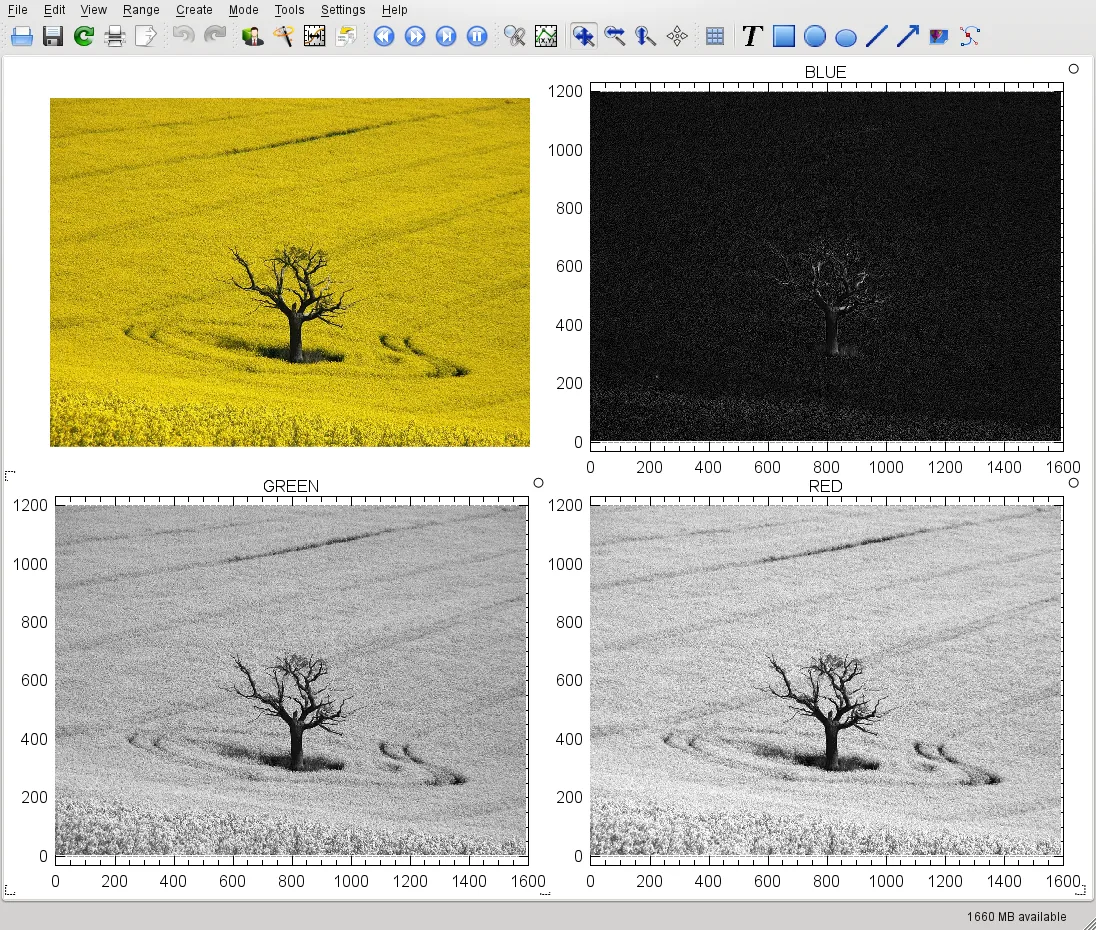
Kst is a KDE application for visualizing and analyzing scientific data sets, offering a lightweight alternative to heavy BI tools.
Kst is not a good replacement for Tableau Desktop for business intelligence or dashboard-focused users. It excels at real-time scientific data plotting and lightweight analysis, making it suitable for researchers or engineers working with time-series or numerical data. However, it lacks interactive…
Feature parity30% -
Gnuplot is a command-line driven graphing tool for generating 2D and 3D plots from data and mathematical functions.
Gnuplot is not a good replacement for Tableau Desktop for typical users who need interactive dashboards, point-and-click visualization, or real-time data exploration. It excels at generating precise, scriptable 2D and 3D plots from data files or functions, making it suitable for scientists…
Feature parity30% -
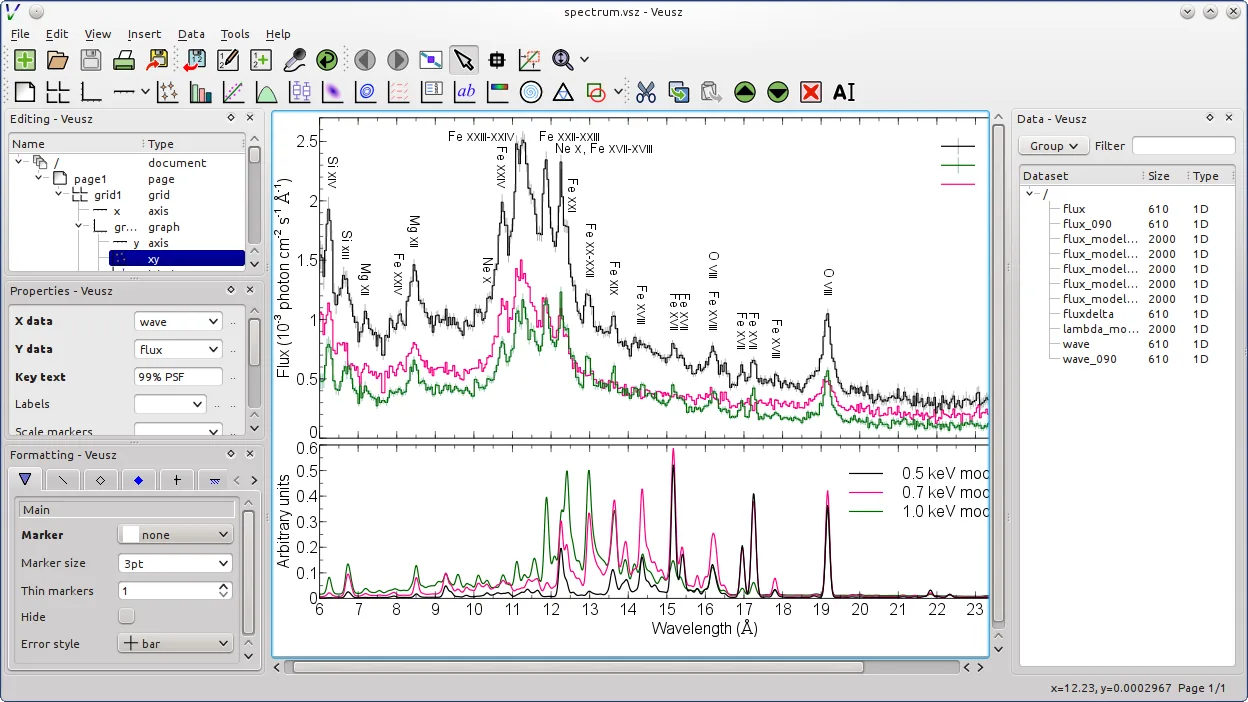
Veusz is a scientific plotting application for creating publication-ready graphs with precise control over visual elements.
Veusz is not a direct replacement for Tableau Desktop for business users focused on dashboards and interactive data exploration. It excels at creating precise, publication-quality scientific plots and supports scripting, but lacks Tableau’s intuitive drag-and-drop dashboarding, real-time…
Feature parity40%


What is Tableau Desktop?
Tableau Desktop is used by analysts, data scientists, and business users to explore data visually and build dashboards. It connects to spreadsheets, databases, and cloud services, allowing users to drag and drop fields to generate charts and insights quickly. Its interface is designed for people who need to present data without writing code.
The software is commercial and requires a paid license, with pricing based on individual or enterprise use. There is no free version for Windows, and licenses are subscription-based. Support and updates are included during the subscription period.
People look for Linux alternatives because Tableau Desktop does not run natively on Linux. Even with compatibility layers, performance and feature support are limited. Users prefer open tools that work reliably on Linux, especially for data analysis and visualization tasks.
What a replacement for Tableau Desktop must do
- Connect to databases and spreadsheets
- Create interactive charts and graphs
- Build dashboards with filters and drill-downs
- Handle large datasets efficiently
- Support scripting or automation
- Export visuals to common formats
- Real-time data preview
Can you run Tableau Desktop on Linux?
There is no native Linux version of Tableau Desktop. The web-based Tableau Server or Tableau Public can be accessed via browser on Linux, but functionality is reduced. Running the Windows version via Wine or Bottles is not reliably successful—some users report partial functionality, but crashes and rendering issues are common. Proton is not supported.
Which alternative should you choose?
Gnumeric and LibreOffice Calc suit users needing lightweight spreadsheet-based charts. JupyterLab is ideal for code-driven visualization with Python. Kst works well for real-time plotting of scientific data. Gnuplot fits users comfortable with scripting. Veusz offers a GUI for creating publication-quality 2D/3D plots. Choose based on workflow: GUI vs. code, data size, and output needs.
Moving your Tableau Desktop files and habits
Tableau files (.twb, .twbx) cannot be opened directly in Linux tools. Export data to CSV or Excel format for reuse. Visuals must be recreated using the target app. Some metadata and formatting will be lost. Use ODBC or direct database connections in Linux apps to replicate data sources.
Side-by-side comparison
| App | License | Flatpak | Latest version | Feature parity | Rating |
|---|---|---|---|---|---|
| JupyterLab | BSD-3-Clause | — | 4.6.5 | 65% | — |
| Kst | GPL-3.0 | ✓ | 3.0.0 | 30% | — |
| Gnuplot | gnuplot license (open… | — | 6.0.6 | 30% | — |
| Veusz | GPL-2.0+ | ✓ | 4.2.1 | 40% | — |
Tableau Desktop: frequently asked questions
Can I open Tableau files (.twb) in any Linux app?
No. Tableau file formats are proprietary. You must export data to CSV or Excel from Tableau first.
Is there a free version of Tableau for Linux?
No. Tableau Public is free and web-based, but it runs in browsers on Linux—not as a native app.
Which Linux tool is closest to Tableau’s drag-and-drop interface?
LibreOffice Calc and Veusz offer GUI-based charting, though less advanced than Tableau’s interactivity.
Can I automate reports like in Tableau using Linux tools?
Yes. JupyterLab with Python or Gnuplot scripts can automate data processing and visualization workflows.
How important is Tableau Desktop to you?
Know a better alternative? Suggest an alternative