
Windows · Programming
Best Linux alternatives to VS Code
VS Code is a native, free, and extensible code editor for Linux, making it the standard choice for developers who need a lightweight IDE.
Updated
Quick answer
The best Linux alternative to VS Code is Vim. Other strong options: Neovim, Kate, Geany.
6 Linux alternatives to VS Code
-

Vim is a highly configurable, modal text editor for efficient editing on Linux.
-
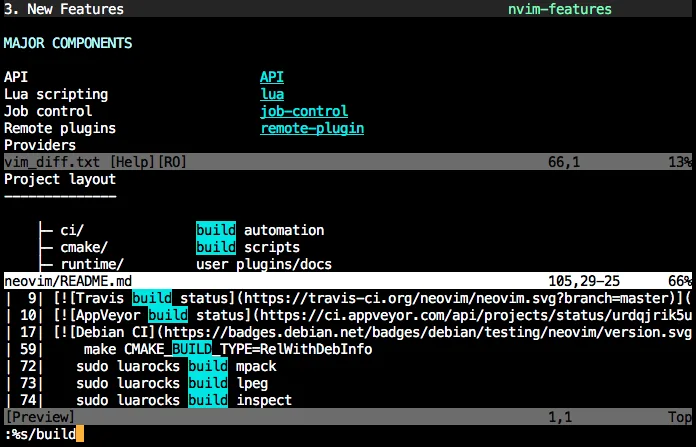
Neovim is a modern Vim fork that adds extensibility, advanced UI support, and powerful extensions while keeping Vim's modal editing core.
-

Kate is a feature-rich, programmer-focused text editor from KDE with support for 300+ languages and advanced editing tools.
Kate can serve as a viable replacement for VS Code for developers who prefer a traditional desktop editor with strong KDE integration. It covers the essential needs—syntax highlighting, built‑in terminal, Git support, LSP‑based IntelliSense and debugging—while offering multi‑document panes and a…
Feature parity80% -
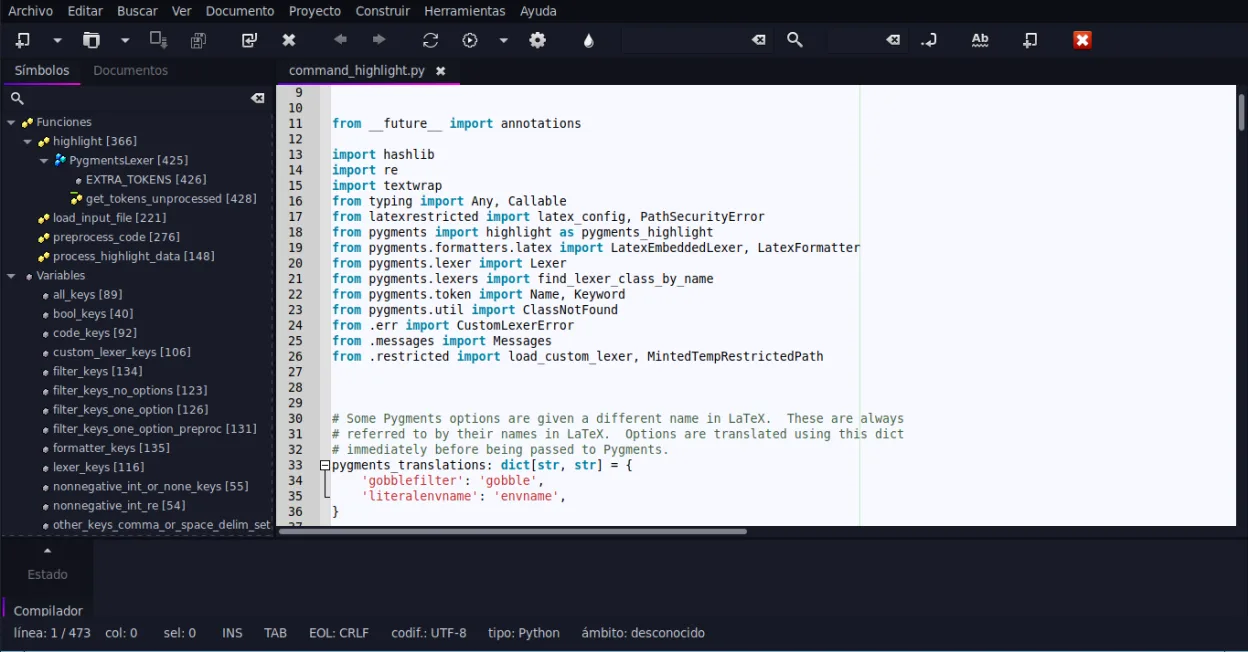
Geany is a lightweight, fast IDE that supports many languages and plugins out of the box.
-

Sublime Text is a lightweight, fast source code editor with a minimal interface and powerful extensibility.
Sublime Text can serve as a replacement for VS Code for developers who prioritize speed, low memory usage, and a minimal interface. It offers solid syntax highlighting, multiple cursors, and a powerful command palette, but it lacks built‑in IntelliSense, a full debugging stack, and the deep…
Feature parity70% -

Eclipse is a free, Java‑centric integrated development environment that runs natively on Linux.






What is VS Code?
Visual Studio Code is a source code editor used by developers, students, and hobbyists to write, debug, and manage code across many languages. It serves as a lightweight IDE, handling everything from simple scripts to complex web applications. Its popularity stems from a balance of speed, customization, and a vast ecosystem of plugins that tailor the environment to specific workflows.
The software is free and open-source under the MIT license. While Microsoft develops it, the core editor is available without cost. There are no hidden fees for basic usage, and the extension marketplace is also free. Users can download the application directly from the official website or package managers, ensuring a clean and secure installation process.
Most users do not need to look for an alternative because VS Code runs natively on Linux. However, some developers prefer a lighter footprint, a terminal-centric workflow, or a different interface philosophy. Others might seek alternatives for specific reasons, such as avoiding Electron-based overhead or preferring a more traditional, keyboard-driven editing experience without a graphical interface.
What a replacement for VS Code must do
- Syntax highlighting for multiple languages
- Integrated terminal access
- Git version control integration
- Extensible plugin architecture
- Code completion and IntelliSense
- Debugging capabilities
- Customizable keybindings and themes
Can you run VS Code on Linux?
VS Code has a first-class native Linux version. You can install it via AppImage, Flatpak, or native package managers like .deb or .rpm. It performs well on most distributions and integrates smoothly with the desktop environment. There is no need for Wine or Proton, as the application is built specifically for Linux systems alongside Windows and macOS. The web version is also available but is less common for local development due to browser limitations.
Which alternative should you choose?
If you want a full-featured, graphical IDE with a large plugin ecosystem, stick with VS Code. For users who prefer a minimal, terminal-based editor with high configurability, Neovim or Vim are excellent choices. Kate is a solid option if you want a traditional GUI editor that is part of the KDE ecosystem. Geany is good for lightweight, fast editing without heavy dependencies. Sublime Text is a proprietary alternative with a fast interface, though it is not open-source. Eclipse is best for Java-centric development but feels heavier and more complex for general-purpose coding.
Moving your VS Code files and habits
Migrating away from VS Code is straightforward since it primarily uses plain text files for code. Your projects will remain accessible regardless of the editor you choose. However, you will need to recreate your settings, keybindings, and installed extensions in the new environment. If you rely heavily on specific VS Code extensions for language support or debugging, ensure your alternative offers similar capabilities or plugins. Git repositories and project structures remain unchanged, so version control workflows will continue seamlessly.
Side-by-side comparison
VS Code: frequently asked questions
Is VS Code free on Linux?
Yes, VS Code is completely free and open-source. You can download and use it without any cost or licensing restrictions.
Do I need to install additional tools to use VS Code on Linux?
No, VS Code is self-contained. However, you may need to install language-specific compilers or runtimes (like Python, Node.js, or Java) to run and debug your code.
Can I use my Windows VS Code settings on Linux?
You can manually copy your settings.json and keybindings.json files from your Windows installation to the Linux version. The extension list can also be exported and imported to reinstall your plugins.
Is VS Code better than Vim for beginners?
For most beginners, VS Code is more approachable due to its graphical interface and built-in features. Vim has a steeper learning curve but offers greater speed and efficiency once mastered.
How important is VS Code to you?
Know a better alternative? Suggest an alternative