
Windows · Graphics
Best Linux alternatives to Windows Photo Viewer
A lightweight image viewer for basic browsing of common photo formats, originally in older Windows versions.
Updated
Quick answer
The best Linux alternative to Windows Photo Viewer is gThumb Image Viewer. Other strong options: Eye of GNOME, nomacs - Image Lounge, GwenView.
6 Linux alternatives to Windows Photo Viewer
-
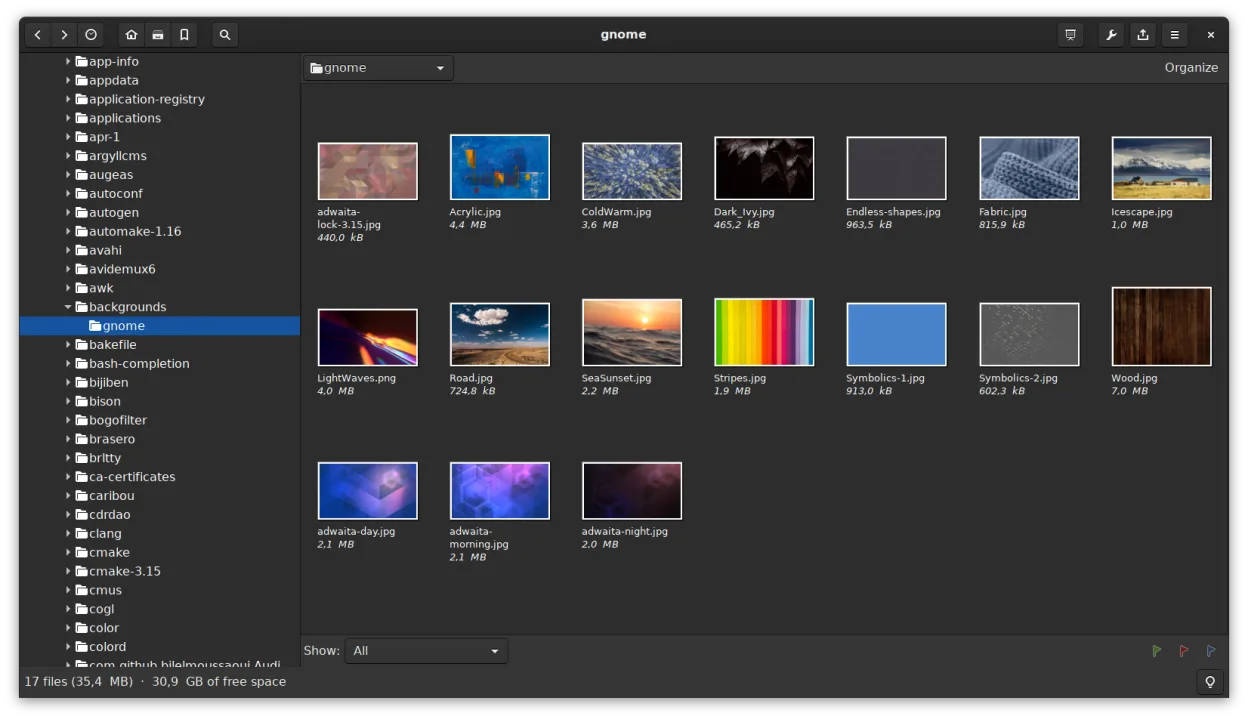
gThumb is a GNOME‑integrated image viewer, editor and organizer for Linux.
gThumb is a capable replacement for Windows Photo Viewer if you're comfortable with a slightly heavier app that does more. It opens all common image formats quickly and supports fullscreen viewing, zoom, keyboard navigation, and slideshow—core needs are met. However, it’s part of the GNOME…
Feature parity85% -

Eye of GNOME is a lightweight image viewer for GNOME, designed for browsing and rotating images with minimal fuss.
Eye of GNOME is a good replacement for Windows Photo Viewer if you're on a GNOME-based Linux system and want a simple, fast image viewer. It handles common formats, starts quickly, and supports fullscreen viewing, zoom, and keyboard navigation. Automatic EXIF rotation is a small but useful touch…
Feature parity90% -
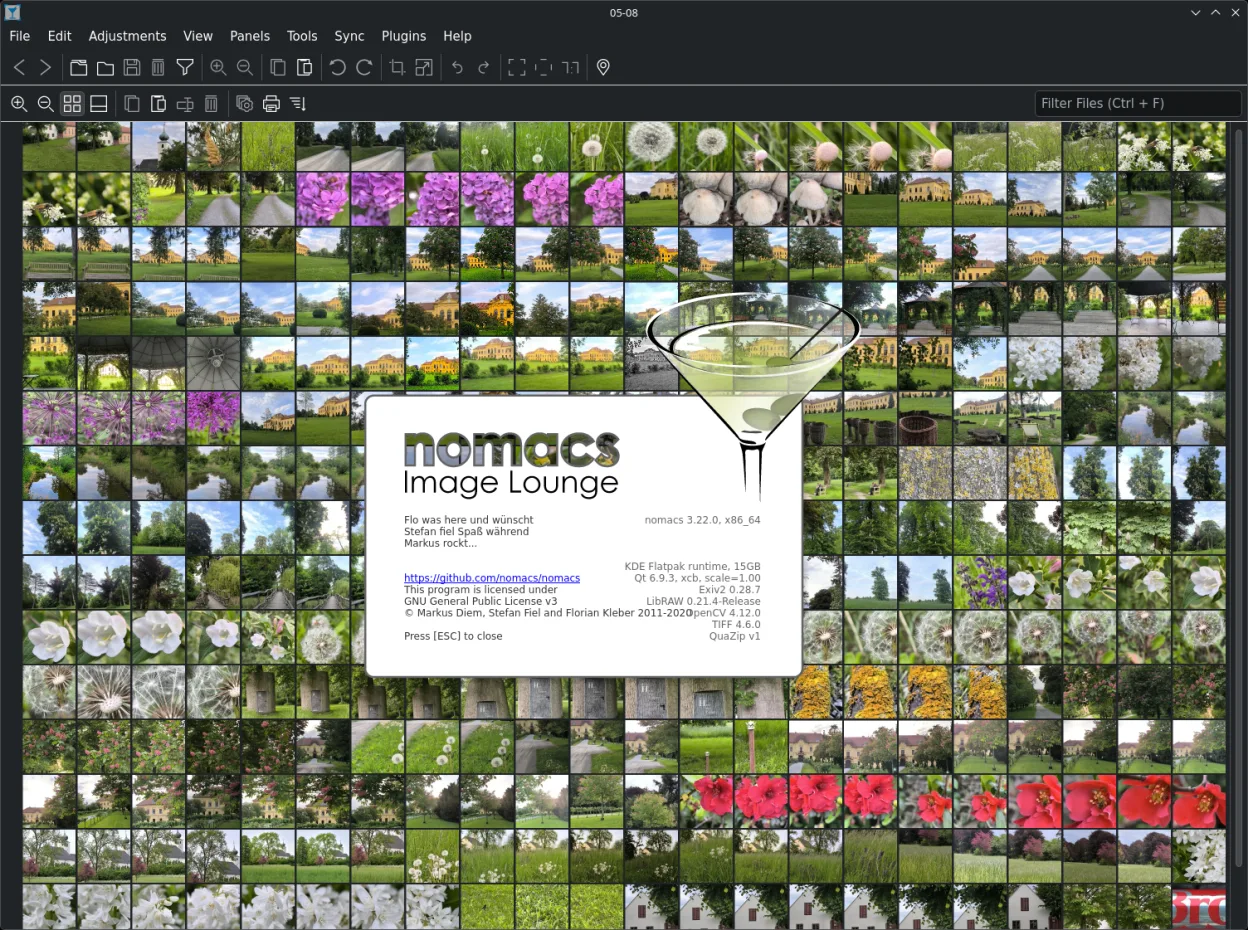
Nomacs is a free, open‑source image viewer that supports thumbnails, metadata, histograms and browsing inside archives.
nomacs is a good replacement for Windows Photo Viewer if you want a lightweight, fast image viewer with basic navigation and support for common formats. It starts quickly, uses little memory, and handles fullscreen, zoom, and keyboard controls well. The clean interface focuses on single images, and…
Feature parity90% -

GwenView is KDE's fast image viewer with basic editing and annotation tools, ideal for browsing photo collections.
GwenView is a solid replacement for Windows Photo Viewer, especially for users who want slightly more than basic viewing. It starts quickly, handles common image formats well, and supports keyboard navigation and fullscreen browsing with zoom. The interface is clean and focused on single images…
Feature parity90% -
Mirage is a lightweight image viewer for Linux, designed for fast browsing with minimal distractions.
Mirage is a good replacement for Windows Photo Viewer if you want a fast, no-frills image viewer on Linux. It starts quickly, uses little memory, and handles common formats reliably. The interface is clean and stays out of the way, focusing on single images without importing them into a library…
Feature parity90% -
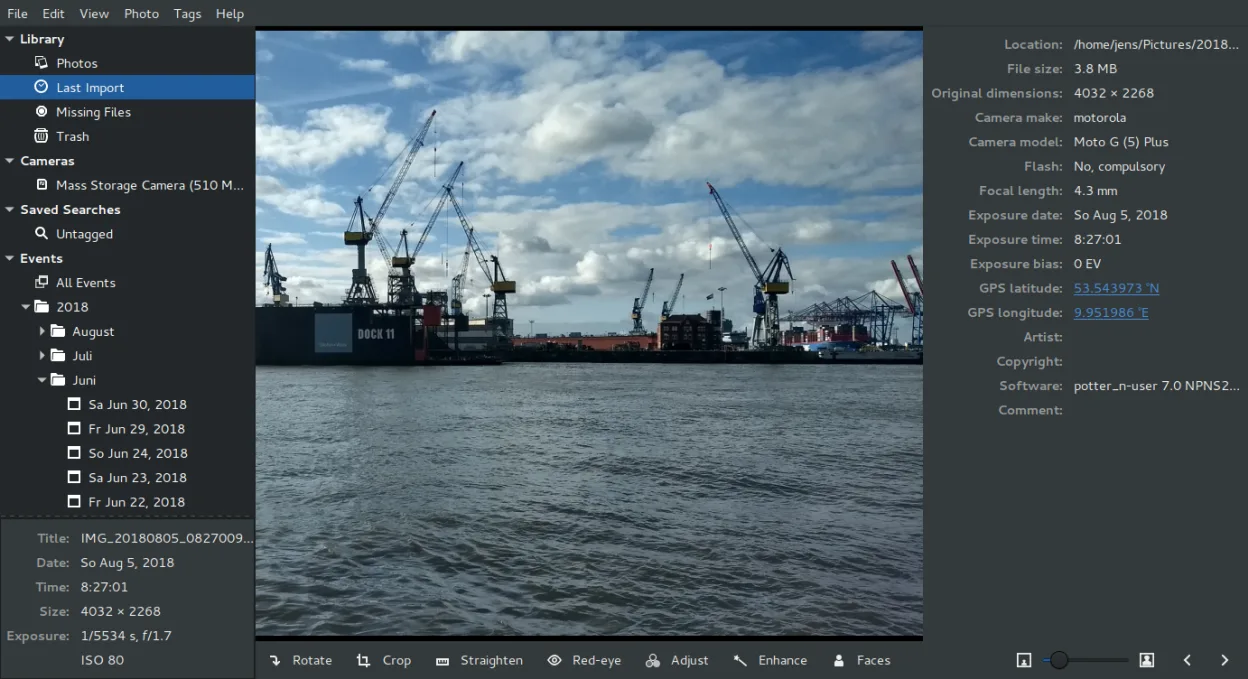
Shotwell is a GNOME photo manager for importing, organizing, and lightly editing images.
Shotwell is a decent replacement for Windows Photo Viewer if you're okay with a slight shift from pure viewing to light organization. It opens common formats quickly and has solid fullscreen navigation with keyboard support. However, it's designed around importing and managing photos, not just…
Feature parity75%





What is Windows Photo Viewer?
Windows Photo Viewer is a minimal, fast image viewer designed for quickly opening and scrolling through photos. It’s used mostly by people who want a no-frills tool to preview images without editing features. Its simplicity made it popular among users who preferred speed over advanced functionality.
The program is proprietary and was included free with Windows XP, 7, and some server editions. It was not sold separately and came as part of the OS. There's no standalone license or purchase option.
People seek Linux alternatives because Windows Photo Viewer doesn’t exist on Linux and was discontinued in later Windows versions. Users want similar lightweight, fast-opening viewers that support common formats like JPEG, PNG, and BMP without bloat.
What a replacement for Windows Photo Viewer must do
- Open common image formats (JPEG, PNG, BMP, GIF)
- Fast startup and low memory use
- Simple fullscreen and zoom controls
- Keyboard navigation (arrow keys, spacebar)
- Basic slideshow functionality
- Minimal, clean user interface
- Single-image focus without library management
Can you run Windows Photo Viewer on Linux?
There is no native Linux version of Windows Photo Viewer. It does not run reliably under Wine, and no official port exists. Some users have tried extracting it for use via compatibility layers, but results are inconsistent and not recommended. No web version is available.
Which alternative should you choose?
For GNOME users, Eye of GNOME offers tight desktop integration and fast performance. gThumb adds tab support and format handling for those wanting a bit more. nomacs - Image Lounge is ideal for multi-platform users needing a consistent experience. GwenView suits KDE users well. Mirage is best for minimalists who want speed and simplicity. Shotwell works if you also want light organization. nomacs and GwenView support multi-image windows better.
Moving your Windows Photo Viewer files and habits
No direct data migration is needed since Windows Photo Viewer doesn’t store metadata or catalogs. Your image files (JPEG, PNG, etc.) are fully compatible with all listed Linux viewers. Simply copy the files to your Linux system and open them. Ensure your filenames and folder structures remain intact for easy access. No conversion is required.
Side-by-side comparison
| App | License | Flatpak | Latest version | Feature parity | Rating |
|---|---|---|---|---|---|
| gThumb Image Viewer | GPL-2.0+ | ✓ | 3.12.10 | 85% | — |
| Eye of GNOME | GPL-2.0+ and GFDL-1.3 | ✓ | 50.2 | 90% | — |
| nomacs - Image Lounge | GPL-3.0 | ✓ | 3.23 | 90% | — |
| GwenView | GPL-2.0+ | ✓ | 26.04.3 | 90% | — |
| mirage | GPL-2.0 | — | 0.11.2 | 90% | — |
| Shotwell | LGPL-2.1+ | ✓ | 33.0 | 75% | — |
Windows Photo Viewer: frequently asked questions
Can I install Windows Photo Viewer on Linux using Wine?
No, it doesn’t work reliably under Wine. Some try to extract it from Windows, but it often fails or breaks. Use native alternatives instead.
Which Linux viewer starts the fastest?
Mirage and Eye of GNOME are among the quickest to launch, especially on older hardware or minimal systems.
Do any of these support RAW image files?
Some can, depending on system codecs. gThumb and GwenView may show RAW files if libraw is installed, but they don’t edit them.
Is there a viewer that looks just like Windows Photo Viewer?
Mirage is the closest in appearance and behavior—minimal, fast, and keyboard-driven, with no extra features.
How important is Windows Photo Viewer to you?
Know a better alternative? Suggest an alternative