

Linux · Internet
Wireshark
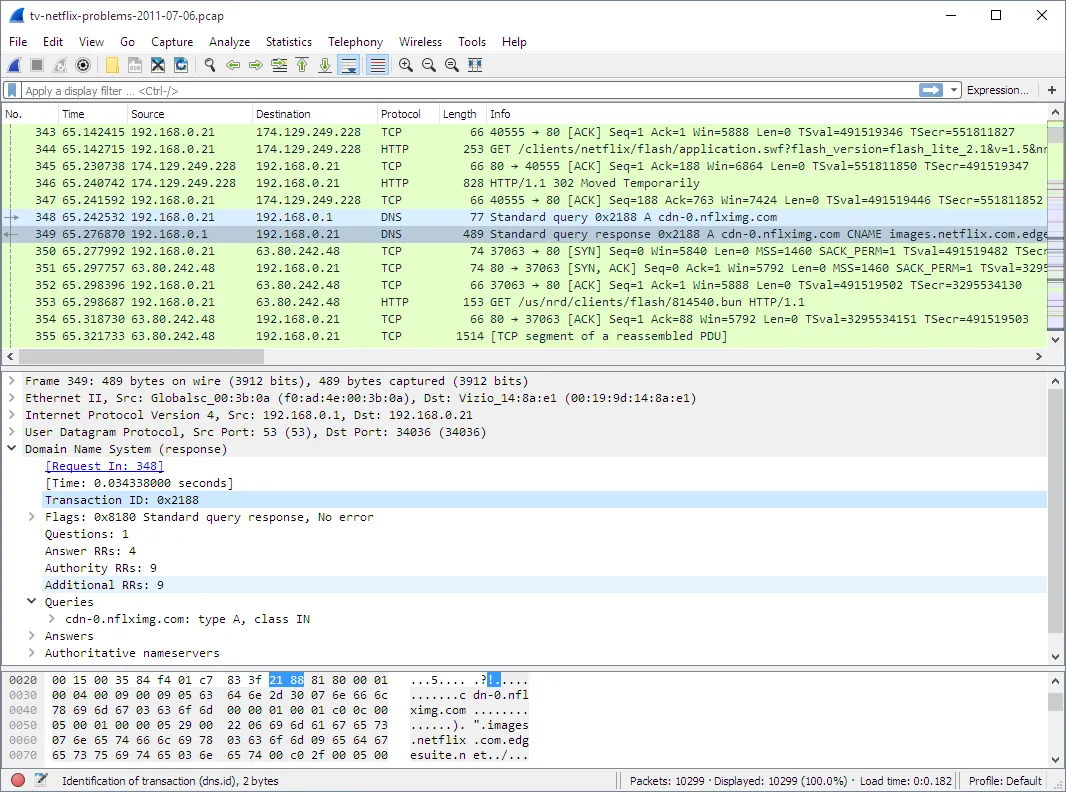
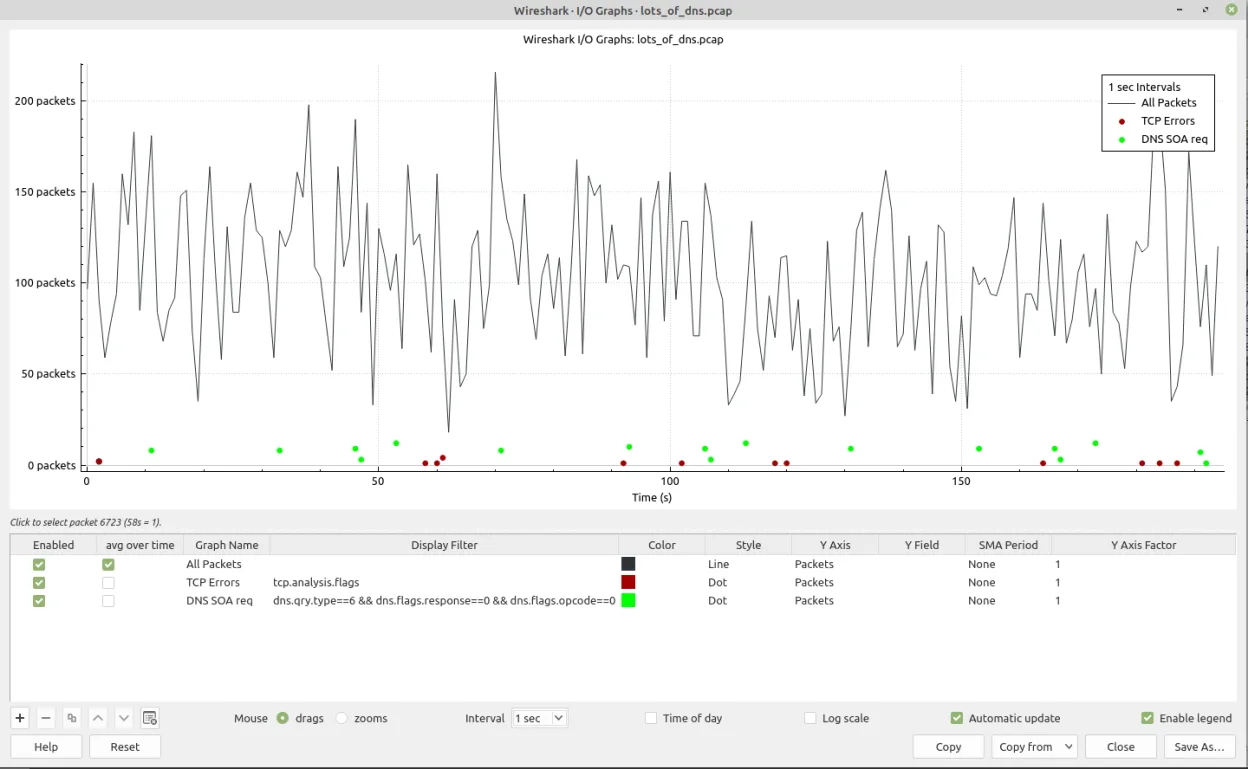
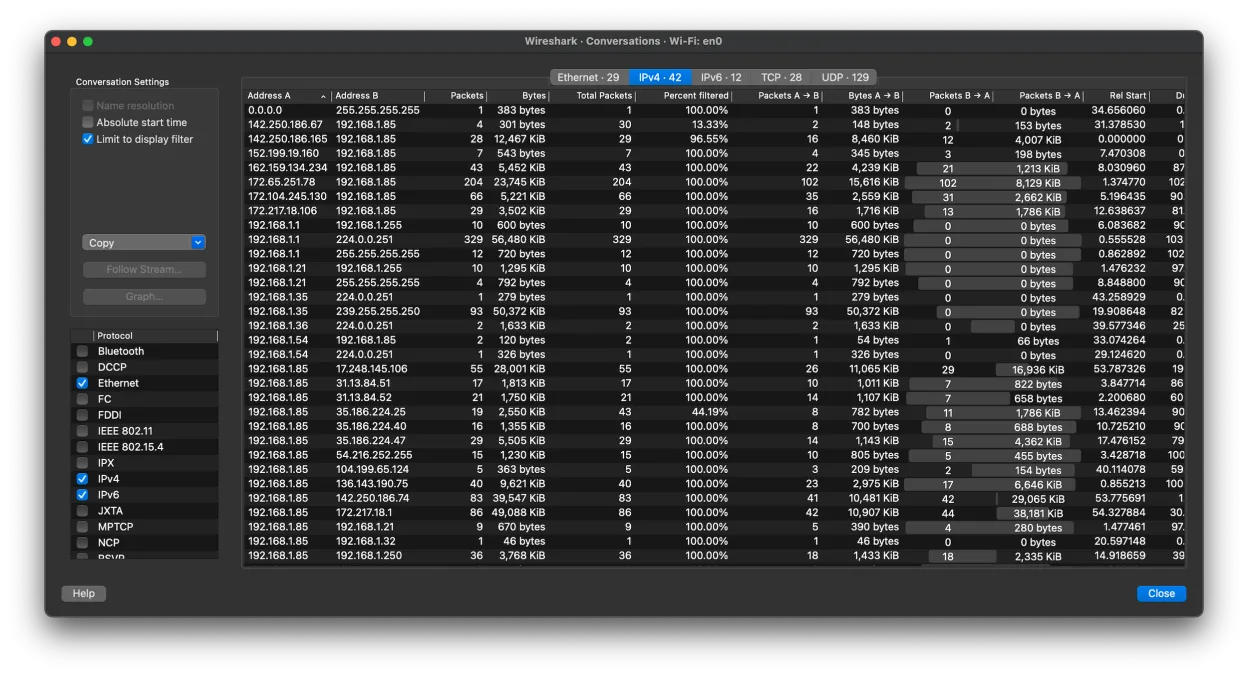
Wireshark is a network protocol analyzer for inspecting saved packet captures, but this version lacks live capture support.
- License
- GPL-2.0
- Latest version
- 4.6.9 (September 20, 2026)
- Developer
- The Wireshark developer community
- Installs
- 4,623 (Flathub, 30 days)
What is Wireshark?
Wireshark is a mature, widely used tool for analyzing network traffic from saved capture files. Originally released in 1998 as Ethereal, it was renamed in 2006 and has since become the de facto standard for protocol analysis. It's actively maintained and trusted by network engineers, security professionals, and developers.
This Flathub version is strictly for viewing and analyzing existing capture files—it cannot perform live packet captures due to sandboxing restrictions. It’s ideal for users who already have .pcap or .pcapng files and need deep inspection capabilities, such as reconstructing TCP streams or extracting transferred files.
Compared to Microsoft Teams, Wireshark serves a completely different purpose and is not a communication tool. The comparison appears to be a misclassification. Wireshark feels technical and dense, with a steep learning curve, unlike the user-friendly, real-time collaboration interface of Teams.
Best for: Analyzing saved network traffic for troubleshooting, security, or learning purposes.
Key features of Wireshark
- Inspect network traffic from saved capture files
- Supports .pcap, .pcapng, and dozens of other formats
- Deep protocol decoding for thousands of protocols
- Powerful display filter language for narrowing traffic
- Reassemble TCP streams and extract file contents
- Play back RTP audio from captured VoIP calls
- Cross-platform with consistent UI on Linux
- Extensive documentation and community support
Pros
- Unmatched depth in protocol analysis
- Stable and actively developed for over 20 years
- Rich filtering and search capabilities
- Can reconstruct entire file transfers and sessions
- Extensive plugin and dissector support
Cons
- This Flathub version cannot capture live traffic
- High resource usage with large capture files
- Steep learning curve for beginners
- Interface feels dated compared to modern apps
Windows programs Wireshark replaces
How to install Wireshark on Linux
flatpak install flathub org.wireshark.Wiresharksudo zypper install wireTips for Windows users
If you're coming from Microsoft Teams, expect a completely different experience—Wireshark is not for communication. Instead, open .pcap files via File > Open. Use display filters like 'http' or 'ip.addr == x.x.x.x' to narrow traffic. Learn basic filters early; Ctrl+L imports files, and right-clicking a packet offers 'Follow TCP Stream'.
Recent releases
- 4.6.9 —
- 4.6.8 —
- 4.6.7 —
- 4.6.6 —
Wireshark: frequently asked questions
Can this version of Wireshark capture live network traffic?
No, the Flathub version runs in a sandbox and cannot capture live traffic. Use the distribution-native package or run it with appropriate permissions for capture support.
What file formats does Wireshark support?
It reads .pcap, .pcapng, .cap, .dmp, and many other capture formats. Most network tools export compatible files.
How do I extract files transferred over HTTP in Wireshark?
Right-click a TCP stream, select 'Follow' > 'HTTP', and look for file transfers. You can export objects from the menu under 'File' > 'Export Objects'.
Is Wireshark safe to use on Linux?
Yes, but capturing traffic requires privileges. The Flathub version avoids this by disabling capture—use the native package if you need full functionality.
Updated