
Windows · Internet
Best Linux alternatives to Chrome
Chrome is a widely used cross-platform browser by Google, known for speed and integration with Google services.
Updated
Quick answer
The best Linux alternative to Chrome is Chromium. Other strong options: Firefox, Brave, LibreWolf.
6 Linux alternatives to Chrome
-
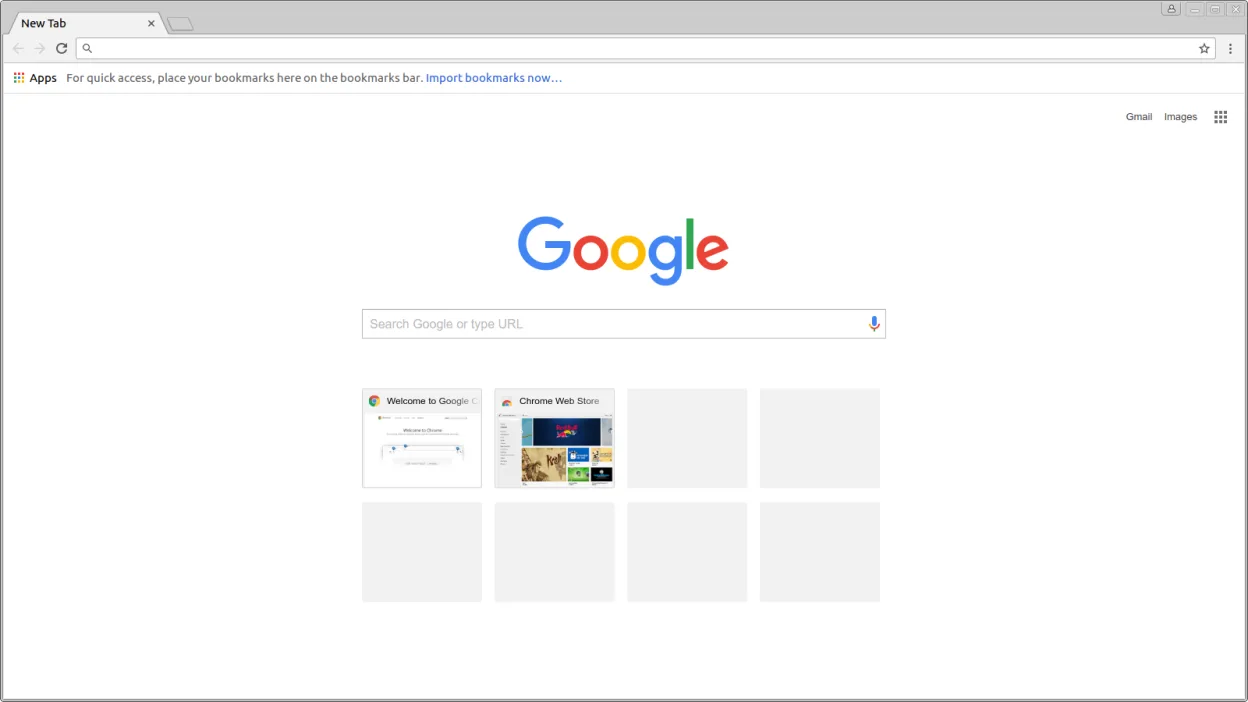
Chromium is the open-source core behind Chrome and Edge, providing a fast, stable web browser without proprietary Google services.
Chromium is a solid replacement for Chrome on Linux, especially for users who prioritize open-source software and want to avoid Google's telemetry and forced account integration. It offers the same core browsing experience, including fast rendering, strong JavaScript performance, and full support…
Feature parity95% -
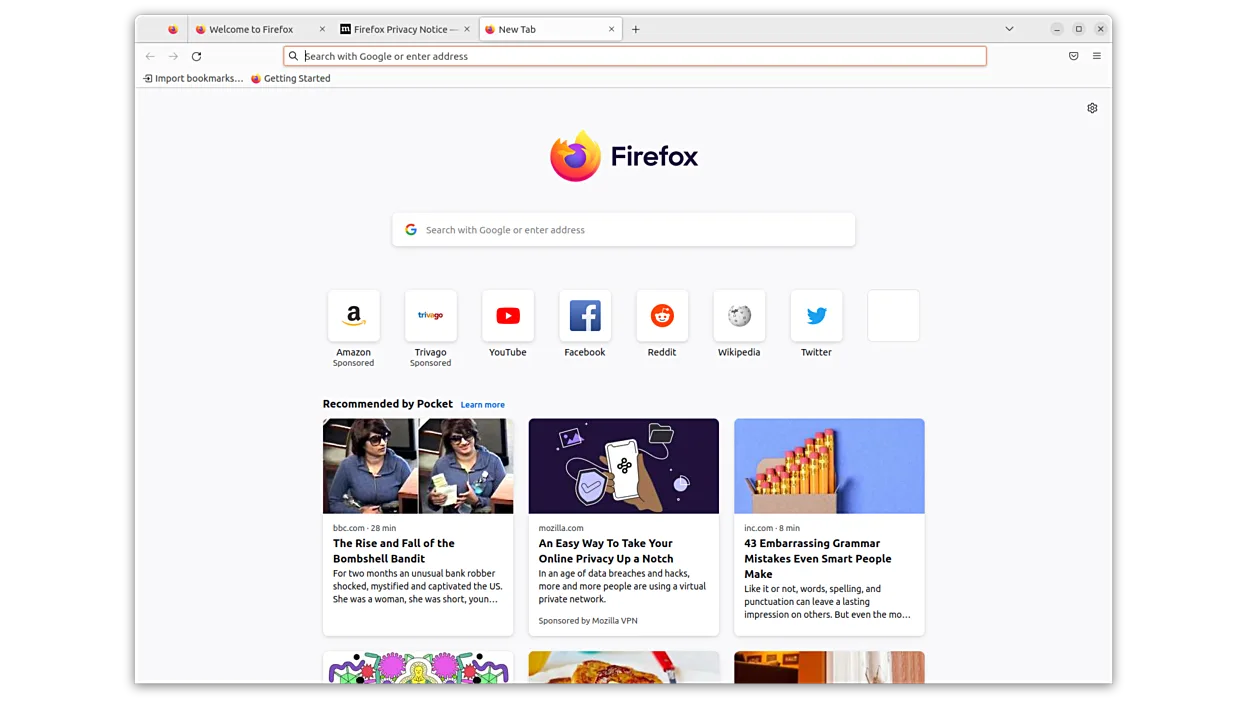
Firefox is a fast, private web browser developed by Mozilla, offering strong tracking protection and customization.
Firefox is a solid replacement for Chrome, especially for users who prioritize privacy and dislike Google's data collection. It's fast, supports most websites and web apps, and has strong extension support. While some Chrome-specific features like seamless Google account integration are missing…
Feature parity90% -
Brave is a fast, privacy‑focused web browser that blocks ads and trackers by default and offers an optional rewards system.
Brave is a solid replacement for Chrome on Linux, especially for users who value speed and privacy. Since it's built on Chromium, it handles modern websites reliably and supports most Chrome extensions. The built-in ad-blocker and tracker protection improve page load times and reduce…
Feature parity90% -

LibreWolf is a privacy-hardened, independent fork of Firefox with telemetry removed and security settings enforced by default.
LibreWolf is a good replacement for Chrome if privacy and control are priorities. It handles modern web content well, supports most sites Chrome users expect, and blocks tracking by default. However, it won’t sync with Google accounts or Chrome devices, and some Google-dependent workflows break…
Feature parity75% -
qutebrowser is a keyboard-driven, minimalist web browser designed for efficiency and customization in Linux environments.
qutebrowser is a good replacement for Chrome if you prioritize keyboard efficiency, minimalism, and privacy over out-of-the-box convenience. It works well for experienced Linux users who browse text-heavy sites, use ad blocking, and prefer scripting over GUIs. However, it lacks built-in support for…
Feature parity65% -
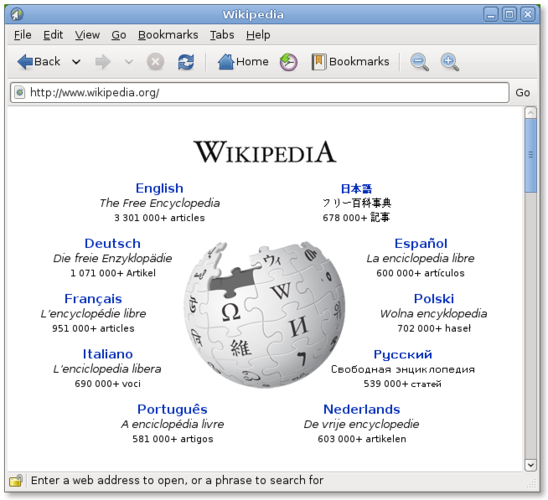
Epiphany (GNOME Web) is a lightweight GNOME‑based web browser built on WebKit.
Epiphany is a decent replacement for Chrome only if you prioritize simplicity, privacy, and GNOME integration over features and compatibility. It handles basic browsing well and stays out of your way, but lacks Chrome extensions, syncing, and consistent performance on complex sites. If you rely on…
Feature parity55%





What is Chrome?
Chrome is primarily used for general web browsing, running web apps, streaming media, and accessing cloud services. It's popular among everyday users, professionals, and enterprises due to its fast performance, extensive extension library, and synchronization across devices. Many rely on it for its predictable behavior and wide site compatibility.
Google Chrome is free to use but is not fully open source. It includes proprietary components like automatic updates, media codecs, and tracking services. The open-source version, Chromium, forms its base and is used by many Linux distributions. Chrome itself is distributed under a freemium-like model—free to download but designed to encourage Google account usage.
People seek Linux alternatives because Chrome tracks user data by default, bundles closed-source binaries, and is seen as resource-heavy. Some want more privacy, less Google integration, or lighter resource usage. Others prefer fully open-source software or need browsers that align with Linux philosophies of transparency and user control.
Can you run Chrome on Linux?
Yes, Google Chrome has a native Linux version available as a 64-bit .deb or .rpm package from Google's website. It runs well on most modern distributions. While not in official repositories due to licensing, it supports hardware acceleration and most web features. Performance is stable, though memory use remains high. Wine is not needed.
Which alternative should you choose?
Choose Chromium for a Chrome-like experience without Google services. Firefox and LibreWolf are better for privacy-focused users. Brave offers built-in ad-blocking and modest privacy improvements. Tor Browser Launcher is essential for anonymity. qutebrowser suits keyboard-driven workflows. Epiphany is ideal for GNOME users wanting simplicity.
Moving your Chrome files and habits
You can import bookmarks, passwords, and history from Chrome to most Linux browsers directly. Firefox, Brave, and Chromium support Chrome export formats. Extensions don't transfer directly but have equivalents. Media and PDFs open in any browser. Sync requires switching to Firefox Accounts, Brave Sync, or manual methods.
Side-by-side comparison
Chrome: frequently asked questions
Can I use Chrome extensions in Linux browsers?
Chromium-based browsers like Brave and the standalone Chromium support most Chrome extensions from the Chrome Web Store.
Is Chrome on Linux as fast as on Windows?
Yes, performance is comparable, though memory usage remains high. Hardware acceleration works well on most setups.
Does Chrome on Linux update automatically?
Yes, if installed via Google's repository or package, it updates through the package manager or background service.
Why do some people avoid Chrome on Linux?
Due to privacy concerns, Google's data collection, and preference for fully open-source software like Firefox or LibreWolf.
How important is Chrome to you?
Know a better alternative? Suggest an alternative