
Windows · Internet
Best Linux alternatives to iCloud for Windows
A Windows client for syncing iCloud Drive, Photos, and Mail with your local file system.
Updated
Quick answer
The best Linux alternative to iCloud for Windows is RClone Manager. Other strong options: Nextcloud Desktop Client.
2 Linux alternatives to iCloud for Windows
-
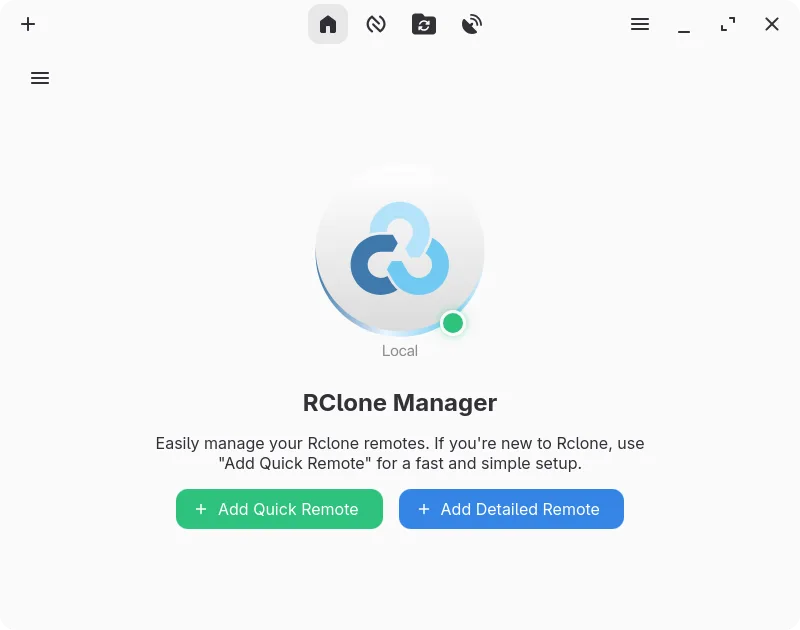
A graphical interface for rclone that lets you manage cloud storage accounts without using the command line.
RClone Manager is a solid tool for syncing generic cloud storage, but it is not a direct replacement for iCloud for Windows unless you strictly need file synchronization. It lacks native support for iCloud Photos and Mail, which are core features of the Windows client. If your primary need is…
Feature parity40% -
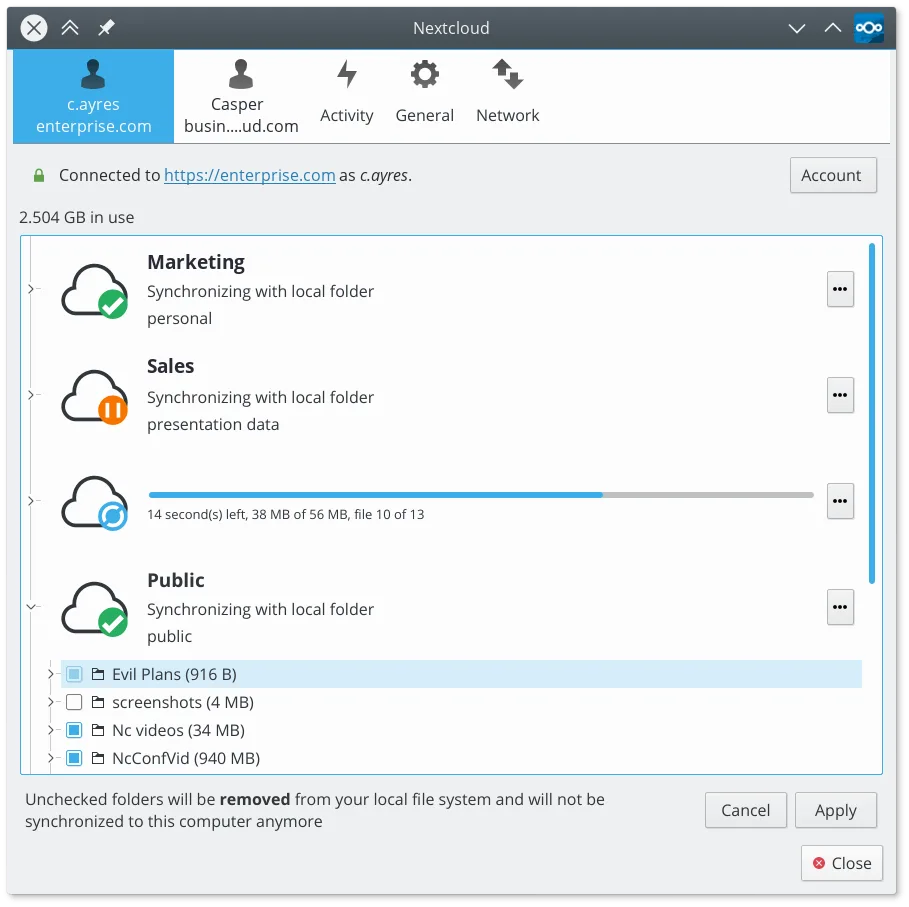
Syncs local folders with a Nextcloud server to keep files consistent across devices.
Nextcloud Desktop Client is a solid replacement for the file-syncing aspects of iCloud for Windows, but only if you are willing to migrate your data to a Nextcloud server. It excels at two-way file synchronization, version history, and selective sync, which covers the core utility of iCloud Drive…
Feature parity45%


What is iCloud for Windows?
iCloud for Windows acts as a bridge between Apple's cloud service and your PC. It syncs iCloud Drive files to a local folder, backs up photos, and integrates mail and contacts. It is primarily used by people who own Apple devices but also work on Windows, ensuring their data stays consistent across both ecosystems without manual transfers.
The service is free for basic storage, with paid tiers available for more space. The Windows application itself is free to download and install. You do not pay for the software, but you may need to pay Apple for additional cloud storage if your data exceeds the free limit. It requires an Apple ID to function.
Linux users often need this because they switch operating systems or use dual-boot setups. They want to access their iCloud files, photos, and mail without booting into Windows or relying solely on a web browser. The native Windows app offers deep system integration that browsers lack, so Linux users seek tools that replicate this seamless syncing experience on their desktop.
What a replacement for iCloud for Windows must do
- Sync iCloud Drive files to a local directory
- Access and sync iCloud Photos
- Manage iCloud Mail and Contacts
- Two-way synchronization between local disk and cloud
- Support for standard file formats used by Apple
- Reliable background syncing without constant manual intervention
Can you run iCloud for Windows on Linux?
There is no official native Linux client for iCloud. Apple does not provide a .deb or .rpm package for the desktop app. You can access iCloud services through the web interface at icloud.com, which works in any browser. Running the Windows version via Wine or Proton is possible but often unstable due to the app's reliance on specific Windows system integrations and background services. It is generally not recommended for heavy daily use because sync conflicts and crashes are common in this environment.
Which alternative should you choose?
If you need a direct replacement for syncing Apple-specific data, none of the listed apps do this natively; you will likely need to use the web interface. However, if you are moving away from iCloud to a self-hosted or third-party solution, Nextcloud Desktop Client is the best fit for general file syncing and collaboration. RClone Manager is ideal for power users who want command-line control over syncing various cloud providers, including potential workarounds for Apple services if supported. Thunderbird is the clear choice if your primary need is managing Mail and Contacts, as it supports IMAP and CardDAV. SyncThingy is for peer-to-peer syncing between your own devices, not for cloud services.
Moving your iCloud for Windows files and habits
Exporting data from iCloud is straightforward via the web interface. You can download your Photos as a ZIP archive, export Mail as .mbox files, and download Contacts as .vcf files. For Drive files, you can simply download them manually or use a script to fetch them. These formats are standard and compatible with Linux applications. .mbox files can be imported into Thunderbird, .vcf files into any contact manager, and standard image formats into any photo viewer. There is no direct 'switch' tool, so you must manually move your data to your new storage solution.
Side-by-side comparison
| App | License | Flatpak | Latest version | Feature parity | Rating |
|---|---|---|---|---|---|
| RClone Manager | GPL-3.0-or-later | ✓ | 0.3.5 | 40% | — |
| Nextcloud Desktop Client | GPL-2.0+ | ✓ | 35.0.0 | 45% | — |
iCloud for Windows: frequently asked questions
Can I sync iCloud Drive directly to a Linux folder?
Not natively. Apple does not provide a Linux client. You must use the web interface to download files or use third-party tools that support Apple's API, though these are not listed here.
Will my iCloud Photos work with Nextcloud?
No, they are different services. You would need to export your photos from iCloud as ZIP files and then upload them to your Nextcloud instance to sync them with Linux.
Is Thunderbird a good replacement for iCloud Mail?
Yes, if you configure it with your iCloud IMAP settings. It allows you to read and send mail, but it does not sync local files or photos.
Does RClone support iCloud?
RClone supports many cloud providers, but native iCloud support can be tricky and often requires specific API tokens or workarounds. It is not as plug-and-play as it is for Google Drive or Dropbox.
How important is iCloud for Windows to you?
Know a better alternative? Suggest an alternative