

Linux · System Tools
Wireshark
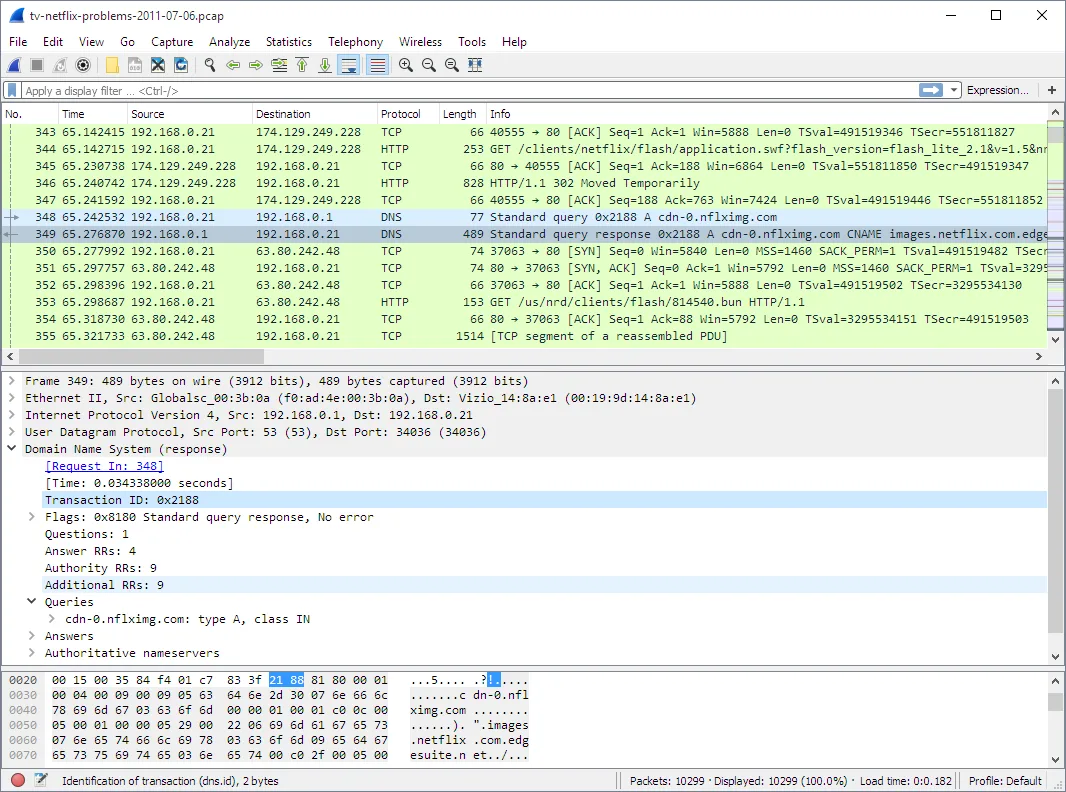
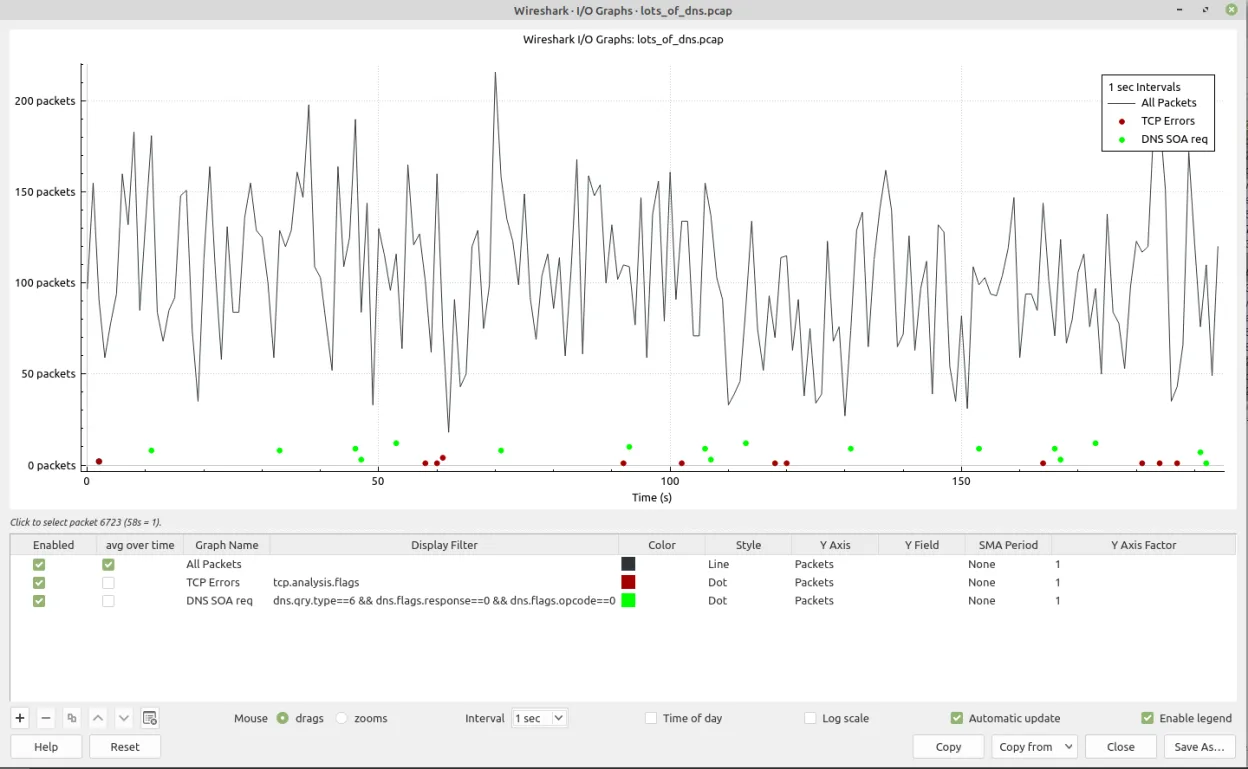
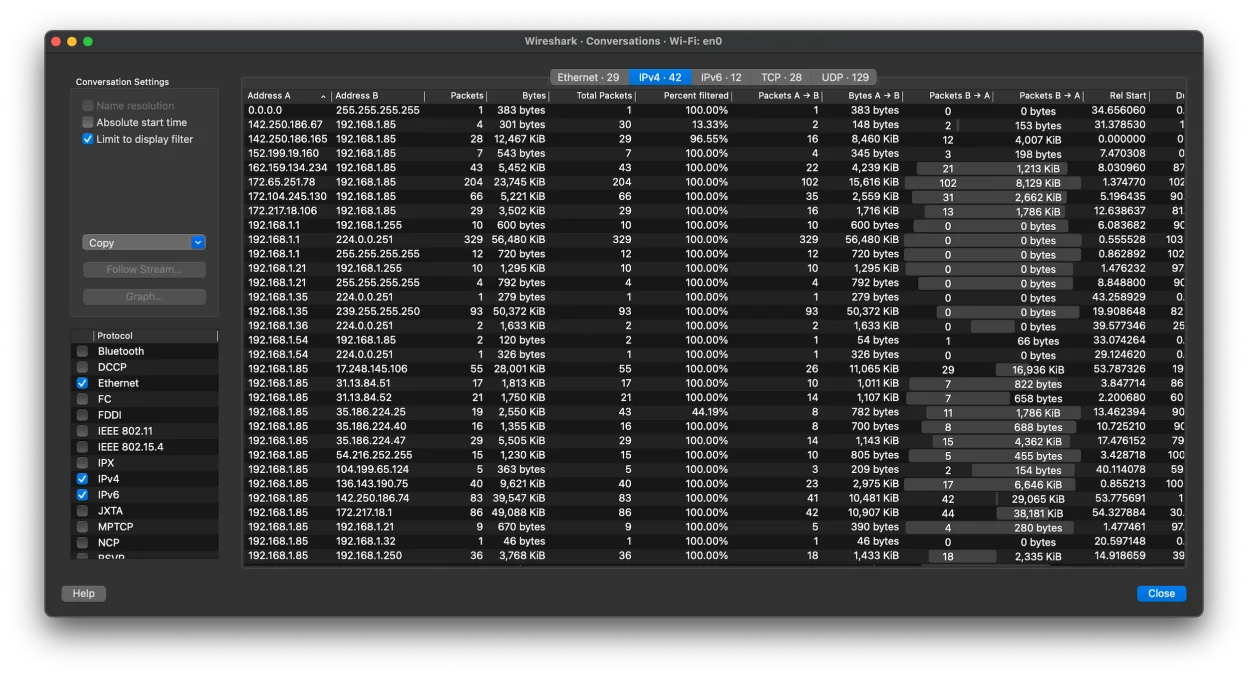
Wireshark is a free network protocol analyzer that reads capture files and lets you inspect traffic details.
- License
- GPL-2.0
- Latest version
- 4.6.8 (August 9, 2026)
- Developer
- The Wireshark developer community
- Installs
- 4,565 (Flathub, 30 days)
What is Wireshark?
Wireshark has been around since 1998 and is the de‑facto standard for packet analysis on Linux. It can read hundreds of file formats and understands thousands of protocols, making it a powerful tool for network engineers, developers, and security analysts.
It is aimed at users who need deep visibility into network traffic, from troubleshooting to forensic analysis. While it lacks capture capability in the Flathub build, it still provides all the inspection features that many Windows users rely on.
Compared to Windows tools like GlassWire, Wireshark feels more technical and less user‑friendly. It requires learning display filters and command‑line options, but it offers far more detail and flexibility for those willing to invest the time.
Best for: Users who need detailed packet inspection and protocol analysis rather than simple network monitoring.
Key features of Wireshark
- Read over 200 capture file formats
- Rich display filter language
- Reassemble TCP streams and other protocols
- Export captured data to various formats
- Support for RTP audio stream playback
- Cross‑platform GUI and CLI
Pros
- Free and open source
- Extensive protocol support
- Active community and frequent updates
- Customizable display filters
- Good documentation
Cons
- No built‑in packet capture in Flathub build
- Steep learning curve for beginners
- Large memory usage with big files
- No integrated network monitoring like GlassWire
Windows programs Wireshark replaces
How to install Wireshark on Linux
flatpak install flathub org.wireshark.Wiresharksudo apt install wiresharksudo apt install wiresharksudo dnf install wiresharksudo pacman -S wireshark-clisudo zypper install wiresharkTips for Windows users
If you come from GlassWire, start by opening existing .pcap files with Wireshark. Use the ‘File → Import’ dialog, then apply display filters like ‘http’ or ‘tcp.port==80’. Keyboard shortcuts differ: ‘Ctrl+O’ opens files, ‘Ctrl+F’ opens the filter bar, and ‘Ctrl+E’ exports a selected packet. Workflow shifts from real‑time monitoring to file‑based analysis, so plan to capture packets with another tool (e.g., tcpdump) if you need live capture.
Recent releases
- 4.6.8 —
- 4.6.7 —
- 4.6.6 —
- 4.6.5 —
Wireshark: frequently asked questions
Can I capture packets with Wireshark on Linux?
The Flathub build does not support capture, but the native packages on Debian, Fedora, and others include capture capability if you install the full package.
How do I filter traffic by protocol?
Use the display filter bar at the top; type a protocol name like ‘http’ or a filter expression such as ‘tcp.port==443’ and press Enter.
Is Wireshark safe to use?
Yes, it is open source and widely used in security communities. Always download from official repositories or the project website.
Can I export a TCP stream to a file?
Select the packet, right‑click, choose ‘Follow → TCP Stream’, then use the export button to save the stream contents.
Updated