
Windows · Office
Best Linux alternatives to Microsoft 365 (Office 365)
Microsoft 365 is a subscription office suite with Word, Excel, PowerPoint, Outlook and cloud tools.
Updated
Quick answer
The best Linux alternative to Microsoft 365 (Office 365) is LibreOffice. Other strong options: ONLYOFFICE Desktop Editors, Calligra, WPS Office.
4 Linux alternatives to Microsoft 365 (Office 365)
-
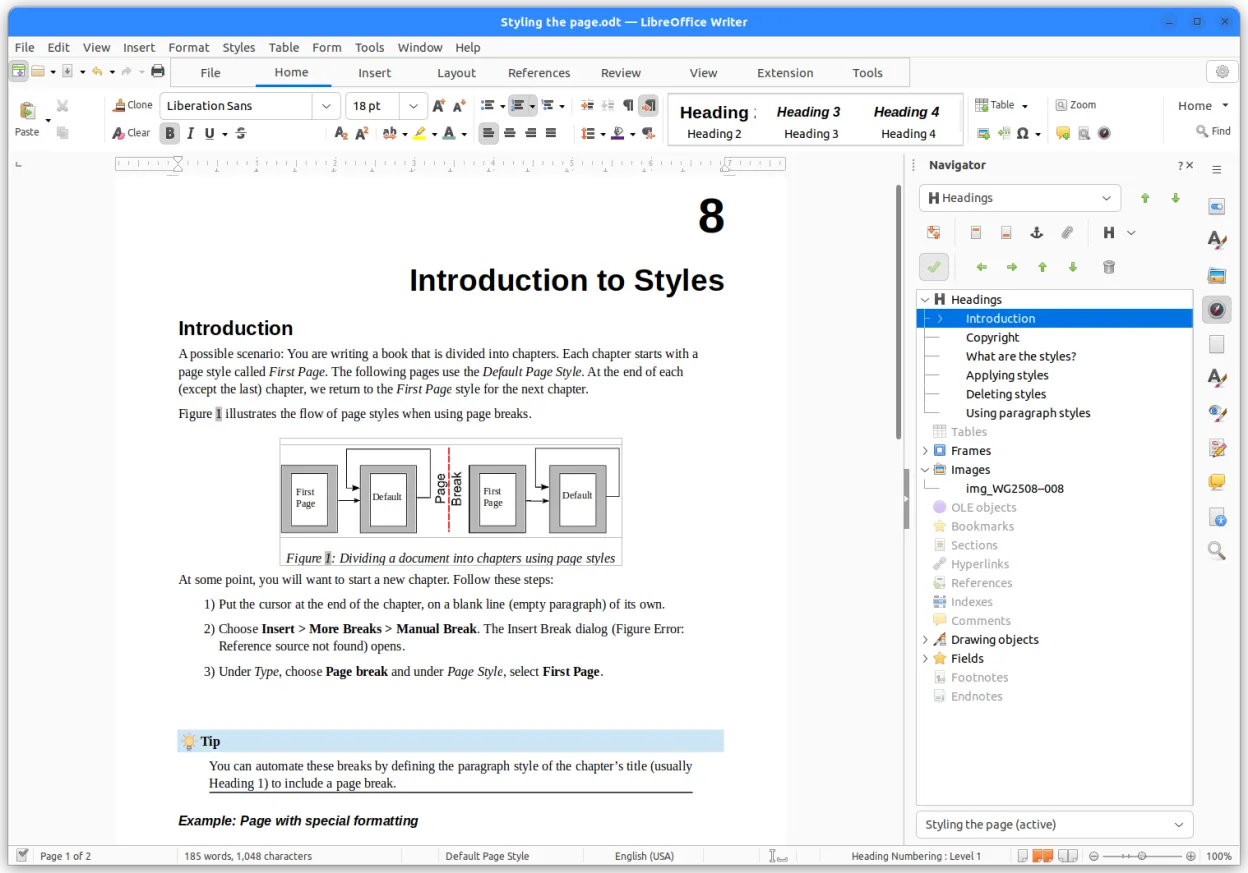
LibreOffice is a free, open‑source office suite with Writer, Calc, Impress, Draw, Base and Math.
LibreOffice is a solid replacement for Microsoft 365 for users who primarily create, edit, and share documents, spreadsheets, and presentations. It handles most day-to-day tasks well, especially if real-time collaboration and cloud integration aren't critical. It's ideal for individuals, students…
Feature parity85% -

ONLYOFFICE Desktop Editors is a free, open‑source office suite for Linux that edits Word, Excel, PowerPoint, PDF and more.
ONLYOFFICE Desktop Editors is a solid replacement for Microsoft 365 if you primarily work with documents, spreadsheets, and presentations and don't rely on deep Outlook integration or Microsoft's cloud ecosystem. It handles .docx, .xlsx, and .pptx files well, supports offline editing, and offers…
Feature parity85% -

Calligra is a free, open-source office suite for Linux offering word processing, spreadsheets, presentations, and vector graphics.
Calligra is a viable, free alternative for basic office tasks but lacks the polish and ecosystem of Microsoft 365. It suits users who need local-only word processing, spreadsheets, and presentations without subscription fees. However, it is not a drop-in replacement for heavy Outlook users or those…
Feature parity60% -
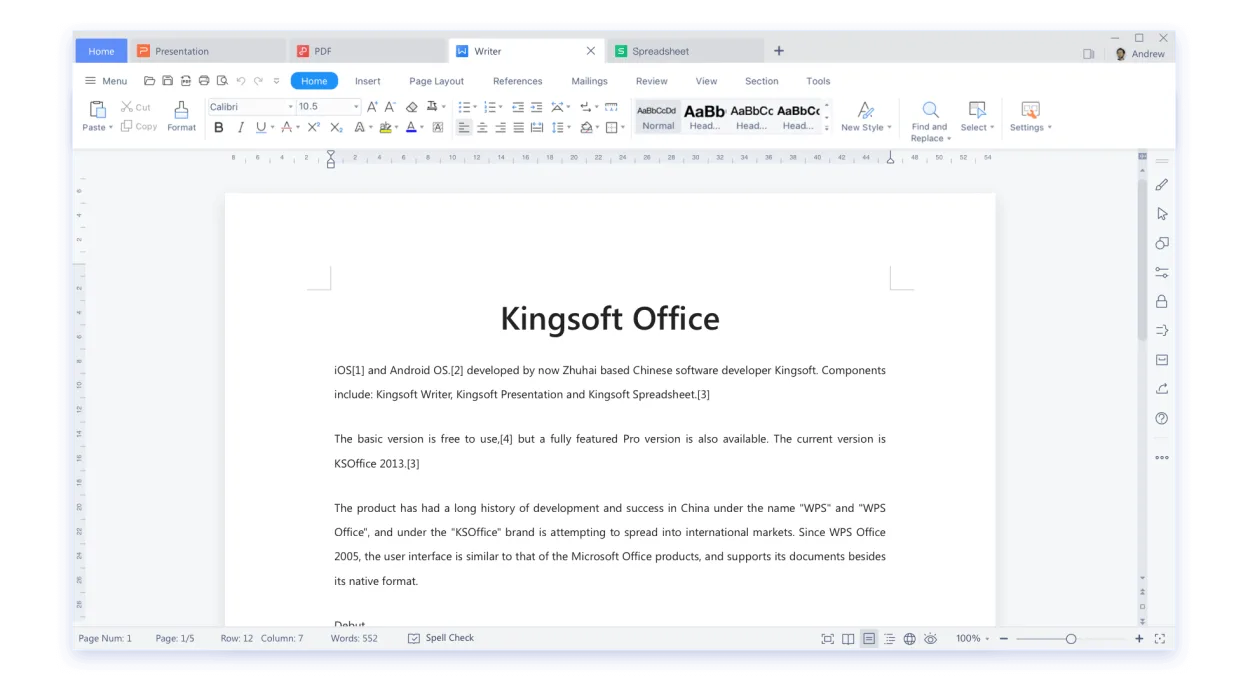
WPS Office is a proprietary office suite for Linux that includes Writer, Presentation, and Spreadsheets, fully compatible with Microsoft Office formats.
WPS Office is a solid Linux alternative for most users who need the core Office productivity apps—documents, spreadsheets, and presentations. It handles the common Microsoft formats well and offers a familiar ribbon UI, making the switch painless for individuals and small teams. It falls short for…
Feature parity80%




What is Microsoft 365 (Office 365)?
Microsoft 365 is a cloud‑based office suite that bundles Word, Excel, PowerPoint, Outlook and OneDrive. It is used by individuals, small businesses and large enterprises for document creation, data analysis, presentations and email management.
The service is sold as a monthly or annual subscription, with tiered plans for home, business and enterprise. The subscription includes regular updates, cloud storage and collaboration features.
Many Linux users look for alternatives because Microsoft 365 is not available natively on Linux and the subscription model can be costly compared to free or one‑time‑purchase options.
What a replacement for Microsoft 365 (Office 365) must do
- Create and edit Word‑style documents
- Work with Excel‑style spreadsheets
- Produce PowerPoint‑style presentations
- Send and receive email via Outlook
- Store and sync files with cloud storage
- Collaborate in real time
- Support common file formats (docx, xlsx, pptx, pdf)
Can you run Microsoft 365 (Office 365) on Linux?
Microsoft 365 has no native Linux client. Users can access the web version in a browser, which works well for most tasks. For desktop apps, Wine, Proton or Bottles can run the Windows installers, but stability varies and some features may be missing. No official Linux package exists.
Which alternative should you choose?
LibreOffice is best for users who need a free, open‑source suite with strong compatibility for office files. ONLYOFFICE Desktop Editors offers tight integration with cloud services and a familiar interface for those who prefer a more modern look. WPS Office provides a polished UI and good PDF support, while Calligra is suitable for users who already use KDE and want tight integration with the desktop environment.
Moving your Microsoft 365 (Office 365) files and habits
All listed alternatives can open and save Microsoft Office file formats (docx, xlsx, pptx). Exporting to PDF is straightforward. For complex documents with macros or advanced formatting, test the file in the target application first. Data such as email contacts can be exported from Outlook to CSV and imported into other email clients.
Side-by-side comparison
| App | License | Flatpak | Latest version | Feature parity | Rating |
|---|---|---|---|---|---|
| LibreOffice | MPL-2.0 | ✓ | 26.8.3.1 | 85% | — |
| ONLYOFFICE Desktop Editors | AGPL-3.0-only | ✓ | 10.0.0 | 85% | — |
| Calligra | GPL-2.0-or-later | ✓ | 26.08.3 | 60% | — |
| WPS Office | LicenseRef-proprietary=https… | ✓ | 11.1.0.11723 | 80% | — |
Microsoft 365 (Office 365): frequently asked questions
Can I use Microsoft 365 on Linux without a subscription?
Only the web version is free to use, but it requires a subscription for full feature access. The desktop apps need a subscription and are not officially supported on Linux.
Will my Office files be compatible with LibreOffice?
LibreOffice can open and save most Office files, but very complex formatting or macros may not translate perfectly. Test critical documents before relying on them.
Is there a Linux version of Outlook?
No native Linux Outlook client exists. Users can use the web version or a third‑party mail client like Thunderbird with IMAP.
Do I need to reinstall everything when upgrading Microsoft 365?
With the subscription model, updates are delivered automatically; no manual reinstall is required.
How important is Microsoft 365 (Office 365) to you?
Know a better alternative? Suggest an alternative