
Windows · Programming
Best Linux alternatives to Microsoft Azure Data Studio
A cross-platform IDE for managing SQL Server, Azure, and other databases with integrated query tools.
Updated
Quick answer
The best Linux alternative to Microsoft Azure Data Studio is DBeaver Community. Other strong options: DataGrip, pgAdmin 4, Beekeeper Studio.
5 Linux alternatives to Microsoft Azure Data Studio
-
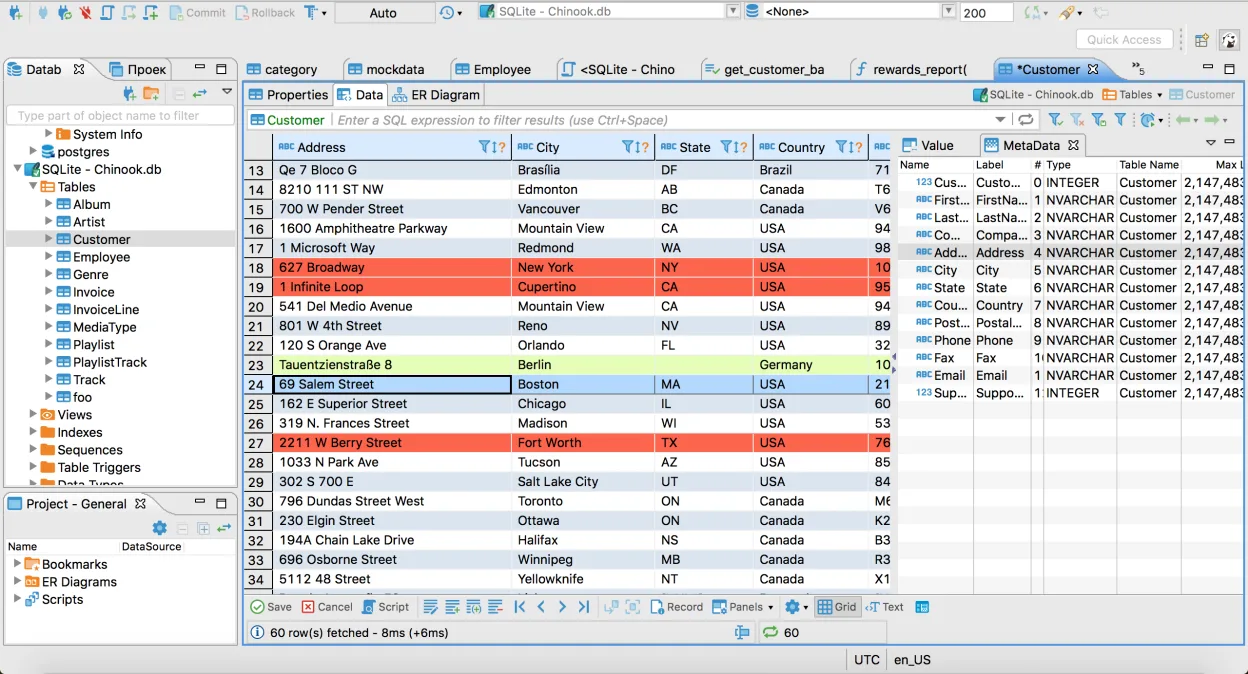
Free, multi-platform database tool for developers and admins supporting MySQL, PostgreSQL, SQL Server, and many others.
DBeaver Community is a strong, functional replacement for most Azure Data Studio users who need a general-purpose SQL IDE. It handles SQL Server, PostgreSQL, and MySQL connections well, offering a robust query editor and metadata browser. However, it lacks the tight Azure integration and specific…
Feature parity75% -
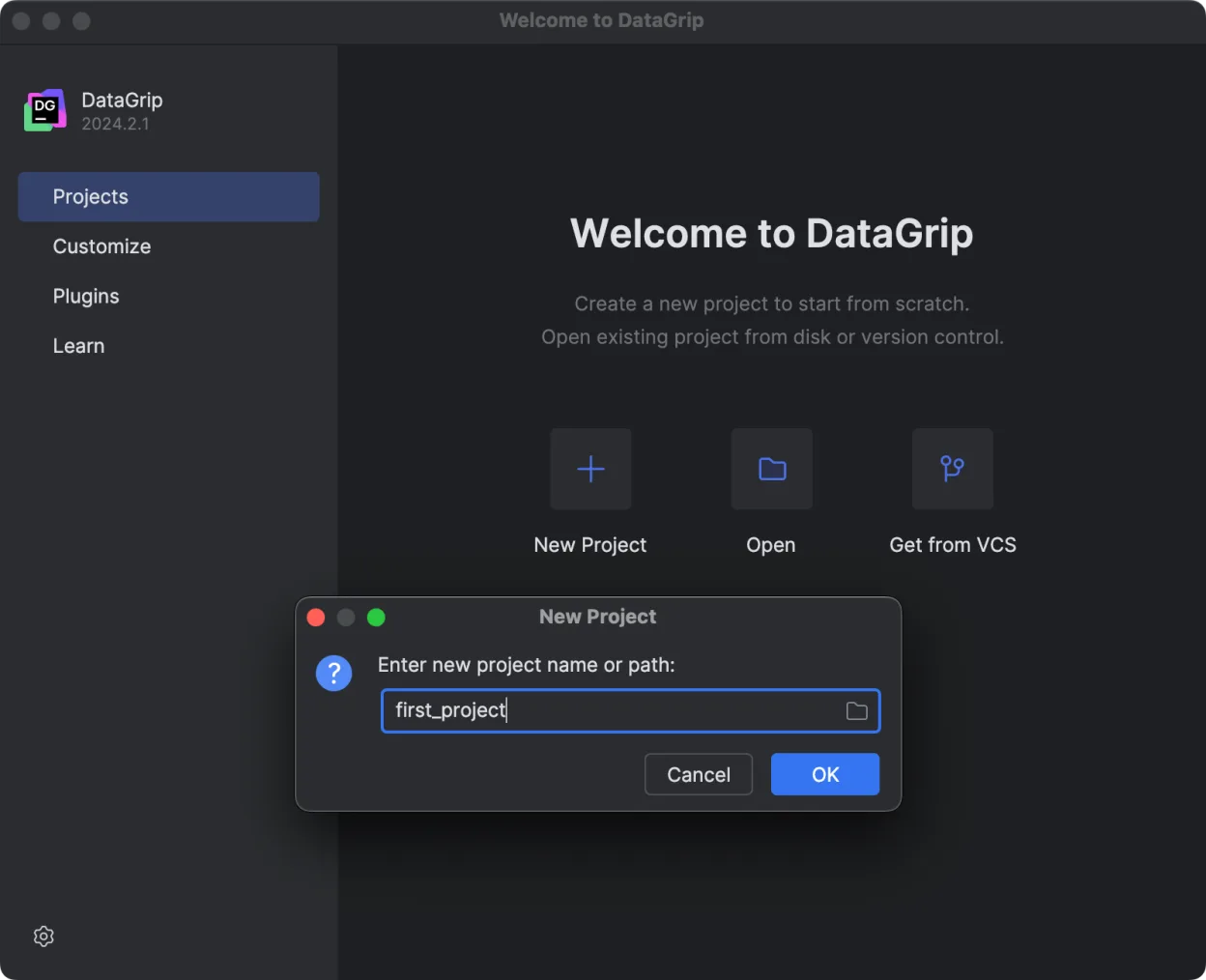
JetBrains' multi-database IDE for SQL developers, supporting JDBC connections to major DBMS with smart editing.
DataGrip is a strong, arguably superior, replacement for Microsoft Azure Data Studio for pure SQL development. It offers deeper schema-aware editing, refactoring, and multi-engine support via JDBC. However, it lacks the specific Azure cloud management features and extension ecosystem of Azure Data…
Feature parity85% -
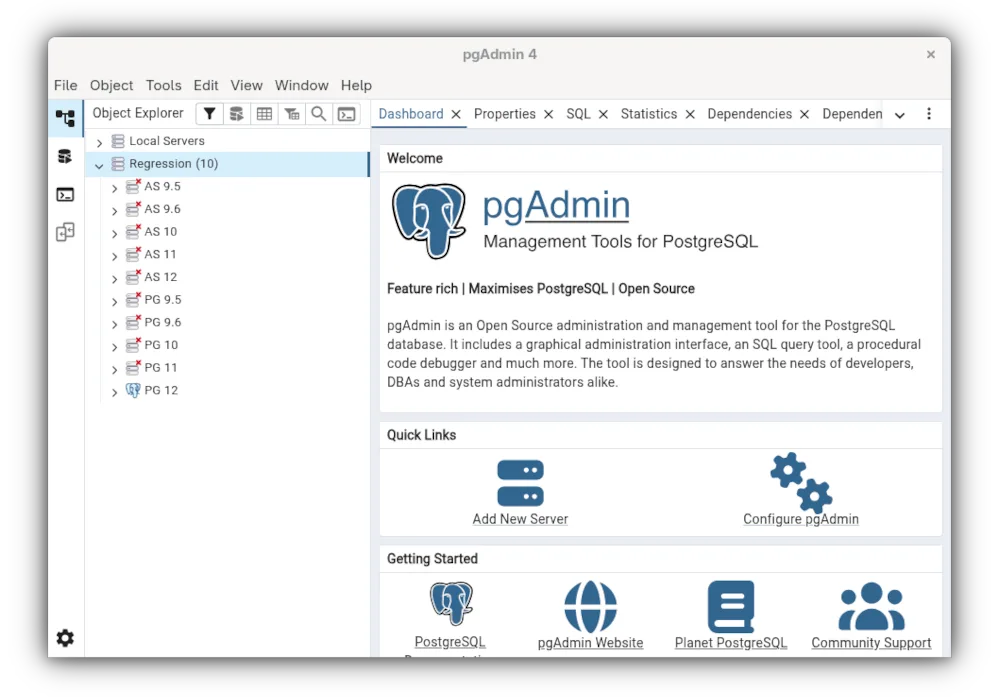
pgAdmin 4 is a web‑based administration and development platform for PostgreSQL.
pgAdmin 4 is not a general-purpose replacement for Azure Data Studio if you manage SQL Server or Azure SQL. It is strictly a PostgreSQL tool. If your work focuses exclusively on PostgreSQL, it is a strong, mature alternative with excellent query editing and schema tools. However, it lacks support…
Feature parity35% -
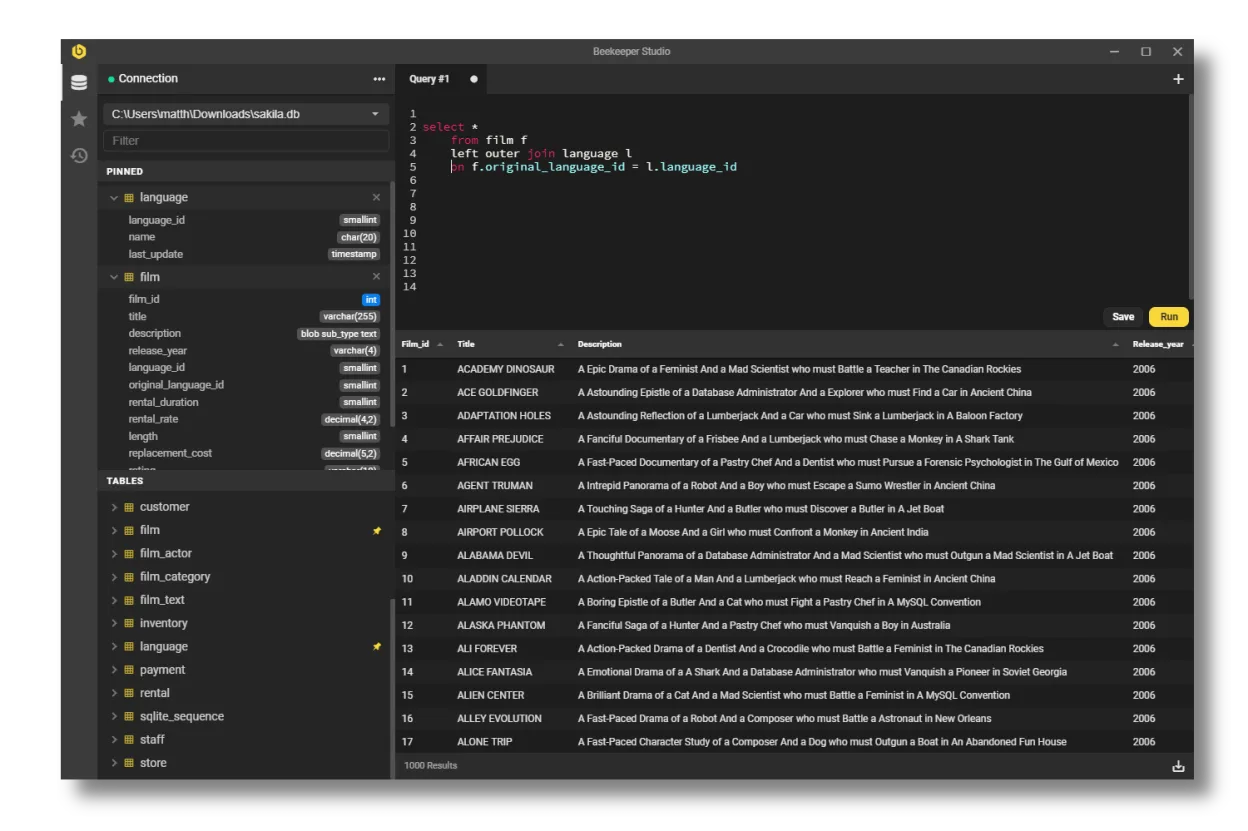
A cross‑platform SQL editor that replaces HeidiSQL on Linux with a modern UI and advanced features.
Beekeeper Studio is a solid Linux alternative for developers who mainly need a clean SQL editor, connection manager and basic data‑manipulation features. It covers MySQL, PostgreSQL, SQLite and SQL Server well, so it works for most day‑to‑day querying and simple schema work. Power users who rely on…
Feature parity68% -
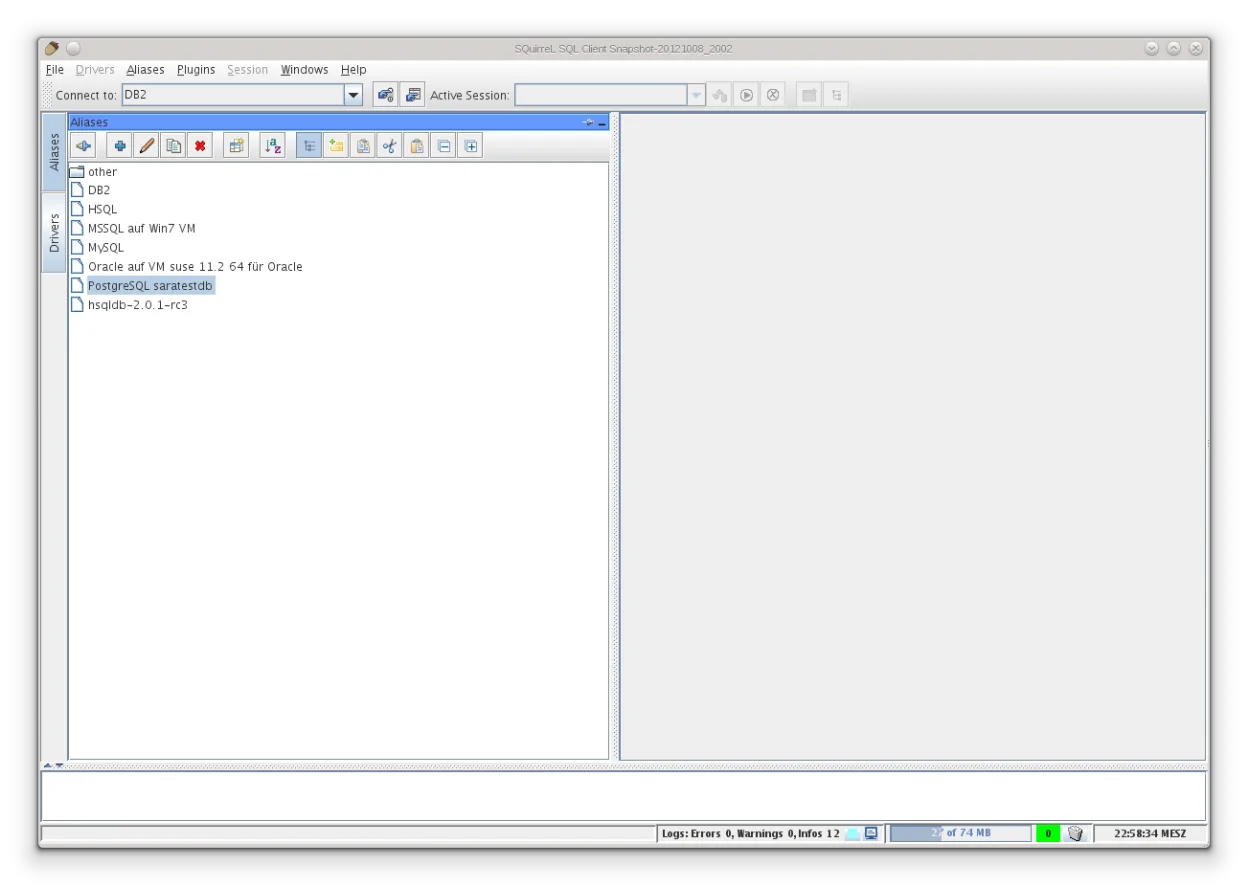
A Java-based GUI SQL client for browsing data and running queries on any JDBC-compliant database.
SQuirreL is a solid, lightweight replacement for basic SQL Server and Azure SQL work on Linux, especially if you prefer a classic, no-frills client. It handles connections, query editing, and browsing well. However, it is not a full IDE. If you rely heavily on Azure-specific features, advanced…
Feature parity60%





What is Microsoft Azure Data Studio?
Microsoft Azure Data Studio (ADS) is a lightweight IDE designed for database professionals and developers. It provides a unified interface to connect to SQL Server, Azure SQL, and other data sources. Users rely on it for writing queries, managing schemas, and visualizing data through built-in notebooks and dashboards. It is particularly useful for those working within the Microsoft ecosystem who need a focused tool for data tasks without the overhead of a full IDE like Visual Studio.
The software is free to download and use. It is open-source, built on the same foundation as Visual Studio Code, which allows for extensive customization via extensions. While the core tool is free, users may pay for the underlying cloud services or specific enterprise features of the databases they connect to. There are no licensing fees for the client application itself, making it accessible for individual developers and large organizations alike.
People seek Linux alternatives primarily because ADS is a desktop application that requires a native installation. While it runs on Windows, macOS, and Linux, some users prefer tools that are fully native to their Linux distribution or that offer better integration with their specific database stack. Additionally, users who do not rely heavily on Microsoft-specific features may find other database clients more suitable for their multi-database workflows or system administration tasks.
What a replacement for Microsoft Azure Data Studio must do
- Connect to SQL Server and Azure SQL databases
- Execute and edit SQL queries with syntax highlighting
- Manage database objects like tables and views
- Visualize query results in tabular or graphical formats
- Support for multiple database engines (PostgreSQL, MySQL, etc.)
- Scripting and automation capabilities for database tasks
Can you run Microsoft Azure Data Studio on Linux?
Microsoft Azure Data Studio has a native Linux version. You can download a .deb package for Debian-based systems or a .rpm for Red Hat-based systems directly from Microsoft. It runs natively without the need for Wine, Proton, or Bottles. Since it is built on the Electron framework, it behaves like a standard desktop application on Linux, supporting themes and keyboard shortcuts typical of the VS Code family.
Which alternative should you choose?
If you are deeply integrated into the Microsoft ecosystem and need specific Azure features, sticking with the native ADS is often the most direct path. For a free, open-source option that supports a wide range of databases including SQL Server, DBeaver Community is a strong choice. DataGrip is a paid, professional-grade IDE that offers advanced refactoring and code analysis if you are willing to pay for a JetBrains license. pgAdmin 4 is ideal if your primary focus is PostgreSQL, though it supports other databases. Beekeeper Studio is a modern, user-friendly option for those who prefer a clean interface over complex features, while SQuirreL SQL Client is a lightweight, older tool that works well for basic querying needs.
Moving your Microsoft Azure Data Studio files and habits
Migrating from Azure Data Studio involves exporting your saved queries and connection profiles. ADS stores these in its user data directory, typically in JSON or SQL format. You can export individual queries as .sql files or use the built-in export feature for connection strings. Most alternative clients allow you to import connection profiles or simply re-enter the server details. Query scripts are standard SQL, so they should transfer seamlessly between clients, though you may need to adjust syntax if using proprietary extensions specific to one platform.
Side-by-side comparison
| App | License | Flatpak | Latest version | Feature parity | Rating |
|---|---|---|---|---|---|
| DBeaver Community | Apache-2.0 | ✓ | 26.2.3 | 75% | — |
| DataGrip | LicenseRef-proprietary | ✓ | 2026.2.6 | 85% | — |
| pgAdmin 4 | PostgreSQL | ✓ | 9.19 | 35% | — |
| Beekeeper Studio | GPL-3.0 | ✓ | 5.8.1 | 68% | — |
| SQuirreL SQL Client | LGPL-2.1-or-later | ✓ | 4.8.0 | 60% | — |
Microsoft Azure Data Studio: frequently asked questions
Does Azure Data Studio support databases other than SQL Server?
Yes, it supports several other databases including PostgreSQL, MySQL, and SQLite through extensions. However, its primary focus and most robust features are for SQL Server and Azure SQL.
Can I use Azure Data Studio on Linux without a Windows license?
Yes, the client application is free and open-source. You only need a valid account and license for the specific Azure or SQL Server instances you are connecting to.
Is Azure Data Studio the same as SQL Server Management Studio (SSMS)?
No, they are different tools. ADS is a lightweight, cross-platform IDE based on VS Code, while SSMS is a Windows-only application with more advanced management features for SQL Server.
Which Linux alternative is best for PostgreSQL?
pgAdmin 4 is the most feature-rich option specifically for PostgreSQL. DBeaver Community is also a strong choice if you need to manage multiple database types in a single interface.
How important is Microsoft Azure Data Studio to you?
Know a better alternative? Suggest an alternative