
Windows · Graphics
Best Linux alternatives to Microsoft Paint
Microsoft Paint is a basic raster graphics editor included with Windows, used for simple image editing and drawing tasks.
Updated
Quick answer
The best Linux alternative to Microsoft Paint is Pinta. Other strong options: GIMP, Krita, Drawpile.
6 Linux alternatives to Microsoft Paint
-

Pinta is a free, open‑source bitmap editor that mimics Paint.NET with a simple interface and layer support.
Pinta is a good replacement for Microsoft Paint if you want more control and basic layer support without the complexity of GIMP. It handles everyday tasks like cropping, resizing, drawing shapes, and freehand sketching better than Paint. The interface is intuitive, and it supports common file…
Feature parity95% -

GIMP is a free, open-source raster graphics editor for photo editing, digital painting, and image composition.
GIMP is a capable replacement for Microsoft Paint, but it's significantly more complex. If you only need basic drawing or cropping, GIMP will do it — and much more — but its interface and features are aimed at advanced users. For casual users who open Paint to make quick edits, screenshots, or…
Feature parity95% -

Krita is a full‑featured open‑source digital painting and illustration program.
Krita is a powerful replacement for Microsoft Paint, but it's aimed at a different user. If you're doing simple drawing or quick edits like cropping or resizing, Krita is overkill. Its interface is complex and not intuitive for casual users. However, for artists or anyone wanting to move beyond…
Feature parity40% -
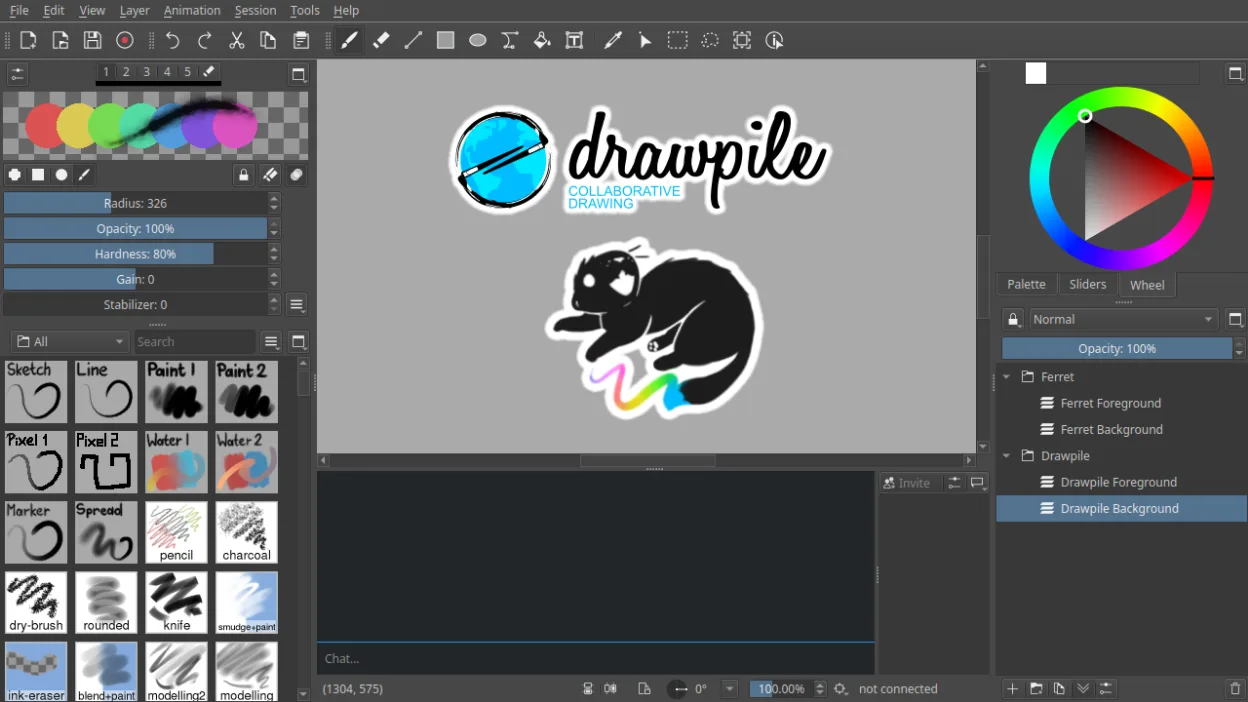
Drawpile is a collaborative drawing application that lets multiple users paint together on the same canvas in real time.
Drawpile is not a direct replacement for Microsoft Paint for users needing a simple, single-user image editor for quick edits like cropping or resizing screenshots. It excels as a drawing tool with advanced features like layers, animation, and pressure sensitivity, making it suitable for artists or…
Feature parity40% -
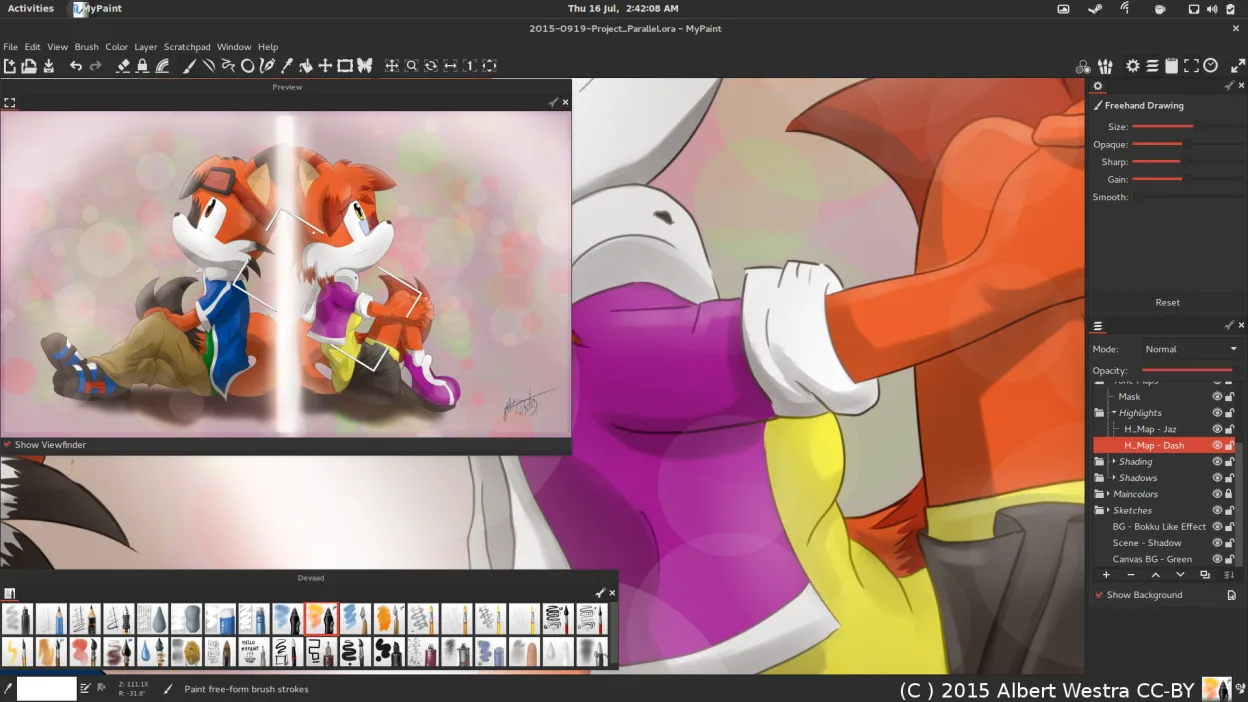
MyPaint is a fast, free, open‑source raster painting program focused on brush dynamics and tablet use.
MyPaint is a good replacement for Microsoft Paint if you're moving beyond basic edits into expressive drawing or painting, especially with a tablet. It excels for artists who want natural brush behavior and a clean workspace. However, casual users looking to make quick annotations or simple crops…
Feature parity60% -
mtPaint is a lightweight raster graphics editor for painting and photo editing, originally inspired by Microsoft Paint.
mtPaint is a solid replacement for Microsoft Paint, especially for users who want more control without bloat. It handles basic drawing and image editing reliably, and its added features like layers, zoom, and palette editing make it useful for pixel art and light photo work. While it lacks the…
Feature parity85%





What is Microsoft Paint?
Microsoft Paint is widely used for basic image editing, such as cropping, resizing, and drawing simple shapes or text. It's often the first graphics tool new Windows users encounter, favored for its straightforward interface. While limited in features, it serves casual users, students, and anyone needing quick edits without complex software.
Paint is proprietary and comes bundled with Windows at no extra cost. There's no subscription or separate purchase; it's part of the OS. This model means users don't need to install or manage additional software, contributing to its widespread use despite its technical limitations.
People seek Linux alternatives because Paint isn't available on Linux natively. Many want a similar simple, lightweight tool for quick edits or drawing. Others outgrow Paint and look for capable open-source tools that offer more features while staying accessible.
Can you run Microsoft Paint on Linux?
There is no native Linux version of Microsoft Paint. It does not have an official web version. It can run via Wine or tools like Bottles, and generally works well enough for basic tasks. Proton is not relevant since it's not a Steam application. Performance is acceptable, but native Linux alternatives are more reliable and better integrated.
Which alternative should you choose?
Pinta is best for users wanting a close Paint-like experience with a clean interface and basic tools. GIMP suits those needing more advanced editing without leaving the free tier. Krita is ideal for digital artists using pressure-sensitive tablets. Drawpile is for real-time collaborative sketching. MyPaint offers a distraction-free canvas for expressive painting. Geeqie and mtPaint are lightweight options for quick edits or retro-style pixel work.
Moving your Microsoft Paint files and habits
You can open most Paint-created BMP, JPEG, PNG, and GIF files directly in Linux alternatives. These formats are widely supported. Save new work in PNG for lossless quality or JPEG for photos. Avoid TIFF outside specific workflows. No special conversion tools are needed—just copy files to Linux and open them. Compatibility is excellent across the listed apps.
Side-by-side comparison
Microsoft Paint: frequently asked questions
Is there a Linux version of Microsoft Paint?
No, there is no official Linux version. However, several native Linux apps replicate and exceed its functionality.
Can I run Microsoft Paint on Linux using Wine?
Yes, Microsoft Paint runs well under Wine or Bottles for basic tasks, but native tools are more stable and integrated.
Which Linux app is most like Paint in simplicity?
Pinta offers the closest balance of simplicity and functionality for former Paint users.
Can these Linux apps open .bmp files from Paint?
Yes, all listed Linux alternatives can open and edit BMP files created in Microsoft Paint.
How important is Microsoft Paint to you?
Know a better alternative? Suggest an alternative