
Windows · Office
Best Linux alternatives to Notion Desktop App
Notion is a note-taking and project management tool for teams and individuals, combining databases, tasks, and docs in one workspace.
Updated
Quick answer
The best Linux alternative to Notion Desktop App is Joplin. Other strong options: Standard Notes, Logseq, Obsidian.
4 Linux alternatives to Notion Desktop App
-

Joplin is an open‑source, cross‑platform note‑taking and to‑do app that stores data in Markdown.
Joplin is a good replacement for Notion Desktop App if you prioritize offline access, Markdown-based notes, and data ownership over real-time collaboration and rich database features. It works well for individual users or small teams who want a lightweight, open-source tool for personal knowledge…
Feature parity65% -
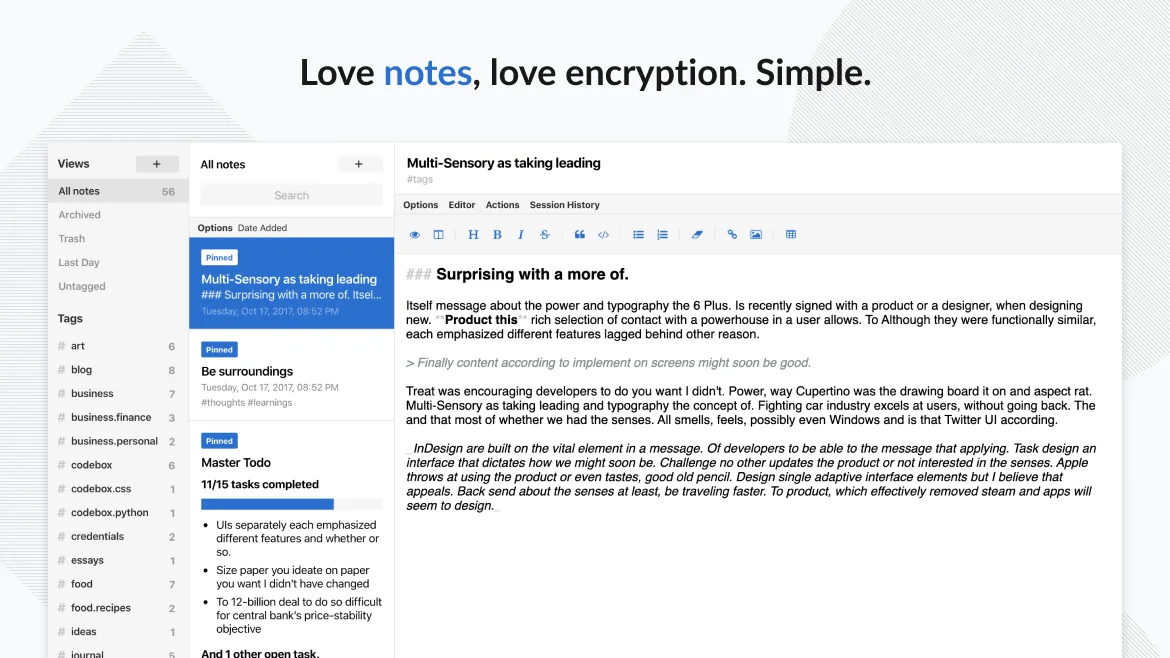
Standard Notes is a cross‑platform, end‑to‑end encrypted notes app that syncs securely across devices.
Standard Notes is a good replacement for Notion Desktop App if your priority is secure, private note-taking and basic task tracking across devices. It handles rich text, tagging, and offline access well, but lacks Notion’s database features, relations, and project management tools. It suits…
Feature parity50% -
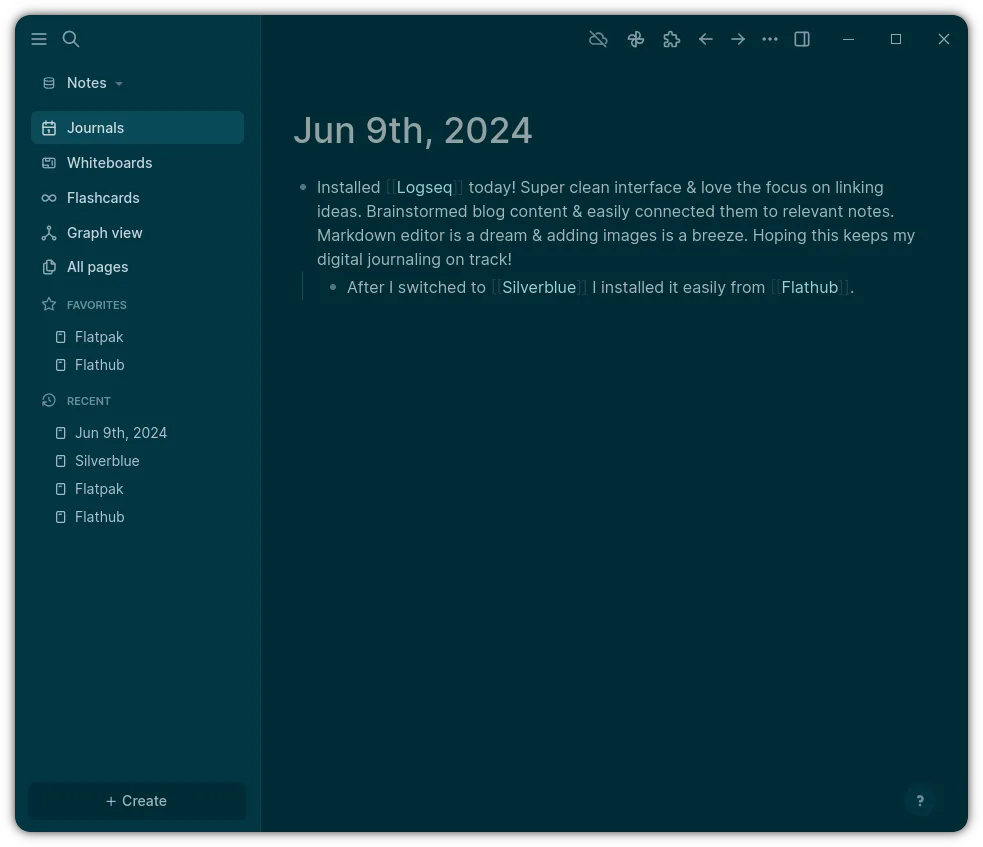
Logseq is a local‑first, non‑linear knowledge base tool that stores notes as plain text Markdown or Org files.
Logseq is a good replacement for Notion Desktop App if you prioritize privacy, local storage, and plain text, and are comfortable with a steeper learning curve. It handles note-taking, task management, and knowledge linking well, especially for individual use or technical teams using Git for…
Feature parity65% -

Obsidian is a markdown‑based knowledge‑base app that stores notes as plain‑text files in a local folder.
Obsidian is a good replacement for Notion Desktop App if you prioritize local control, plain text, and deep linking over real-time collaboration and hosted databases. It excels for individual knowledge management, especially for users who work heavily in Markdown and want full ownership of their…
Feature parity65%




What is Notion Desktop App?
Notion is used by individuals, teams, and organizations to manage notes, tasks, wikis, and databases in a highly customizable environment. It’s popular among remote teams, developers, students, and knowledge workers who want a unified space for documentation and collaboration. The interface allows mixing text, tables, and media in nested pages.
The app follows a freemium model: the free tier supports personal use and small teams, while paid plans unlock advanced permissions, analytics, and collaboration features. There is no one-time purchase option—access is subscription-based. All official desktop apps are proprietary and closed-source.
People seek Linux alternatives because Notion does not offer a native Linux desktop app. While the web version works, users prefer offline access, better performance, privacy, and integration with desktop workflows. Some also avoid reliance on cloud-only services or want full data ownership.
What a replacement for Notion Desktop App must do
- Note-taking with rich formatting
- Task and project management
- Database-like organization (tables, relations)
- Offline access and sync across devices
- Markdown or plain text storage
- Web clipper or import tools
- Collaboration or sharing options
Can you run Notion Desktop App on Linux?
There is no official native Linux desktop app. However, Notion runs well in the browser on Linux. Some users run the Windows desktop app via Wine or Bottles, but results vary—Proton is not relevant as Notion is not a Steam app. Third-party wrappers like 'Notion Desktop for Linux' exist but are unofficial and may break with updates.
Which alternative should you choose?
Joplin and Standard Notes are best for secure, Markdown-based note-taking with sync. Logseq and Obsidian suit those who want networked thought and local graph views. Turtle is ideal for simple, distraction-free task and note management. Choose Obsidian for plugin extensibility, Logseq for outliner workflows, and Joplin for full E2E encryption and mobile apps.
Moving your Notion Desktop App files and habits
You can export Notion data as Markdown or HTML via Settings > Export. This works for personal workspaces on free and paid plans. Obsidian and Logseq can import Markdown directly. Joplin supports Markdown import but may require manual adjustments. Database structures and relations often don’t translate perfectly—expect to reorganize content.
Side-by-side comparison
| App | License | Flatpak | Latest version | Feature parity | Rating |
|---|---|---|---|---|---|
| Joplin | AGPL-3.0-or-later | ✓ | 3.7.24 | 65% | — |
| Standard Notes | AGPL-3.0-only | ✓ | 3.203.0 | 50% | — |
| Logseq | AGPL-3.0-or-later | ✓ | 0.10.15 | 65% | — |
| Obsidian | LicenseRef-proprietary=https… | ✓ | 1.15.1 | 65% | — |
Notion Desktop App: frequently asked questions
Can I use Notion on Linux with a browser?
Yes, Notion works well in Chrome, Firefox, and other modern browsers on Linux. It’s the most reliable way to use Notion without third-party tools.
Is there a native Linux app for Notion?
No, Notion does not provide an official Linux desktop application. All native apps are for Windows, macOS, iOS, and Android only.
Which alternative supports two-way syncing like Notion?
Joplin and Standard Notes offer two-way sync across devices using services like Nextcloud, Dropbox, or their own encrypted servers.
Can I run the Windows Notion app on Linux?
It may work using Wine or Bottles, but performance and updates are unreliable. The web app is a better option for stability.
How important is Notion Desktop App to you?
Know a better alternative? Suggest an alternative