
Windows · Internet
Best Linux alternatives to Slack Desktop
Slack Desktop is the official client for team messaging, channels, and file sharing, used for real-time workplace communication.
Updated
Quick answer
The best Linux alternative to Slack Desktop is Slack. Other strong options: Fractal, Element.
3 Linux alternatives to Slack Desktop
-
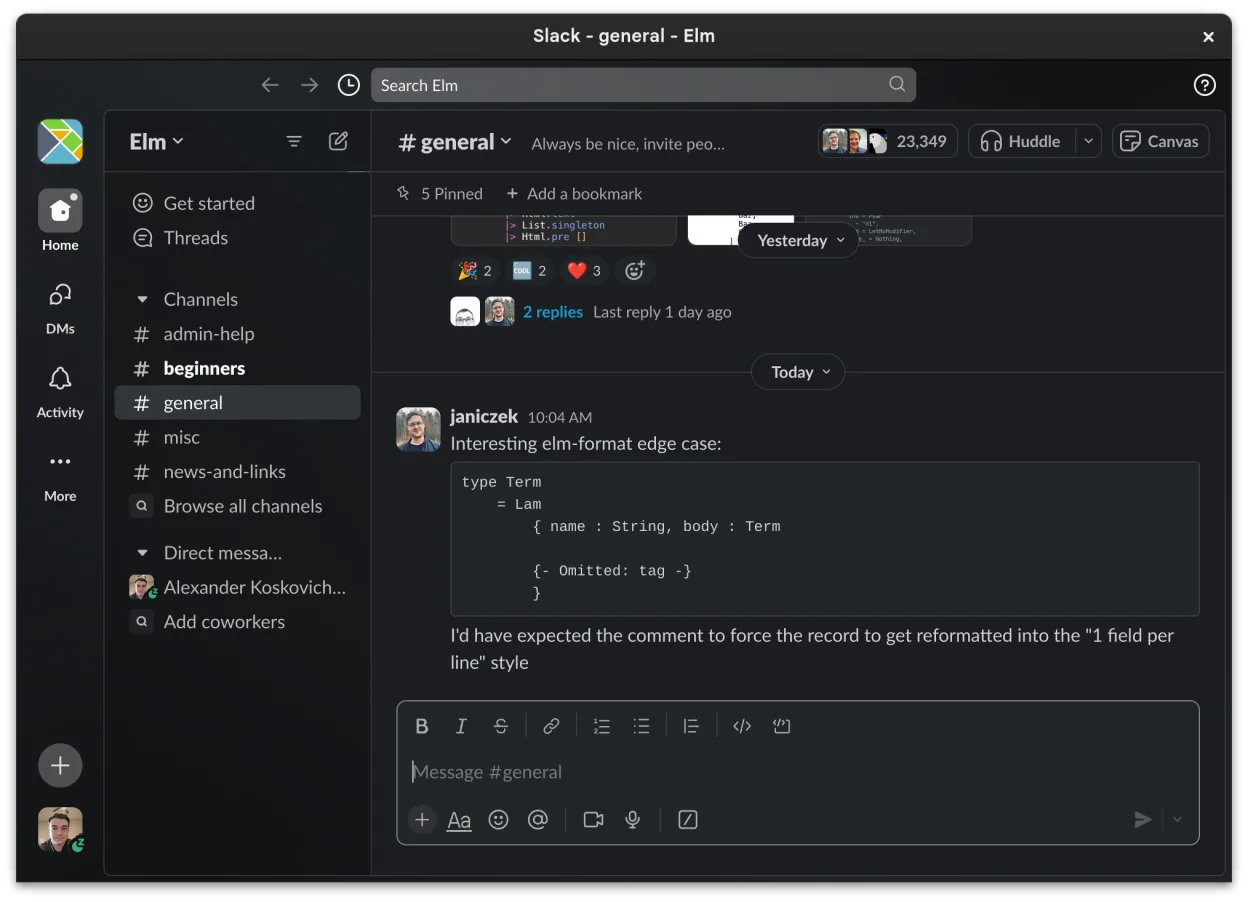
Slack is a proprietary team communication app for Linux that centralizes conversations, tools, and workflows for business collaboration.
Slack’s Linux client is essentially the same service as the Windows desktop client, just built for Linux. It delivers real‑time channel and direct‑message chat, searchable history, file sharing, and notification controls that most users expect. Because it’s still in beta, a few polish items are…
Feature parity85% -

Fractal is a GNOME Matrix client written in Rust, designed for secure, end-to-end encrypted group collaboration.
Fractal is a strong replacement for Slack Desktop if you are willing to move your team to the Matrix protocol. It handles real-time messaging, file sharing, and search effectively with a clean GNOME interface. However, it is not a drop-in swap; you must leave Slack for Matrix. It suits technical…
Feature parity65% -

Element is an open‑source, matrix‑based chat and video‑conference client for Linux.
Element can replace Slack Desktop for teams that value open standards, end‑to‑end encryption, and federation across different servers. It covers the core messaging, channel organization, file sharing and notification features that most Slack users need, but it lacks the deep integration with many…
Feature parity78%



What is Slack Desktop?
Slack Desktop serves as the primary interface for teams to organize conversations into channels and direct messages. It is widely used by software developers, marketing teams, and remote workers who need persistent, searchable communication logs. The app supports integrations with other tools, making it a central hub for daily workflow coordination and quick decision-making.
The service operates on a freemium model. Basic features are free for unlimited users, while paid tiers add advanced search, unlimited message history, and increased file storage limits. Licensing is per-user, and costs scale with team size. There is no one-time purchase option; it is a subscription-based SaaS product that requires an active account.
Users seek Linux alternatives primarily because the official Slack client is distributed as an Electron app, which can feel resource-heavy. Some users prefer native GTK or Qt applications for better system integration. Others want to avoid proprietary software entirely or need a client that respects local desktop environments without relying on Chromium-based rendering engines for simple text-based communication.
What a replacement for Slack Desktop must do
- Real-time channel and DM messaging
- Search within conversation history
- File and image sharing
- Notification management
- Integration with other productivity tools
- Cross-device synchronization
Can you run Slack Desktop on Linux?
Slack provides an official native Linux package, typically distributed via .deb or .rpm files, or through Snap. It is an Electron application, so it works on most distributions but may consume more RAM than native GTK apps. It does not require Wine or Proton because it is natively supported. If you are on a minimal system, the Snap version is often easier to manage, though some users report latency in notifications compared to native clients.
Which alternative should you choose?
If you need full feature parity with the official Slack workspace, stick with the Slack client itself. For users who prefer open-source clients that connect to Slack via APIs, Fractal is a solid choice, though it is primarily designed for Matrix. Element is another Matrix client that can bridge to Slack, but setup is more complex. Thunderbird is not a direct Slack replacement but can handle email notifications if you move away from real-time chat. Loomfy is a lightweight, open-source chat client that supports multiple protocols, including Slack, and is ideal for users who want a simple, low-resource interface without the overhead of Electron.
Moving your Slack Desktop files and habits
Migrating away from Slack is difficult because your data lives on their servers. You cannot export your entire workspace history to a local file in a standard format. You can download individual messages or files, but there is no bulk export tool for the entire chat log. If you switch to a different platform, you will start with a fresh history. Any local files cached by the Slack desktop app will remain on your disk unless you manually delete the application data directory, which is usually located in your home folder under .config or .local/share.
Side-by-side comparison
Slack Desktop: frequently asked questions
Is the Slack Linux client free?
The client is free to download and install. However, access to your workspace depends on your team's Slack subscription plan. Free workspaces have limited history and features, while paid plans offer more.
Can I use Slack without the desktop app?
Yes, Slack has a fully functional web interface. You can access all your channels and messages through a browser. The desktop app mainly adds native notifications and quick launch access.
Does Slack work on Wayland?
The official Slack client is based on Electron, which has improved Wayland support in recent versions. However, you may still encounter minor display issues or input lag depending on your compositor. Testing is recommended.
Is there a native GTK version of Slack?
No, the official client is Electron-based. There are no official native GTK or Qt builds. Third-party clients like Loomfy or Fractal offer native interfaces but may lack some advanced features of the official app.
How important is Slack Desktop to you?
Know a better alternative? Suggest an alternative