
Windows · Graphics
Best Linux alternatives to Windows Photo Gallery
Windows Photo Album was a basic photo viewer and organizer from Microsoft, part of Windows Essentials, discontinued in 2017.
Updated
Quick answer
The best Linux alternative to Windows Photo Gallery is gThumb Image Viewer. Other strong options: Shotwell, digiKam.
3 Linux alternatives to Windows Photo Gallery
-
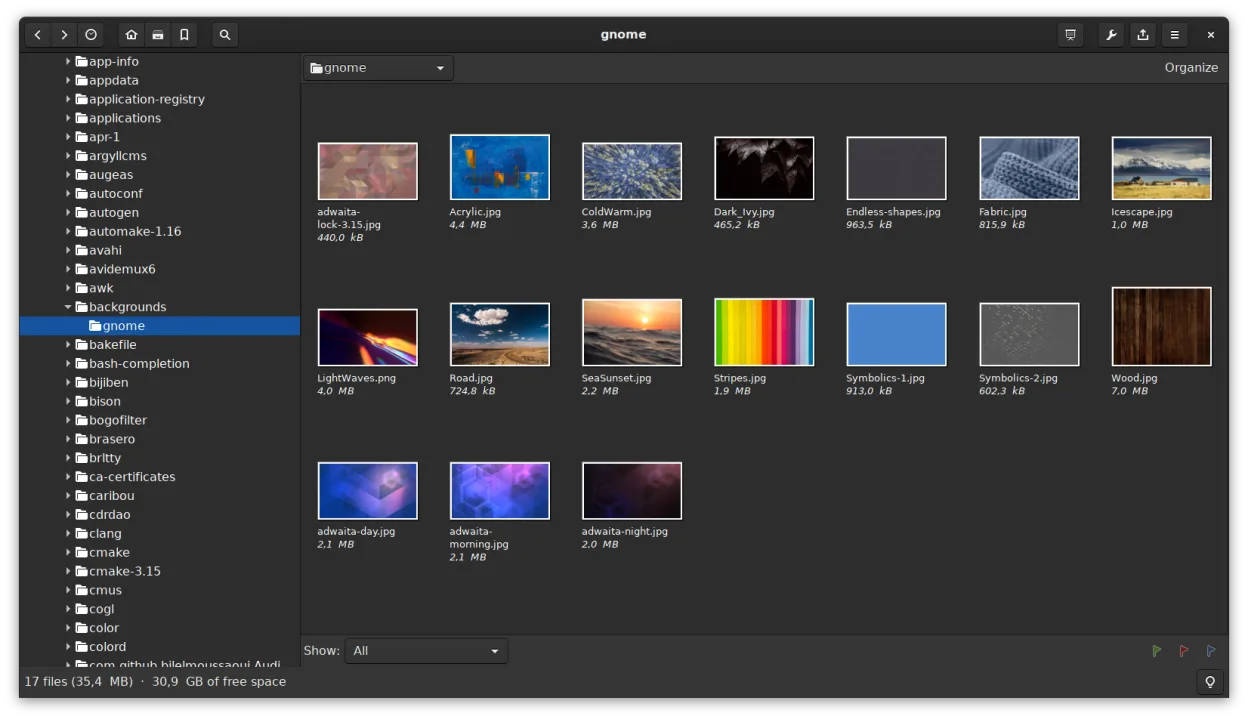
gThumb is a GNOME‑integrated image viewer, editor and organizer for Linux.
gThumb is a solid replacement for Windows Photo Gallery, especially for users who want a straightforward tool to view, organize, and lightly edit photos on Linux. It handles common formats, supports metadata and keyword tagging, offers batch operations, and lets you browse by folder or catalog. The…
Feature parity80% -
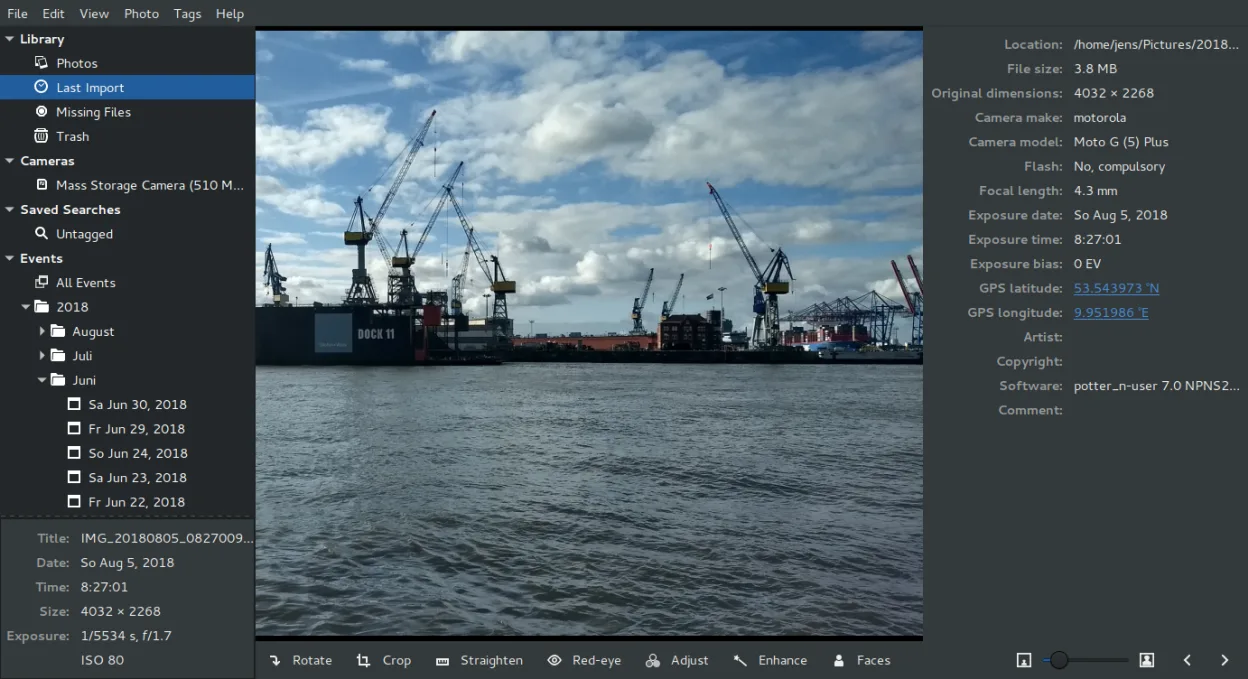
Shotwell is a GNOME photo manager for importing, organizing, and lightly editing images.
Shotwell is a solid replacement for Windows Photo Gallery if you're on a GNOME-based Linux system and want straightforward photo management. It handles importing, tagging, rating, and basic edits without bloat. The interface is simple, and it supports RAW files and common formats. While it lacks…
Feature parity85% -
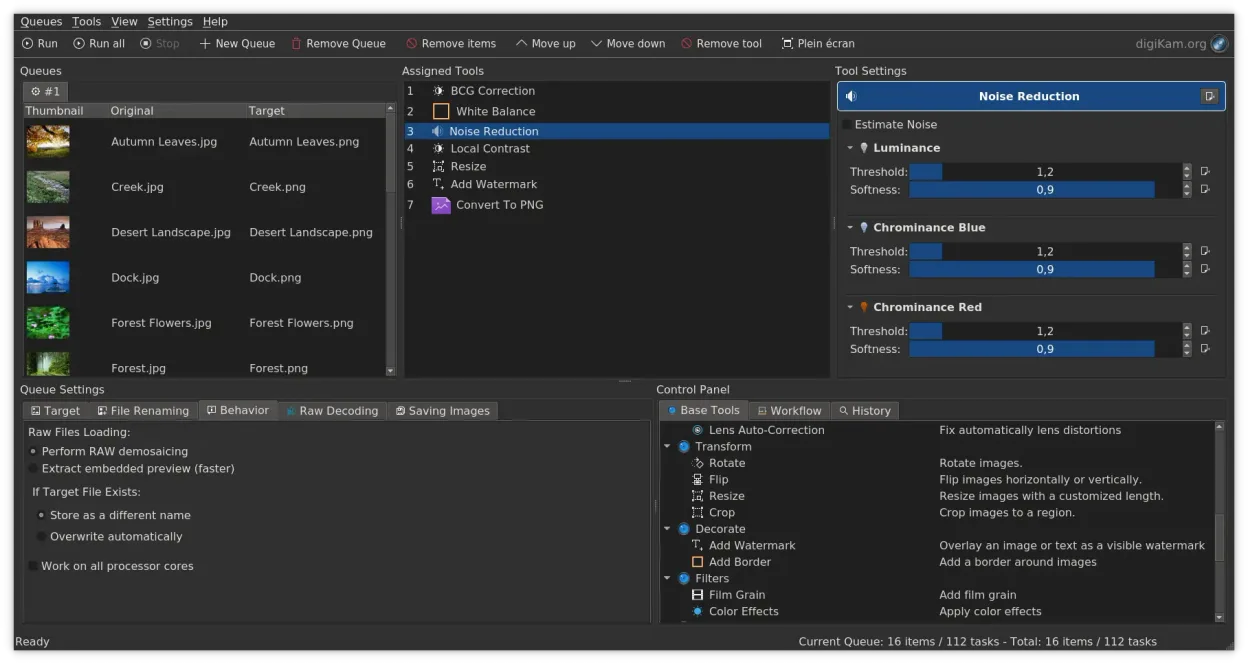
digiKam is a comprehensive KDE photo manager for organizing, tagging, and editing digital photos with strong RAW support.
digiKam is a strong replacement for Windows Photo Gallery, especially for users who want more control over photo organization and editing. It covers all core needs: viewing by date, folder, or tags; rating and labeling; basic editing; and RAW support. The interface is more complex than Windows…
Feature parity90%



What is Windows Photo Gallery?
Windows Photo Gallery served as a simple tool for viewing, organizing, and lightly editing personal photo libraries. It suited casual users who wanted quick tagging, rating, date sorting, and slideshow features without complexity. Aimed at home users, it integrated well with older Windows versions.
It was free to download and use during its availability, bundled with the Windows Essentials suite. Microsoft did not charge for it, but it was only officially supported on Windows 7 through 8.1. No licensing fees or subscriptions were involved.
People seek Linux alternatives because the software was discontinued in 2017 and never released for Linux. With no updates or security patches, users migrating to Linux need modern, maintained tools that handle photo indexing, metadata, and basic edits.
What a replacement for Windows Photo Gallery must do
- View photos by date, folder, or tags
- Rate and organize images with labels
- Basic editing (crop, red-eye, exposure)
- Support for common formats (JPEG, PNG, RAW)
- Import from cameras or storage devices
- Full-screen slideshow playback
- Metadata and keyword tagging
Can you run Windows Photo Gallery on Linux?
There is no native Linux version of Windows Photo Gallery, and it is discontinued. It does not run reliably under Wine or similar compatibility layers due to deep Windows integration and missing dependencies. No web version exists. Users must switch to native Linux applications for similar functionality.
Which alternative should you choose?
Shotwell fits most desktop users needing a clean, automatic photo browser with tagging and export tools. gThumb offers more customization and format support for slightly more technical users. digiKam is ideal for serious photo organizers managing large libraries, offering advanced tagging and editing. Choose Shotwell for simplicity, gThumb for lightweight flexibility, or digiKam for power features.
Moving your Windows Photo Gallery files and habits
Windows Photo Gallery does not use a proprietary database format, so your original image files remain accessible. Copy them directly to Linux. Metadata like tags or ratings may not transfer if stored in non-standard locations. Use tools that read embedded EXIF or XMP sidecar files to preserve edits. Manual review is recommended after import.
Side-by-side comparison
| App | License | Flatpak | Latest version | Feature parity | Rating |
|---|---|---|---|---|---|
| gThumb Image Viewer | GPL-2.0+ | ✓ | 3.12.10 | 80% | — |
| Shotwell | LGPL-2.1+ | ✓ | 33.0 | 85% | — |
| digiKam | GPL-2.0+ | ✓ | 9.1.0 | 90% | — |
Windows Photo Gallery: frequently asked questions
Can I still download Windows Photo Gallery?
It's discontinued and no longer available from Microsoft. Downloading from third parties is risky due to malware potential.
Does it support RAW files?
Limited support via Windows codecs; performance varied. Modern Linux apps like digiKam offer better RAW handling.
Is there a mobile version?
No, it was a desktop-only Windows application with no mobile counterpart.
Can I import my old tags and ratings?
Only if they were saved in EXIF or XMP. Proprietary tags stored in its database are lost after migration.
How important is Windows Photo Gallery to you?
Know a better alternative? Suggest an alternative