
Windows · Internet
Best Linux alternatives to Firefox
Mozilla Firefox is a free, open-source web browser using the Gecko engine, available natively on Linux, Windows, and macOS.
Updated
Quick answer
The best Linux alternative to Firefox is Chromium. Other strong options: Brave, Vivaldi, Falkon.
4 Linux alternatives to Firefox
-

Chromium is the open-source browser project behind Chrome and Edge, offering a fast, modern web experience on Linux.
Chromium can replace Firefox for users who need a fast, sandboxed browser with Chrome‑style extensions and Google‑account sync. It works well on Linux, but it is not a native Firefox replacement for those who rely on Firefox‑specific features like the built‑in password manager, Firefox Sync, or…
Feature parity75% -
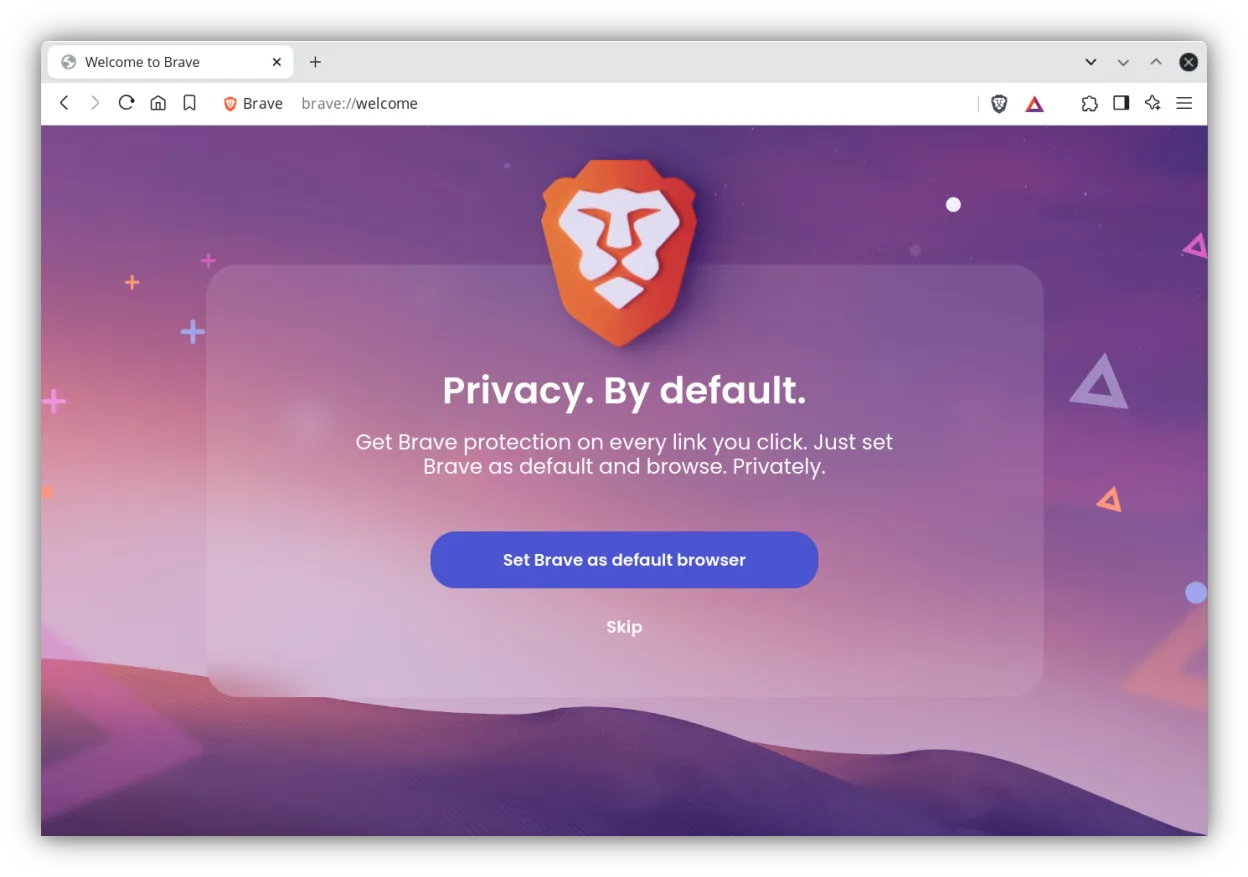
Brave is a fast, privacy‑focused web browser that blocks ads and trackers by default and offers an optional rewards system.
Brave can replace Firefox for users who prioritize speed, privacy, and a built‑in ad‑blocker. It supports tabbed browsing, extensions, password management, private mode, hardware‑accelerated video, and cross‑platform sync. However, users who rely on Firefox’s long‑standing add‑on ecosystem…
Feature parity85% -

Vivaldi is a highly customizable, feature-rich web browser built for power users who want deep control over their browsing experience.
Vivaldi is a solid replacement for Firefox on Linux for users who want deeper control over their browsing experience. It matches Firefox’s core functions—HTML5 rendering, tabbed browsing, extensions, password manager, private mode, hardware‑accelerated video, and sync—while adding advanced tab…
Feature parity80% -
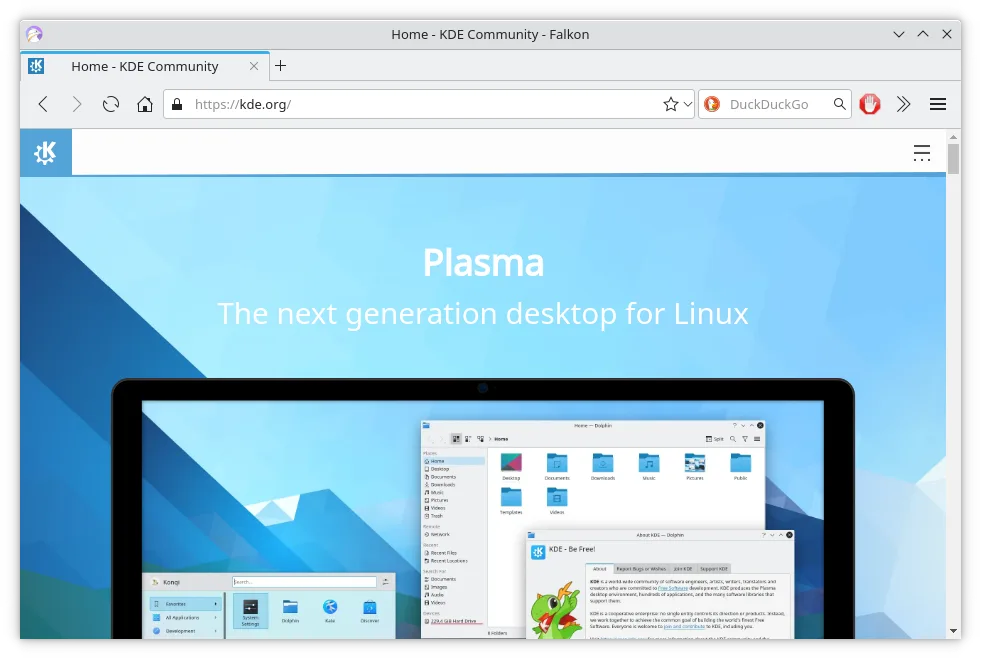
Falkon is a lightweight Qt web browser aimed at providing a fast, feature‑rich browsing experience on Linux.




What is Firefox?
Firefox serves as a primary web browser for individuals and organizations seeking a balance between performance, privacy, and customization. It is widely used by developers for cross-browser testing and by general users who want a reliable tool for daily browsing, email, and media consumption without vendor lock-in.
The software is completely free to download and use, with no hidden fees or premium tiers. It is licensed under the Mozilla Public License, making it open-source. This means the code is publicly available for inspection, modification, and distribution, ensuring transparency and community-driven development.
While Firefox provides an official native Linux build, many users seek alternatives due to specific feature sets, different rendering engines, or a desire for a lighter footprint. Some prefer Chromium-based browsers for better compatibility with certain web standards or extensions, while others look for more aggressive privacy controls or a unique interface layout.
What a replacement for Firefox must do
- HTML5 and CSS3 rendering support
- Tabbed browsing interface
- Extension and add-on ecosystem
- Password and credential management
- Private or incognito browsing mode
- Hardware-accelerated video playback
- Cross-platform profile synchronization
Can you run Firefox on Linux?
Firefox runs natively on Linux. Mozilla provides official builds for major distributions, including Debian, Ubuntu, Fedora, and Arch. You do not need Wine, Proton, or Bottles to run it. The native Linux version is fully supported and receives regular updates directly from Mozilla, ensuring stability and security without compatibility layers.
Which alternative should you choose?
Chromium is the best choice if you need maximum compatibility with Chrome extensions and web standards, as it is the base for many other browsers. Brave is ideal for users who prioritize built-in ad and tracker blocking without installing third-party extensions. Vivaldi suits power users who want deep customization of the interface, tabs, and workflows. Falkon is a lightweight option for users on older hardware who prefer a simple, Qt-based browser without bloat.
Moving your Firefox files and habits
Switching browsers is straightforward because all listed alternatives support standard web formats. You can export bookmarks, history, and passwords from Firefox using its built-in export tools, which typically generate HTML or CSV files that Chromium, Brave, Vivaldi, and Falkon can import. Extensions may not transfer directly due to different APIs, so you will need to install equivalent add-ons in the new browser. Your local files and saved downloads remain unaffected by the browser change.
Side-by-side comparison
Firefox: frequently asked questions
Is Firefox free on Linux?
Yes, Firefox is completely free and open-source. There are no paid features, subscriptions, or premium versions for Linux users.
Can I use my Chrome extensions in Firefox?
Not directly. Firefox uses a different extension API. However, many popular extensions have Firefox-compatible versions available in the Firefox Add-ons store.
Does Firefox use a lot of RAM?
Firefox is generally efficient, but like any modern browser, memory usage scales with the number of open tabs and extensions. It is often comparable to Chromium-based browsers in typical usage.
How do I install Firefox on Linux?
You can install it via your distribution's package manager, such as apt or dnf, or download the official tarball from Mozilla's website for the latest version.
How important is Firefox to you?
Know a better alternative? Suggest an alternative