
Windows · Internet
Best Linux alternatives to Microsoft OneDrive (personal)
Microsoft OneDrive is a cloud storage and sync service for personal files, with a desktop client for Windows and macOS.
Updated
Quick answer
The best Linux alternative to Microsoft OneDrive (personal) is Nextcloud Desktop Client.
1 Linux alternatives to Microsoft OneDrive (personal)
-
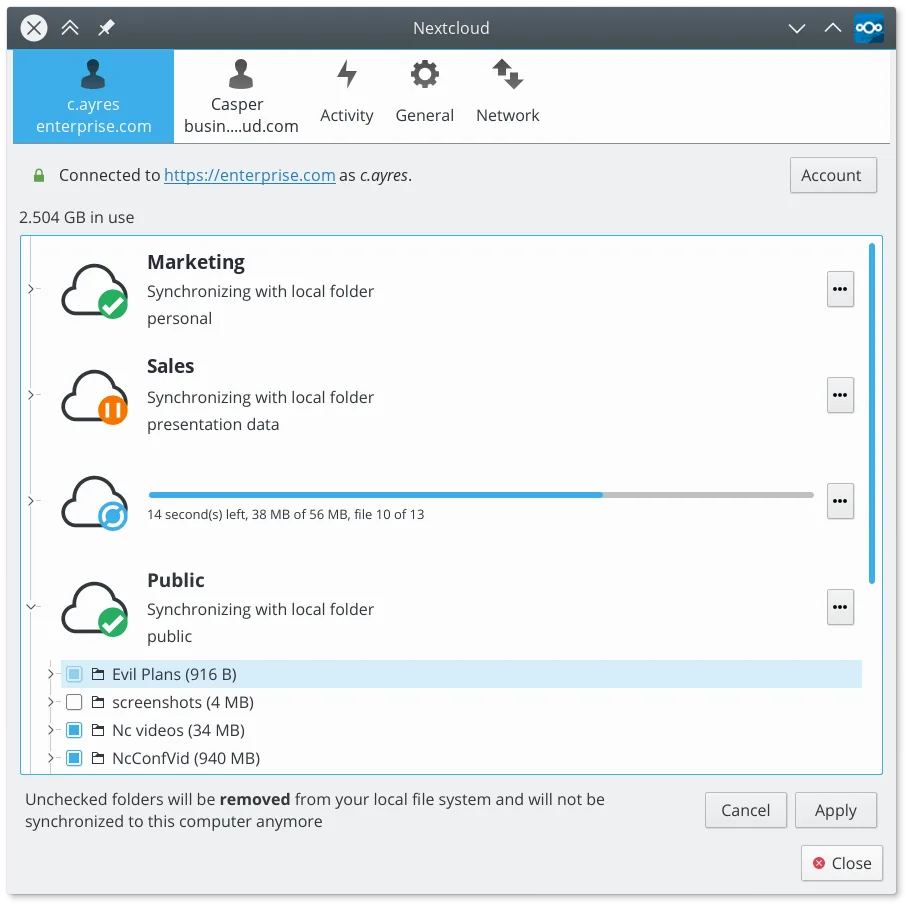
Syncs files between your Linux desktop and a Nextcloud server, keeping documents and photos up to date across devices.
Nextcloud Desktop Client is a strong replacement for OneDrive if you are willing to self-host or pay for a Nextcloud server. It handles two-way sync, versioning, and sharing effectively on Linux. However, it is not a drop-in replacement for the free, managed personal cloud experience. You need to…
Feature parity75%

What is Microsoft OneDrive (personal)?
OneDrive is a cloud storage service that lets users store files online and sync them to their devices. It is primarily used by individuals to back up photos, documents, and other personal data. The desktop client ensures that files are available offline and automatically updates when changes are made on any connected device.
The service operates on a freemium model. Users get a small amount of free storage, but most people pay for a subscription to access more space and additional features. This is often bundled with Microsoft 365 personal or family plans, which also include Office applications. The pricing varies by region and plan tier.
People look for Linux alternatives because the official OneDrive desktop client is not available for Linux. While you can use the web interface, many users want the convenience of automatic syncing and file management directly from their file manager. This gap leads users to seek open-source or third-party clients that offer similar functionality on Linux systems.
What a replacement for Microsoft OneDrive (personal) must do
- Cloud storage with sufficient capacity
- Automatic file synchronization
- Desktop client integration
- Web access for file management
- Cross-platform compatibility
- Secure data encryption
Can you run Microsoft OneDrive (personal) on Linux?
There is no official native Linux client for Microsoft OneDrive. You can access your files through the web browser, which works on any Linux distribution. Some users have reported success running the Windows version of the OneDrive client using Wine, but this is not officially supported and may be unstable. It is not recommended for critical data without testing. Proton and Bottles are unlikely to help here as they are designed for games and specific Windows apps, not general productivity clients.
Which alternative should you choose?
If you want to stay within the Microsoft ecosystem, you are limited to the web interface. For a full desktop experience, consider Nextcloud Desktop Client if you are willing to switch to a self-hosted or third-party Nextcloud server. SyncThingy is a good choice if you prefer peer-to-peer syncing without relying on a central cloud server, though it requires all devices to be online simultaneously for real-time sync.
Moving your Microsoft OneDrive (personal) files and habits
To migrate away from OneDrive, download all your files to your local Linux system. You can do this through the web interface or by copying files from the OneDrive folder if you were using a workaround. Once downloaded, you can upload them to your new storage solution. File formats remain unchanged, so compatibility is not an issue. Be mindful of storage limits on your new platform and ensure you have enough space before starting the transfer.
Microsoft OneDrive (personal): frequently asked questions
Can I use OneDrive on Linux without a client?
Yes, you can access and manage your files through the web browser. This is the most reliable method on Linux, though it lacks the convenience of automatic syncing.
Is Nextcloud a direct replacement for OneDrive?
Nextcloud offers similar cloud storage and sync features, but it is a different service. You would need to set up a Nextcloud server or use a hosted service, and your files will not be in the OneDrive ecosystem.
Does SyncThingy require a central server?
No, SyncThingy uses peer-to-peer technology. It does not require a central server, but all devices need to be online at the same time for files to sync.
Will my Microsoft 365 subscription work with these alternatives?
No, your Microsoft 365 subscription is tied to Microsoft services. Switching to Nextcloud or SyncThingy means you are leaving the Microsoft ecosystem and may need to pay for storage separately.
How important is Microsoft OneDrive (personal) to you?
Know a better alternative? Suggest an alternative