
Windows · Internet
Best Linux alternatives to Microsoft Teams (2026 standalone version)
Microsoft Teams is a corporate chat, video‑call and file‑sharing platform often used for remote collaboration.
Updated
Quick answer
The best Linux alternative to Microsoft Teams (2026 standalone version) is Slack. Other strong options: Mattermost, Rocket.Chat, Zulip.
5 Linux alternatives to Microsoft Teams (2026 standalone version)
-
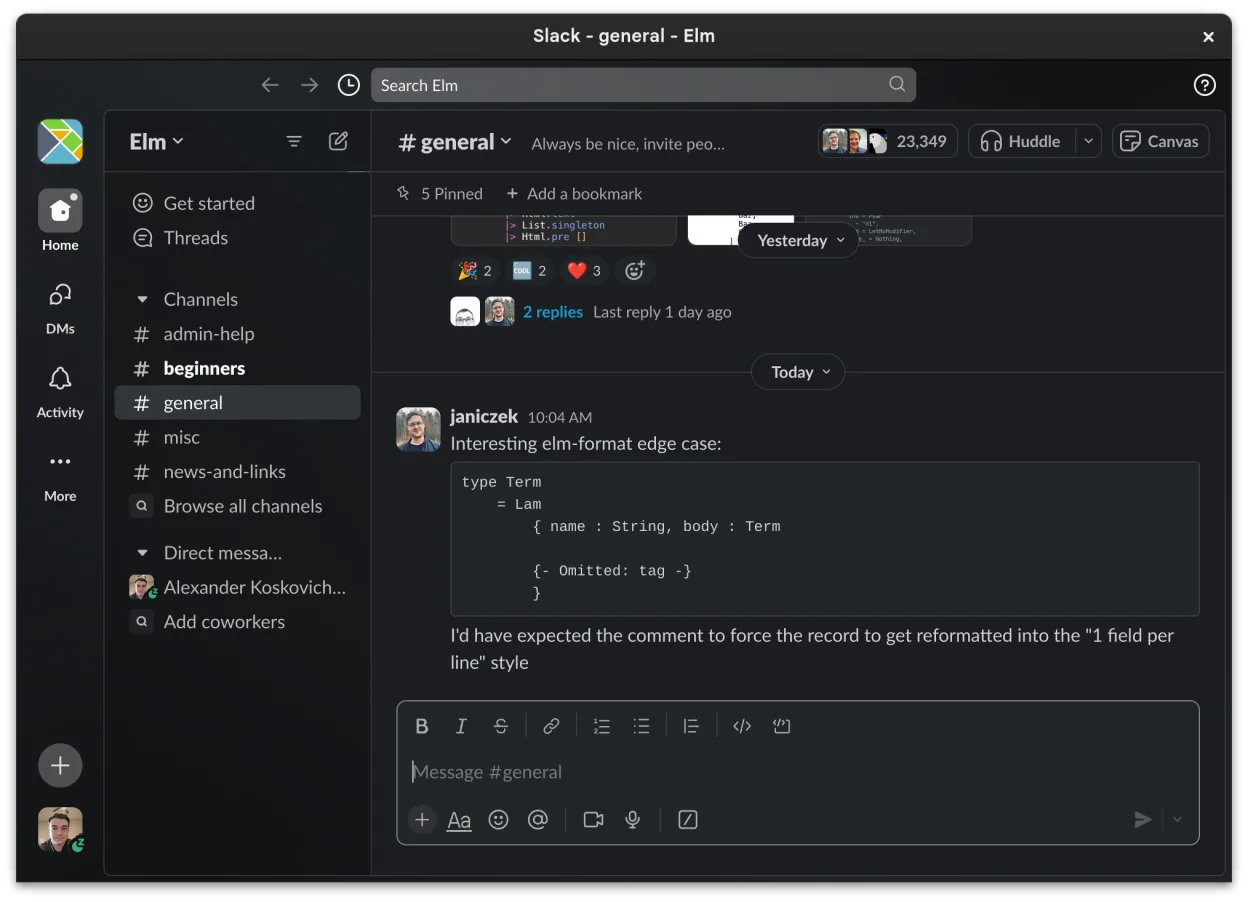
Slack is a proprietary team communication app for Linux that centralizes conversations, tools, and workflows for business collaboration.
Slack is a solid replacement for Microsoft Teams (2026 standalone version) for teams focused on messaging, integrations, and workflow automation. It handles real-time chat, file sharing, voice and video calls, and cross-platform sync well. The beta Linux client works reliably for most daily tasks…
Feature parity85% -

Mattermost is an open-source, self-hosted collaboration platform for developer teams, offering a secure alternative to SaaS tools.
Mattermost is a good replacement for Microsoft Teams (2026 standalone version) if you prioritize self-hosting, security, and developer workflow integration over out-of-the-box ease of use and broad consumer compatibility. It handles real-time chat, file sharing, and notifications well, and supports…
Feature parity75% -

Open-source team communication platform for chat, video, and collaboration, often used to replace Slack or Microsoft Teams.
Rocket.Chat is a solid replacement for Microsoft Teams (2026 standalone version), especially for organizations that value self-hosting, open-source software, and customization. It covers core collaboration needs: real-time chat, video/audio calls, file sharing, and message history. While it lacks…
Feature parity85% -
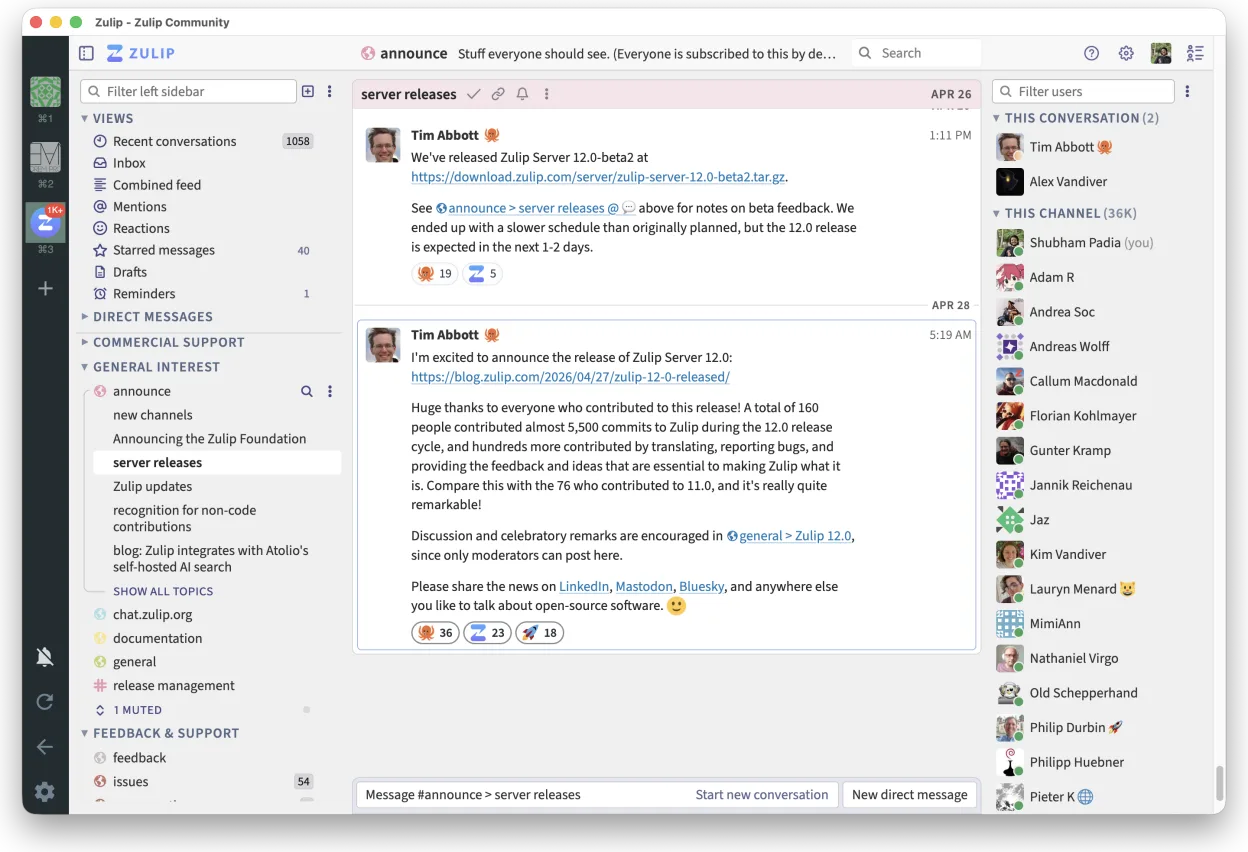
Zulip is an open-source group chat application that uses threaded conversations to manage high-volume team discussions.
Zulip is a solid replacement for Microsoft Teams (2026 standalone version) for teams that prioritize organized, high-volume communication over video-first workflows. Its threaded conversations make it easier to follow multiple discussions, which benefits technical and asynchronous teams. While it…
Feature parity75% -

Element is an open‑source, matrix‑based chat and video‑conference client for Linux.
Element is a solid replacement for Microsoft Teams (2026 standalone version) if your organization values open standards, decentralization, and privacy. It supports real-time chat, persistent rooms, voice and video calls, screen sharing, and cross-platform sync. While it lacks deep Microsoft Office…
Feature parity80%





What is Microsoft Teams (2026 standalone version)?
Microsoft Teams is a collaboration suite that combines instant messaging, audio/video meetings, and shared file storage. It is widely adopted by enterprises, schools and remote teams that need a single hub for communication and document collaboration.
Teams is offered by Microsoft as part of its commercial Microsoft 365 subscriptions; the service is cloud‑based and tied to a Microsoft account. There is also a free tier with limited meeting duration and storage, but most organizations pay per user per month.
Users look for a Linux alternative when they run a Linux desktop or server and want a native client, better privacy control, or an open‑source solution that can be self‑hosted and integrated with existing infrastructure.
What a replacement for Microsoft Teams (2026 standalone version) must do
- Real‑time text chat with channels or groups
- Audio and video conferencing
- File sharing and collaborative editing
- Integration with calendars and contacts
- Searchable message history
- Desktop notifications
- Cross‑platform access (web, mobile, desktop)
Can you run Microsoft Teams (2026 standalone version) on Linux?
Microsoft does not provide a native Linux desktop client for Teams. The web version works in any modern browser on Linux, and the official Windows client can be run through compatibility layers such as Wine or Bottles, though functionality may be incomplete. There is no official Proton support.
Which alternative should you choose?
If you need a fully open‑source, self‑hosted solution, Mattermost or Rocket.Chat are good fits. For a hosted, feature‑rich service with strong integrations, Slack works well. Zulip offers threaded conversations for developers, while Element is ideal if you also need secure, federated chat via Matrix.
Moving your Microsoft Teams (2026 standalone version) files and habits
Exporting Teams data is limited to chat history and files stored in SharePoint/OneDrive; you can download files manually and use the Teams export API for messages if you have admin rights. Most alternatives accept standard file formats (PDF, DOCX, images) and can import chat logs via CSV or JSON, but a direct one‑click migration is not available.
Side-by-side comparison
| App | License | Flatpak | Latest version | Feature parity | Rating |
|---|---|---|---|---|---|
| Slack | LicenseRef-proprietary=https… | ✓ | 4.53.280 | 85% | — |
| Mattermost | Apache-2.0 | ✓ | 6.4.0 | 75% | — |
| Rocket.Chat | MIT | ✓ | 4.19.3 | 85% | — |
| Zulip | Apache-2.0 | ✓ | 5.14.2 | 75% | — |
| Element | AGPL-3.0-only OR… | ✓ | 1.12.35 | 80% | — |
Microsoft Teams (2026 standalone version): frequently asked questions
Is there a native Linux client for Teams?
No, Microsoft only ships Windows and macOS clients; Linux users rely on the web app or compatibility layers.
Can I use Teams for free on Linux?
Yes, the web version is free with a Microsoft account, but advanced features require a paid Microsoft 365 subscription.
Will video calls work through the web app?
They work, though performance depends on the browser and hardware; some advanced meeting controls are missing compared to the desktop client.
Are there open‑source replacements that support Teams file formats?
File formats like DOCX, PDF, and images are standard, so any alternative can handle them; chat history import must be done manually.
How important is Microsoft Teams (2026 standalone version) to you?
Know a better alternative? Suggest an alternative