
Windows · Internet
Best Linux alternatives to Microsoft Teams (consumer)
Microsoft Teams is a collaboration hub for chat, video calls, and file sharing, widely used in workplaces and schools.
Updated
Quick answer
The best Linux alternative to Microsoft Teams (consumer) is Jitsi Meet. Other strong options: Element, Mattermost.
3 Linux alternatives to Microsoft Teams (consumer)
-

Jitsi Meet is an open-source video conferencing client that connects to any Jitsi server for secure, account-free calls.
Jitsi Meet is a solid replacement for Microsoft Teams (consumer) if your main need is video and audio conferencing with screen sharing and basic chat. It excels in simplicity, privacy, and open-source transparency. However, it lacks persistent group chat, calendar integration, and file…
Feature parity60% -

Element is an open‑source, matrix‑based chat and video‑conference client for Linux.
Element is a solid replacement for Microsoft Teams (consumer) if you prioritize privacy, open standards, and don’t rely on Microsoft 365 integration. It handles video calls, persistent chat, and file sharing well, especially in decentralized or self-hosted environments. However, users in…
Feature parity75% -
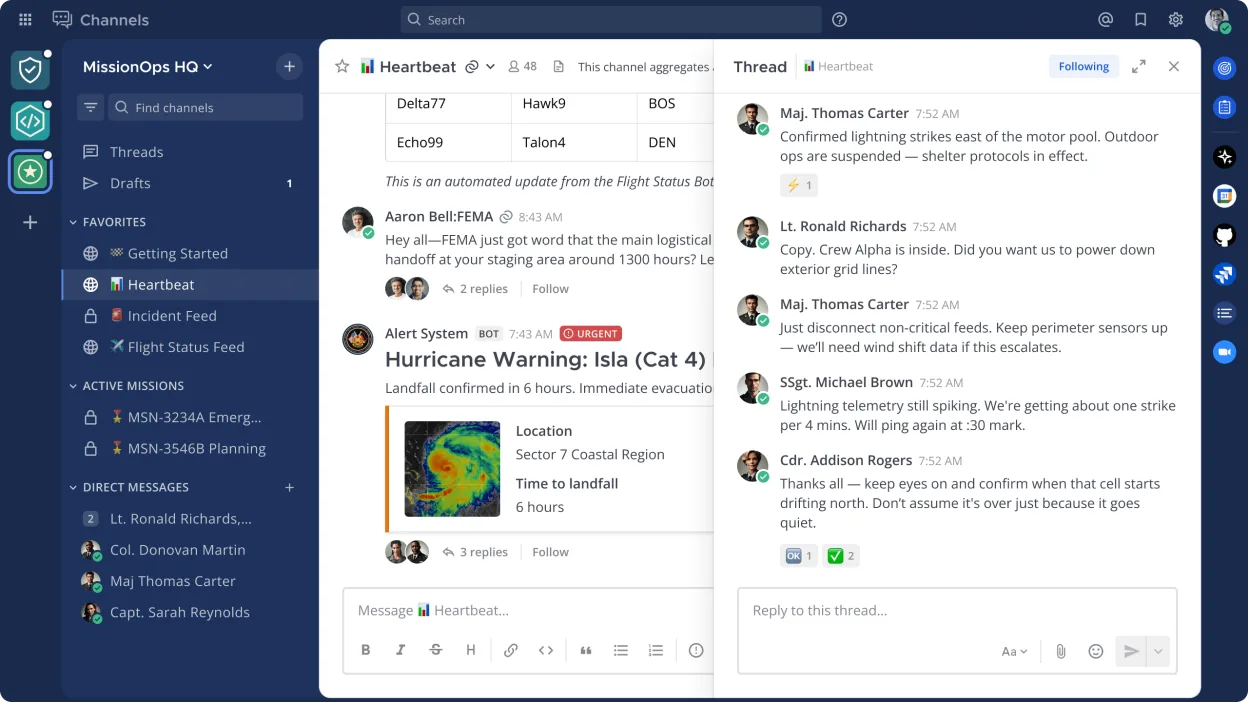
Mattermost is an open source, self-hostable collaboration platform designed for developer teams needing secure messaging and workflow integration.
Mattermost is a solid replacement for Microsoft Teams (consumer) for teams that prioritize self-hosting, security, and integration with developer workflows. It covers core collaboration features like persistent chat, file sharing, and search, and supports mobile and desktop clients. However, it…
Feature parity70%



What is Microsoft Teams (consumer)?
Microsoft Teams is primarily used by organizations and educational institutions for team communication, virtual meetings, and document collaboration. It integrates tightly with Microsoft 365, making it common in corporate and academic environments. Users rely on it for persistent chat, scheduled video conferences, and real-time co-editing of Office files.
The app is free to use with limited features, but full functionality requires a Microsoft 365 subscription, which is paid. Licensing is tied to Microsoft accounts, and enterprise deployments often include centralized administration and compliance controls. There is no standalone perpetual license.
People seek Linux alternatives because Teams has limited native Linux support, lacks full feature parity on Linux, and enforces dependency on Microsoft's ecosystem. Privacy-conscious users and organizations avoiding vendor lock-in also look for open-source or self-hosted replacements.
What a replacement for Microsoft Teams (consumer) must do
- Video and audio conferencing
- Persistent group chat
- File sharing and collaboration
- Screen sharing
- Cross-platform clients (desktop/mobile)
- Integration with calendars
- Searchable message history
Can you run Microsoft Teams (consumer) on Linux?
Teams offers a native Linux client (Debian/Red Hat packages) with basic chat and meeting features, but it lags behind Windows and web versions in functionality and stability. The web version works well in Chrome or Edge on Linux. Some users run the Windows client via Bottles or Wine, but performance is inconsistent and not recommended for daily use.
Which alternative should you choose?
For encrypted video meetings and decentralized hosting, choose Jitsi Meet. Element suits users wanting Matrix-based interoperability and open standards. Mattermost is ideal for self-hosted team chat with extensibility. Franz can unify Teams with other services in one interface but doesn't replace backend functionality. Wireshark is unrelated and not an alternative.
Moving your Microsoft Teams (consumer) files and habits
Teams data can be exported via Microsoft 365 compliance tools, but exported chats are in structured formats like CSV or PST, not easily portable to other platforms. Shared files in OneDrive or SharePoint can be downloaded and migrated manually. Replacing Teams fully requires adopting a new workflow, as direct import into alternatives like Element or Mattermost isn't supported.
Side-by-side comparison
| App | License | Flatpak | Latest version | Feature parity | Rating |
|---|---|---|---|---|---|
| Jitsi Meet | Apache-2.0 | ✓ | 2026.10.0 | 60% | — |
| Element | AGPL-3.0-only OR… | ✓ | 1.12.35 | 75% | — |
| Mattermost | Apache-2.0 | ✓ | 6.4.0 | 70% | — |
Microsoft Teams (consumer): frequently asked questions
Can I use Microsoft Teams on Linux with full features?
No. The Linux client supports core chat and meetings, but features like background blur, live reactions, and some integrations are missing or delayed.
Is there an open-source alternative to Teams with video calling?
Yes. Jitsi Meet is open-source and supports browser-based video conferences with screen sharing and recording, without requiring accounts.
Can I self-host a Teams alternative?
Yes. Element and Mattermost can be self-hosted, giving full control over data and user management, unlike Teams which is cloud-only.
Does Franz replace Microsoft Teams?
Franz integrates Teams into a unified chat interface but depends on the web version. It doesn't provide standalone functionality or replace Teams' backend.
How important is Microsoft Teams (consumer) to you?
Know a better alternative? Suggest an alternative