
Windows · Graphics
Best Linux alternatives to MS Paint
Microsoft Paint is a simple raster editor for basic drawing and image editing, bundled with Windows.
Updated
Quick answer
The best Linux alternative to MS Paint is GIMP. Other strong options: Pinta, KolourPaint, MyPaint.
5 Linux alternatives to MS Paint
-

GIMP is a free, open-source raster graphics editor for photo editing, digital painting, and image composition.
GIMP can replace MS Paint for anyone who needs more than the bare‑bones drawing tools that Paint offers. It handles all the basic operations—brush, pencil, shapes, text, crop, resize, and the common image formats—while adding layers, advanced brushes, and scripting for users who want to grow beyond…
Feature parity70% -

Pinta is a free, open‑source bitmap editor that mimics Paint.NET with a simple interface and layer support.
Pinta is a solid replacement for MS Paint if you want a bit more power without the complexity of GIMP. It handles all basic drawing, text, and resizing tasks easily. The interface is clean and familiar to anyone who has used Paint.NET. However, it lacks a dedicated two-color mode, which might be a…
Feature parity90% -
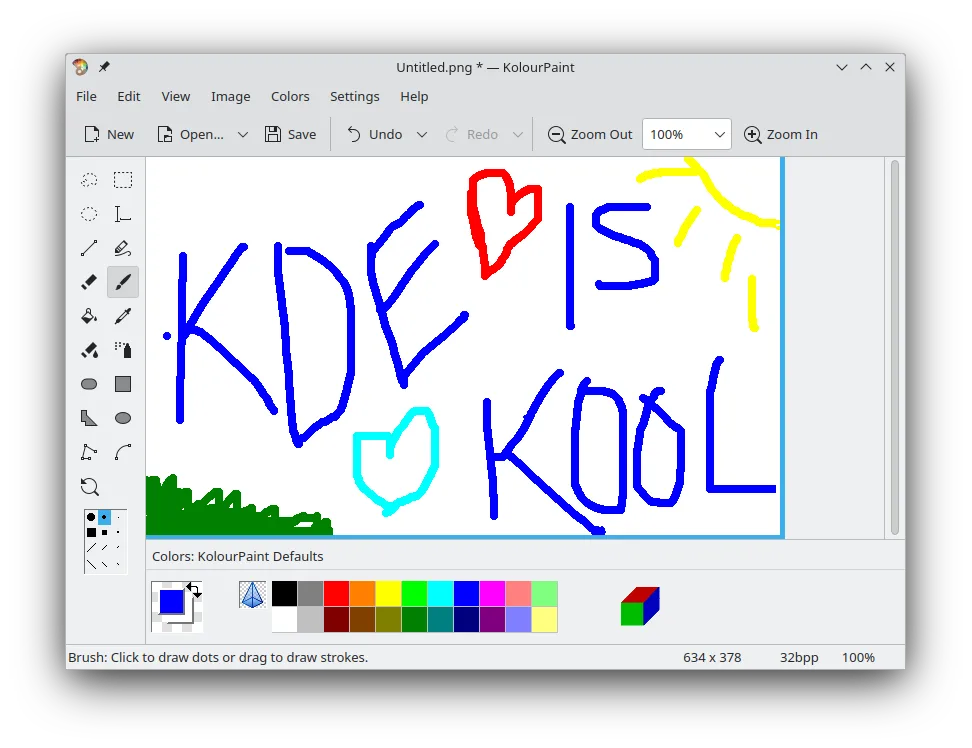
KolourPaint is a lightweight KDE raster graphics editor for quick drawing and simple image touch-ups.
KolourPaint is a solid replacement for MS Paint for users who need a lightweight, cross‑platform raster editor. It covers most everyday tasks—drawing, shape insertion, text, cropping, resizing, and basic color editing—making it suitable for casual users, students, and quick image touch‑ups. Power…
Feature parity85% -
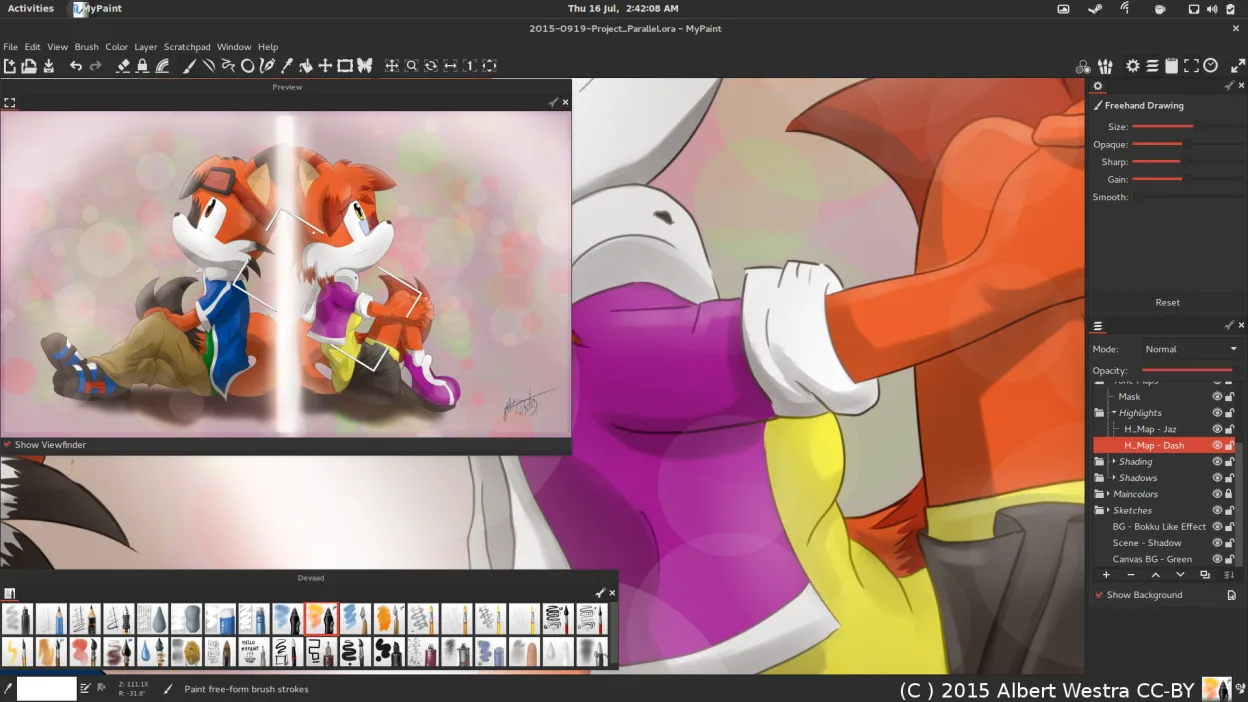
MyPaint is a fast, free, open‑source raster painting program focused on brush dynamics and tablet use.
MyPaint can replace MS Paint for users who want a free, open‑source painting tool that supports tablets and brush dynamics, but it is not a drop‑in replacement for casual users who only need basic drawing and file compatibility. It is suitable for digital artists, hobbyists who use graphics…
Feature parity60% -

Krita is a full‑featured open‑source digital painting and illustration program.
Krita can replace MS Paint for users who need more than the bare‑bones drawing tools that Paint offers. It handles all the file formats Paint supports, provides brushes, layers, and colour‑space options, and runs natively on Linux. However, its interface and feature set are far richer, so casual…
Feature parity65%





What is MS Paint?
MS Paint is a lightweight tool that lets users draw freehand, add text, and perform basic edits like cropping and resizing. It’s popular among students, hobbyists, and anyone who needs quick fixes without complex software. The program is free as part of Windows.
Because it’s tied to Windows, users on Linux must look for alternatives that can open BMP, JPEG, GIF, PNG, and single‑page TIFF files. The goal is to find a program that offers the same simplicity while running natively on Linux.
People seek Linux replacements to avoid using Windows or to integrate painting tasks into a Linux workflow. A native Linux app eliminates the need for compatibility layers and provides better integration with desktop environments.
What a replacement for MS Paint must do
- Open and save BMP, JPEG, GIF, PNG, TIFF
- Basic drawing tools (brush, pencil, shapes)
- Text insertion
- Simple cropping and resizing
- Two‑color mode (optional)
Can you run MS Paint on Linux?
All listed alternatives run natively on Linux. None of them require Wine, Proton, or Bottles. No web‑only version is needed.
Which alternative should you choose?
Pinta is ideal for users who want a Paint‑like feel with a clean interface. KolourPaint suits those who need a lightweight, KDE‑friendly tool. GIMP is best for users who may need more advanced editing later. MyPaint is great for artists who want a sketch‑style canvas, while Krita is suited for detailed digital painting and illustration.
Moving your MS Paint files and habits
All alternatives can open and save the same file formats that Paint uses. Simply export your images as PNG or JPEG if you need maximum compatibility. No special migration steps are required.
Side-by-side comparison
| App | License | Flatpak | Latest version | Feature parity | Rating |
|---|---|---|---|---|---|
| GIMP | GPL-3.0+ AND LGPL-3.0+ | ✓ | 3.2.6 | 70% | — |
| Pinta | MIT | ✓ | 3.1.2 | 90% | 5/5 |
| KolourPaint | BSD-2-Clause and LGPL-2.0+… | ✓ | 26.04.3 | 85% | — |
| MyPaint | GPL-2.0+ | ✓ | 2.0.1 | 60% | — |
| Krita | GPL-3.0-only | ✓ | 5.3.4.1 | 65% | — |
MS Paint: frequently asked questions
Can I use Pinta to edit my Paint files?
Yes, Pinta can open BMP, JPEG, GIF, PNG, and TIFF files and save them back in the same formats.
Do I need to install any additional plugins?
No, the listed programs come with built‑in support for the required formats.
Is there a way to keep the exact look of a Paint drawing?
Since Paint uses basic raster tools, the output will look the same in any of the alternatives; just avoid using advanced effects.
Can I use these alternatives on a server?
They are desktop applications, but you can run them via X11 or Wayland on a server with a graphical session.
How important is MS Paint to you?
Know a better alternative? Suggest an alternative