
Windows · Programming
Best Linux alternatives to Sublime Text
Sublime Text is a lightweight, cross‑platform code editor with fast performance and extensive plugin support.
Updated
Quick answer
The best Linux alternative to Sublime Text is VS Code. Other strong options: Kate, Geany, gedit.
5 Linux alternatives to Sublime Text
-
A lightweight, extensible source code editor supporting many languages, built on Electron and open-source core.
VS Code is a solid replacement for Sublime Text on Linux, especially for users who want more than just editing—like debugging, Git integration, and language intelligence. It’s heavier due to Electron, so if you value raw speed and minimal resource use, Sublime feels snappier. But for developers…
Feature parity90% -

Kate is a feature-rich, programmer-focused text editor from KDE with support for 300+ languages and advanced editing tools.
Kate is a solid replacement for Sublime Text, especially for users who want a free, open‑source editor with built‑in terminal, Git integration, and LSP support. It covers most of the core features you expect from Sublime: syntax highlighting, regex search/replace, multiple cursors, and a…
Feature parity85% -
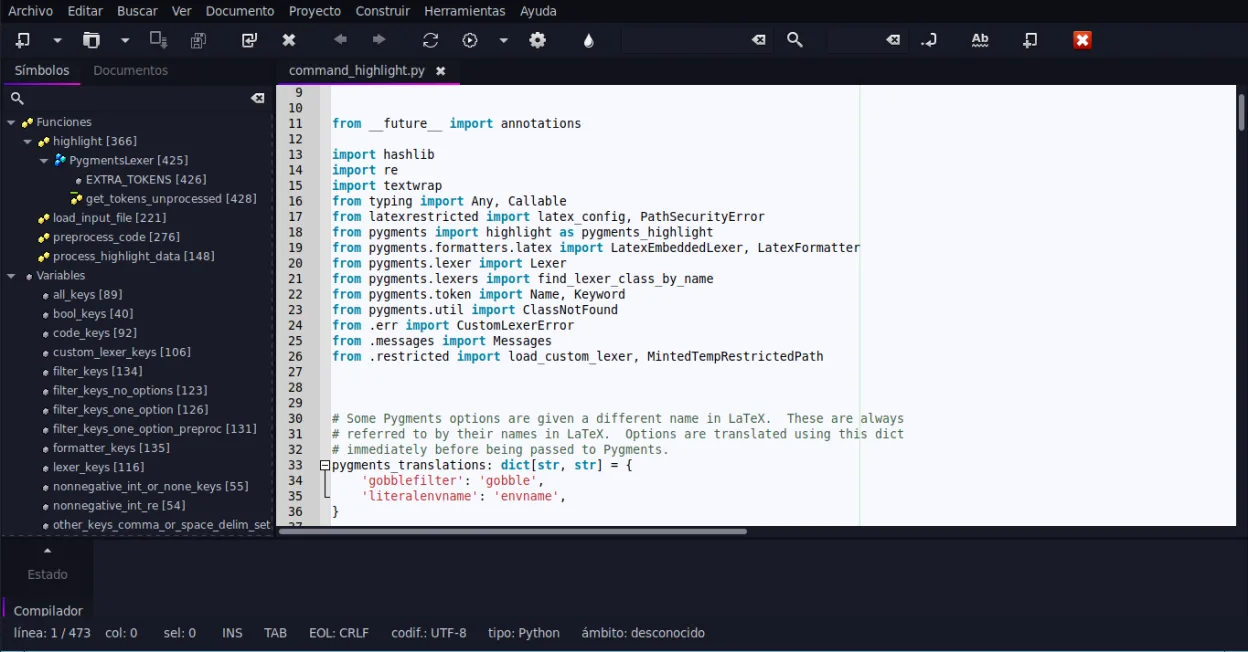
Geany is a lightweight, fast IDE that supports many languages and plugins out of the box.
Geany can replace Sublime Text for users who need a lightweight editor with basic IDE features and prefer a free, open‑source solution. It offers syntax highlighting, code folding, regex search/replace, and a built‑in terminal, making it suitable for small to medium projects. However, it lacks the…
Feature parity70% -
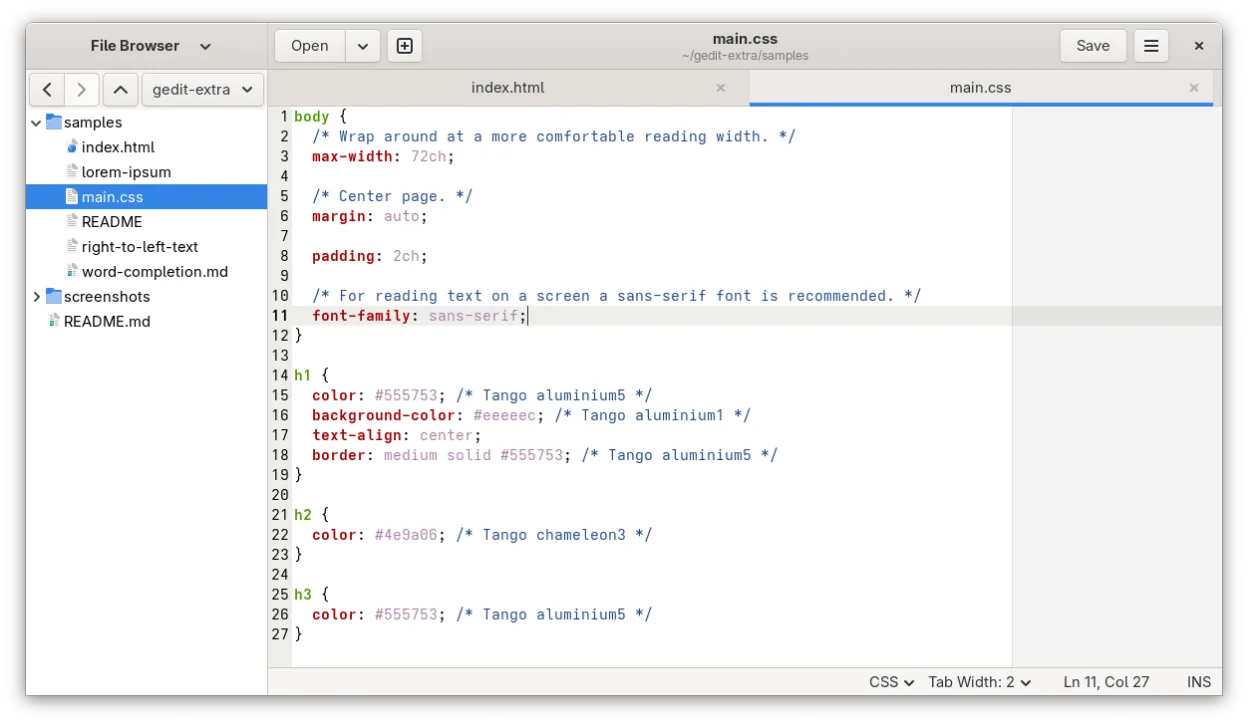
gedit is GNOME's lightweight, general-purpose text editor, suitable for notes, documents, and basic code editing with plugin support.
gedit can replace Sublime Text for basic editing tasks and for users who prefer a lightweight GNOME‑centric editor. It offers syntax highlighting, regex search/replace, and a plugin system, but it lacks the speed, advanced project management, and extensive Python‑based plugin ecosystem that power…
Feature parity70% -
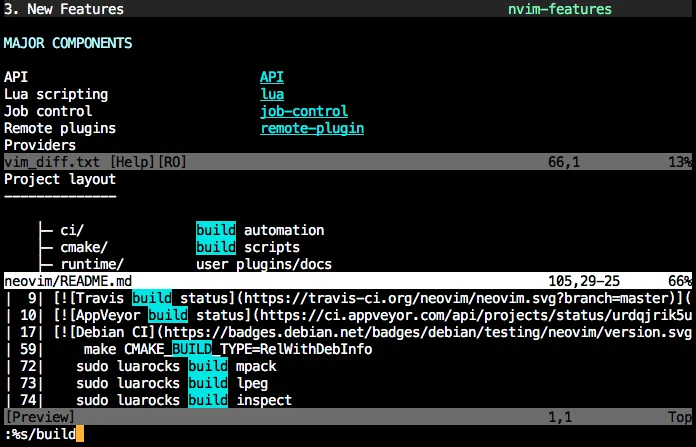
Neovim is a modern Vim fork that adds extensibility, advanced UI support, and powerful extensions while keeping Vim's modal editing core.
Neovim can replace Sublime Text for developers who are comfortable with modal editing and want a highly configurable, scriptable editor. It offers syntax highlighting, code folding, regex search/replace, and a plugin ecosystem, but it requires learning Vim keybindings. It is best suited for users…
Feature parity75%




What is Sublime Text?
Sublime Text is a source‑code editor used by developers and technical writers for its minimal interface, syntax highlighting, and powerful keyboard shortcuts.
It is proprietary but offers a free evaluation version that can be used indefinitely, with a paid license required for continued use.
Users look for a Linux alternative because they prefer open‑source tools, want native Linux integration, or need a free solution without a commercial license.
What a replacement for Sublime Text must do
- Syntax highlighting for many languages
- Code folding and search/replace with regex
- Extensible via plugins (Python API)
- Customizable themes
- Integrated terminal or console
Can you run Sublime Text on Linux?
Sublime Text provides a native Linux binary that runs on most distributions. No web version exists, and it does not require Wine or Proton to run on Linux.
Which alternative should you choose?
VS Code suits users who want a feature‑rich editor with a large extension ecosystem. Atomic Tanks is good for those who need a lightweight, terminal‑based editor. Kate and Geany are solid choices for users who prefer a GUI editor with built‑in project management. gedit is ideal for simple editing tasks. Neovim is best for power users who want a highly configurable, terminal‑based environment.
Moving your Sublime Text files and habits
All files are plain text, so you can copy them directly. Sublime Text stores user settings and key bindings in JSON files that can be manually copied to the corresponding directories of the chosen Linux editor if needed.
Side-by-side comparison
Sublime Text: frequently asked questions
Is Sublime Text free?
It can be used indefinitely in evaluation mode, but a paid license is required for continued use.
Does it support plugins?
Yes, plugins are written in Python and can be installed via Package Control.
Can I use it on Linux?
Yes, there is a native Linux build available.
What file format does it use for settings?
Settings are stored in JSON files.
How important is Sublime Text to you?
Know a better alternative? Suggest an alternative