
Windows · Internet
Best Linux alternatives to Windows Mail
Windows Mail was a lightweight Windows email client that supported multiple accounts and basic calendar features.
Updated
Quick answer
The best Linux alternative to Windows Mail is Thunderbird. Other strong options: Evolution, Mailspring, Claws Mail.
5 Linux alternatives to Windows Mail
-

Thunderbird is a free, open‑source email, newsfeed, chat, and calendar client.
Thunderbird is a solid replacement for Windows Mail, especially for users who want more control and features without bloat. It handles multiple IMAP, POP3, and SMTP accounts reliably, includes a full calendar with .ics support, and offers strong search and tagging. The UI is functional, though…
Feature parity85% -
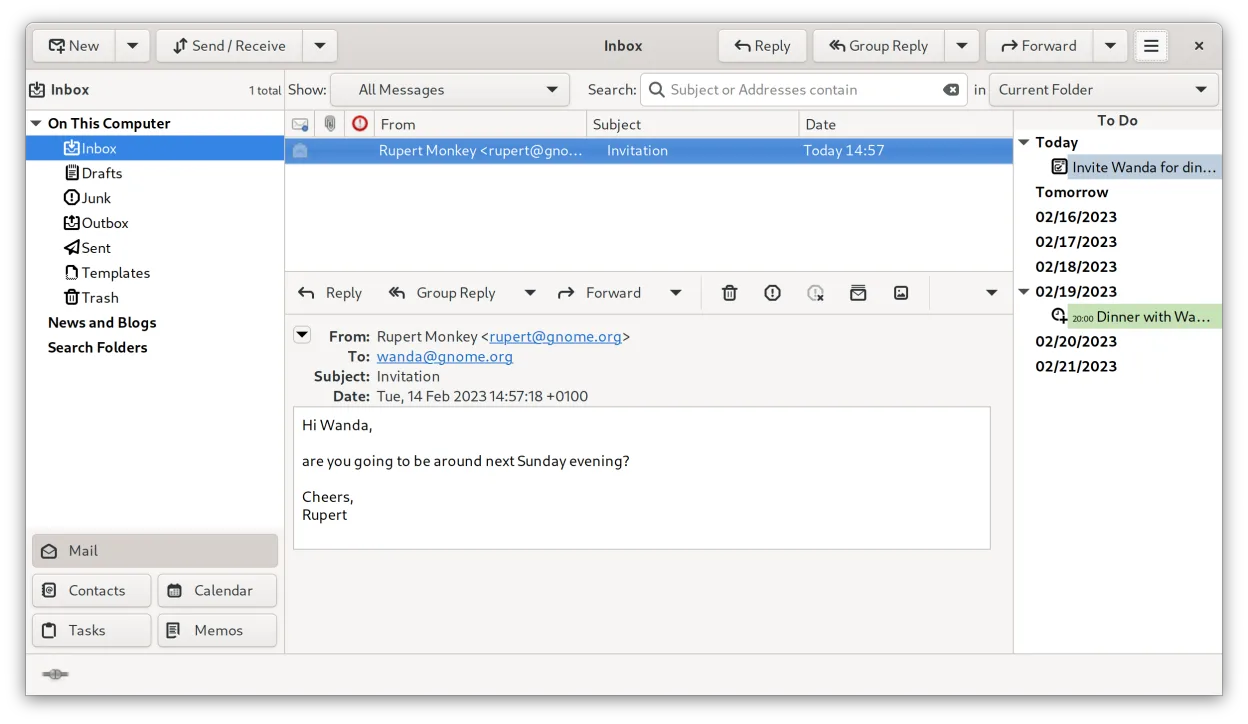
Evolution is a full‑featured personal information manager that combines email, calendar, contacts and tasks into one application.
Evolution is a solid replacement for Windows Mail if you need more than just basic email. It handles multiple IMAP/POP3 accounts, offers full calendar support with iCal/ICS, and provides search and backup options. Users who prefer a single, integrated interface for mail, calendar, contacts and…
Feature parity85% -

A fast, feature-rich desktop email client for Linux with a C++ sync engine and unified inbox.
Mailspring is a strong replacement for Windows Mail if you value speed and privacy over built-in calendar integration. It handles multiple IMAP/POP3 accounts efficiently with a C++ engine that keeps resource usage low. However, it lacks native calendar features, so you must pair it with a separate…
Feature parity85% -
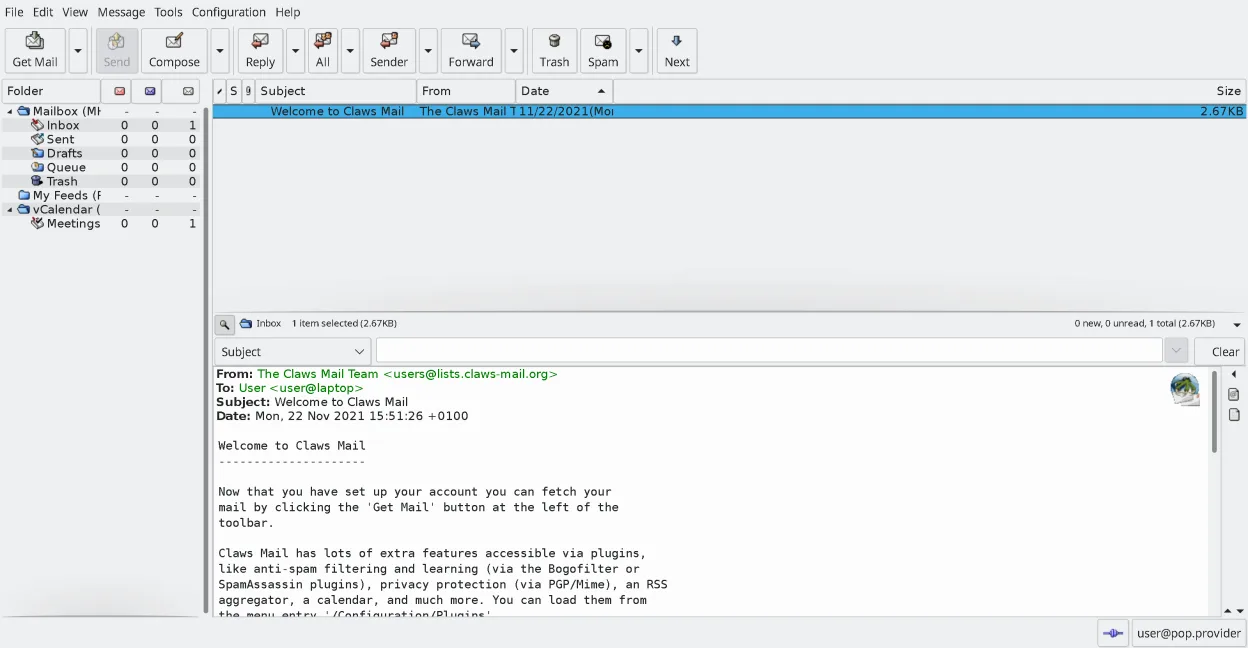
Claws Mail is a lightweight, fast GTK‑based email client for Linux.
Claws Mail is a strong replacement for Windows Mail if you value speed and keyboard control over visual polish. It handles multiple IMAP/POP3 accounts, offers powerful search, and supports calendar via plugins. The interface is dense and functional rather than modern, which may feel dated to some…
Feature parity85% -
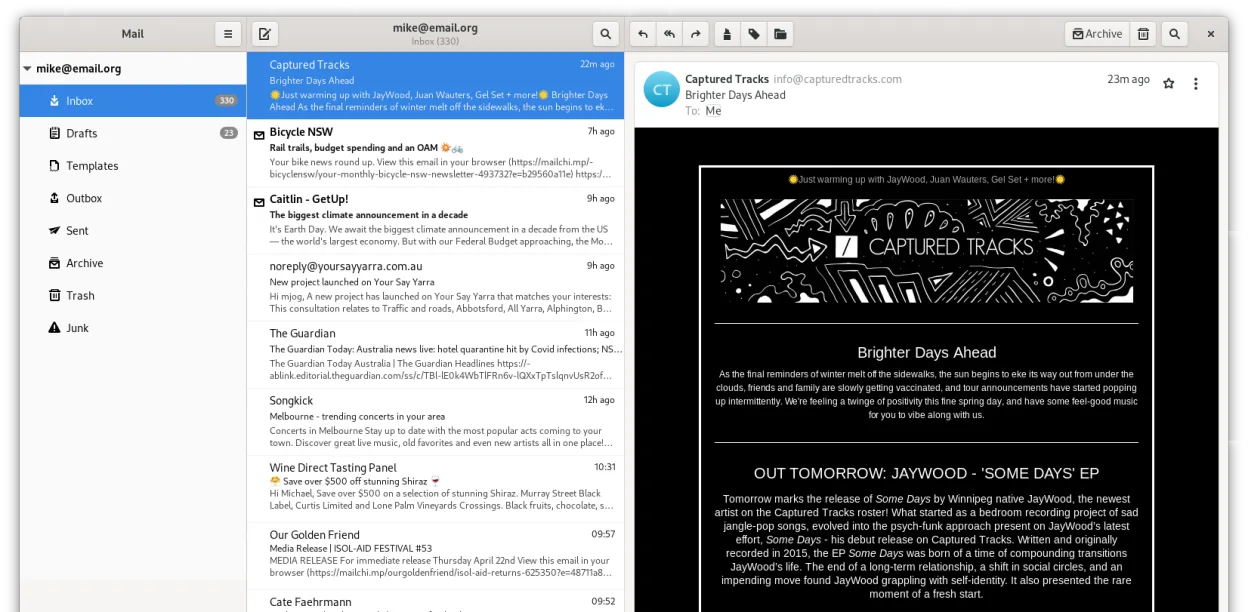
Geary is a GNOME‑based email client for Linux that lets you send, receive, and organize mail in conversation view.
Geary is a solid replacement for Windows Mail if you want a simple, conversation-based client on GNOME. It handles multiple IMAP accounts well and offers fast search, matching Windows Mail's lightweight feel. However, it lacks the basic calendar features Windows Mail provided. If you rely on .ics…
Feature parity75%





What is Windows Mail?
Windows Mail was bundled with Windows Vista and later, intended for everyday users who needed a simple way to manage email, RSS feeds, and a basic calendar without the overhead of a full‑featured client. The software was free as part of the operating system, with no separate licensing fees. As Microsoft shifted focus to Outlook and the Microsoft 365 suite, many users started looking for a Linux alternative that offered similar simplicity and account management.
The primary audience for Windows Mail was home users and small businesses who preferred a straightforward interface and integrated Windows features like the Action Center. Because the application was discontinued, newer Windows versions no longer include it, pushing users toward open‑source replacements.
Linux users seeking an equivalent tool want a client that is free, easy to set up, and can handle multiple email accounts, calendar events, and basic search, all while fitting into the GNOME or KDE desktop ecosystems.
What a replacement for Windows Mail must do
- Support for multiple email accounts (IMAP/POP3/SMTP)
- Calendar integration (iCal, .ics files)
- Simple, non‑intrusive UI
- Search across messages
- Export/backup capability
Can you run Windows Mail on Linux?
None of the Windows Mail binaries run natively on Linux. No official web version exists. Running the legacy Windows executable under Wine or Proton is possible but unstable and not recommended for daily use. The best approach is to use a native Linux client.
Which alternative should you choose?
For users who want a feature‑rich, modern interface, Thunderbird or Evolution are solid choices. If you prefer a lightweight, fast client with a clean UI, Claws Mail or Geary fit the bill. Mailspring offers a polished design and cross‑platform sync, but it is not as lightweight as the others.
Moving your Windows Mail files and habits
All listed clients can import mail from standard formats such as MBOX, EML, or directly connect to IMAP/POP3 servers. Exporting contacts and calendar events to CSV or .ics files is supported across the board, allowing a smooth transition. Simply configure the same server settings in the new client and the messages will sync.
Side-by-side comparison
| App | License | Flatpak | Latest version | Feature parity | Rating |
|---|---|---|---|---|---|
| Thunderbird | MPL-2.0 | ✓ | 158.0.1 | 85% | — |
| Evolution | GPL-2.0+ and GFDL-1.3 | ✓ | 3.62.1 | 85% | — |
| Mailspring | GPL-3.0+ | ✓ | 1.26.1 | 85% | — |
| Claws Mail | GPL-3.0-only | ✓ | 4.4.0 | 85% | — |
| Geary | LGPL-2.1+ | ✓ | 46.0 | 75% | — |
Windows Mail: frequently asked questions
Is Windows Mail still available for Windows 10?
No, it was removed from Windows 10 and replaced by the new Mail app. The old Windows Mail client is only present in older Windows versions.
Can I use the old Windows Mail client on Linux with Wine?
It may run under Wine, but the experience is unreliable and not recommended for everyday use.
Do I need to pay for a Linux alternative?
All the listed alternatives are free; some offer optional paid add‑ons, but the core functionality is open source.
Will my email accounts sync automatically?
Yes, once you add the same server credentials, the client will sync emails, contacts, and calendars automatically.
How important is Windows Mail to you?
Know a better alternative? Suggest an alternative