
Windows · Internet
Best Linux alternatives to Edge Dev Browser
Edge Dev is a preview build of Microsoft's Chromium-based browser, aimed at testing upcoming features on Windows.
Updated
Quick answer
The best Linux alternative to Edge Dev Browser is Chromium. Other strong options: Google Chrome (unstable), Firefox, Brave.
6 Linux alternatives to Edge Dev Browser
-
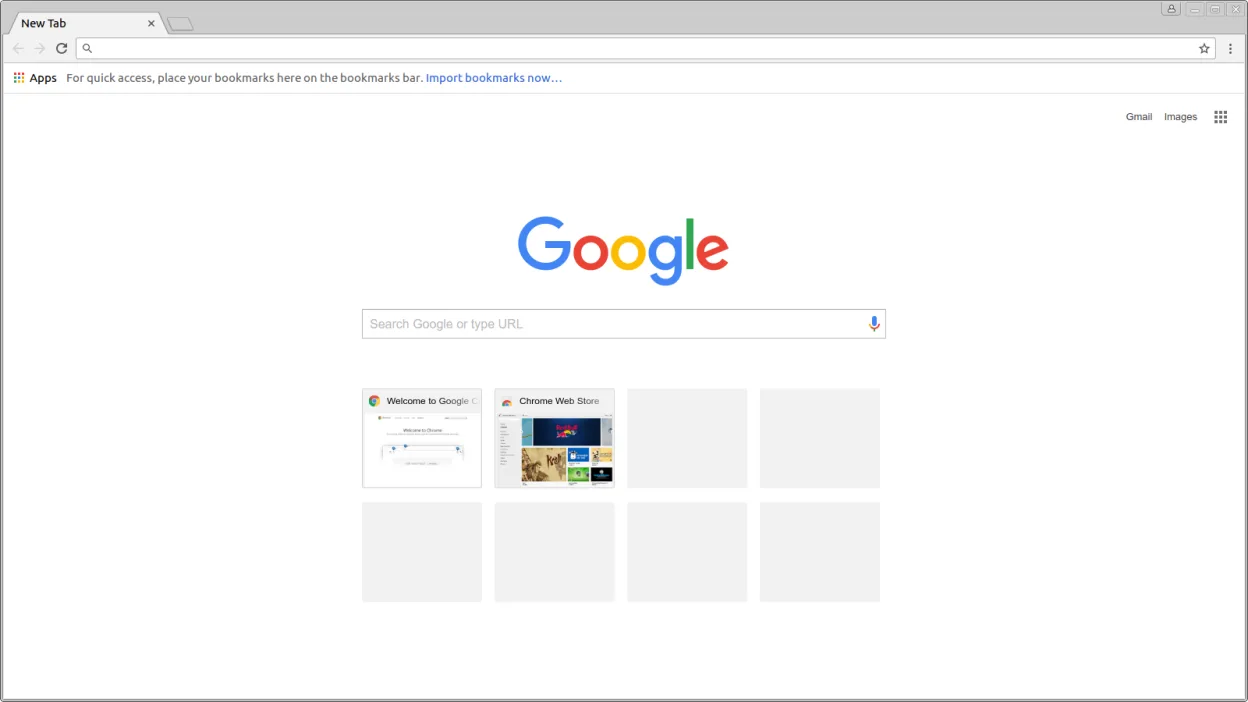
Chromium is the open-source core browser powering Chrome and Edge, offering fast web browsing without proprietary Google services.
Chromium is a solid replacement for Edge Dev Browser if your primary goal is testing web standards and developer tools. It uses the same engine, so compatibility is identical. However, you lose Edge’s proprietary sync features and Windows-specific integration. For developers who need a stable…
Feature parity85% -

Google Chrome (unstable) is the development channel of Google's Chromium-based web browser, available via Flathub for Linux.
Yes, Google Chrome (unstable) is a strong replacement for Edge Dev Browser on Linux. Both are Chromium-based development channels offering early access to experimental features and robust debugging tools. The main difference is the ecosystem: Chrome syncs with Google services, while Edge syncs with…
Feature parity90% -
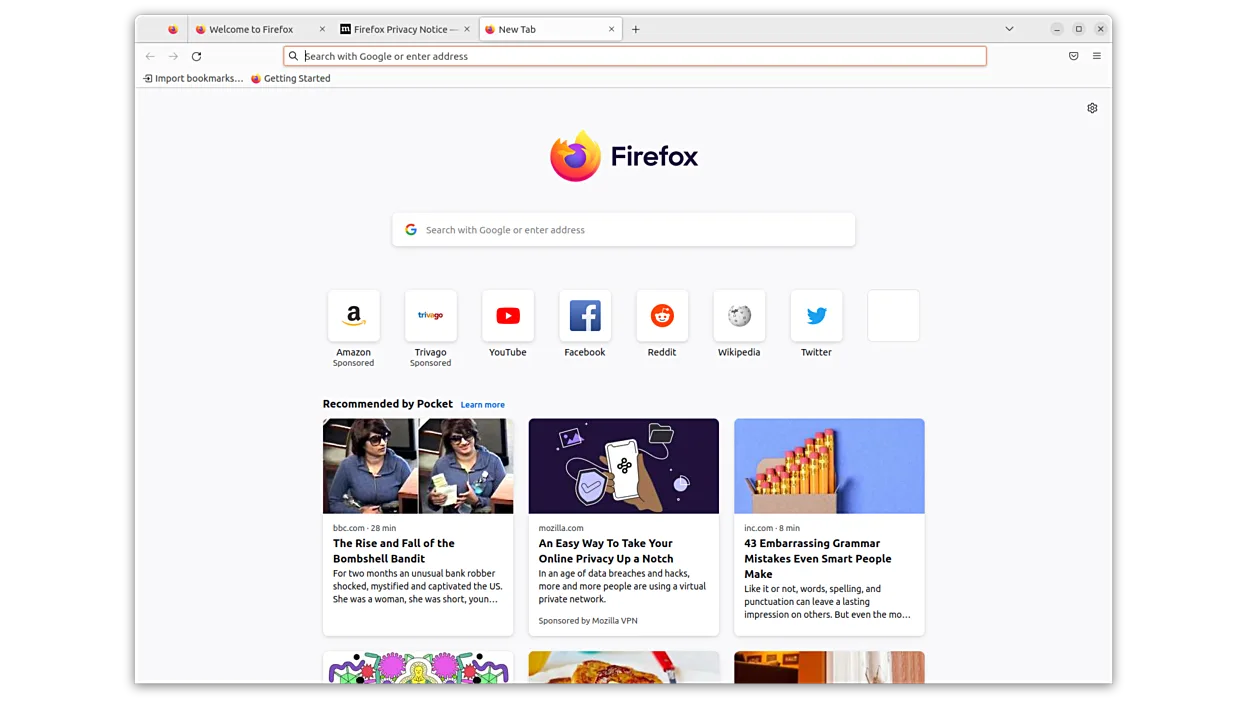
Firefox is a fast, private, open‑source web browser for Linux.
Firefox can serve as a solid replacement for Edge Dev Browser on Linux. It offers a Chromium‑based experience through WebExtensions compatibility, frequent updates, and a robust dev‑tool set. Privacy features like Enhanced Tracking Protection and a built‑in password manager give it an edge for…
Feature parity70% -
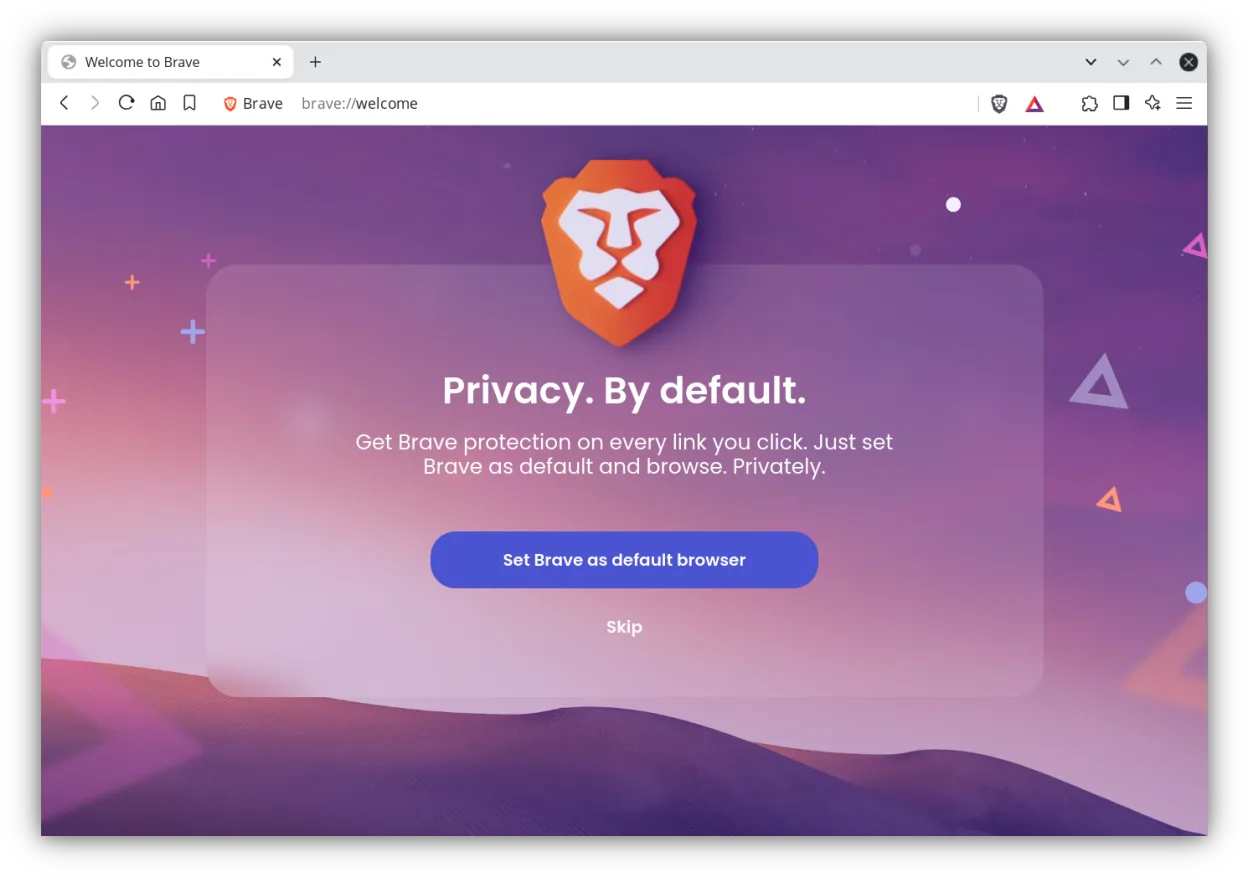
Brave is a fast, privacy‑focused web browser that blocks ads and trackers by default and offers an optional rewards system.
Brave is a solid Chromium‑based replacement for Edge Dev Browser for most developers and power users who need a fast, secure browser with experimental features. It provides the same core engine, frequent updates, dev tools, and extension support. Users who rely on Edge‑specific Microsoft services…
Feature parity85% -

Vivaldi is a highly customizable, feature-rich web browser built for power users who want deep control over their browsing experience.
Vivaldi is a solid Chromium‑based replacement for Edge Dev Browser, especially for developers and power users who want a highly configurable UI and deep tab control. It offers the same core features—Chromium engine, frequent updates, extension support, dev tools, and cross‑device sync—while adding…
Feature parity85% -

LibreWolf is a privacy‑focused fork of Firefox that ships with telemetry removed and hardened defaults.
LibreWolf can replace Edge Dev for developers who need a Chromium‑based engine but are willing to trade Chromium for Firefox’s rendering engine. It provides frequent updates, developer tools, extension support, sync, and strong security, but it lacks the experimental Chromium features Edge Dev…
Feature parity70%





What is Edge Dev Browser?
Edge Dev is used by developers, testers, and tech enthusiasts who want early access to new browser features, performance tweaks, and UI changes before they reach the stable release. It’s ideal for evaluating how websites behave under upcoming Chromium updates and Microsoft-specific integrations.
The browser is free to use and distributed under Microsoft’s proprietary license. It includes automatic updates and telemetry, with no cost for individuals or organizations. However, it’s only officially supported on Windows and macOS.
People seek Linux alternatives because Edge Dev has no native Linux version. Users want similar cutting-edge browsing with developer tools, sync, and preview features, but within a Linux-compatible, open, and secure environment.
What a replacement for Edge Dev Browser must do
- Chromium-based engine for compatibility
- Frequent updates with experimental features
- Developer tools and debugging support
- Extension support (e.g., from Chrome Web Store)
- Sync across devices
- Good performance on modern websites
- Security updates and sandboxing
Can you run Edge Dev Browser on Linux?
There is no native Linux version of Edge Dev. Microsoft has not released any Linux builds, and it does not run reliably under Wine, Proton, or Bottles. Some users attempt workarounds using web containers or remote desktop to Windows machines, but these are not practical for daily use. The lack of official support makes it effectively unavailable on Linux.
Which alternative should you choose?
Chromium and Google Chrome (unstable) offer the closest experience to Edge Dev, with frequent updates and full extension support. Brave and Vivaldi provide Chromium bases with added privacy and customization. LibreWolf suits privacy-focused users wanting a hardened Firefox build. Firefox itself is ideal for those preferring a non-Chromium engine. Tor Browser Launcher is for anonymity use only.
Moving your Edge Dev Browser files and habits
Since Edge Dev doesn’t run on Linux, direct data export is limited. If you use a Microsoft account, passwords and bookmarks may sync to other Edge versions but won’t transfer automatically to Linux browsers. Use browser export tools to save bookmarks as HTML, then import into Chromium, Firefox, or Brave. Passwords and settings must be migrated manually or via third-party tools.
Side-by-side comparison
| App | License | Flatpak | Latest version | Feature parity | Rating |
|---|---|---|---|---|---|
| Chromium | BSD-3-Clause and LGPL-2.1+… | ✓ | 158.0.8127.36 | 85% | — |
| Google Chrome (unstable) | LicenseRef-proprietary | ✓ | 160.0.8157.0-1 | 90% | — |
| Firefox | MPL-2.0 | ✓ | 160.0.1 | 70% | — |
| Brave | MPL-2.0 | ✓ | 1.100.58 | 85% | — |
| Vivaldi | LicenseRef-proprietary | ✓ | 8.3.4191.47 | 85% | — |
| LibreWolf | MPL-2.0 | ✓ | 160.0.1-1 | 70% | — |
Edge Dev Browser: frequently asked questions
Can I install Edge Dev on Linux using Wine?
No, Edge Dev does not run reliably under Wine. It depends on Windows-specific components and fails to launch or crashes frequently.
Is there a Microsoft Edge for Linux at all?
Yes, Microsoft offers a stable Edge browser for Linux, but not the Dev or Canary preview versions.
Which Linux browser has the most similar features to Edge Dev?
Google Chrome (unstable) and Chromium are the closest matches due to shared engine and update frequency.
Can I sync my Edge Dev data with a Linux browser?
Only if you use Google Chrome or Chromium with the same Google account. Microsoft account sync does not extend to non-Edge browsers.
How important is Edge Dev Browser to you?
Know a better alternative? Suggest an alternative