
Windows · Internet
Best Linux alternatives to Google Drive
Cloud storage and sync service for files, docs, and collaboration across devices.
Updated
Quick answer
The best Linux alternative to Google Drive is Nextcloud Desktop Client. Other strong options: Seafile Client, SyncThingy, RClone Manager.
4 Linux alternatives to Google Drive
-
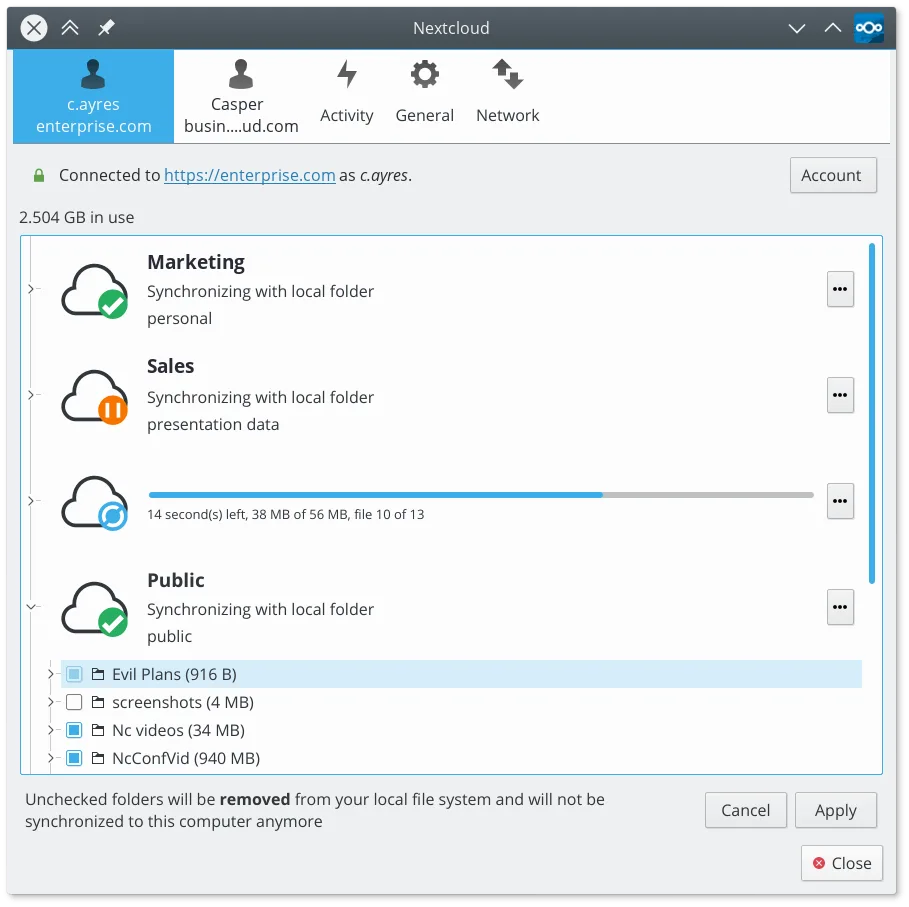
Syncs local folders with a Nextcloud server to keep files consistent across devices.
The Nextcloud Desktop Client can replace Google Drive for users who already run a Nextcloud server or are willing to set one up. It provides two‑way sync, offline access, selective sync, and version history, matching most everyday Google Drive use cases. It is ideal for privacy‑conscious users…
Feature parity80% -
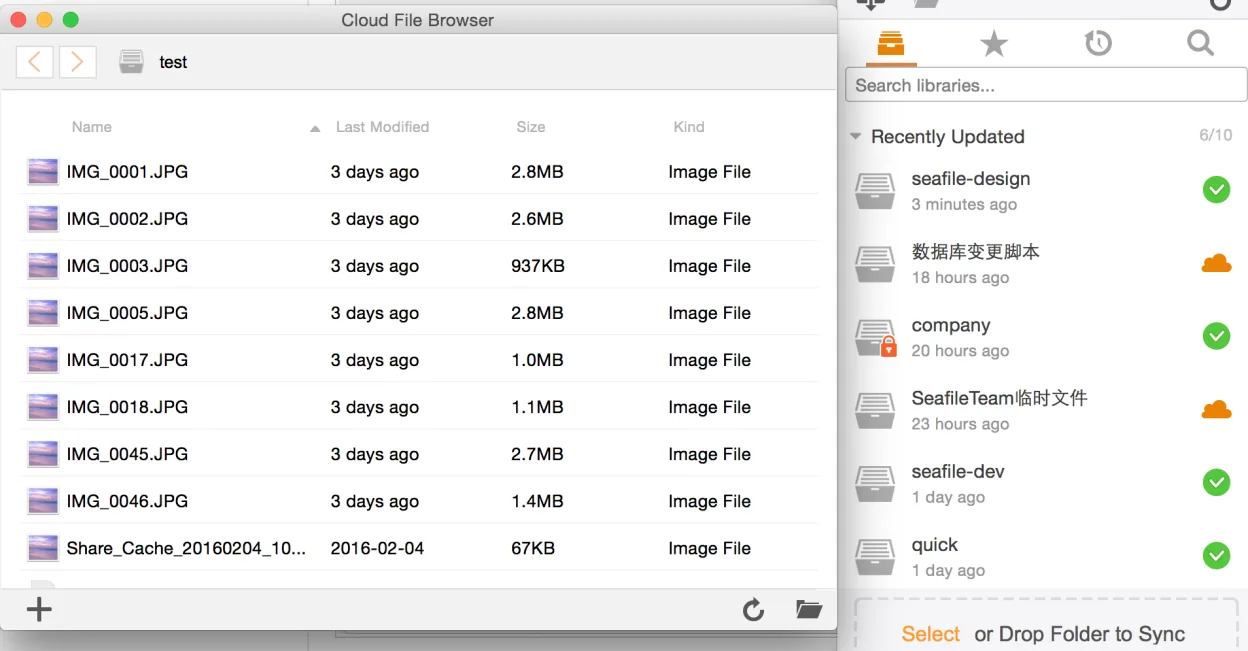
Seafile is a cross‑platform desktop client that syncs files to a self‑hosted or cloud server, similar to Dropbox but focused on team collaboration.
Seafile Client can replace Google Drive for users who want a self‑hosted or private cloud solution and need robust file‑locking, versioning, and granular team‑folder permissions. It is well suited for small to medium teams that prefer open‑source software and control over data. However, it lacks…
Feature parity70% -

SyncThingy is a lightweight tray icon that controls Syncthing, letting you view status, stop, and manage the sync service via the web UI.
SyncThingy is not a replacement for Google Drive. It only provides a tray icon to control Syncthing, which synchronizes files locally between devices. Google Drive offers cloud storage, web‑based access, document collaboration, and sharing permissions that Syncthing does not provide. If you need a…
Feature parity10% -
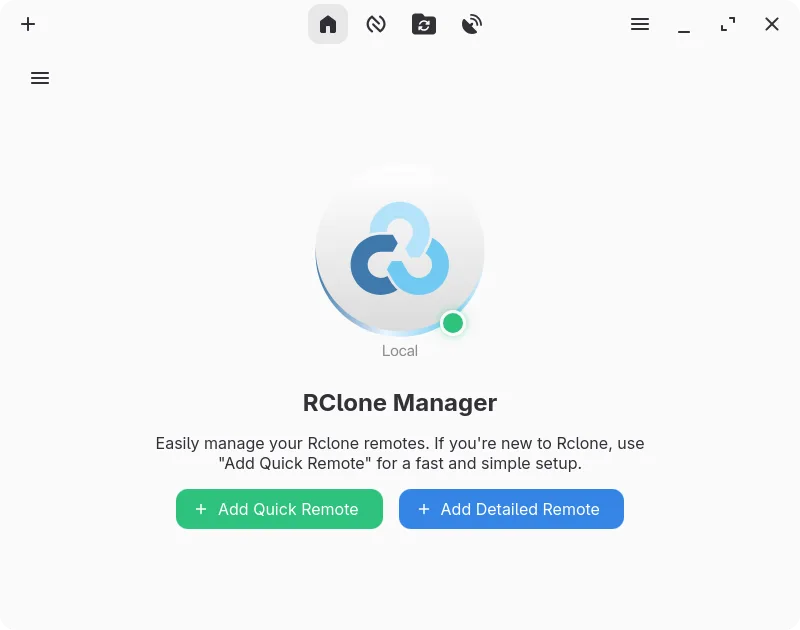
A graphical interface for rclone that lets you manage cloud storage accounts without using the command line.
RClone Manager can replace Google Drive for users who need a local, open‑source tool to manage Google Drive and other cloud providers. It offers two‑way sync, offline access, sharing, and file browsing, but it lacks the native document collaboration and real‑time editing that Google Drive provides…
Feature parity70%




What is Google Drive?
Google Drive is a cloud storage and synchronization service used by individuals and businesses to store, share, and access files from any device. It integrates tightly with Google Docs, Sheets, and Slides, enabling real-time collaborative editing. Users rely on it for personal backups, team document management, and cross-platform file access.
The service operates on a freemium model. Basic storage is free, while larger capacities and advanced features require a paid subscription. It is proprietary software, meaning the client applications are closed-source, though the web interface is accessible via standard browsers.
Linux users seek alternatives primarily because the official Google Drive client does not support Linux. While the web interface works, native desktop integration for offline access, automatic syncing, and system-level file management is missing. This gap forces users to rely on browser-only access or third-party tools.
What a replacement for Google Drive must do
- Cloud file storage
- Automatic two-way sync
- Offline access to files
- File sharing and permissions
- Web-based access
- Document collaboration
- Cross-platform compatibility
Can you run Google Drive on Linux?
There is no official native Linux client for Google Drive. The service is fully accessible via the web interface in any modern browser. While some users report success running the Windows client through Wine, this is not officially supported and can be unstable. For reliable desktop integration, Linux users must rely on the web version or third-party sync tools like Rclone.
Which alternative should you choose?
If you want a self-hosted solution that mimics the Drive experience with a desktop client, Nextcloud Desktop Client is the strongest choice. For lightweight, peer-to-peer syncing without a central server, SyncThingy is ideal. RClone Manager is best for power users who want command-line control and flexible cloud backend support. Seafile Client is a solid option for those preferring a simpler, dedicated self-hosted file sync tool.
Moving your Google Drive files and habits
Migration depends on your target. If moving to a self-hosted solution like Nextcloud, you can use Rclone to copy files from your Google Drive to your server. If staying with Google Drive but using a Linux client, no migration is needed; you simply connect the new client to your existing account. File formats remain standard, so compatibility is not an issue.
Side-by-side comparison
| App | License | Flatpak | Latest version | Feature parity | Rating |
|---|---|---|---|---|---|
| Nextcloud Desktop Client | GPL-2.0+ | ✓ | 35.0.0 | 80% | — |
| Seafile Client | Apache-2.0 | ✓ | 9.0.20 | 70% | — |
| SyncThingy | GPL-3.0 | ✓ | 1.0 | 10% | — |
| RClone Manager | GPL-3.0-or-later | ✓ | 0.3.3 | 70% | — |
Google Drive: frequently asked questions
Can I use Google Drive on Linux without a native app?
Yes, via the web interface. For desktop sync, use Rclone or a third-party client.
Is Nextcloud a direct replacement for Google Drive?
Functionally, yes, for storage and sync. However, you must host it yourself or pay for a provider.
Does SyncThingy require a central server?
No, it uses peer-to-peer technology to sync files directly between devices.
Can I edit Google Docs from Linux?
Yes, through the web interface. Offline editing is limited to browser cache or specific extensions.
How important is Google Drive to you?
Know a better alternative? Suggest an alternative